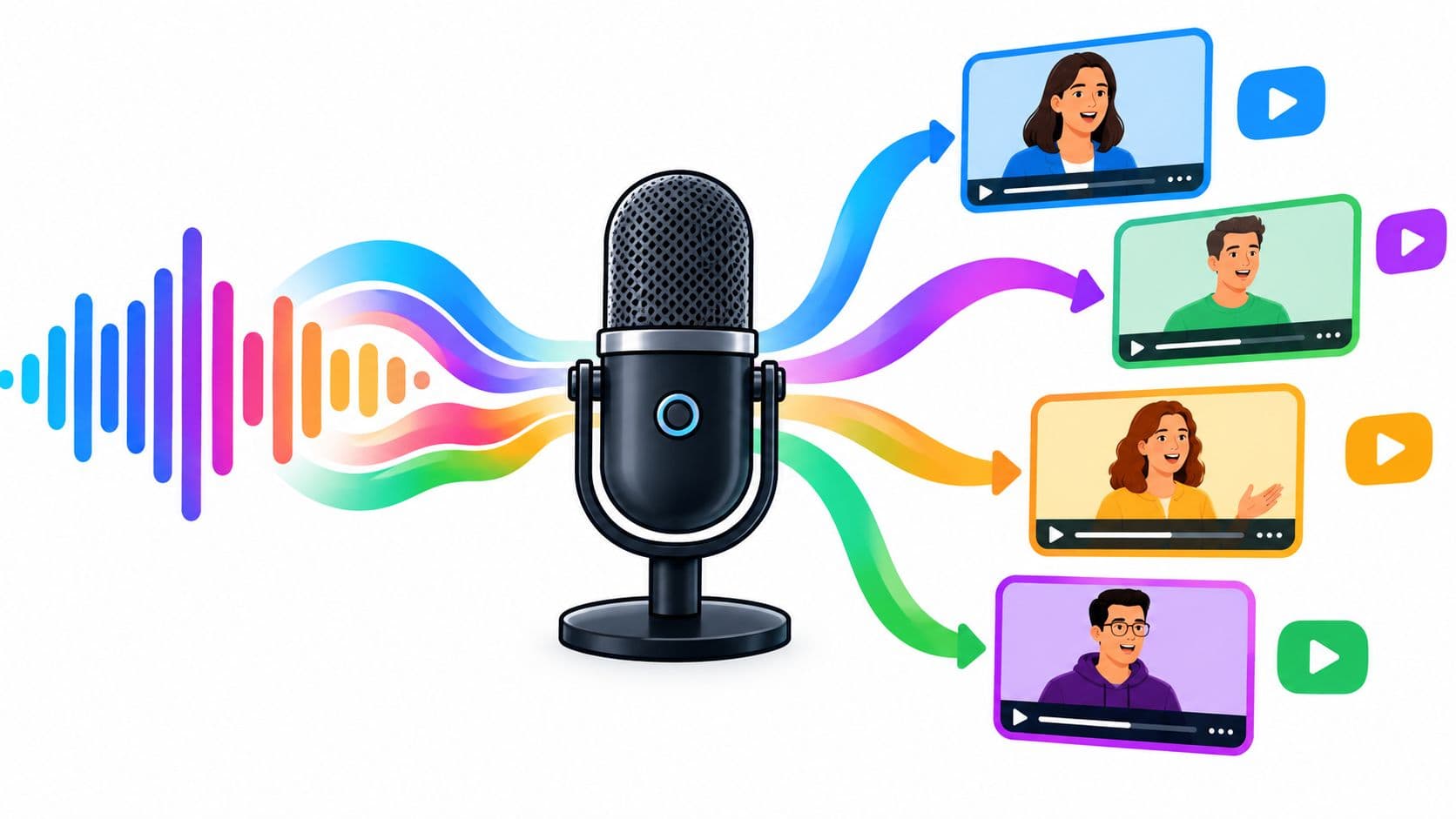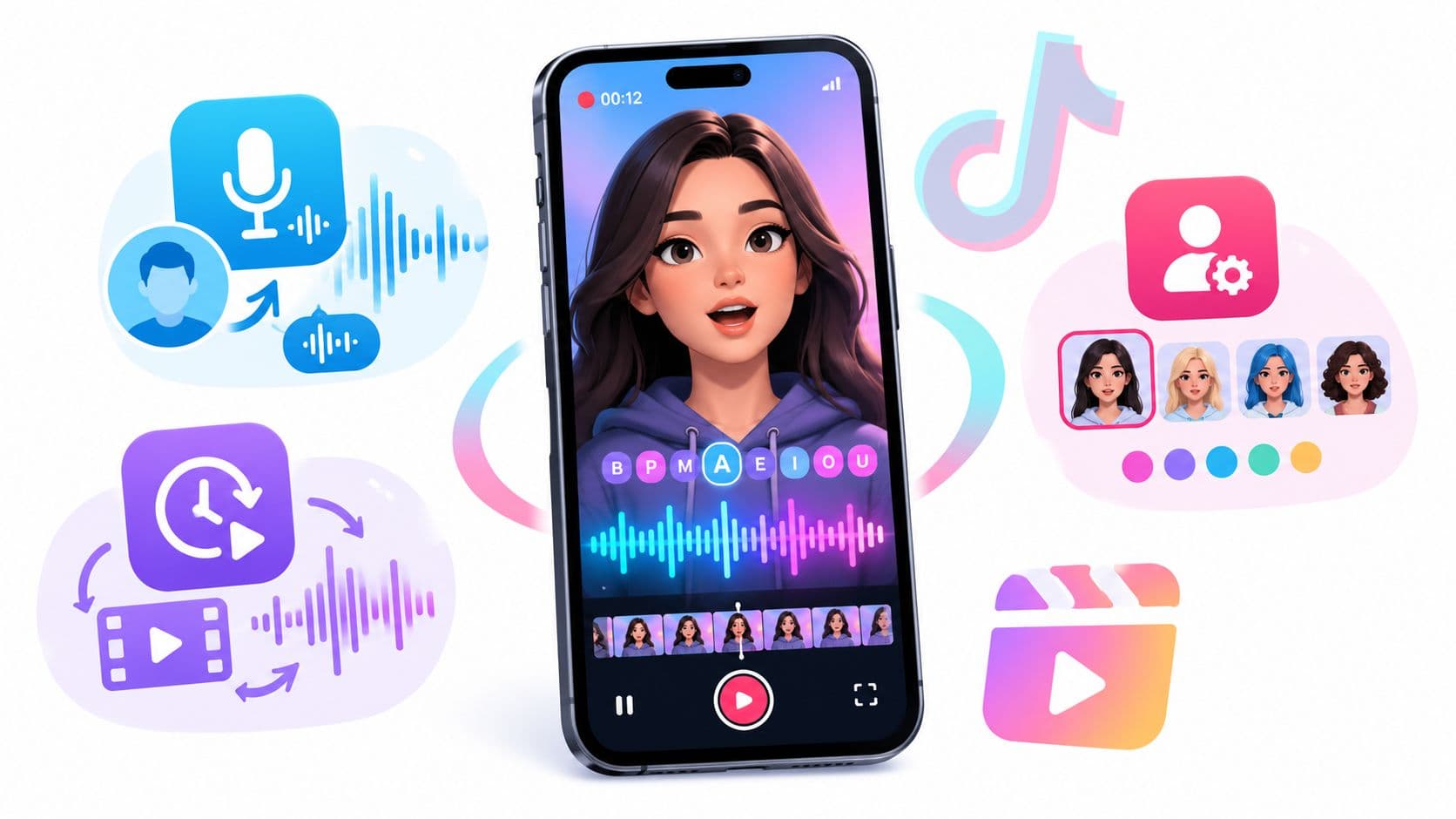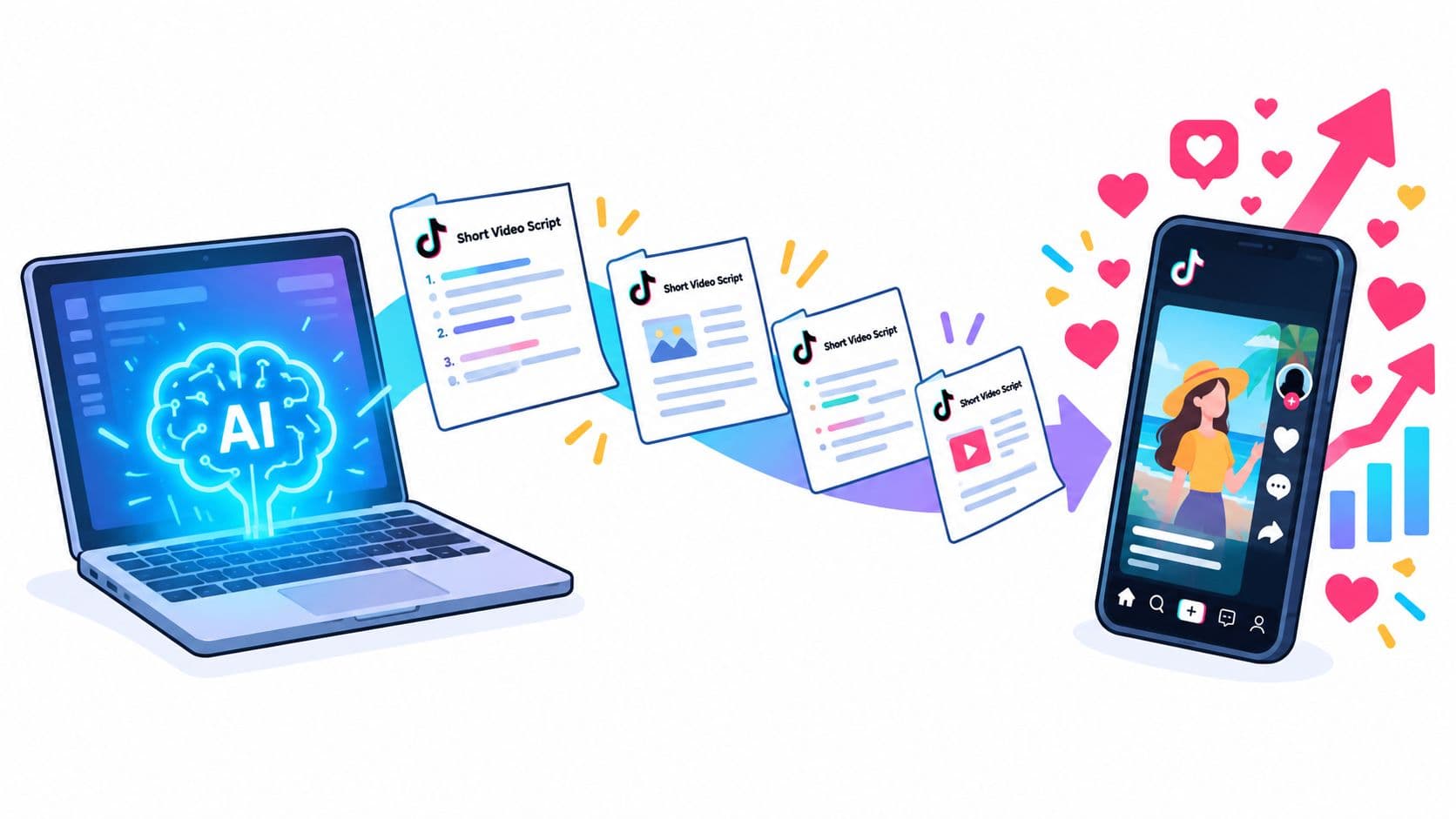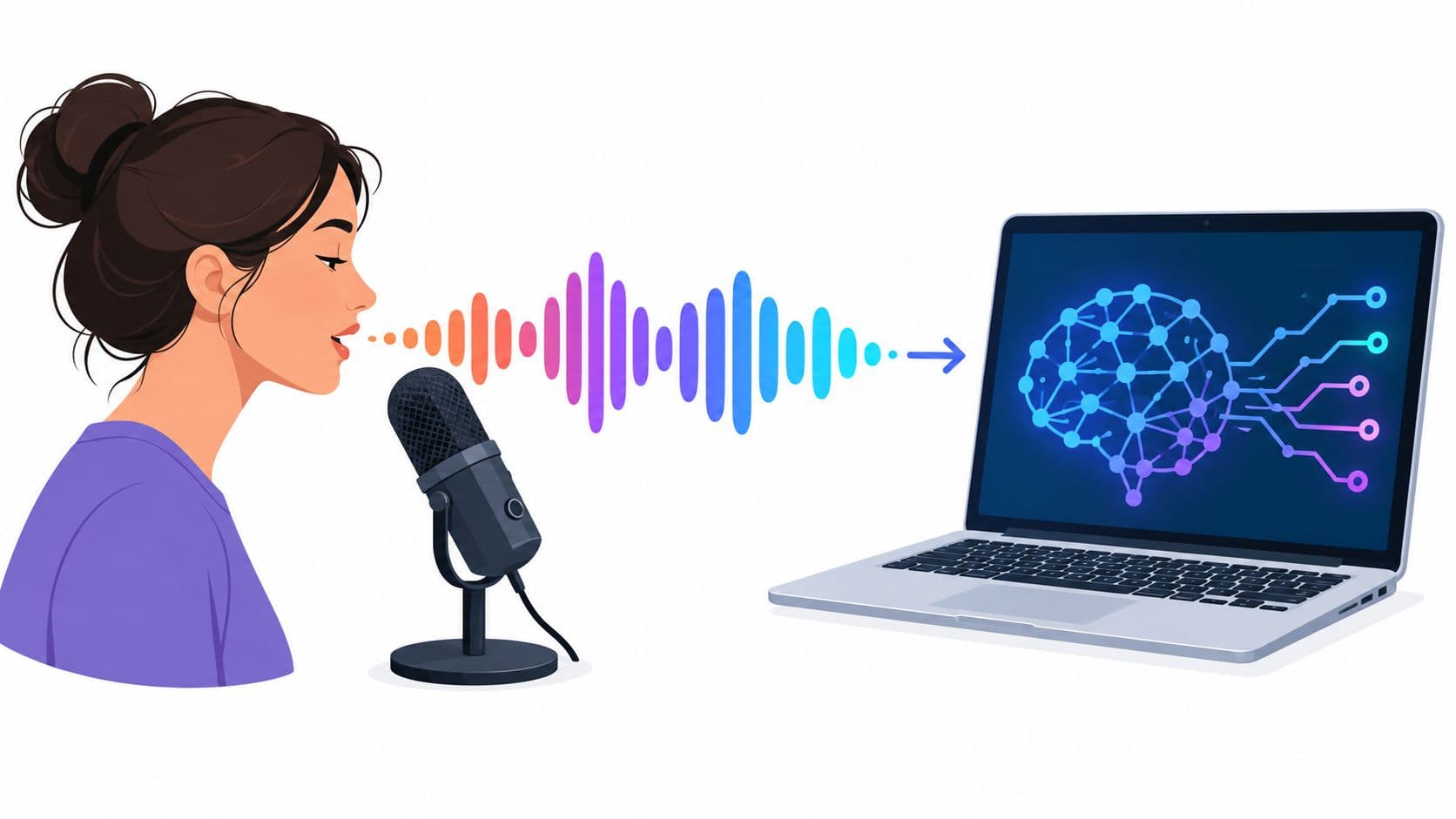
You've written the script, assembled the clips, and now you're staring at the voiceover step. Recording yourself feels slow, the native TikTok voice sounds too limited for a full content series, and an external AI voice tool introduces questions about editing, disclosure, and consent. Learning how to use AI voice on TikTok is less about finding one perfect voice and more about choosing the right production workflow for each video.
For a quick explainer, TikTok's built-in text-to-speech feature may be enough. For a faceless channel, multilingual campaign, or brand account publishing regularly, an external workflow gives you more control over pacing, voice consistency, and audio quality. The important part is to treat synthetic narration as a real production asset, not a shortcut that excuses weak scripts, poor captions, or unclear disclosure.
Using Native Text to Speech for Quick Videos
TikTok's native text-to-speech workflow works best when the script is short, the visuals are already inside the app, and speed matters more than voice customization. It's useful for trend-based posts, quick explainers, list videos, and accessibility-focused clips where you want spoken narration without recording a microphone track.
The basic path is straightforward:
- Upload or record your video in TikTok.
- Tap Text and enter the narration.
- Select the text layer on the timeline.
- Choose Text-to-speech and apply the available voice.
- Review the timing, captions, and final mix before publishing.
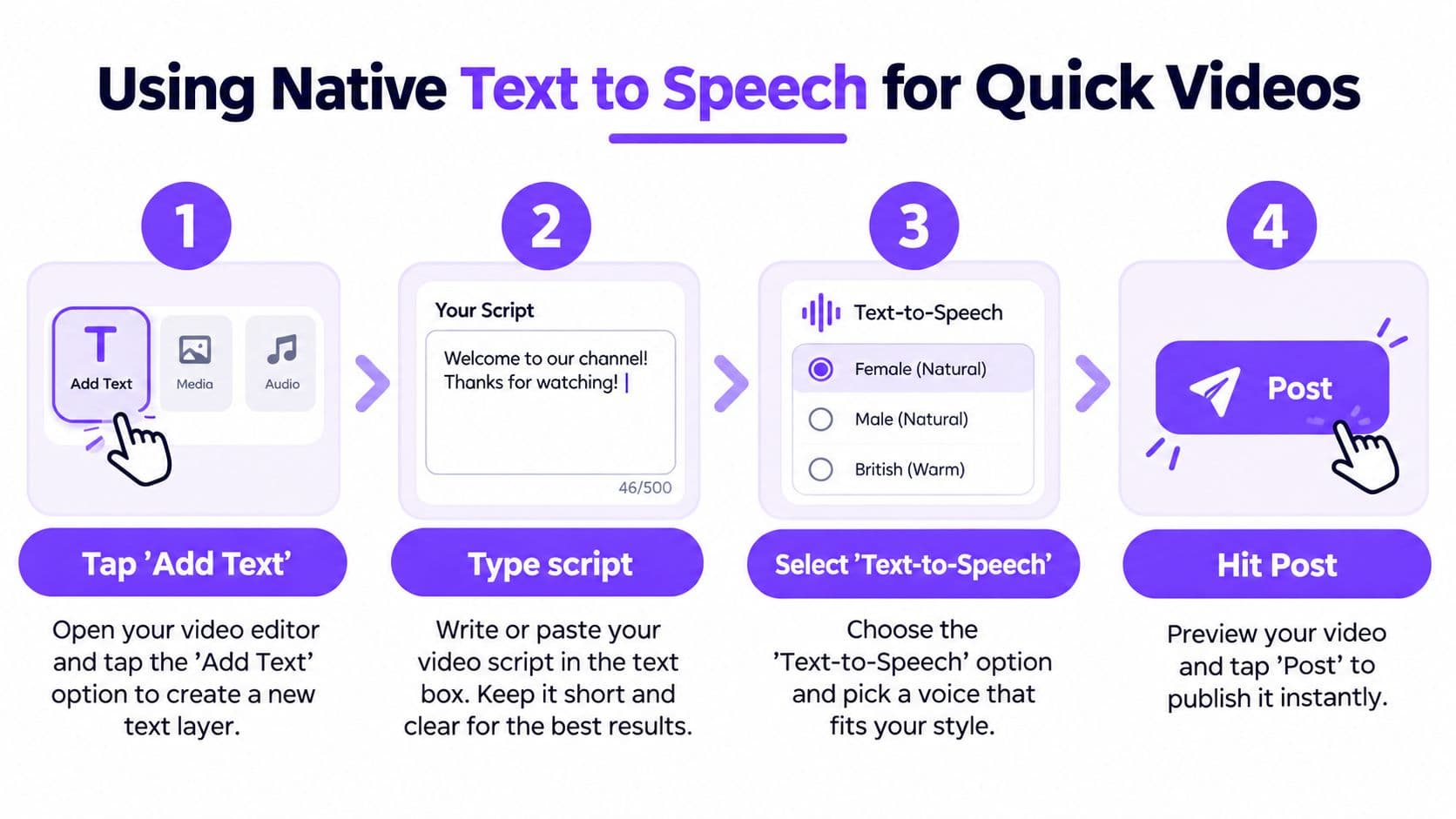
TikTok describes text-to-speech as a tool for reading on-screen text aloud, while its automatic captions support access for deaf and hard-of-hearing viewers. You can review TikTok's accessibility guidance for text-to-speech and captions before building the workflow into a regular content process.
Write for the native tool
Don't paste a dense paragraph into one text layer and expect a natural performance. Break the narration into short thoughts, place each text layer near the visual it describes, and use punctuation to create pauses. A sentence such as “The product looks simple, but this setting changes everything” will usually sound more useful than a long sentence packed with several claims.
Native text-to-speech is a poor fit when you need the same branded voice across a large library, precise emotional direction, or localized versions of one script. It also gives you less control over breath sounds, pronunciation, and timing than an external audio editor.
Practical rule: Use native text-to-speech when the video is simple enough to edit from the phone. Move the voiceover outside TikTok when the audio needs its own production pass.
If you need a broader walkthrough of recording and placing narration in the app, this guide to add voiceover to TikTok videos is a useful reference. For teams building repeatable narration directly from scripts, a dedicated text-to-speech workflow can separate voice creation from TikTok's more limited editing environment.
Before posting, listen once with headphones and once through phone speakers. Check that the voice isn't buried under music, that the text doesn't cover important visuals, and that the opening line gives viewers a reason to continue watching.
Scaling Production with External AI Voice Tools
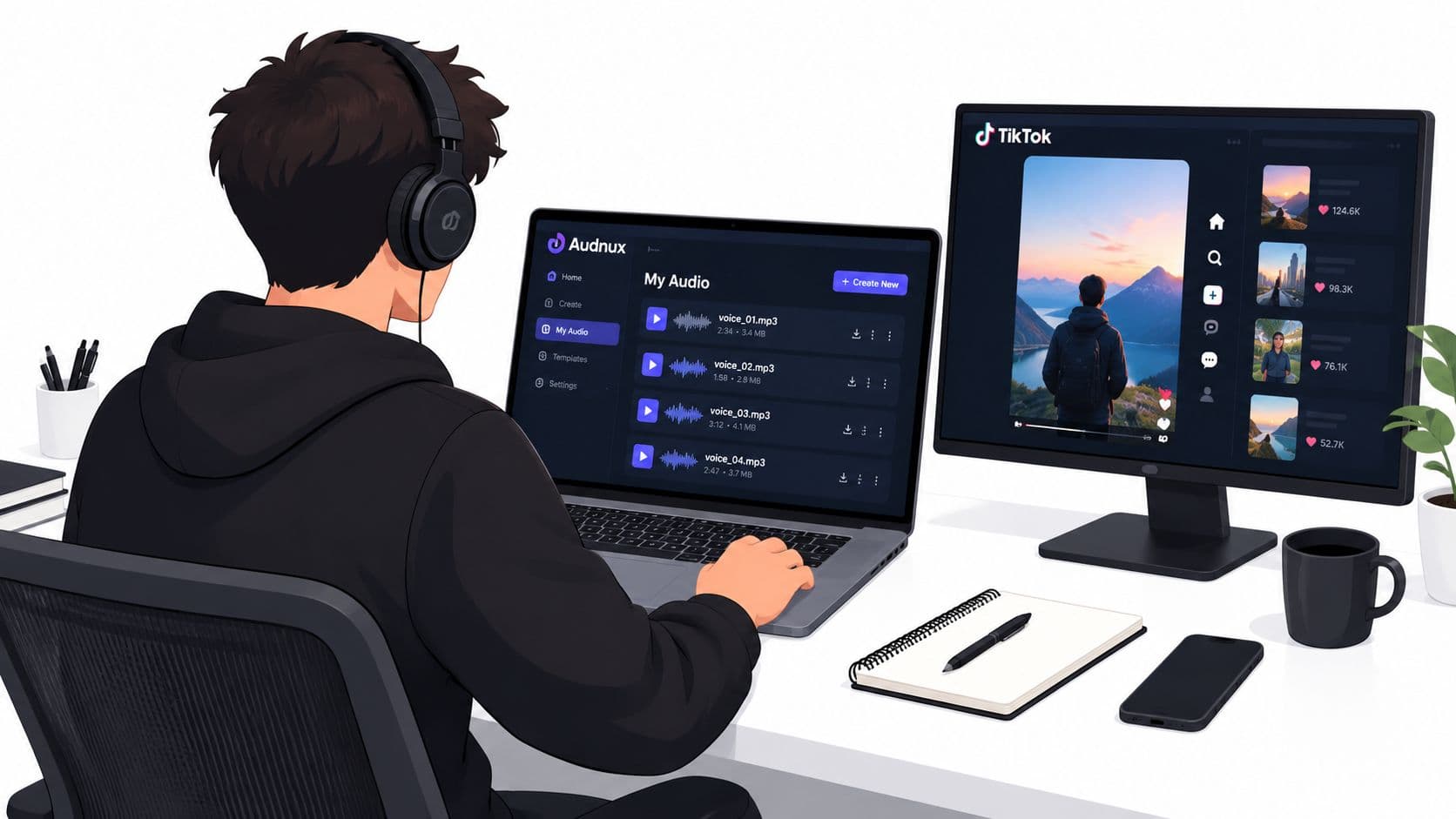
Native text-to-speech saves time on individual posts, but it becomes restrictive when a channel needs a consistent narrator, multiple language versions, or more deliberate audio editing. External AI voice tools let you generate the narration as a separate asset, then cut it against footage in an editor with control over pauses, pronunciation, volume, and scene changes.
That distinction matters for faceless channels. A recurring narrator becomes part of the channel identity, even when viewers never see a presenter. Brands also benefit from a repeatable voice style across product demonstrations, educational clips, UGC-style ads, and translated campaigns. The production team can update a script, regenerate the track, and preserve the same overall sound instead of asking a person to rerecord every revision.
Native and external workflows compared
| Workflow | Best use | Main advantage | Main limitation |
|---|---|---|---|
| TikTok native text-to-speech | Short explainers and fast posts | Minimal setup inside the app | Limited control over voice, timing, and revisions |
| External AI narration | Series, ads, faceless channels, and localization | Consistent voice production and detailed editing | Requires export, editing, and a separate review process |
| Voice cloning | A consented creator or brand voice | Preserves an approved vocal identity | Requires documented permission and careful governance |
| Human recording | Sensitive claims and personality-led content | Natural delivery and direct accountability | Slower to produce and harder to scale across versions |
Choose the external route when the voice track needs to survive changes to the edit. Generate clean narration without music, keep the script version attached to the audio file, and name files so editors can match each track to the correct video. If the video will run in several markets, review pronunciation and cultural context separately for every language rather than assuming a direct translation will sound natural.
External tools vary widely in voice realism, language support, editing controls, and cloning safeguards. A practical starting point is to compare best TTS services compared before committing a brand or channel to one production setup.
TikTok's scale shows why this operational discipline matters. The platform has reportedly labeled more than 1.3 billion videos as containing AI-generated content, according to a dataset published by MediaTalks on AI-generated accounts and platform labeling. That doesn't mean every creator needs a complex studio workflow. It does mean synthetic media is already part of the platform environment, so teams should manage voice rights, scripts, exports, and disclosures as part of production rather than as an afterthought.
Editing and Syncing Audio for Maximum Retention
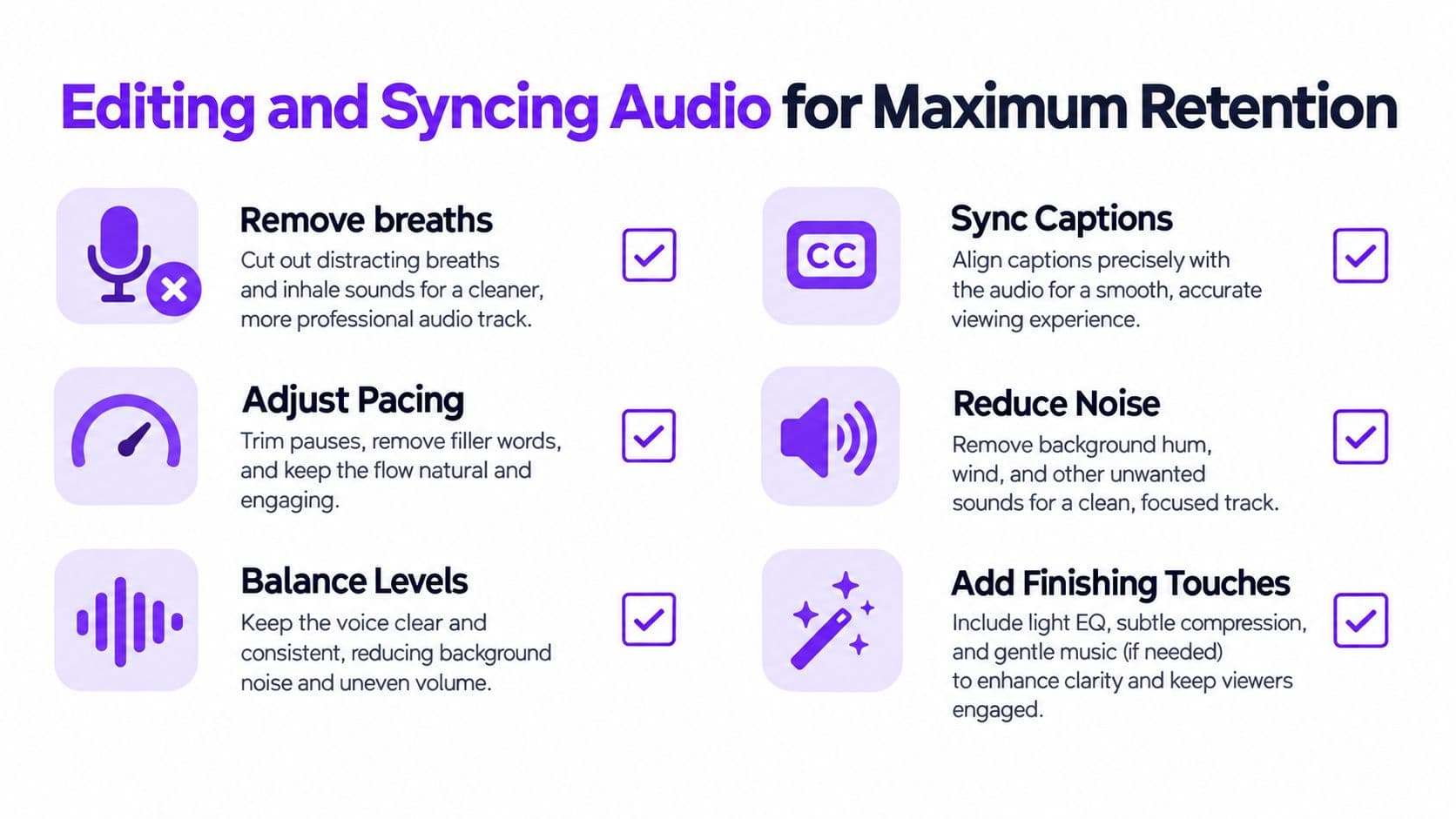
A natural-sounding voice won't rescue a badly timed edit. Viewers notice the mismatch when narration describes an object that has already left the frame, captions arrive late, or background music competes with the sentence that carries the main idea.
Start by editing the voice track before polishing the visual effects. Remove awkward gaps, fix mispronunciations, and cut sentences that sound like written articles instead of spoken language. Then place the footage around the narration, using visual changes to support the spoken point rather than forcing the voice to chase a prebuilt montage.
Build the track around clear ideas
Keep one idea per sentence. A product demonstration might use a sequence such as:
- Problem: Show the friction the viewer recognizes.
- Change: Introduce the product action or new method.
- Proof: Show the result, feature, or relevant detail.
- Next step: Tell the viewer what to do or notice next.
Add deliberate pauses when the scene changes. A short pause gives viewers time to process a new visual and prevents the narration from sounding rushed. Do not remove every gap just because silence feels inefficient in the editing timeline. Controlled silence can make the next phrase feel more important.
On-screen text should reinforce the spoken words, not compete with them. If the narration says a product name, feature, or claim, make sure the corresponding text appears at the same moment and remains readable long enough to process. Keep captions concise when the screen already contains labels, prices, demonstrations, or interface elements.
Use a repeatable audio QA pass
Run the same checks on every export:
- Listen on phone speakers. This exposes muddy bass, excessive music, and consonants that disappear on small speakers.
- Watch without sound. Captions should carry the core meaning, and the visual sequence should still make sense.
- Check the opening moments. The first spoken line should create curiosity, identify a problem, or promise a useful outcome immediately.
- Review automatic captions manually. Correct names, numbers, accents, product claims, and technical terms.
- Lower competing audio. Music and sound effects should support the narration, not mask it.
- Check scene transitions. Add pauses or trim words when the visual change feels late or abrupt.
TikTok's automatic captions can reduce accessibility barriers, but speech recognition can still misread names, accents, and specialized language. Caption review is especially important for advertising, health-related topics, product specifications, and any script containing factual claims.
The most common failed approach is polishing the voice in isolation. A voice can sound excellent in a preview and still fail once music, captions, rapid cuts, and visual effects enter the mix. Judge the complete TikTok, not just the generated audio file.
Navigating AI Disclosure and Platform Rules
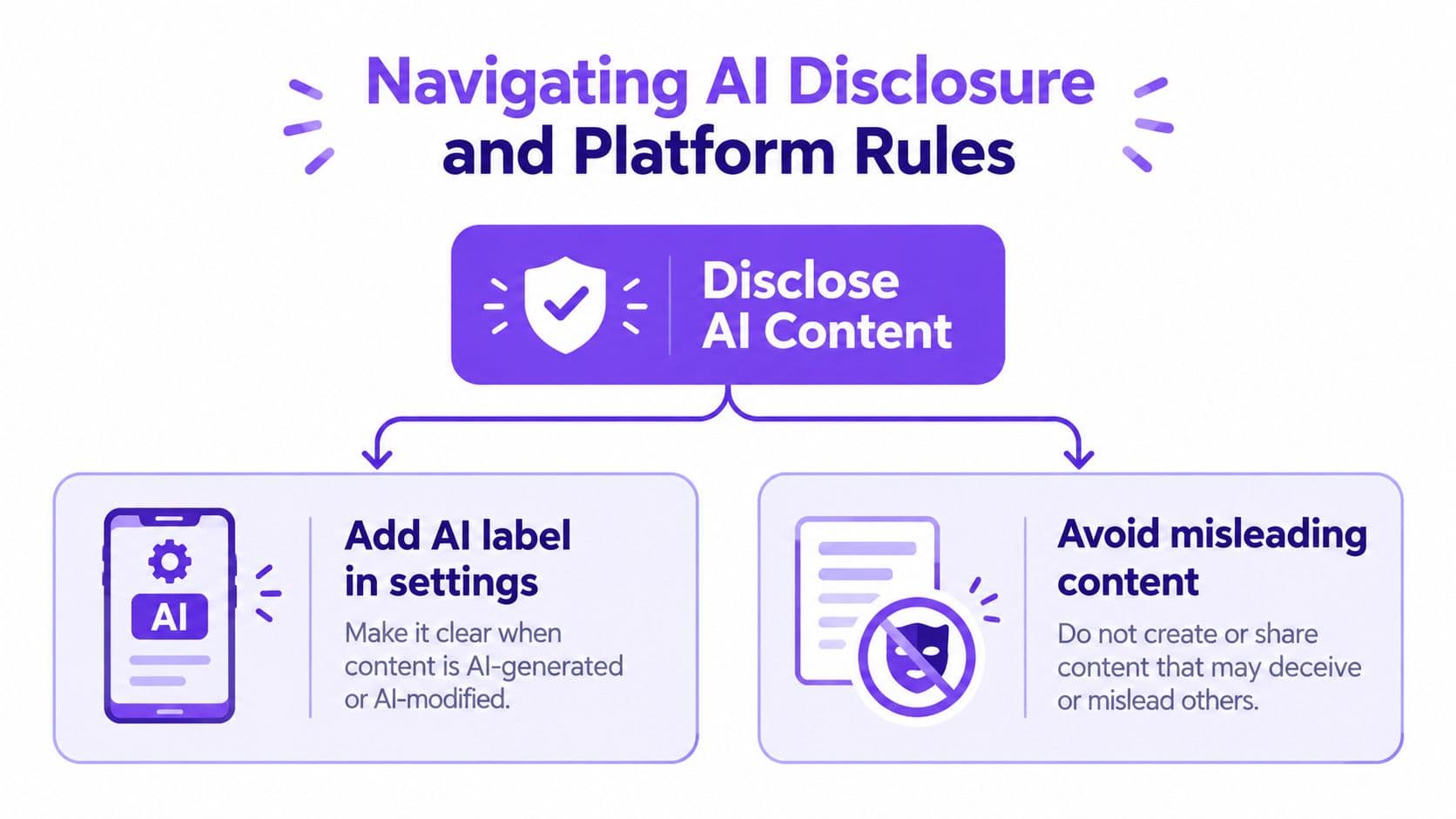
Disclosure decisions should happen before export, not after a post attracts attention. TikTok defines AI-generated content broadly, including audio generated or significantly modified by artificial intelligence. Its current rules require creators to label AI-generated content containing realistic audio, video, or images, with disclosure available through an on-post label, text, hashtag sticker, or description. The platform may also apply an automatic label when its systems identify qualifying content or detect Content Credentials attached to an upload. Review TikTok's AI-generated content policy for the current posting controls.
Use this disclosure decision tree
Does AI generate or significantly modify the voice?
- No. Ordinary human narration doesn't require AI disclosure because it was edited.
- Yes, but the voice is clearly generic and doesn't represent a real person. Consider the context and disclose realistic synthetic narration proactively, particularly when viewers could mistake it for an authentic speaker.
- Yes, and the voice imitates an identifiable person. Obtain consent before cloning or publishing it. Don't imply that the person made a statement they never made.
- Yes, and the video uses a realistic avatar, fabricated event, public figure, authoritative source, or crisis scenario. Stop and review the concept for deception. TikTok prohibits certain misleading synthetic media involving public figures, fake authoritative sources, and fabricated crises.
A concise opening-frame notice such as “AI-generated voice” gives viewers immediate context. You can also enable TikTok's AI-generated-content label and repeat the disclosure in the caption when the voice plays a meaningful role in the message. Don't depend on automatic detection. TikTok may label content itself, but creators remain responsible for consent, accuracy, and clear presentation.
For agencies and brands, maintain the source audio, script, approval record, and evidence of voice permission with the project files. A documented process is easier to audit when a client asks where a voice came from or when a platform applies a label automatically. Teams dealing with cloned voices and avatars can also use voice and avatar governance guidance to formalize approvals.
Choosing the Right Voice for Your Niche
Voice selection should follow the viewer's expectation of the format. An energetic narrator can suit a fast product demonstration, but the same delivery may make an educational explainer sound frantic. A calm, measured voice can support a documentary-style channel, yet it may feel flat in a direct-response ad built around rapid visual changes.
Start with the job the voice needs to perform:
| Content format | Voice direction | What to avoid |
|---|---|---|
| Product demonstration | Clear, active, and confident | Overly theatrical delivery that distracts from the feature |
| UGC-style ad | Conversational and lightly expressive | A polished announcer tone that sounds disconnected from the footage |
| Educational explainer | Calm, precise, and easy to follow | Fast pacing that leaves no room for comprehension |
| Faceless documentary | Controlled, consistent, and authoritative | Dramatic emphasis on every sentence |
| Translation or localization | Natural pronunciation and culturally appropriate phrasing | Literal delivery that sounds like a translated article |
The script has more influence on naturalness than many creators expect. Write short sentences, use contractions, and place emphasis where a person would naturally pause. Replace formal constructions with spoken language. “You can fix this in two steps” usually performs better as narration than “This issue may be resolved through the following procedure.”
Match voice texture to visual rhythm
Fast cuts require clean diction, not necessarily a faster voice. If every sentence is delivered at maximum speed, viewers lose the hierarchy of information. Slow the narration around the key feature, customer objection, or visual reveal, then let supporting details move more quickly.
Avoid choosing a voice only because it sounds impressive in a sample. Test it against the actual script, including brand names, technical terms, abbreviations, and words that require a specific pronunciation. A voice that handles general English well may still misread a product name or place emphasis on the wrong syllable.
Voice characters can help a channel maintain recognizable personalities across formats. Before building that system, review the available approach to AI voice characters, then document which voice belongs to which series, audience, and emotional register.
A useful test is to remove the visuals and listen to the script alone. If the narration feels repetitive, overly formal, or emotionally exaggerated without the video, rewrite the script before changing the voice. Better synthesis can't repair weak spoken structure.
Building a Repeatable AI Video Workflow
A scalable TikTok operation needs a handoff system, not a collection of disconnected tools. Start with a trend or audience problem, write a short script, choose the voice based on the format, generate the narration, and edit the visuals around the finished track. Keep the script, source audio, consent record, captions, and approval status together.
Use this publishing sequence:
- Research the concept. Choose a repeatable format rather than chasing an isolated trend.
- Draft for speech. Keep each sentence focused and write the hook before the supporting detail.
- Generate and edit the voice. Check pronunciation, pauses, and music balance.
- Build the video. Synchronize visuals and on-screen text with the narration.
- Run compliance QA. Confirm claims, captions, permissions, and AI disclosure.
- Publish and review. Compare audience response qualitatively, then refine the next script and opening.
A tool such as the ShortGenius TikTok ad generator can support teams that want to move from an ad concept to a structured video draft, but the final responsibility still sits with the producer. Automation should remove repetitive assembly work, not replace editorial judgment.
Hooked combines AI script creation, trend-informed video production, natural-sounding voiceovers, voice cloning, custom avatars, lip sync, and scheduling for creators and brands building repeatable social content workflows. If you want to produce faceless videos or multilingual TikTok assets while keeping voice, editing, and publishing in one process, visit Hooked and review the available workflow.