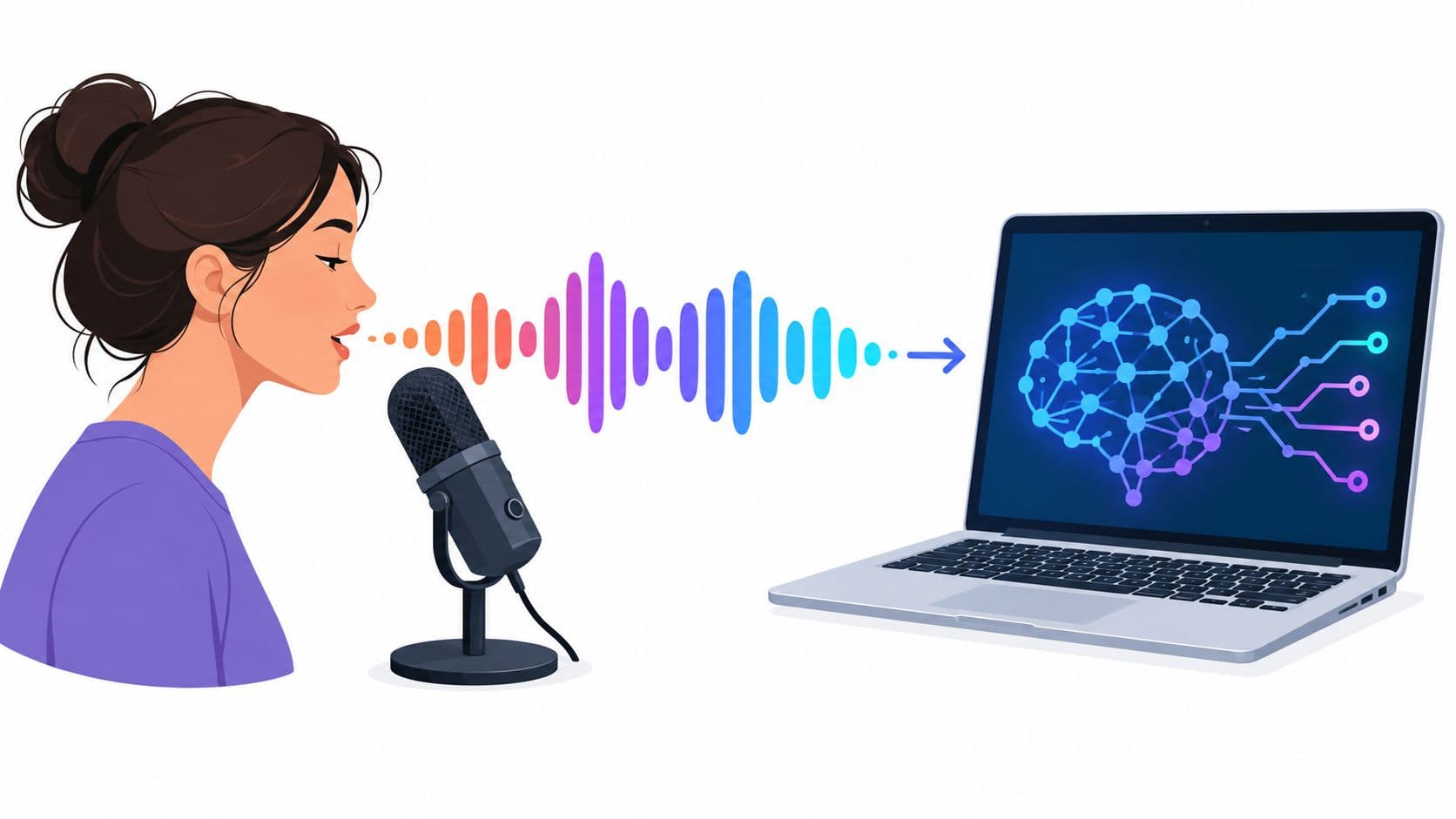
You've written the script, edited the clips, and scheduled the posts. Then you reach the voice-over track and realize you'd have to record the same style of narration again, often while trying to match the energy of videos you made earlier. That's where AI voice over with my voice becomes useful. You can provide a consented reference recording, generate new narration from text, and spend your time improving the video instead of repeating every line into a microphone.
The hard part isn't uploading an audio file. A usable clone needs clean source audio, deliberate scripts, pronunciation checks, platform-aware mixing, and clear permission rules. This guide covers the complete workflow, from recording your reference to reviewing the final downloaded video.
Why You Can Finally Do an AI Voice Over With My Voice
Voice cloning is the practical result of decades of speech-synthesis development. Early computer-based speech-synthesis systems appeared in the late 1950s, and researchers at Japan's Electrotechnical Laboratory created a general-purpose English text-to-speech system in 1968. A notable milestone came in 1961, when an IBM 7094 at Bell Labs synthesized a human voice singing a song. Those systems could produce speech, but they couldn't preserve a particular speaker's identity convincingly.
Neural methods changed the practical limit. Google's speaker-adaptive work in 2019 used speaker embeddings to reproduce characteristics from relatively few samples, while Microsoft's VALL-E, introduced in January 2023, demonstrated high-quality speech generation from a three-second recording. That shift made few-shot speaker adaptation the foundation of modern voice-over tools, as described in this history of voice cloning and speech synthesis.
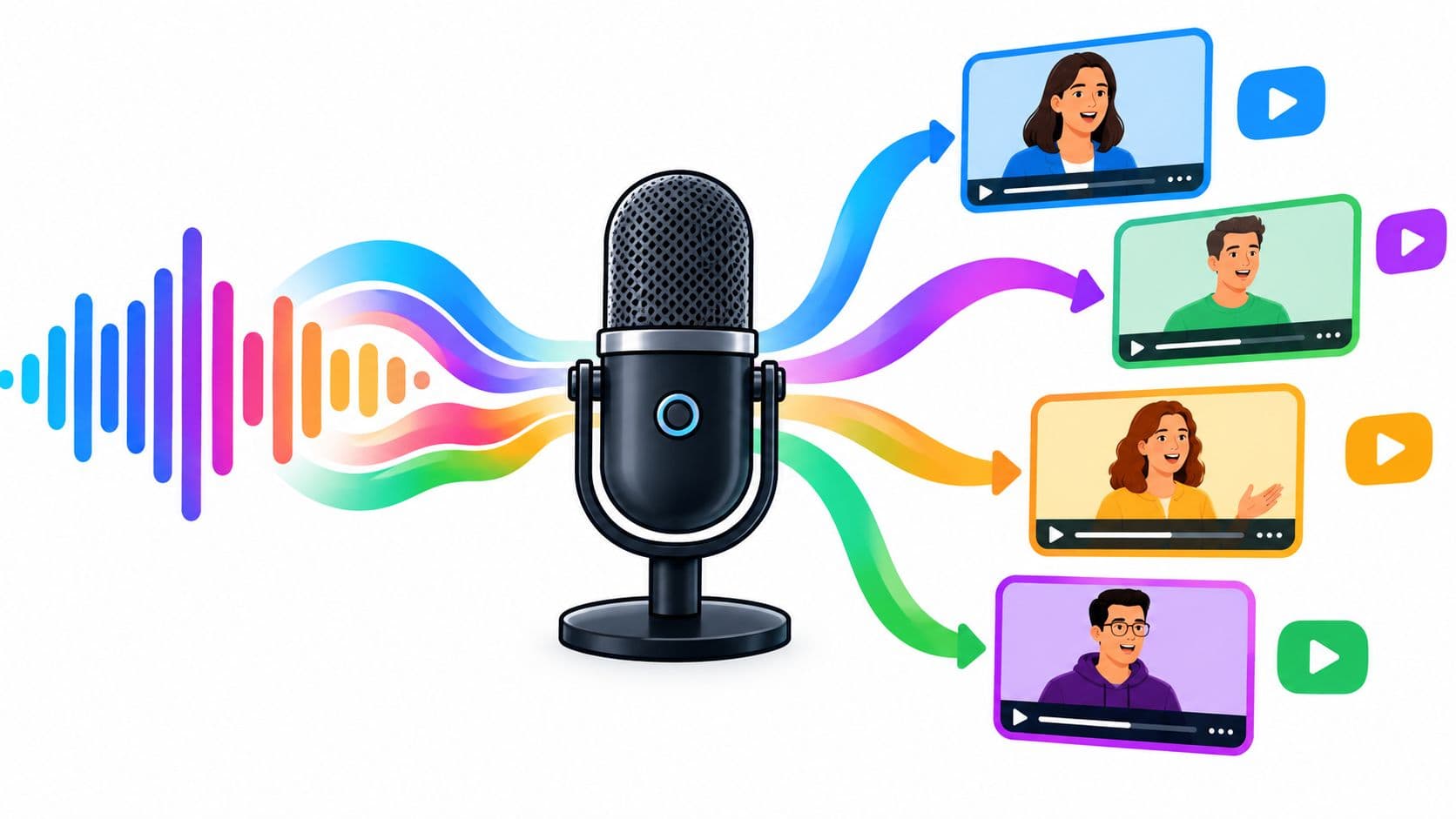
The process now separates what you want to say from how your voice sounds. You supply a reference sample, type or import a script, and the model generates new words with a similar timbre, pacing, and intonation. The output still needs judgment. A clone may sound recognizably like you while flattening the emotion, stressing the wrong word, or misreading a product name.
A reliable workflow has six parts:
- Record a clean, consented reference.
- Prepare and enroll the voice.
- Test it on sentences it hasn't heard.
- Shape delivery for short-form video.
- Review the compressed, captioned final export.
- Control permission, disclosure, and model access.
That sequence matters. A polished interface can't rescue noisy source audio, an ambiguous script, or an unauthorized voice model.
Recording a Clean Reference Sample of Your Voice
The reference recording determines what the clone learns about your voice. If the audio contains room echo, microphone clipping, traffic, or inconsistent distance from the mic, the system may reproduce those problems or become less stable across new sentences.
Build a controlled recording space
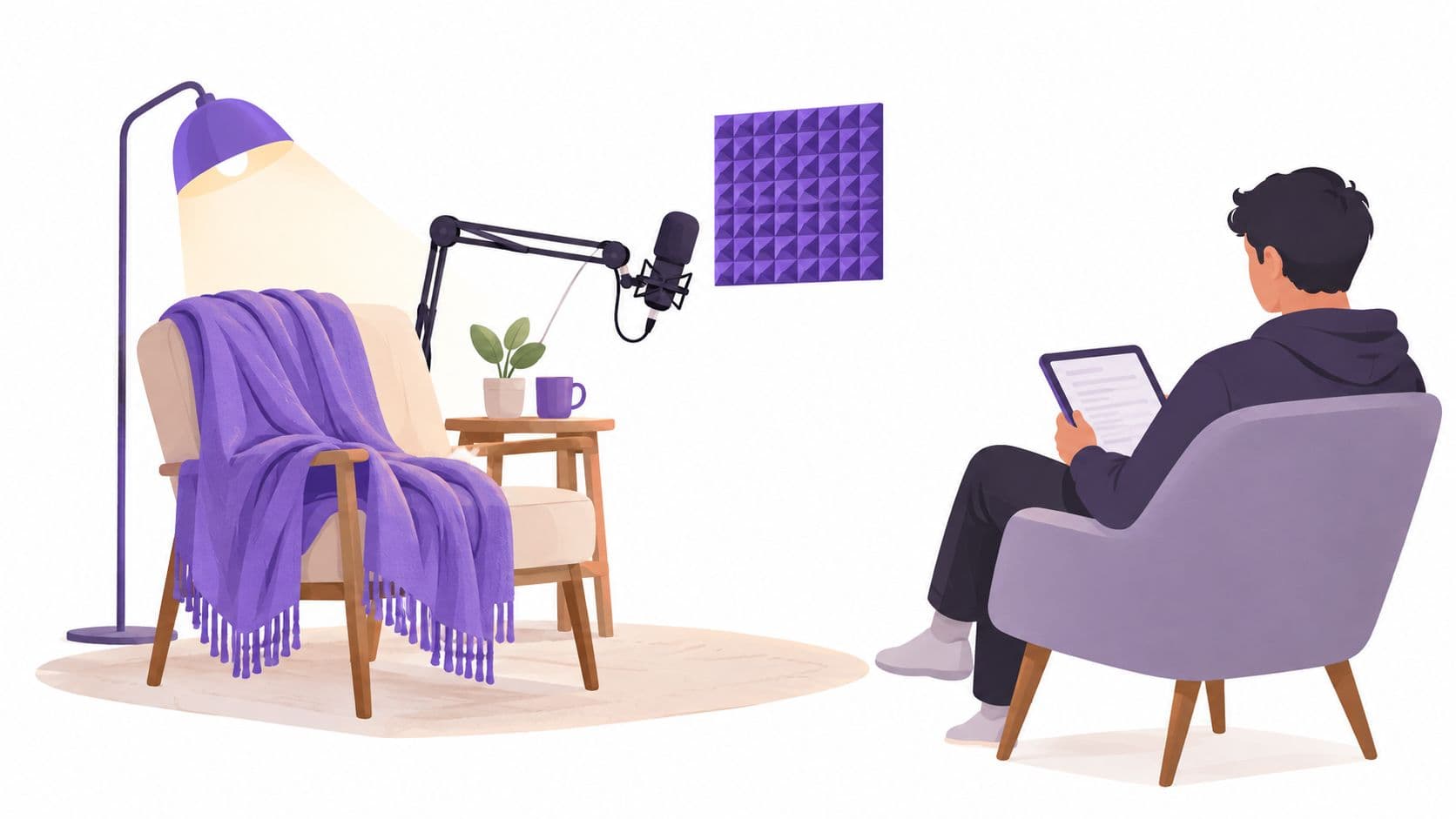
You don't need a broadcast studio. You do need a room where the acoustic conditions stay consistent.
- Choose soft surroundings: Curtains, rugs, upholstered furniture, and a wardrobe full of clothes reduce reflections better than a bare kitchen or office.
- Silence the obvious noise: Turn off fans, air conditioning, notifications, and appliances. Record when nearby traffic and household activity are lowest.
- Keep the microphone fixed: Use the same mouth-to-mic distance throughout the session. A phone can work for a test, while a USB microphone usually gives you more control over room tone and plosives.
- Aim slightly off-axis: Speaking just to the side of the capsule can reduce harsh plosives without forcing an unnatural posture.
- Don't process too aggressively: Heavy noise reduction, gating, reverb, or auto-tuning can make the reference less representative of your natural speech.
Record a short test and listen through headphones before reading the full script. Check for hum, echo, crackling, breath spikes, and changes in loudness when you turn your head.
Read for coverage, not just convenience
A reference should include the sounds and delivery patterns your videos actually need. Read complete sentences rather than isolated words, because the model needs context for transitions, rhythm, and emphasis.
Include:
- Common vowels and consonant combinations.
- Short and long sentences.
- Questions, statements, warnings, and calls to action.
- Numbers, dates, prices, abbreviations, and URLs you use regularly.
- Brand names, product names, local names, and technical vocabulary.
- Calm explanation, conversational energy, urgency, curiosity, and restrained excitement.
- The languages or code-switching patterns you expect to publish.
Speak naturally. Don't perform a dramatic announcer voice unless that's the voice you want every generated video to inherit. Leave clean pauses between utterances, and restart a sentence if you stumble instead of talking over the mistake.
Practical rule: Consistency beats intensity. A stable room, microphone position, and speaking style give the model a cleaner identity signal than a short recording made under changing conditions.
Some cloning systems can work with only seconds of reference audio, but short clips magnify errors caused by accents, breath noise, clipping, and inconsistent prosody. A recent benchmark on synthetic speech evaluation supports a safer production approach: use a longer, acoustically consistent recording with varied phonemes and speaking styles when you want repeatable narration rather than a quick demo.
Before uploading anything, confirm that you have permission to create and use the clone. If another person appears in the recording, their voice isn't yours to enroll just because you possess the file.
Training and Testing Your Voice Clone
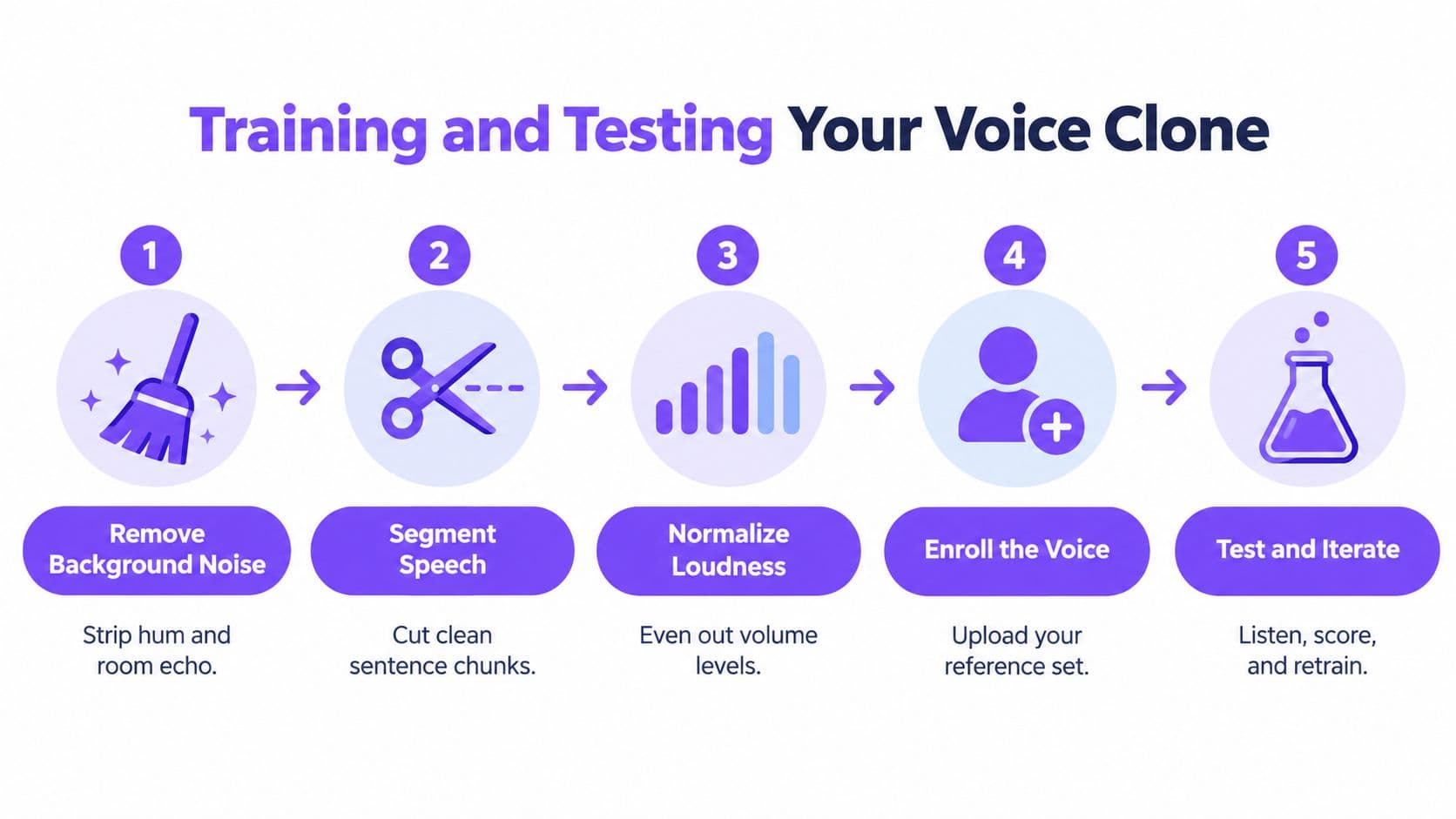
A voice clone shouldn't be judged by its first generated sentence. Treat enrollment as a small production pipeline. Prepare the audio, create the model, test unseen text, identify failure patterns, and revise the inputs that control delivery.
Prepare the reference set
Start with the cleanest version of the recording you can make. Remove obvious background noise and room reverberation, then divide the speech into short, intelligible utterances. Normalize loudness so one segment isn't much quieter or louder than the others.
Avoid cutting words in half or leaving long, irregular silences inside a segment. Keep enough context for natural phrasing, but don't combine several unrelated takes into a file with abrupt changes in tone.
The enrollment process varies by platform, but the underlying logic is similar. You upload or record the reference set, the system extracts speaker characteristics, and the model uses those characteristics when generating new speech. Keep a private copy of the original audio, the consent record, and the model version used for production.
Test on held-out text
Write a test script that wasn't included in the enrollment material. Include the difficult material that tends to expose weaknesses:
- A sentence with several numbers.
- A sentence containing names and brand terms.
- A question followed by a short answer.
- A fast hook and a slower explanatory line.
- Words with sounds that were uncommon in the reference recording.
If you replay the enrollment text, you're mostly checking whether the system can reproduce something it already saw. Unseen sentences reveal whether the clone generalizes to new wording, punctuation, and sentence structures.
You can review Hooked's voice cloning workflow as one example of how a creator-focused platform places cloning inside a broader video process. Whatever tool you use, listen to the output without looking at the script first. Then compare the transcript generated by a speech recognizer with the words you intended.
Score identity and delivery separately
“Sounds like me” and “sounds natural” are different tests. A model can preserve your timbre while producing stiff pauses or flat emphasis. It can also sound smooth while drifting away from your vocal identity.
For a more disciplined review, use three measures:
- Word error rate, or WER: Run the generated audio through an automatic speech recognizer and compare the recognized words with the script. This highlights skipped words, substitutions, and pronunciation failures.
- Speaker similarity: Compare speaker embeddings with cosine similarity. This estimates how closely the generated voice matches the reference identity.
- Naturalness: Use listener ratings such as MOS, or an objective proxy such as UTMOS, to assess whether the speech feels fluent and human.
A recent benchmark reported speaker-similarity scores of 0.843 to 0.881 for tested synthetic systems versus 0.894 for natural reference speech, but those figures don't mean a high identity score guarantees good performance. They illustrate why identity and naturalness should remain separate quality dimensions. See the benchmark's methodology and results for the distinction.
Fix the smallest controllable cause first. Add a pronunciation dictionary for names, change punctuation to create a pause, spell a difficult word phonetically, or split an overloaded sentence into two takes. Then test a new held-out script rather than assuming one correction solved every context.
Choosing the Right Tool for Your Workflow
The right category depends on what happens before and after narration.
A standalone voice-cloning platform suits a podcaster, audiobook producer, or video editor who already has a script, timeline, mixing process, and publishing system. You get more separation between voice generation and post-production, which can be useful when the audio must pass through a dedicated studio workflow.
An all-in-one social video platform makes more sense when the voice is only one part of a high-volume process. Faceless-channel operators, agencies, and multilingual brand teams may need scripts, avatars, lip sync, captions, editing, and scheduling around the generated narration.
| Workflow | What matters most | Likely fit |
|---|---|---|
| Podcast or long-form narration | Vocal consistency, editing control, and detailed audio review | Standalone voice platform |
| Short-form creator workflow | Script generation, quick visual assembly, captions, and voice-over | Integrated video platform |
| Multilingual campaign | Language coverage, pronunciation review, and brand controls | Platform with multilingual voice tools |
| Agency production | Permissions, model access, audit records, and repeatable approvals | Tool with team governance |
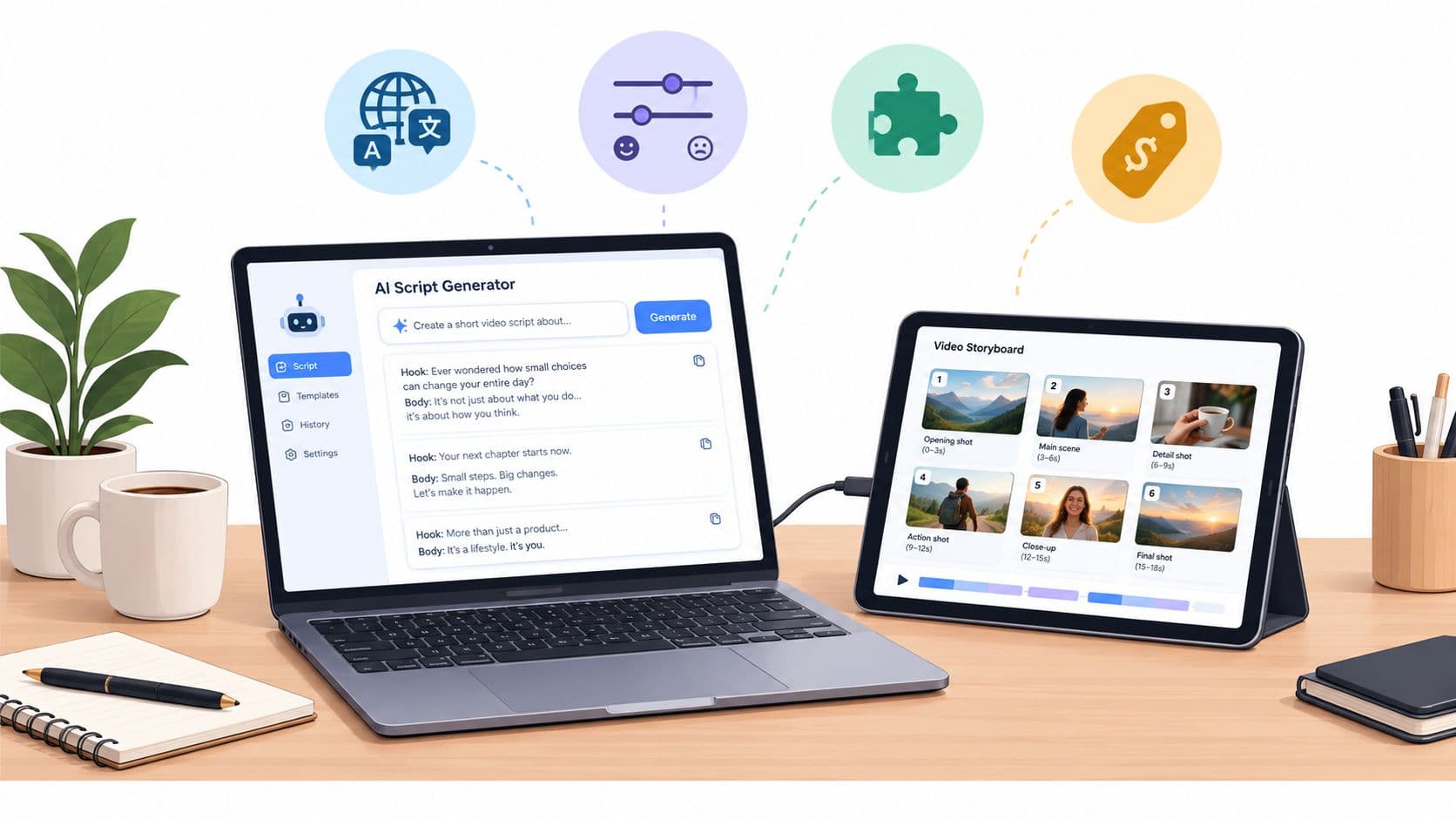
Hooked combines voice cloning, custom avatars, lip sync, an AI script writer, and natural-sounding voice-overs in 29 languages. Its plans range from Starter to Ultra and support 10 to 150 videos per month, with a customer rating of 4.8/5. Those product details come from the publisher's supplied platform information, so confirm current limits and features before choosing a plan.
If accent clarity is the bottleneck, voice cloning may not solve it. A resource on the best tool for accent reduction can help separate pronunciation coaching from synthetic voice generation, since the two solve different problems.
The practical decision is simple. Choose the smallest toolchain that supports your output, review, language, and permission requirements. You can explore Hooked's AI voice generator when you want narration connected directly to social video creation rather than exported as an isolated audio asset.
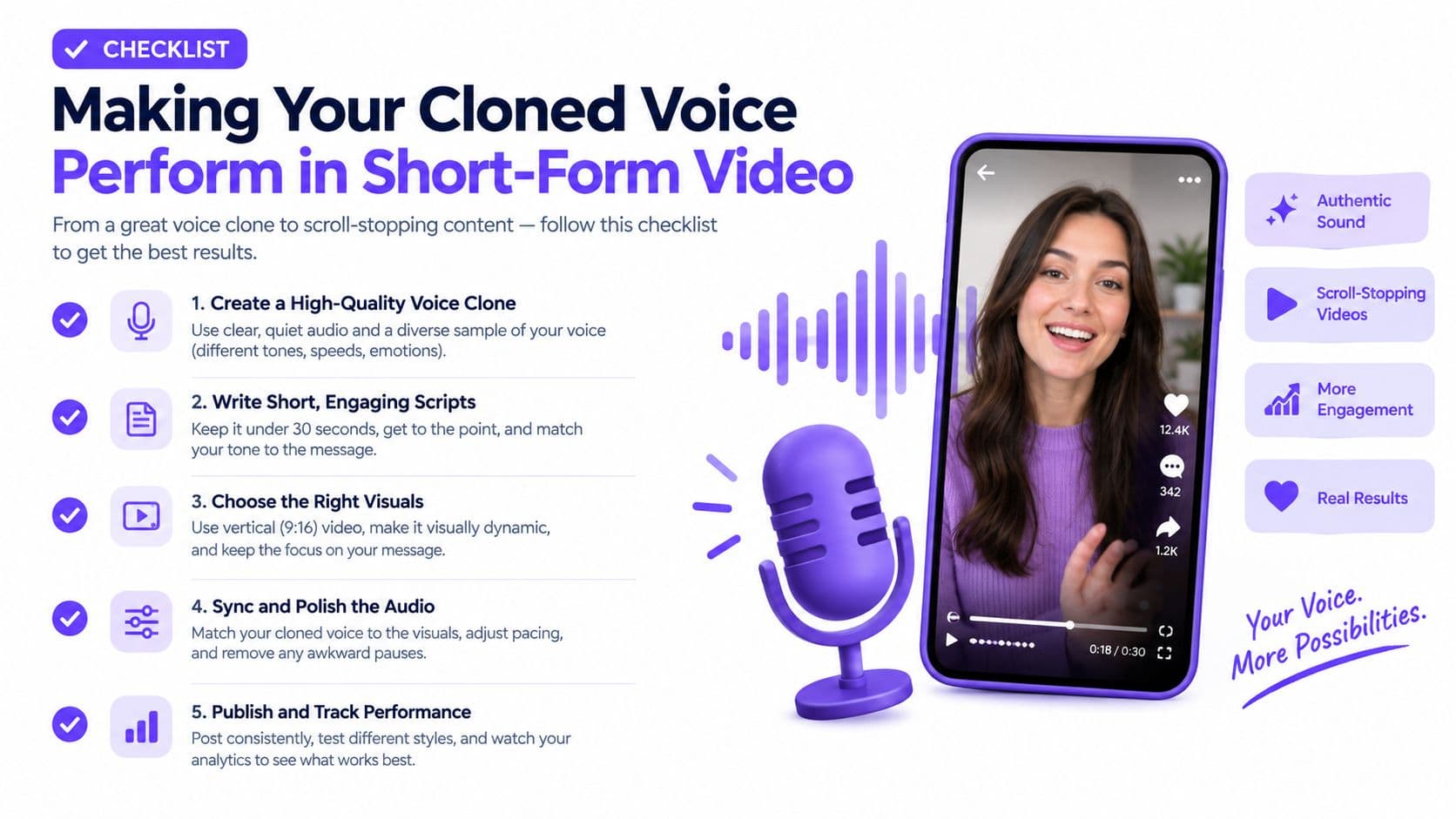
Making Your Cloned Voice Perform in Short-Form Video
A clone can match your timbre and still fail in a TikTok-style edit. Identity similarity isn't naturalness, and neither one guarantees that the opening line will earn attention, fit the cut, or communicate the intended emotion.
Short-form narration has a narrow margin for error. The first line needs a clear attitude, not merely a recognizable voice. A sentence that sounds acceptable in a quiet editor can feel slow once captions, music, visual changes, and mobile playback compete for attention.
Write for the cut
Don't paste a polished article into a voice generator and expect a strong short-form performance. Write in spoken units that can stand beside a visual beat.
- Give the hook a point of view: Replace a neutral introduction with a clear promise, tension, warning, or surprising observation.
- Control sentence length: Short phrases give editors more options when aligning narration with cuts.
- Mark emphasis deliberately: Capitalization, punctuation, line breaks, or platform-specific style controls can tell the system where the meaning sits.
- Use phonetic spelling when needed: A brand name, local surname, acronym, or foreign word may need a pronunciation note rather than its standard spelling.
- Create alternate takes: Generate calm, urgent, skeptical, and enthusiastic versions when the visual edit can support different emotional directions.
The clone needs to perform the script you wrote, not the script you imagined in your head. Read the line aloud before generating it. If you can't say it naturally in one breath, rewrite it.
Check the variables viewers actually hear
Build a voice QA pass around five questions:
- Hook delivery: Does the first sentence sound immediate, or does it begin with a slow warm-up?
- Emotional intent: Does the voice sound curious, confident, concerned, or excited as the scene requires?
- Pronunciation: Are brand names, local names, numbers, and technical terms correct?
- Subtitle alignment: Do captions appear with the spoken words, especially around quick transitions?
- Comprehension: Can a native speaker understand the line without reading the captions?
A native speaker should review multilingual narration when the message affects a purchase, claim, instruction, or cultural reference. A single voice identity can perform across languages, but that doesn't mean the speaker personally recorded every version, and it doesn't remove the need for local review.
For teams exploring conversational formats, an AI chat with spoken replies offers a useful comparison point. Interactive speech and scripted short-form narration have different requirements, but both reveal whether a synthetic voice handles turn-taking, emphasis, and intelligibility naturally.
Compare against a human take
Generate one cloned take and record one human take of the same script. Don't compare them only for resemblance. Compare the speed of comprehension, emotional precision, pronunciation, and how well each version sits under music.
F‑Secure reports that convincing voice replicas can be generated from very short samples, which means technical success isn't proof that the result is reliable or safe to publish. Its report on AI-enhanced scams and voice impersonation supports a cautious approach. Deliberate scripts, phonetic spelling, controlled pacing, and human review may improve the finished video more than chasing perfect vocal resemblance.
Use a YouTube Shorts generator when you need to connect this QA process to a repeatable short-form production flow. The tool should reduce assembly work, not remove the final listening decision.
Consent, Disclosure, and Staying Out of Trouble
A voice model is not just another media asset. Treat a personal voice as sensitive biometric-like data, especially when agencies, employees, actors, clients, or customers contribute the source recording.
Owning the audio file doesn't automatically give you permission to generate new speech. Before enrollment, create written consent that identifies:
- The speaker: Name the person whose voice is being modeled.
- Permitted scripts: Define whether the model can produce any script or only approved categories.
- Channels and commercial use: State whether the voice may appear in organic posts, paid advertisements, testimonials, internal training, or other formats.
- Territory and duration: Specify where and for how long the permission applies.
- Retention and deletion: Explain where recordings and model files are stored, who can access them, and when they must be removed.
- Revocation: Define how the speaker can withdraw permission and what happens to already-rendered content.
- Audit trail: Retain the original consent recording, model version, approvals, and relevant generation history.
This matters even more in an agency. One employee may upload a client's reference file, another may generate the narration, and a third may publish the video. Assign ownership and approval gates before the model becomes part of a shared production folder. Guidance on consent rules for AI voiceovers can help you identify questions to put to legal counsel.
Disclose the material fact
Disclosure should match the audience's reasonable interpretation. If viewers might believe a real person spoke the line or personally endorsed the product, identify the synthetic voice directly.
Recent guidance recommends language such as “AI-generated voice” that is clear, conspicuous, close to the claim, and understandable on the viewing device. A vague label such as “AI-assisted” may not tell viewers what took place. The guidance on AI likeness disclosures in advertising explains why the material fact needs to be stated plainly.
For an organic educational post, place the disclosure where viewers can see it without opening a description or searching for context. For a paid ad, keep the disclosure near the testimonial, product claim, or spoken endorsement it qualifies. Captions and on-screen text should remain legible on a phone, and the disclosure shouldn't disappear before the relevant claim.
Transparency isn't a creative failure. It helps protect trust in UGC ads, testimonials, finance content, health content, and multilingual campaigns, where audiences may make decisions based on perceived personal experience or authority.
Troubleshooting Common Voice Cloning Problems
Most failures have a recognizable pattern. Diagnose the output before changing the entire reference set.
- Robotic transitions or flat delivery: The model may have too little variation in the reference, or the script may contain long, formal sentences. Rewrite into spoken phrases, add punctuation, and generate alternate emotional takes.
- Mispronounced names and numbers: Standard spelling may not reflect how the term should sound. Add a pronunciation dictionary, use phonetic spelling, and test the exact word inside a complete sentence.
- Sibilance after export: The master may sound clean while AAC compression, loudness normalization, captions, or mobile playback exposes harsh “s” sounds. Review the downloaded video on headphones and a phone, then adjust the source mix rather than judging only the master WAV.
- Inconsistent output after regeneration: Small changes in punctuation, reference selection, or model version can alter pauses and emphasis. Keep approved takes, record the model and settings, and don't replace a good take casually.
A benchmark on synthetic-audio defenses reported protected-audio speaker similarity of 0.93 versus 0.08 for attacked cloned outputs, with a 100% defense success rate under its test setup. These are security benchmark results, not guarantees for every system. The study's findings on protecting audio from voice-cloning attacks reinforce the need for access controls, provenance or synthetic-audio labels where appropriate, rate limits, and monitoring.
Before publishing, review several generated takes and check names, numbers, brand terms, emotional delivery, subtitle timing, and the final downloaded file. Never infer that strong vocal similarity proves authorization.
Hooked brings voice cloning together with natural-sounding voiceovers in 29 languages, custom avatars, lip sync, AI script writing, and social video production tools. Visit Hooked to test whether that integrated workflow can help you turn your approved voice reference into reviewed, platform-ready short-form videos.