A lip sync video maker has moved far beyond novelty filters. One industry estimate valued the global lip-sync technology market at 5.76 billion by 2034, with a projected 17.8% CAGR from 2025 to 2034. The same estimate says AI and machine learning appeared in about 70% of new lip-sync applications launched in 2023. Market.us reports on the lip-sync technology market
That growth matters to anyone managing TikTok, Instagram Reels, localized ads, or faceless channels at scale. The question isn't whether a tool can make a mouth move. The question is whether it can preserve a believable performance, render quickly enough for trend-driven publishing, and support a repeatable multilingual workflow without creating more editing work than it removes.
A polished demo doesn't answer those questions. A production test does.
The Evolution of AI Lip Sync Technology
Consumer lip syncing became mainstream through Musical.ly and then TikTok. Musical.ly launched in 2014 with short 15 to 20 second videos paired with popular sound clips. ByteDance acquired the platform for about $1 billion in November 2017, and Musical.ly was folded into TikTok in August 2018, helping normalize lip-sync-style creation at massive scale. The Oxford Research Encyclopedia chapter on Musical.ly and TikTok
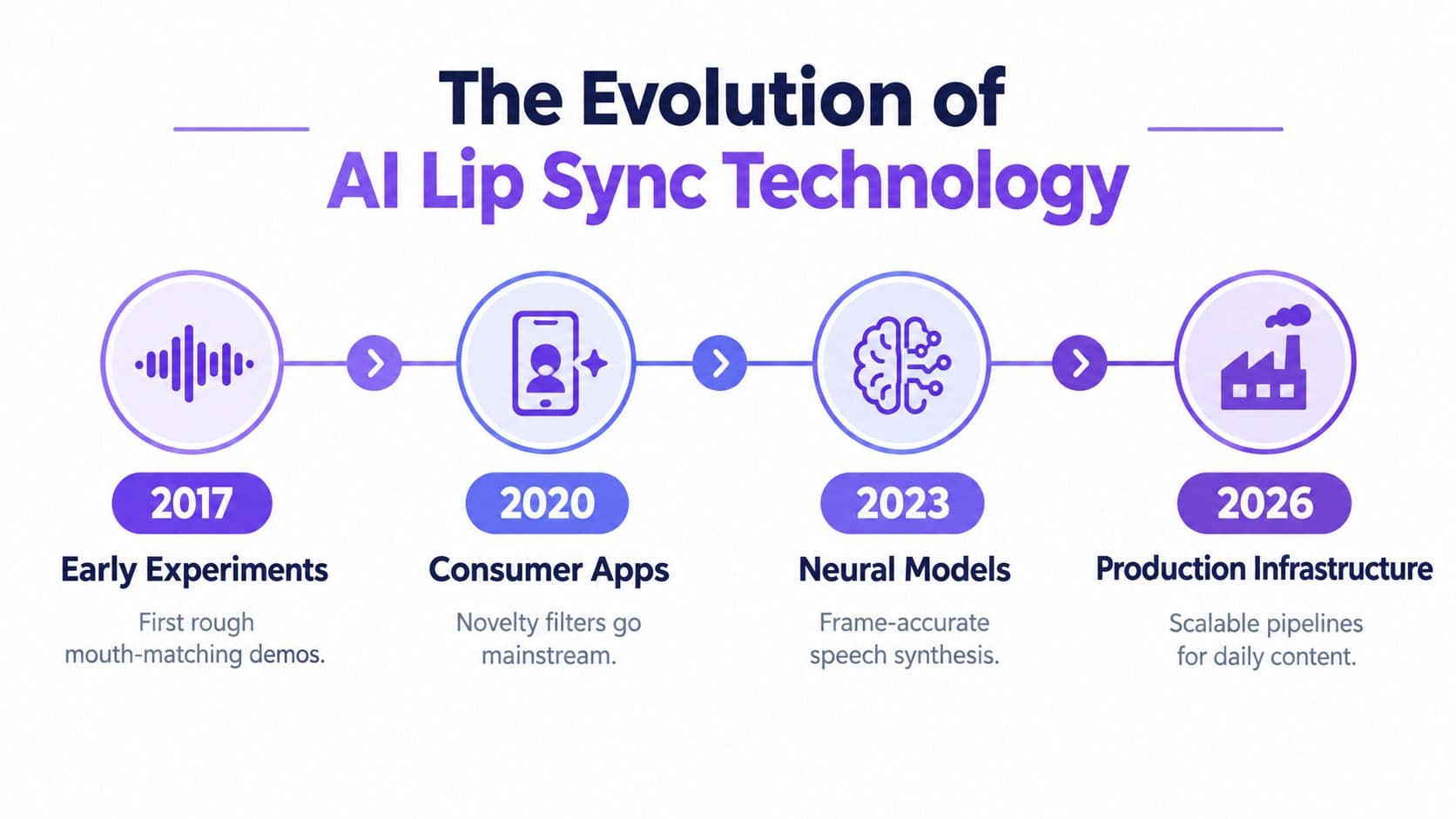
The early consumer format relied on people performing to an existing track. Modern AI lip syncing reverses the workflow. A creator can start with a video, a new audio file, a translated script, or a synthetic voice, then ask the system to regenerate the mouth movement around that audio. The face, lighting, framing, and body performance still need to hold together, but the creator no longer needs to reshoot every language or line change.
That shift turns the lip sync video maker into a production component rather than a standalone effect. A social team might use it for a talking avatar, a localized product explanation, an animated character, or a faceless video where the presenter remains consistent across multiple scripts. The operational value comes from reusing visual assets while changing the spoken track.
From mouth mapping to localization infrastructure
Basic mouth mapping can match broad vowel shapes and still look wrong. Production systems need to account for timing, jaw movement, teeth, blinking, head position, lighting, and the continuity of the face from one frame to the next. They also need to handle language changes, because translated speech rarely follows the same rhythm or syllable pattern as the original.
That makes multilingual localization one of the category's most important tests. Recent coverage of lip-sync trends describes a shift toward language-aware models, real-time processing, and enterprise localization. The practical implication is clear: buyers should assess the tool as part of a content pipeline, not as a one-click avatar novelty.
Production rule: A lip sync tool earns its place when it reduces reshoots, revisions, or localization friction without adding a new review bottleneck.
For high-volume channels, the workflow now has three connected layers. The first creates or selects the visual asset. The second generates or adapts speech. The third renders and distributes the result across platforms. A tool that performs only the third layer may produce excellent frames but still slow down the publishing system if every script, trend, and export must move through separate applications.
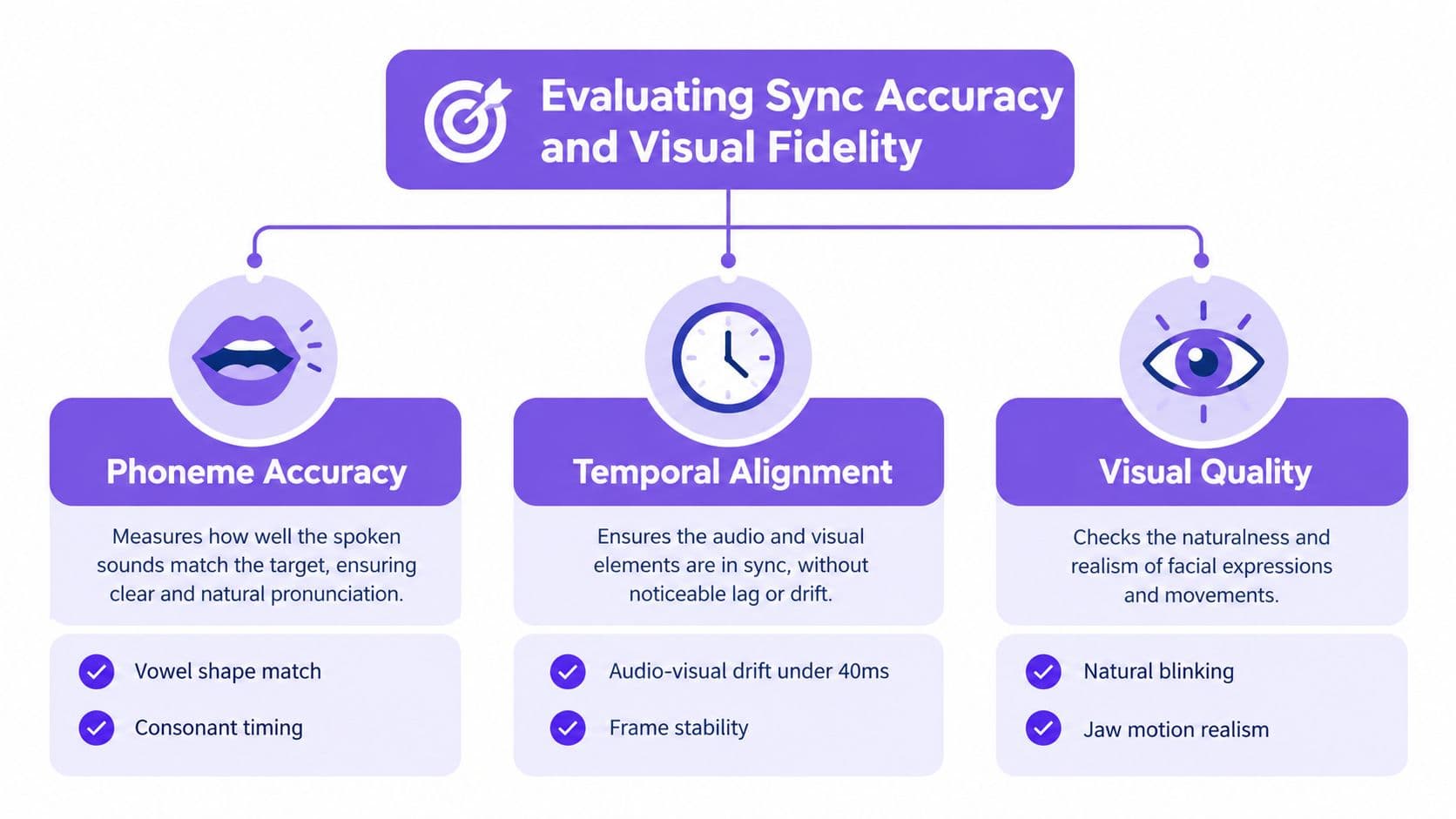
Evaluating Sync Accuracy and Visual Fidelity
A vendor demo usually shows the easiest possible shot. The speaker faces the camera, the lighting is clean, the audio is clear, and the clip ends before small inconsistencies become obvious. Buyers should test difficult material instead, including side angles, fast speech, expressive delivery, visible teeth, pauses, and translated audio.
Technical evaluation helps because no single score captures the whole experience. Research commonly combines LMD, LSE-D, LSE-C, Sync-C, Sync-D, FID, and FVD to assess different parts of alignment and video quality. A benchmark discussion of audio-visual alignment and video-quality metrics explains why synchronization and visual fidelity need to be judged together.
Test the mouth, then test the whole clip
LMD, or mouth landmark distance, focuses on how closely mouth landmarks align with the expected movement. LSE-D and related synchronization measures help assess audio-to-mouth alignment, while higher confidence-oriented measures such as LSE-C and Sync-C indicate stronger synchronization confidence. In practical terms, lower distance values generally indicate tighter alignment, while higher confidence values generally indicate a more reliable match.
Those measures don't tell you whether the output feels natural across time. FID helps assess frame-level visual realism, while FVD adds a temporal view of video quality. A clip can contain convincing individual frames and still show flicker, unstable teeth, shifting skin texture, or a jaw that changes shape between syllables.
Run a blind comparison with the same source video and audio across every candidate. Remove watermarks and tool identifiers where possible, label the exports with neutral names, and ask reviewers to score three things separately:
- Phoneme alignment: Do vowel shapes and consonant closures arrive at the right moments?
- Temporal stability: Does the face remain consistent through pauses, head turns, and fast phrases?
- Visual fidelity: Do blinking, teeth, jaw motion, skin texture, and lighting remain believable?
A useful lip sync video maker should also survive workflow conditions, not just controlled tests. Try a translated voice, a compressed source file, an expressive read, and a clip containing more than one speaker. For teams producing lyric-led formats, a resource such as music video with lyrics can help frame the relationship between vocal timing, on-screen text, and visual rhythm.
Measure latency as part of quality
Processing time changes what a team can publish. An independent blind test across 1,000 videos reported scores ranging from 51.8 to 96.4 among compared implementations, showing how sharply perceived sync quality can vary. The same benchmark reported roughly two minutes of processing for one minute of output video, a useful planning reference for production capacity. The Dubly AI lip-sync benchmark
That doesn't mean the highest score automatically wins. A slower engine may suit a high-stakes campaign, while a slightly less polished renderer may be more useful for a trend response that needs to move through scripting, rendering, review, and publishing quickly. You can also compare a workflow built around a dedicated AI lip sync feature, but judge the complete pipeline rather than the mouth movement alone.
Comparing Dedicated Renderers and All-in-One Platforms
The market divides into two practical categories. Dedicated renderers focus on transforming an input video and audio track into a synchronized result. All-in-one platforms combine rendering with trend discovery, scripting, avatar creation, voice generation, editing, and scheduling.
Neither category is universally better. The right choice depends on whether your main constraint is visual control or publishing throughput. A post-production editor may prefer a focused renderer that handles difficult footage with precision. A social team publishing across several channels may lose more time exporting between tools than it gains from a marginal improvement in mouth detail.
Tool Category Comparison Matrix
| Feature | Standalone Renderers | All-in-One Platforms |
|---|---|---|
| Primary strength | Focused audio-visual alignment | Connected ideation, creation, rendering, and publishing |
| Best fit | Existing footage and high-control editing | High-volume social content and repeatable formats |
| Trend response | Usually requires separate research tools | May include trend tracking and content prompts |
| Script workflow | Often external | Frequently built into the creation workflow |
| Avatar control | Can be specialized or limited to input footage | Often includes avatars, presenters, or characters |
| Rendering trade-off | More focused output, but may require export and re-import steps | Faster handoffs, though advanced controls may be narrower |
| Localization workflow | Strong when the renderer supports audio replacement | Strong when translation, voice, sync, and scheduling are connected |
| Review process | More control for editors | More consistent for operators and content teams |
| Main risk | Tool switching and manual handoffs | Less granular control over complex post-production |
| Best buying test | Difficult footage and sync fidelity | Time from trend discovery to approved post |
Choose based on the bottleneck
A standalone renderer works well when the source footage already exists and the team cares about preserving the original performance. It can be the better route for a branded spokesperson, a product commercial, or an edit that needs careful control over cuts, color, captions, and sound design.
The cost is operational friction. Someone has to prepare the audio, export the clip, upload it, wait for processing, download the result, replace the original section, and repeat the process when the script changes. That loop becomes painful when a team is testing several hooks or localizing a library of clips.
An integrated platform changes the optimization target. It may not expose every post-production control, but it can keep trend research, scripting, voiceover, avatar selection, lip syncing, and scheduling in one system. For faceless channels, the value isn't just rendering. It's reducing the number of handoffs between an idea and a publishable vertical video.
Operational test: Time the workflow from approved idea to scheduled post. Don't measure render speed in isolation.
Dedicated tools remain sensible for premium footage and complicated shots. Integrated platforms become more attractive when the team repeats the same content structure frequently, needs fast trend-jacking, or manages many accounts with a small operating team. The decision should follow the constraint that currently delays publication.
Scaling Viral Content with Integrated Workflows
A lip sync video maker can't rescue a weak premise. For TikTok and Reels, the production loop should begin with a format or audience insight, not with an avatar dashboard.
A practical daily workflow starts by identifying a rising audio pattern, recurring hook, visual treatment, or competitor format that fits the channel. The operator then adapts the idea to a specific niche, writes a short script with a clear payoff, selects a consistent avatar or character, generates the voice track, and runs the lip sync render. The last step is packaging, including captions, B-roll, sound balancing, and scheduling.
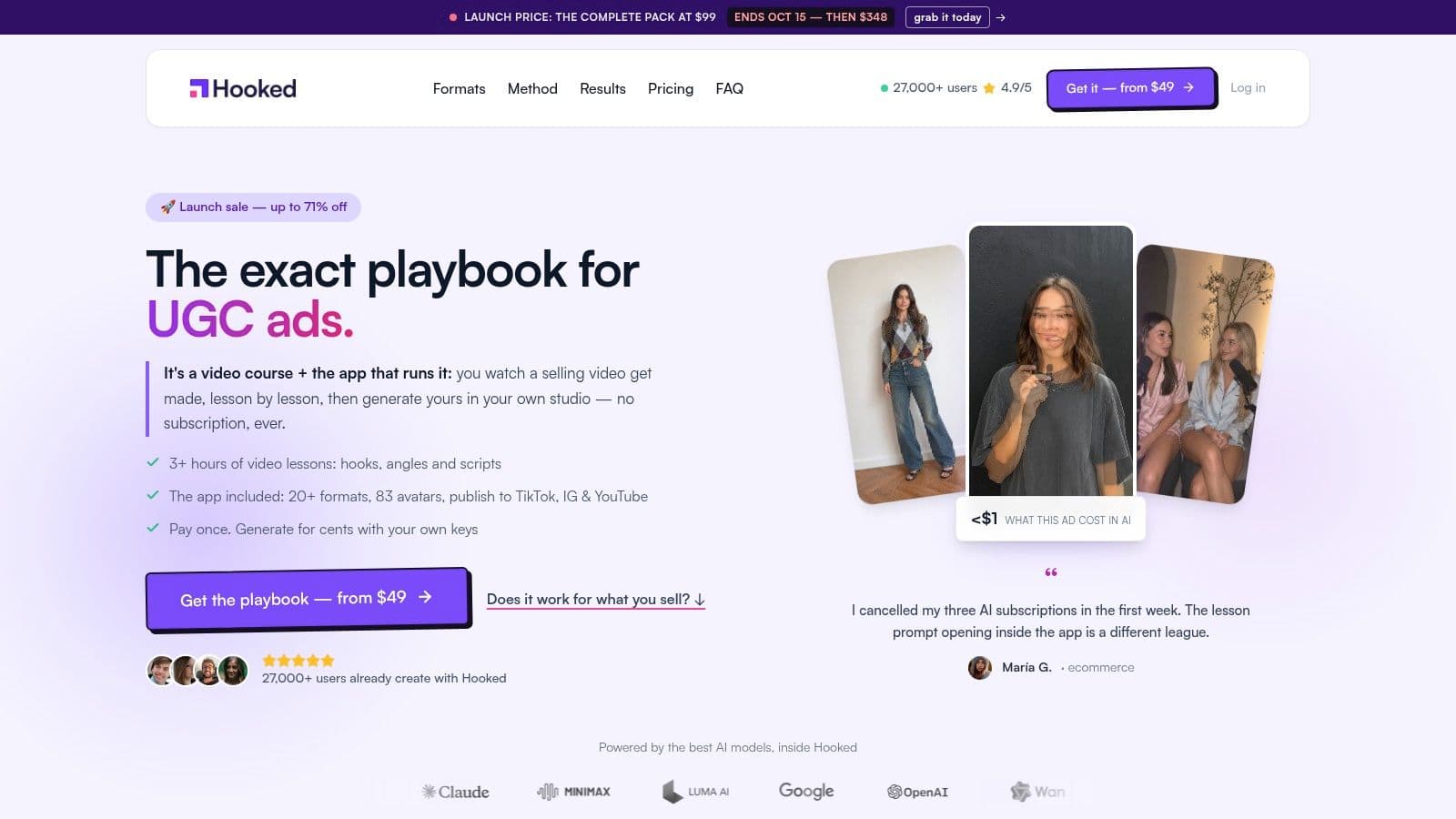
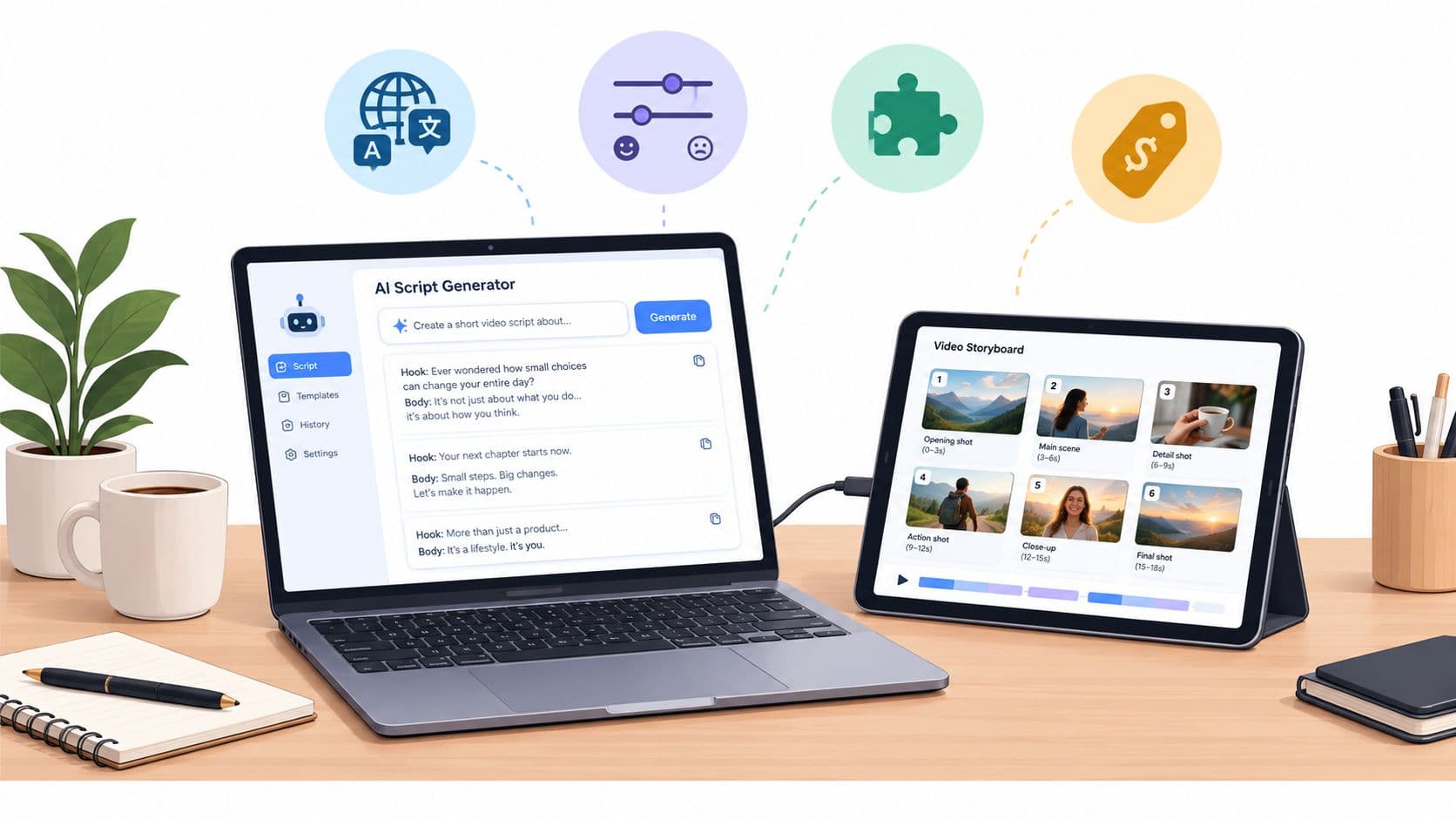
The advantage of an integrated workflow is continuity. The person researching the trend doesn't need to write a vague brief for another operator, and the editor doesn't need to rebuild the concept from a raw script. A tool such as Hooked can combine trend tracking, script generation, AI video creation, custom avatars, voice cloning, lip syncing, and scheduling within one content process. Its automated content creation workflow is relevant when the goal is repeatable social production rather than a single showcase clip.
A workable production loop
Start with the message, not the mouth. Write the first line so the viewer understands the tension, benefit, or curiosity gap immediately. Then record or generate a voice track that sounds like a person delivering a point, not a synthetic read assembled from isolated words.
Next, choose the visual treatment. A talking avatar can carry a direct explanation, while a faceless format may use the synced character for only the opening and closing, with product footage or screen recordings carrying the middle. This keeps the face from becoming visually repetitive and gives the editor more opportunities to reset attention.
Render a short internal draft before building the final edit. Review the first spoken phrase, the fastest sentence, any word containing strong consonant closures, and the final line. Those moments expose sync drift and mouth artifacts faster than a passive watch-through.
The video can then move into captions, cutaways, and platform formatting. Keep the master clean, create platform-specific versions, and preserve the original voice and script files so a successful concept can be localized without rebuilding the whole project.
A short demonstration can make the handoff between creation and rendering easier to understand:
Rendering latency deserves its own queue. If a team waits until the end of the day to process every clip, a slow renderer can turn a trend response into an evergreen post. Batch the predictable work, reserve review time for difficult outputs, and keep alternate hooks ready so a failed render doesn't stop the entire publishing schedule.
Navigating Multilingual Localization at Scale
Multilingual lip syncing is not just translation plus a moving mouth. Every language distributes sound differently across syllables, vowels, consonants, pauses, and emphasis. A translated sentence may be semantically accurate but longer, shorter, or emotionally flatter than the original, which changes the facial performance the model needs to generate.
That creates a strategic choice. Use synchronized localization when the original framing, gesture, personality, and visual proof matter across markets. Use dubbing with subtitles, a localized presenter, or a new voiceover treatment when the source performance depends heavily on a language-specific joke, cultural reference, or delivery pattern that doesn't survive translation.
Preserve intent before matching phonemes
A good localization review asks three questions:
- Does the translated line carry the same action? A call to comment, click, compare, or buy should remain clear.
- Does the speaker still sound like the same person? Voice cloning can preserve identity, but reviewers should check pronunciation, emotional emphasis, and formality.
- Does the shot still support the new timing? A close-up built around a short English phrase may feel crowded when another language needs more spoken space.
Language-aware systems are useful when one source video needs multiple market versions, but they still require native review. Accents and dialects can expose unnatural pauses, incorrect stress, or a mismatch between the speaker's expression and the translated line. Human review should focus on intent and cultural fit, not just whether every word was translated.
A video translator workflow is most useful when it keeps the source clip, translated script, generated voice, and synchronized output connected. Teams can evaluate a video translation tool by testing a representative clip with natural pauses, brand terminology, and the actual accent patterns used by their audience.
Create a localization decision rule
Keep the original performance when it carries trust or brand recognition. Rebuild the presenter when the source actor's delivery depends on language-specific timing, or when the local market needs a different visual identity. Use subtitles as a fallback when the content relies on precise wording and the generated mouth movement would distract from the message.
The strongest workflow treats localization as editorial adaptation. Translate the hook, offer, examples, and call to action together. Then render the mouth movement after the localized audio has been approved. Starting with a literal translation and hoping the sync layer will repair the pacing usually produces stiff content.
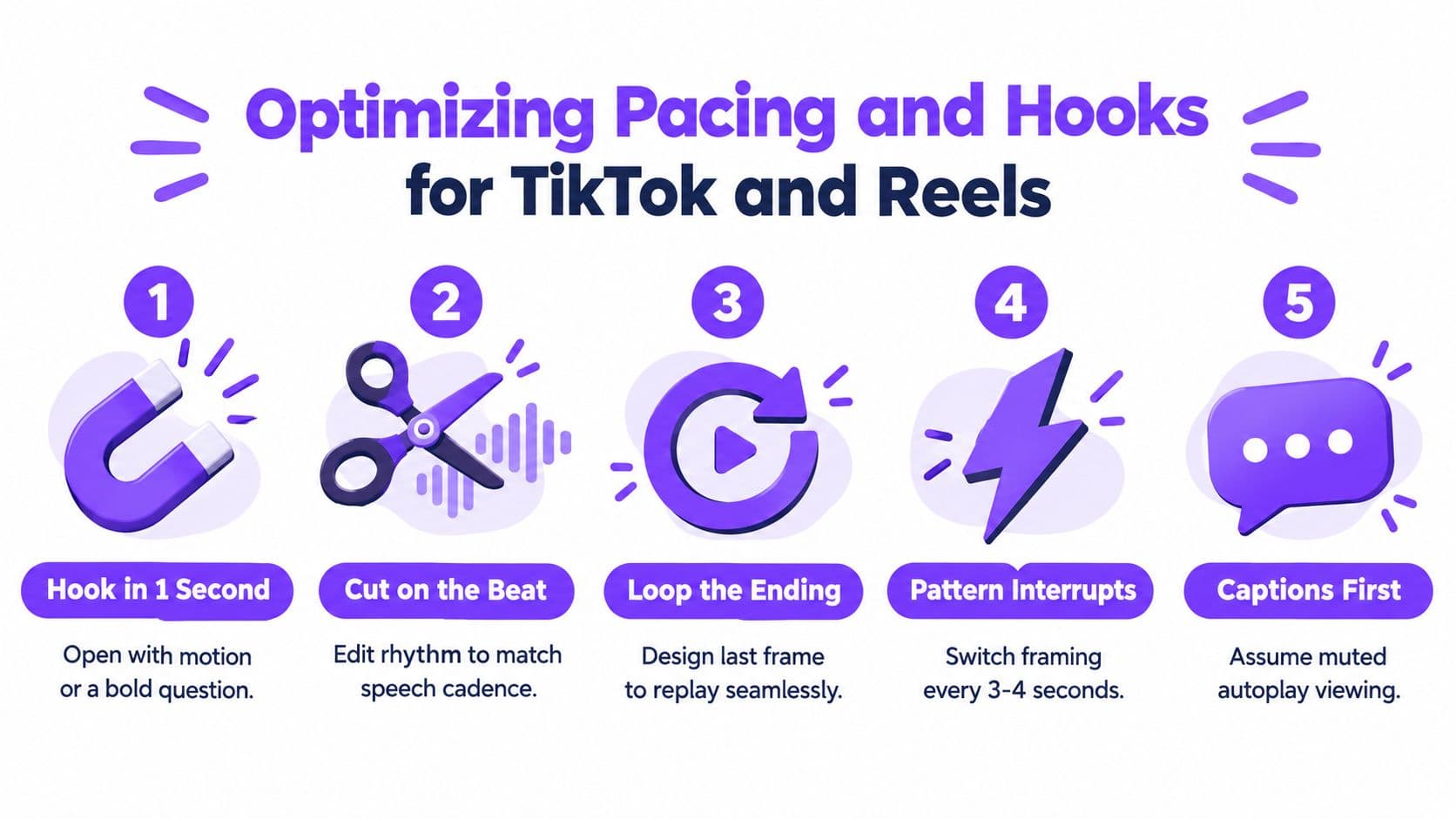
Optimizing Pacing and Hooks for TikTok and Reels
Perfect mouth movement doesn't create retention. Viewers still need a reason to stop, understand the setup, and stay for the payoff. A synced avatar with a slow opening is still a slow opening.
Short-form editing rewards movement with purpose. Use the lip-synced speaker for the statement that needs a face, then change the visual field with product footage, screenshots, text, demonstrations, or a new crop. Pattern changes should support the spoken idea, not appear as random effects.
Build the opening around the viewer
The first line should identify a problem, challenge an assumption, show a result, or create a clear unanswered question. Don't spend the opening establishing the avatar, naming the brand, or delivering a generic greeting. The viewer already knows they're watching a video. They need to know why this one deserves attention.
Resources such as ShipTeaser on attention grabbing are useful when refining the opening because they focus attention on the first exchange between the viewer and the content. The principle applies whether the speaker is a real person, an avatar, or an animated character.
A strong edit usually gives each layer a job:
- Voice: Carries the argument, story, or instruction.
- Face: Adds expression, trust, or a human focal point.
- Captions: Preserve comprehension during muted viewing and reinforce important phrases.
- B-roll: Demonstrates the claim or resets visual attention.
- Music: Supports energy without competing with speech.
Edit for rhythm, not decoration
Cut on meaningful changes in the sentence. A new claim, contrast, example, or reaction gives the viewer a reason to accept a visual transition. If every cut lands at an arbitrary interval, the video can feel busy without feeling fast.
Use captions as an editorial layer, not an automatic afterthought. Emphasize the few words that carry the hook or payoff, keep line breaks readable, and check that the caption timing follows the actual speech. The lip sync output may be accurate while the captions reveal a delayed or rushed read.
Design the ending to support replay where appropriate. A final visual or phrase that leads naturally back to the opening can make the video feel complete on repeat. Don't force a loop into every post, though. A clear payoff is more valuable than an artificial ending.
Choosing the Right Tool for Your Production Volume
The best lip sync video maker is the one that matches your constraint. A solo creator, a D2C brand, and a localization agency may all need synchronized speech, but they don't need the same level of control, integration, or review.
| Production profile | Prioritize | Suitable approach | Main warning |
|---|---|---|---|
| Solo faceless channel | Fast scripting, reusable formats, simple avatars, scheduling | All-in-one social production platform | Don't sacrifice a clear hook for visual novelty |
| D2C brand | Consistent presenter identity, clean renders, brand-safe voice, revision control | Integrated platform for routine content, dedicated renderer for premium campaigns | Test product claims and mouth artifacts before scaling spend |
| Multilingual agency | Translation workflow, voice consistency, reviewer access, export control | Localization-focused system or connected tool stack | Native review is essential for accents and intent |
| Post-production team | Difficult footage support, timeline control, stable exports | Dedicated renderer integrated with the edit process | Browser round trips can slow revisions |
| High-volume operator | Queue management, predictable throughput, repeatable templates | Platform that combines creation, rendering, and publishing | Track failed renders and approval delays, not just output count |
Start with a controlled pilot. Use the same source clip, voice track, translated version, and review criteria across candidates. Check whether the system can preserve identity, handle the most difficult shot in your library, and return a usable export without repeated manual repair.
Then map the tool to your publishing model. If the team already has scripts, editors, and a mature post-production stack, a specialized renderer may be enough. If the main problem is moving from a trend signal to a finished post, an integrated platform will usually remove more friction.
For lyric-focused projects, MyKaraoke Video lyric maker picks can provide useful creative reference for combining vocal timing, text treatment, and visual motion. That same discipline applies to social videos, where captions and audio need to reinforce one another rather than compete.
Don't buy on the strength of a homepage demo. Test a difficult face, a translated line, a fast turnaround, and a complete publish-ready workflow. The winning tool is the one your team can operate consistently when the content calendar is full and the trend window is short.
Hooked combines trend tracking, AI script generation, avatar creation, voiceovers, lip syncing, editing, and social scheduling for creators and brands building repeatable short-form workflows. Visit Hooked to turn a tested trend into a localized, publish-ready video without rebuilding the process across disconnected tools.