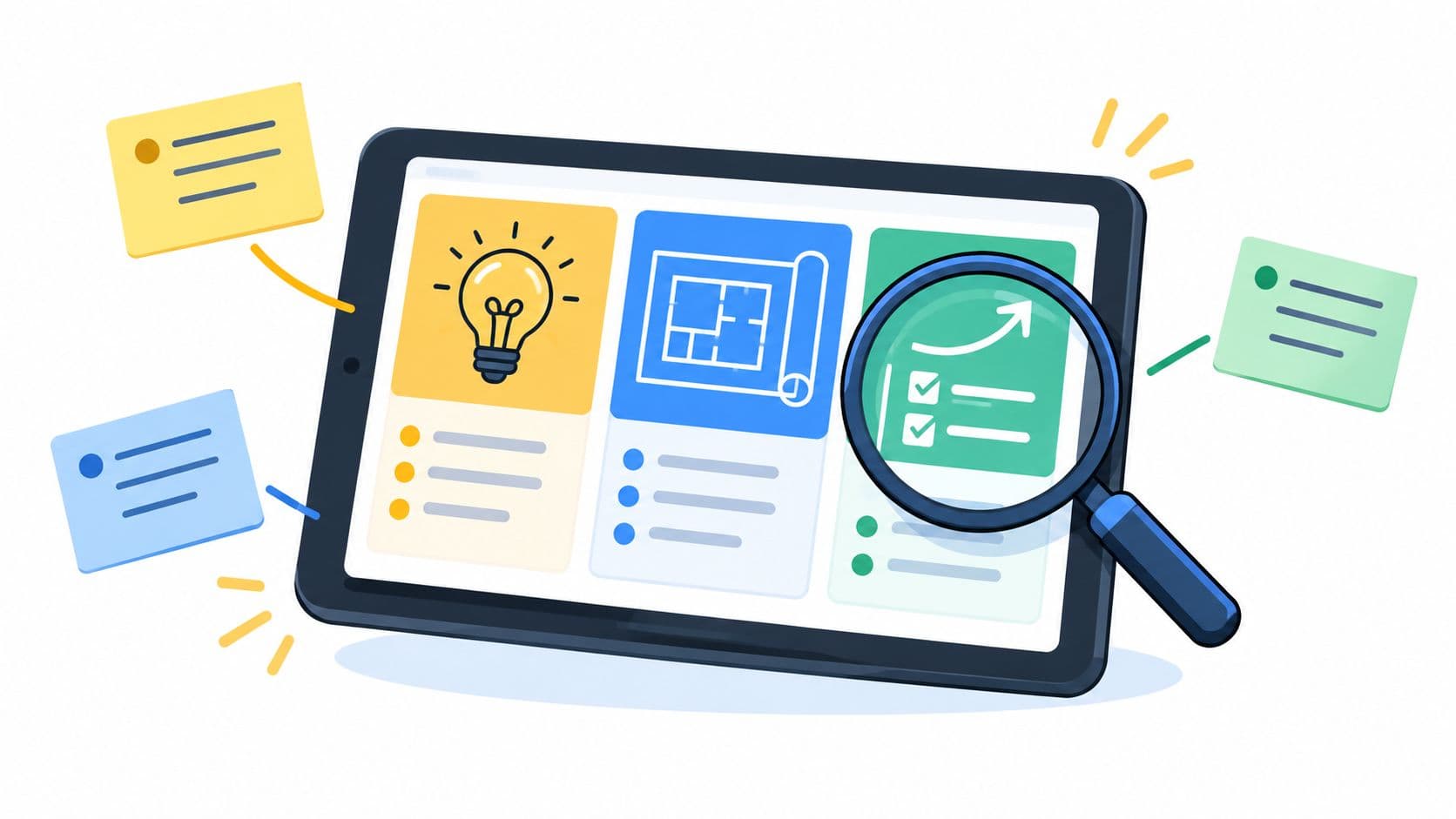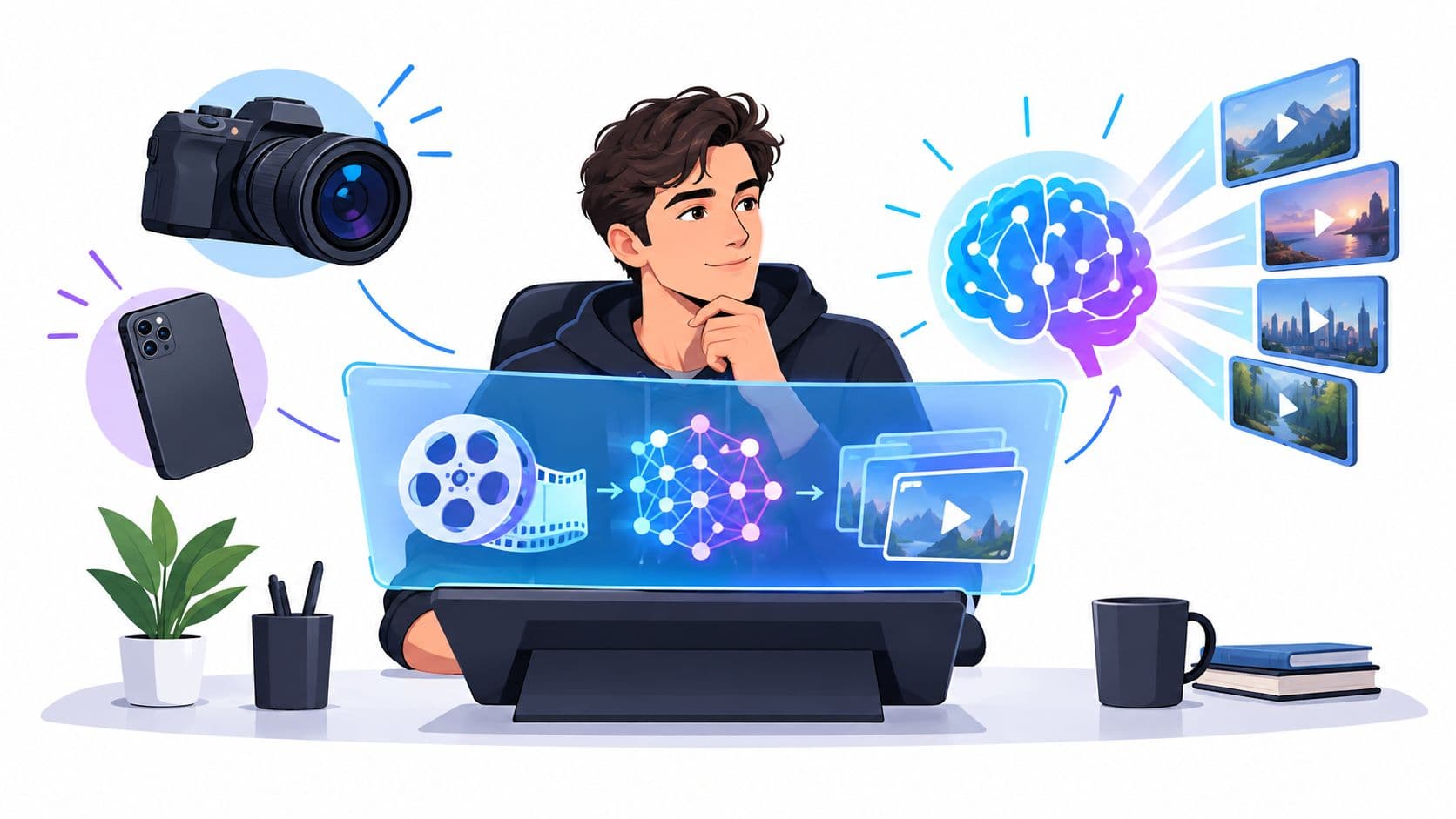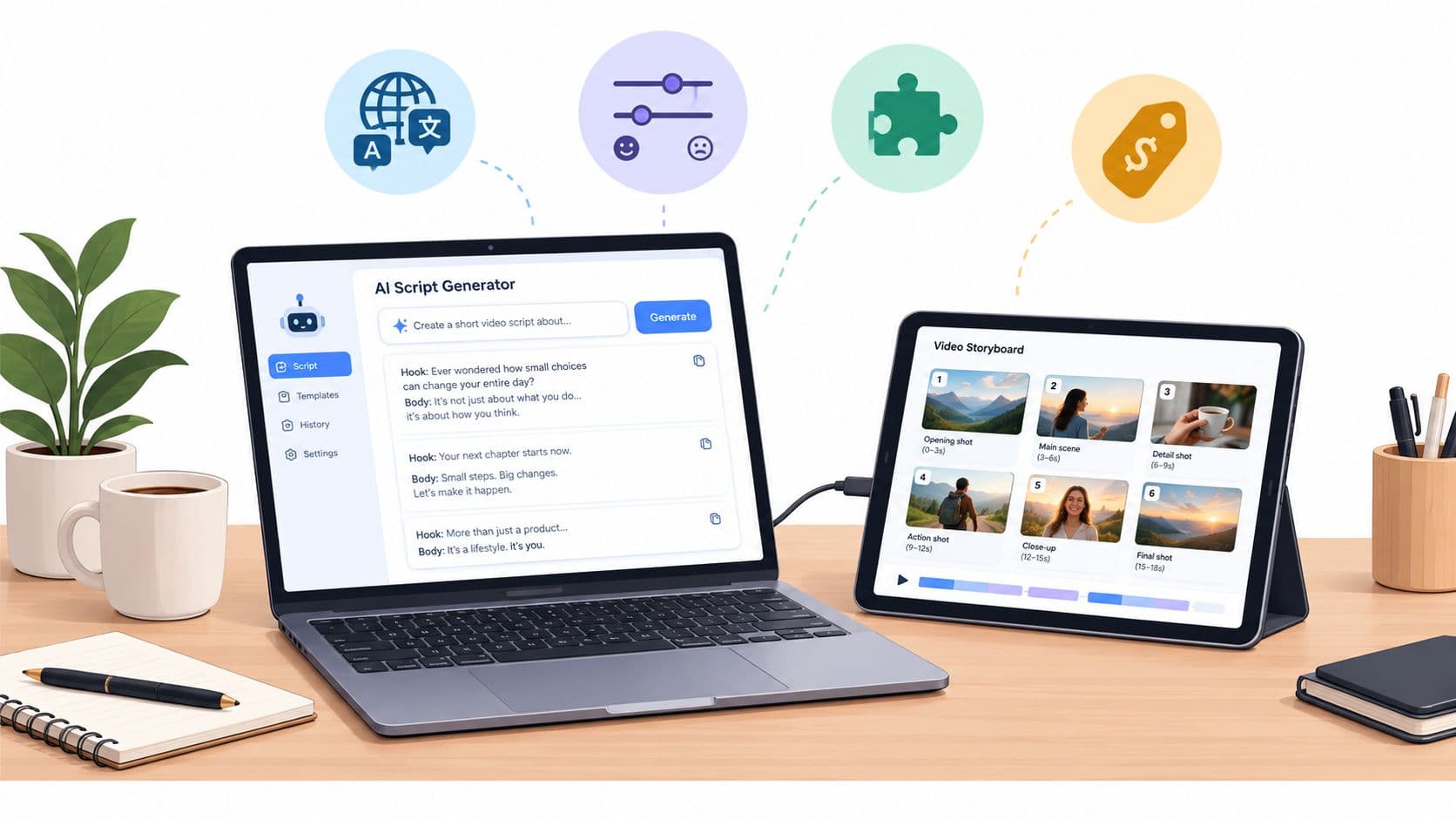
You've written the script, assembled the footage, and prepared the captions. Then the production queue stalls because every video still needs a voiceover. Recording each variation by hand is slow, while generic text-to-speech often sounds disconnected from the person or brand viewers are meant to trust.
Voice cloning can remove that bottleneck, but only when you treat it as more than an audio shortcut. A dependable workflow covers speaker consent, source recording quality, model generation, objective testing, video integration, access control, and ongoing rights management. The voice is an identity asset, so the process needs the same discipline you'd apply to brand accounts, customer data, or paid media creative.
The Reality of Scaling Video Voiceovers
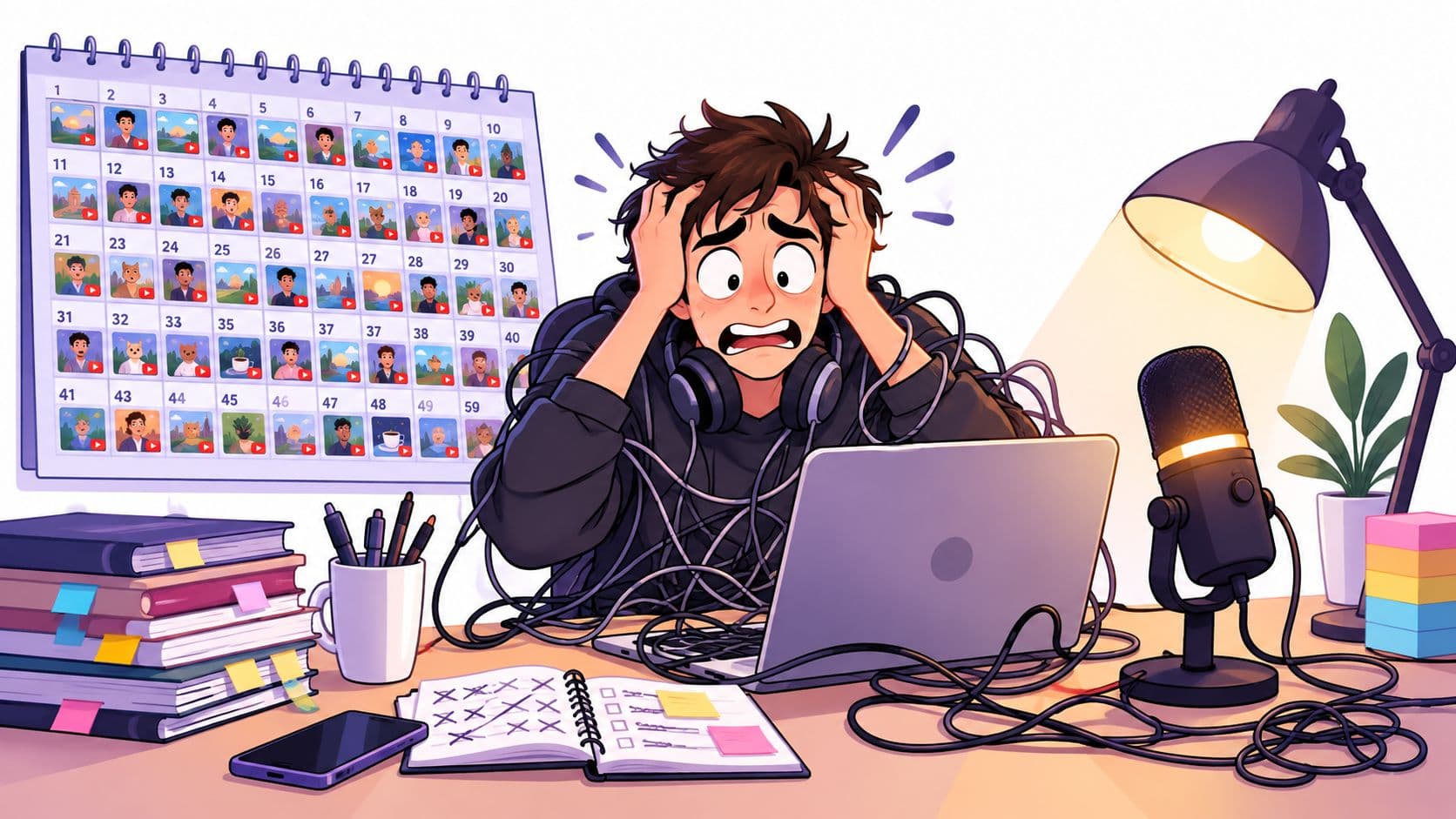
A faceless channel operator can have scripts, visuals, and publishing slots ready while the voiceover remains the slowest part of production. Every new hook needs a fresh take. Every localization needs a new speaker or a new recording session. Small pronunciation changes can force an editor to rebuild the timing of an entire short.
That's why modern cloning matters. Voice synthesis developed from early concatenative methods into neural, few-shot, and zero-shot systems. Google's Tacotron, published in 2017, used attention-based neural networks to convert text into speech, while Tacotron 2 followed in 2018 with recurrent and convolutional components designed to produce more natural-sounding output. Microsoft's VALL-E, introduced in January 2023, demonstrated high-quality generation from approximately a 3-second recording, while preserving characteristics of the source speaker, as documented in this history of voice-cloning technology.
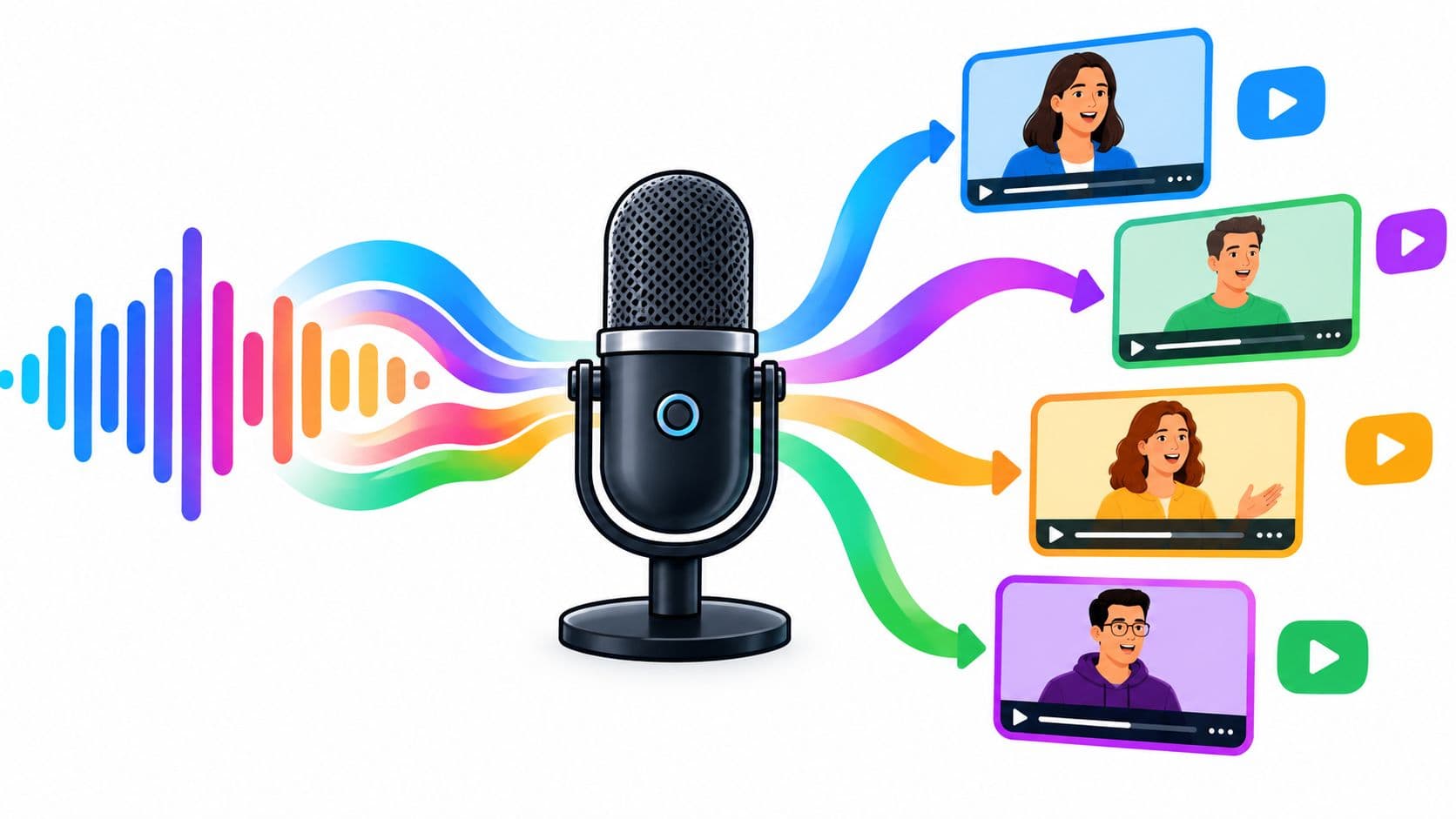
The practical change is not just that generated speech sounds more human. Modern systems can condition output on a short reference sample, which lets a production team create a reusable voice asset instead of arranging a new recording for every script. That asset can support explainers, UGC-style ads, educational Shorts, product demonstrations, and localized versions of the same campaign.
Where the efficiency actually comes from
The gain comes from separating voice identity from voice recording. A creator records and approves the source material once. The production team then supplies text, pronunciation guidance, pacing instructions, and emotional direction for each new take.
That doesn't mean the workflow becomes automatic. Generated speech still needs review for names, numbers, abbreviations, emphasis, and language-specific pronunciation. But the review process is much easier to scale than repeatedly scheduling, recording, cleaning, and editing human takes.
A strong pipeline also keeps the script and audio connected. If the copy changes, the team should be able to regenerate only the affected scene, replace the narration, and preserve the visual edit. That kind of modular production is more useful than a technically impressive clone trapped inside a single finished video.
For creators building a repeatable system, automated content creation workflows provide the broader context. Voice cloning works best as one component in that system, not as an isolated novelty.
Practical rule: Clone a voice to improve production consistency, not to avoid responsibility for who is speaking and where that identity is used.
Preparing Audio and Securing Verifiable Consent
The upload button is not the starting point. The starting point is permission and a source recording that gives the model clean information about the speaker.
Use a single-speaker recording made in a quiet room with consistent microphone placement. Keep the acoustic environment stable from beginning to end. Reverberation, background noise, clipping, overlapping speech, and sudden changes in distance can become part of the learned voice profile, which makes later output less stable.
Prepare the reference material
A practical preparation sequence looks like this:
- Record varied speech. Use a speaker-specific script that includes natural sentences, different phonetic combinations, names, numbers, questions, and changes in emphasis. Variety helps the system model pronunciation and prosody instead of copying one narrow delivery style.
- Clean the files. Remove long silences, clipping, room reverberation, background noise, and accidental overlap. Don't aggressively denoise until the voice sounds metallic. A clean, natural recording is more useful than an overprocessed one.
- Segment the material. Split the recording into short utterances while preserving enough context for natural phrasing. Label the segments so you can trace a generated problem back to the relevant source material.
- Keep a master copy. Store the original recordings separately from processed files. You'll need the unaltered source if you later change preprocessing, migrate tools, or investigate a quality issue.
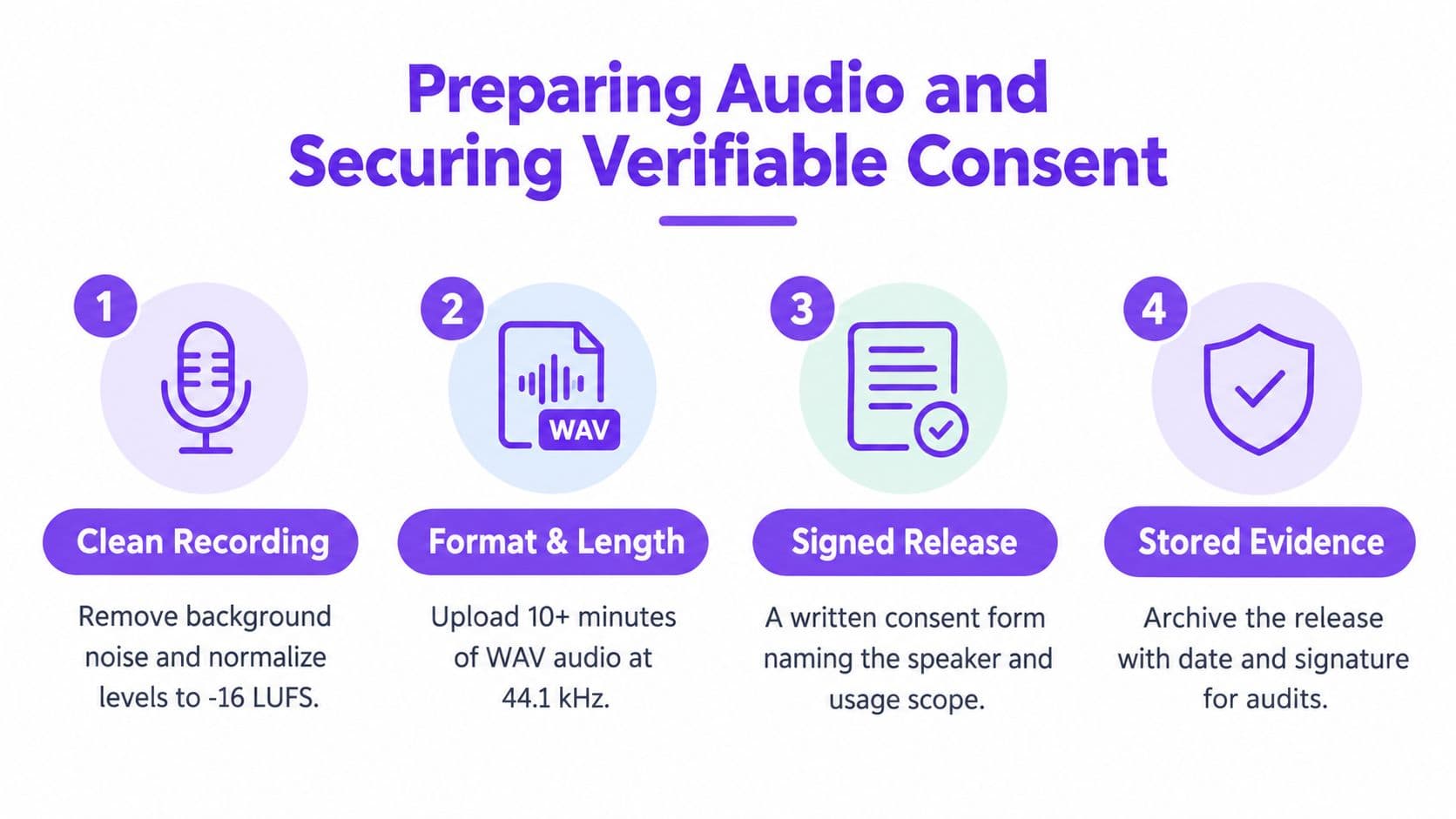
Audio quality and legal permission solve different problems. A flawless recording doesn't authorize identity replication, and a signed release doesn't make poor source audio usable.
Build consent around the actual use
Consumer Reports found that researchers could create clones from publicly available audio in four of six tested products, with those services relying on self-attestation rather than technical confirmation that the speaker had consented, as described in its assessment of voice-cloning products. That finding matters because publicly available audio proves access, not permission.
A defensible consent workflow should identify:
- The speaker: Name the person whose voice will be modeled and connect the release to their verified identity.
- The use case: State whether the clone may be used for social videos, advertising, localization, accessibility, internal training, or other purposes.
- The commercial scope: Cover paid campaigns and client work if the model may support them.
- The language scope: Identify whether translated or multilingual output is allowed.
- The approval process: Define who reviews scripts and generated audio before publication.
- Revocation terms: Explain how the speaker can withdraw permission and what happens to existing model files and published media.
- Evidence storage: Retain the signed release, date, version, and related correspondence in a restricted location.
The distinction between having a right to use an audio file and obtaining informed permission to create an identity-preserving model is critical. A clip downloaded from a podcast, livestream, or public profile may be legally accessible while still being inappropriate for cloning.
For agencies and brands, governance should also specify who can upload reference audio, who can generate output, and who can export the model. The principles described in this guide to voice and avatar governance are useful when several creators, editors, and clients share a production environment.
Generating Clones and Integrating Video Workflows
Once the source material and release are approved, the technical process is straightforward. The operational process is where many teams either gain efficiency or create a new bottleneck.
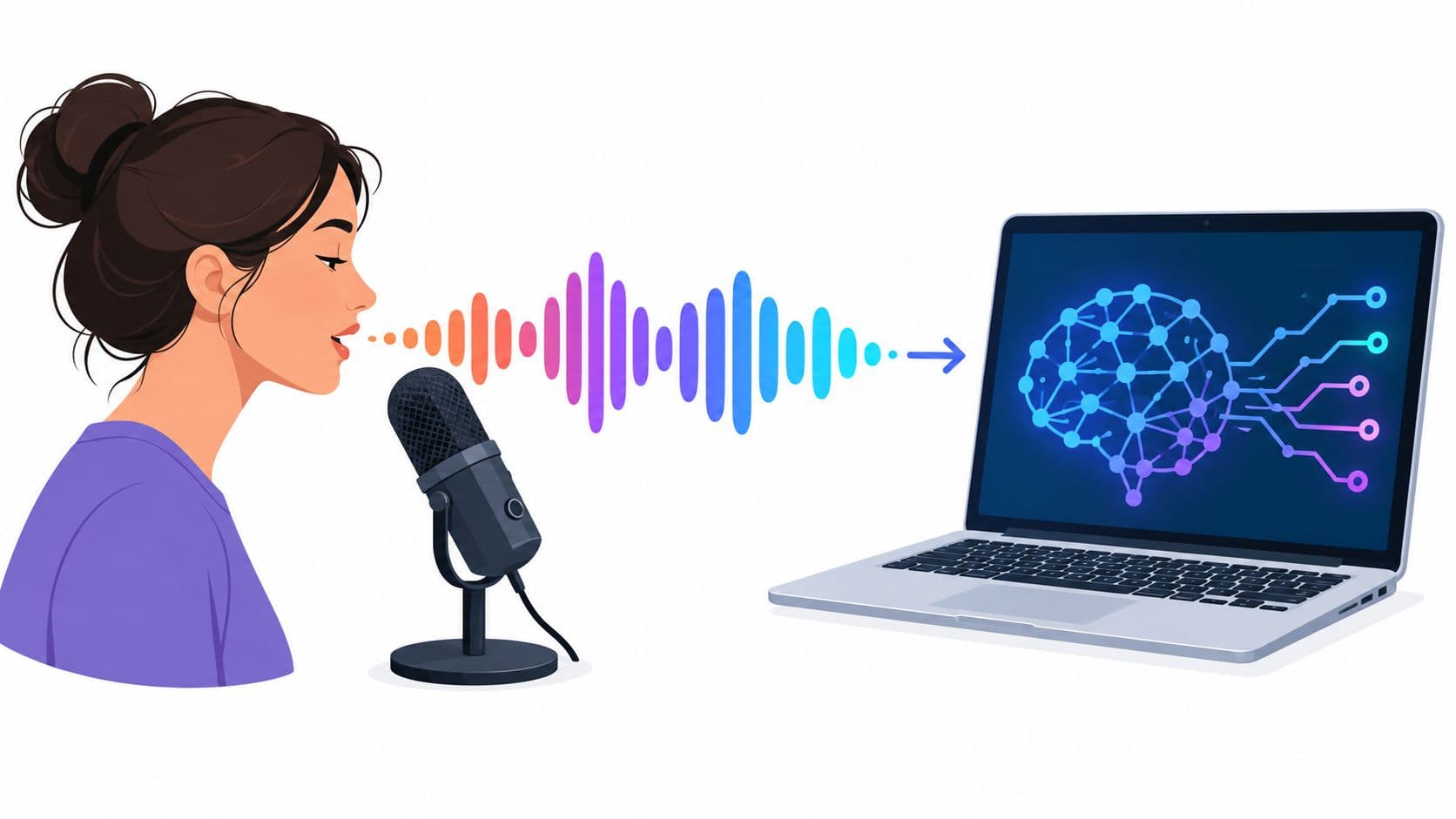
A cloning system extracts a representation of the speaker from the reference audio, often called a speaker embedding or conditioning representation. The system then uses that representation alongside text to synthesize speech. Your job is to control what enters the pipeline and inspect what comes out.
Use a repeatable generation sequence
Start with a short validation script rather than a finished campaign. Include a product name, a person's name, a number, an abbreviation, a question, and a sentence that requires a deliberate change in emphasis. Generate several versions and listen for identity, pronunciation, pacing, and unwanted artifacts.
Then move through the production flow:
- Create the voice asset. Upload the approved reference recording to the selected tool and configure the voice only for the documented use case. Don't use a personal clone as a shared default across unrelated projects.
- Prepare narration copy. Write for speech, not just for the screen. Replace visual shorthand with spoken language, expand symbols that a narrator may misread, and use punctuation to create intentional pauses.
- Generate by scene. Produce separate audio files for hooks, body copy, calls to action, and transitions. Scene-level files make it easier to regenerate one line without disturbing the complete edit.
- Pair audio with visuals. Match the waveform to captions, cuts, on-screen text, avatar mouth movement, and visual emphasis. A technically accurate clone can still feel artificial if the edit ignores breathing, pauses, or sentence rhythm.
- Review before scheduling. Check the rendered video on headphones and a phone speaker. Compression can reveal sibilance, low-level noise, clipped consonants, or volume changes that weren't obvious in the editor.
The most efficient setup treats the clone as a native part of the video assembly line. A script system supplies approved copy, the voice engine generates scene audio, the editor aligns it with visuals and captions, and the scheduler distributes the finished creative to the relevant channels.
Localize meaning, not only pronunciation
Multilingual production introduces risks that a direct translation will not solve. A phrase can be grammatically correct while sounding unnatural when spoken. Product names may need consistent pronunciation across languages, and a sentence that fits one visual cut may become longer after translation.
Create a language-specific pronunciation list and keep it with the campaign brief. Require a native-language review for claims, names, and calls to action. If the clone supports several languages, test identity and prosody separately in each one, because a voice that performs well in the source language may sound less stable elsewhere.
A platform such as Hooked's voice-cloning feature can fit into this workflow by connecting cloned narration with video creation. The important production decision is not the interface itself. It's whether the tool lets your team preserve approvals, regenerate individual scenes, and keep the voice asset inside a controlled publishing process.
Evaluating Quality Beyond the Human Ear
A voice can sound convincing during a casual listen and still fail in production. The model may pronounce a brand term incorrectly, lose the speaker's identity after a pitch adjustment, or produce an output that becomes harsh after social-platform compression.
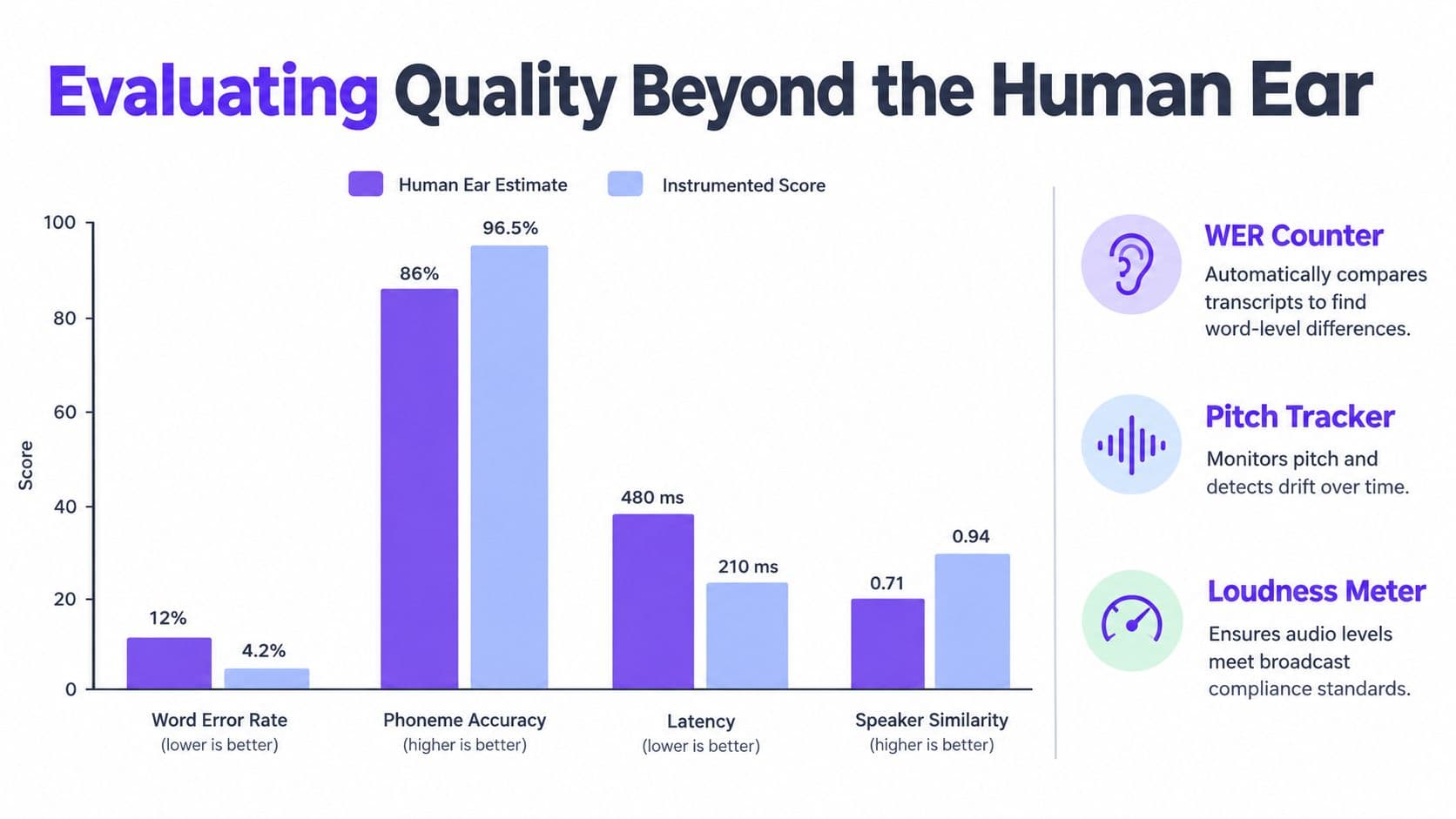
Human review remains necessary, but it shouldn't be the only test. Published evaluations commonly use ASR-based WER or CER, speaker-embedding similarity, and audio-quality scores rather than a single success rate. One benchmark comparison reported WER values from 1.03% to 18.40% and naturalness scores from 2.35 to 2.91 on a 5-point UTMOS scale, showing how widely results can vary by model and test condition in the ZeroTTS benchmark documentation.
Separate the three quality questions
Word Error Rate, or WER, measures transcription accuracy. Automatically transcribe generated audio and compare the result with the intended script. WER exposes skipped words, substitutions, repetitions, and number-reading errors that a reviewer may miss while focusing on overall naturalness.
Speaker similarity measures whether the output still resembles the authorized speaker. Compare reference and generated speaker embeddings with cosine similarity, or use a speaker-verification test that asks whether two samples sound as if they came from the same person. This catches identity drift after denoising, pitch changes, language changes, or platform compression.
Mean Opinion Score, or MOS, captures perceived quality. Human listeners rate naturalness, clarity, and overall acceptability. MOS is useful because a technically accurate transcript can still sound robotic, breathless, distorted, or poorly paced.
These measurements answer different questions:
| Check | What it reveals | Typical failure |
|---|---|---|
| WER or CER | Whether the words are correct | A product name or number is misread |
| Speaker similarity | Whether identity is preserved | The voice sounds generic after processing |
| MOS or an audio-quality estimator | Whether the result is pleasant to hear | The output is intelligible but tiring |
Design a test set that attacks the model
Keep a held-out set that the model does not see during setup. Include names, numbers, abbreviations, multilingual terms, emotional styles, long-form passages, and awkward sentence structures. Generate several takes per prompt, transcribe each file, compare embeddings, and reject output that crosses your predefined error threshold.
The threshold should reflect the use case. A rough internal draft can tolerate more manual correction than a paid advertisement or accessibility narration. Record the reason for every rejection so the team can identify recurring failures instead of repeatedly fixing the same symptom.
Keep human listening at the end of the pipeline. Review the final compressed video, not only the clean generated file. The viewer experiences the complete combination of voice, music, captions, visuals, and platform encoding.
Navigating Security Risks and Compliance Rules
A natural-sounding clone is not proof that a person is speaking. It also isn't proof that the person authorized the message.
That distinction becomes dangerous when teams use voice alone for customer support, account recovery, creator payouts, payment approvals, or sensitive ad changes. A listener may fail to distinguish real and cloned speech, while an authentication system may also struggle with high-quality forgeries. Watermarks and detectors can support provenance, but they should be treated as traceability aids rather than universal protection.
Keep voice outside the authentication decision
Use an independent channel for high-risk requests. If a caller asks to change payment details, release an account, approve a campaign, or transfer ownership, require another factor such as a known account action, an independently verified contact, or human review.
Set transaction limits and escalation rules before a deepfake incident occurs. A support agent should know when a voice request is insufficient, who can approve an exception, and how to preserve the audio and account evidence for investigation.
A realistic voice should increase your verification requirements, not reduce them.
Protect the model itself with access controls and audit logs. Limit generation rights by role, record who created each file, separate production from administration, and maintain a revocation process that can disable a model quickly. Add provenance or watermark metadata where the tool supports it, while recognizing that later processing can weaken detection.
Treat regulated calls differently
The United States introduced a direct regulatory issue for AI-generated voices in telephone outreach. On February 8, 2024, the Federal Communications Commission issued Declaratory Ruling FCC 24-17, confirming that AI technologies generating human voices fall under the Telephone Consumer Protection Act category of artificial or prerecorded voice, with prior express consent required for robocalls, as summarized in this overview of voice-cloning scams and regulation.
Creating a clone for an authorized video, accessibility tool, advertisement, or localization project is not the same activity as deploying it in automated outbound calls. Your compliance review should examine the communication channel, recipient consent, disclosure expectations, and the rules that apply in the relevant jurisdiction.
For teams documenting a speaker's identity asset before production, this resource on how to preserve your voice can help frame preservation as a rights and continuity issue, not merely a technical backup. The same mindset applies to cloned models. Store the approved source, the release, model version, and permitted uses together.
Building a Sustainable Synthetic Media Pipeline
A sustainable voice-cloning operation has a clear answer for four questions: whose voice is this, what may it say, who may use it, and how can permission be withdrawn? If the team can't answer those questions quickly, the system isn't ready for scale.
Start with a voice register. Give each model an internal identifier, connect it to the speaker release, record approved languages and use cases, and note the model version used for published assets. Keep generated audio tied to campaign records so an editor can identify where a particular file came from.
Manage change without losing control
Use versioned model assets rather than replacing a clone without notice. When a new reference recording or preprocessing method improves output, test it against the held-out set and compare it with the previous version. Approve the new version for specific workflows before making it the default.
Revocation requires more than deleting a file from one workspace. Identify every system that stores the model, source audio, generated narration, project file, and published export. Pause new generation, assess existing media, and follow the release terms and applicable law when deciding whether published content must be removed or replaced.
Social platforms also alter the final audio through compression, normalization, and playback conditions. Maintain a final-output check for the channels where you publish. If consonants disappear or the voice becomes harsh after export, fix the source mix and regenerate the affected scene rather than assuming the platform will correct it.
The Voice Conversion Challenge reported speaker similarity of roughly 70% for top systems under its evaluation design, demonstrating that convincing conversion isn't the same as perfect identity preservation, as discussed in this analysis of voice-conversion systems. That is a strong reason to keep verification, approvals, and model monitoring in the workflow.
Legal review should cover more than copyright in the recording. Teams may also need to consider publicity rights, trademarks, contracts, and ownership of the resulting creative. A trademark copyright patent guide from Coto & Waddington, Attorneys at Law, is a useful starting point for identifying the intellectual-property questions that belong in a broader review.
The operating checklist is simple:
- Consent first: Store speaker-specific permission before creating the model.
- Quality second: Test WER, speaker similarity, and perceptual quality on held-out material.
- Production modularity: Generate narration by scene so corrections don't force a complete rebuild.
- Human approval: Review claims, pronunciation, localization, and final compressed exports.
- Controlled access: Log generation, restrict downloads, and maintain revocation procedures.
- Clear provenance: Label synthetic use where appropriate and preserve records for audits.
Voice cloning becomes reliable when it stops being a button and becomes an identity-management pipeline. Build that pipeline before you increase output, and your team can move faster without turning a production shortcut into a consent, security, or brand crisis.
Hooked combines AI video creation with cloned voiceovers, scripts, visual editing, and scheduling workflows for social content, so you can turn an approved voice asset into repeatable videos without rebuilding every production step manually. Visit Hooked to explore the workflow and decide whether it fits your faceless channel, UGC advertising, or multilingual content operation.