Turning a PDF into a video can feel like a secret weapon for content creation. It's actually a pretty simple process: pull the most compelling ideas from your document, let an AI tool whip up a script and voiceover, and then stitch it all together with some stock clips and animated text. In just a few minutes, you can breathe new life into static reports and guides, turning them into shareable social media content.
Your PDFs Are An Untapped Video Goldmine

Think about all the expertise just sitting on your server, locked away in PDFs. Whitepapers, case studies, product manuals, ebooks—these documents are often the product of countless hours of research and writing. But in their current format, they’re static. This is a huge missed opportunity in a world that runs on short-form video.
Turning these documents into videos is one of the smartest ways to repurpose content. Instead of staring at a blank page and trying to come up with new ideas, you can dig into your most valuable assets and pull out ready-made video scripts. This doesn't just save a ton of time; it also guarantees your video content is based on solid, already-approved information.
Why Visual Storytelling Wins
Let's be honest: dynamic visuals grab and hold attention way better than a wall of text. On platforms like TikTok, Instagram Reels, and YouTube Shorts, where people are scrolling a mile a minute, a sharp video can get a point across in seconds. That same point might take a few long paragraphs to explain in a PDF.
This isn't just a hunch; it's a massive market shift. The whole creator economy is built on tools that can quickly spin up engaging clips from existing content. Research predicts the digital video market will balloon to an incredible $524.06 billion by 2031, pushed forward by a 15.75% annual growth in short-form video alone. This really underscores how critical it is for creators and brands to adapt their content plans. You can explore more about the growing digital video market to get a sense of the scale.
The benefits of this approach are clear, offering a strategic edge in a crowded digital space.
Why Turn a PDF Into a Video
| Benefit | Impact for Creators & Brands |
|---|---|
| Increased Engagement | Videos are inherently more engaging than static text, leading to higher watch times, likes, and shares. |
| Wider Audience Reach | Video content is prioritized by social media algorithms, exposing your ideas to a much larger audience. |
| Improved Information Retention | Viewers are more likely to remember information presented visually and audibly than through text alone. |
| Efficient Content Creation | Repurposing existing, well-researched PDFs saves significant time and resources compared to creating new content from scratch. |
| Enhanced Brand Authority | Consistently producing high-quality, informative videos positions you as an expert in your field. |
By treating your PDFs as a script library, you create a sustainable system that consistently feeds the content beast without causing burnout.
Start thinking of your PDFs as a script library. A single 20-page report could easily be broken down into a dozen short, powerful videos, each one zeroing in on a specific, valuable insight.
This is all about working smarter, not harder. You unlock the incredible potential just waiting in your existing files. For a deeper dive into making the most of what you already have, check out our guide on content repurposing strategies.
Finding Video-Ready Ideas In Your Document

Let's be real: a 40-page report is packed with information, but most of it has no business being in a 30-second video. The first, and most important, step in turning a pdf into a video is to put on your detective hat and start digging for gold. If you try to squeeze everything in, you’ll just end up with a confusing and boring clip that gets skipped instantly.
You need to start reading your PDF through a completely different lens—a video creator's lens. Stop seeing paragraphs of text. Instead, hunt for those standalone nuggets of information that can carry a short, punchy narrative all on their own. The best short-form videos are built on one crystal-clear point, so your job is to find the single most impactful idea on each page.
Hunt for These Content Goldmines
As you're scanning the document, be on the lookout for specific kinds of content that are practically made for the fast, visual world of social media. These are the elements that will become the foundation of your script and visuals.
Here’s what I always look for first:
- Surprising Statistics: Nothing hooks a viewer faster than a shocking number or a data point that goes against common wisdom. A simple line like, “78% of marketers saw a jump in engagement…” is more than enough for one video.
- Actionable Tips or Steps: How-to guides are a treasure trove. You can pull out a single, simple step—like "Use painter's tape for basting"—and build a quick, helpful tutorial around it.
- Powerful Quotes: A sharp, memorable quote from an industry expert or a glowing customer testimonial adds instant credibility. You can easily feature this as animated text to make it pop.
- Key Takeaways: Zero in on summary sections, bullet points, or any bolded sentences that call out the main conclusions. The author has already done the work of flagging these as important.
Remember, this isn't about summarizing the document. It’s about surgically extracting the most powerful snippets that will grab a scrolling user and deliver immediate value.
Adopting a Video-First Mindset
You have to learn to think in scenes, not chapters. A single "scene" on TikTok or Instagram Reels might last only two or three seconds. While reading your PDF, constantly ask yourself: could this sentence, this stat, this idea work as a quick piece of on-screen text or a single line in a voiceover?
A single powerful idea is all you need for one great video. If your PDF contains ten powerful ideas, you don't have one video script—you have ten.
Let’s say you’re working with a case study. The old way of thinking would be to try and tell the entire client story. The video-first approach is to find the single most impressive result—like “slashed customer support tickets by 45%”—and make that the entire video. You can build a much more impactful clip around that one data point than you ever could with a watered-down summary. This laser-focused strategy is what makes a video sharp, engaging, and actually memorable.
Using AI to Write a Script That Hooks Viewers
Alright, you’ve pulled all the golden nuggets from your PDF. Now for the real challenge: how do you turn those bullet points into a story that actually stops the scroll in the first three seconds? This is where AI scripting tools really shine. They're fantastic for turning your raw notes into a script that works, without all the painful guesswork.
Think of it less as "writing" and more as "directing." You've already got your stats, quotes, and key takeaways. Your job is to feed them to an AI model with the right instructions.
And let’s be clear, the magic is all in the prompt. A vague request like "write me a video script" will get you a bland, generic result. You have to be specific.
Crafting the Perfect AI Prompt
A good prompt is like giving an architect a blueprint. You're telling the AI exactly how to build the script for platforms like TikTok or Instagram, where every second counts.
A simple but powerful framework to give the AI is a three-part structure:
- A Snappy Hook: Don't just ask for one. Ask for five different opening lines that build curiosity or drop a surprising fact. For instance, try "Generate a hook based on this stat: 'slashed customer support tickets by 45%.'"
- A Clear Value Proposition: Tell the AI to explain the main idea in one or two clear sentences. This is where you deliver that core insight you pulled from the PDF.
- A Strong Call-to-Action (CTA): Give a direct command. Tell the AI to end with a question like, "Ask the viewer to share their own experience in the comments," or a simple directive like, "Tell them to follow for more tips."
For those who want to really level up their prompting game, digging into a good ChatGPT Prompts Database can be a game-changer. It’ll give you a feel for how to give structured commands that guide the AI to think more like a social media pro and less like a robot.
The quality of your AI-generated script is a direct reflection of the quality of your prompt. Be specific, provide context, and tell the AI exactly what you want the viewer to think, feel, and do.
If you want to dive even deeper, we've put together a detailed guide on writing scripts for our AI builder that’s packed with more advanced techniques.
Matching Your Brand Voice and Pacing
Your script needs to sound like you. Your brand's personality is its biggest advantage, so don't lose it now.
You can actually instruct the AI to adopt a specific tone. Is your brand witty and a little sarcastic? Or is it more educational and authoritative? Just add it to the prompt. Something as simple as, "Rewrite this script in a motivational and inspiring tone" will completely change the vocabulary and sentence structure the AI uses.
This approach is quickly becoming a go-to for modern marketing teams, especially for turning dense documents into engaging videos. The global AI video generator market is expected to explode from 3.3 billion by 2034. Why the massive jump? Because businesses need tools that can quickly convert static PDFs and reports into dynamic content for social media.
Below is a peek at the Hooked AI Video Builder interface. You can see how straightforward it is to plug in your script, pick a voiceover, and get a polished video ready to go.
The entire layout is designed to make the PDF to video workflow feel intuitive and fast, turning your words into a finished product in just a few minutes.
Producing Your Video With an AI Generator

Alright, your script is locked and loaded. Now for the fun part: actually making the video. This is where AI video generators are an absolute game-changer. Forget about the steep learning curve of traditional editing software. We're talking about going from a finished script to a ready-to-post video in just a few minutes. This is your content factory, turning those raw ideas into social media gold.
The whole process feels almost like magic. You just copy your script, paste it into the generator, and let the AI do the heavy lifting. It intelligently slices your text into individual scenes, essentially building a visual storyboard for you right on the spot.
From there, you get to step into the director's chair. The tool will suggest visuals based on the text, but you have the final say. You can easily swap in different stock footage, upload your own branded clips, or pull in specific images that perfectly capture your message.
Selecting a Template and Voice
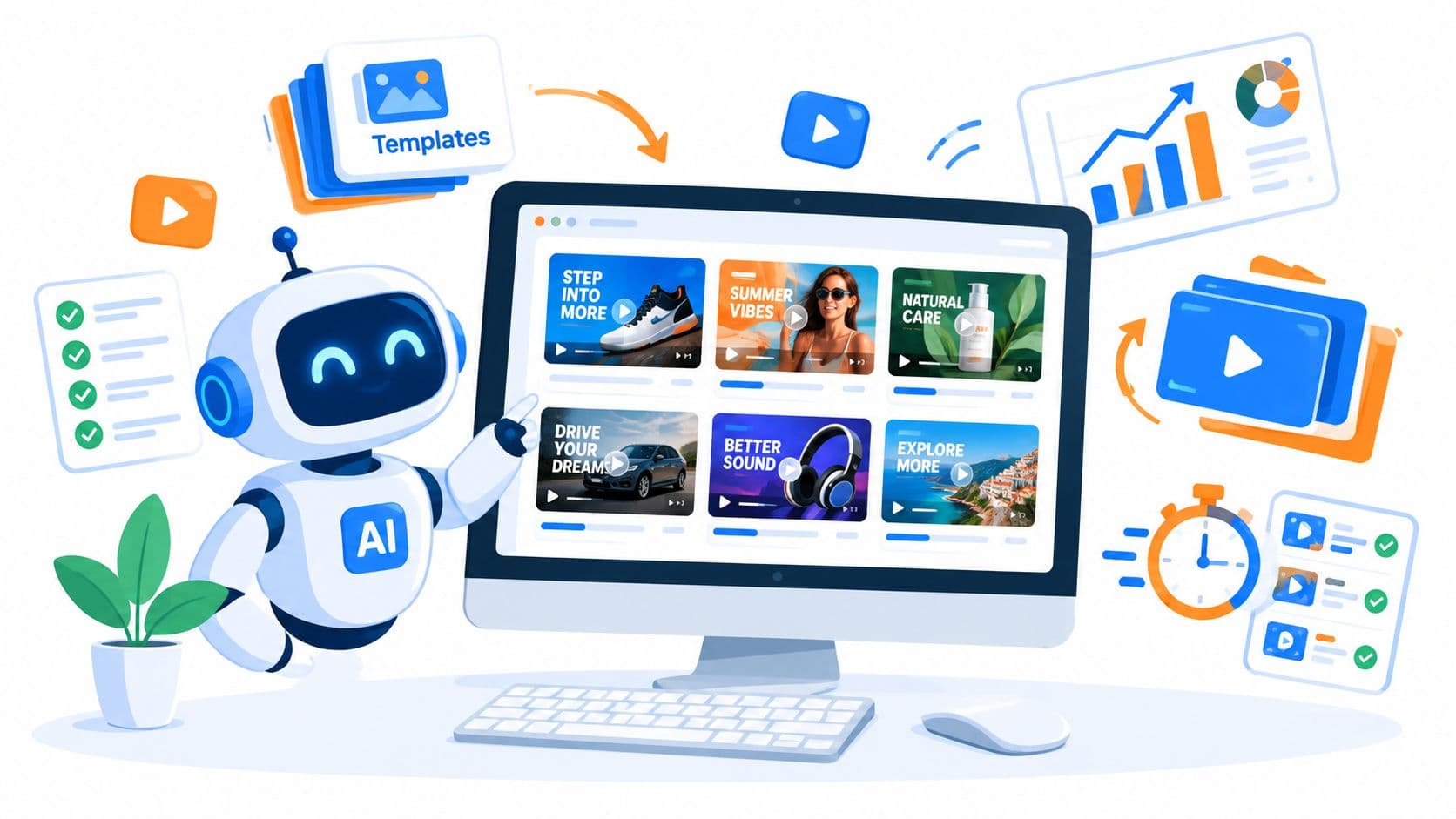
First things first, you'll need to pick a template. Think of these as pre-packaged visual styles that handle all the tricky stuff like animations, text layouts, and transitions. It's a massive shortcut. Try to find templates that are already popular in your niche or just match the general vibe of your script. A template with fast cuts and lots of text on screen is perfect for quick tips, whereas a more cinematic style is better for storytelling.
Next up is the voiceover, which is absolutely critical for making a connection with your viewers. Modern AI voices are incredibly natural-sounding, offering a huge variety of languages, accents, and tones.
Take a minute to listen to a few options and choose one that really aligns with your brand’s personality.
- Enthusiastic and Energetic: This is your go-to for grabbing attention fast and getting people excited about what you're sharing.
- Calm and Authoritative: Perfect for educational content. It builds trust and positions you as someone who knows their stuff.
- Friendly and Conversational: This is great for creating a more personal, one-on-one feeling, like a recommendation from a trusted friend.
Being able to generate a high-quality voiceover in seconds is a huge time-saver. You can get that polished, professional sound without ever touching a microphone. As you get into a rhythm, you can explore some of the best AI tools for content creators to make your entire workflow even smoother.
Fine-Tuning Your Video’s Design
With the main pieces in place, it's time to zero in on the details that make a video feel truly professional and branded. These small design choices are what elevate your content from generic to custom-made.
Here are a few simple but powerful things to focus on:
- Fonts: Go with something bold, clean, and easy to read on a phone. You can't go wrong with sans-serif fonts like Montserrat or Poppins for vertical video.
- Colors: Stick to your brand’s color palette. Using your main colors for text backgrounds or as accent elements makes your content instantly recognizable in a crowded feed.
- Pacing: The AI will automatically time scenes to the voiceover, but don't be afraid to tweak it. Shorten scenes that have less text and give a little extra time to those with more complex visuals to make sure the rhythm feels right.
This new, faster way of creating video is why the AI video presentation market is expected to hit $4.01 billion by 2034. Companies are slashing their old-school video production costs by up to 80% by using these tools. For example, one marketing agency I know of turned a single 20-page industry report into 15 different TikToks. Those videos ended up pulling in 1.2 million views and a significant bump in leads.
Your goal isn't just to make a video; it's to create a piece of branded content. Consistent fonts, colors, and logos build brand recognition and make your content feel more trustworthy and professional.
Tools like Hooked make it ridiculously easy to get from a simple script to a slick, dynamic video. If you're curious, you can play around with our text-to-video generator and see for yourself how fast you can bring your ideas to life. The whole point is to be efficient, letting you pump out more high-quality video content than ever before.
Optimizing Your Video for Each Social Platform

Alright, you've turned a static PDF into a dynamic video. That's a huge win, but don't hit "publish" just yet. The final, critical step is making sure that video is dressed for the right party.
TikTok, Instagram Reels, and YouTube Shorts are three completely different worlds, each with its own culture, algorithm, and audience expectations. A one-size-fits-all approach is the fastest way to get your video ignored. A few small, platform-specific tweaks can be the difference between a flop and a viral hit.
Tailoring Your Video for Maximum Impact
Think of the video you exported from your AI tool as your "master copy." The real magic happens when you adapt it to feel native to each platform. This signals to both the algorithm and the users that your content belongs there.
Here’s what I always check before posting:
- Aspect Ratio and Safe Zones: Yes, they all use the 9:16 vertical format. But where they place usernames, captions, and engagement buttons varies. Always preview your video within the app itself. Is your most important headline getting cut off by the "Follow" button on TikTok? Adjust it.
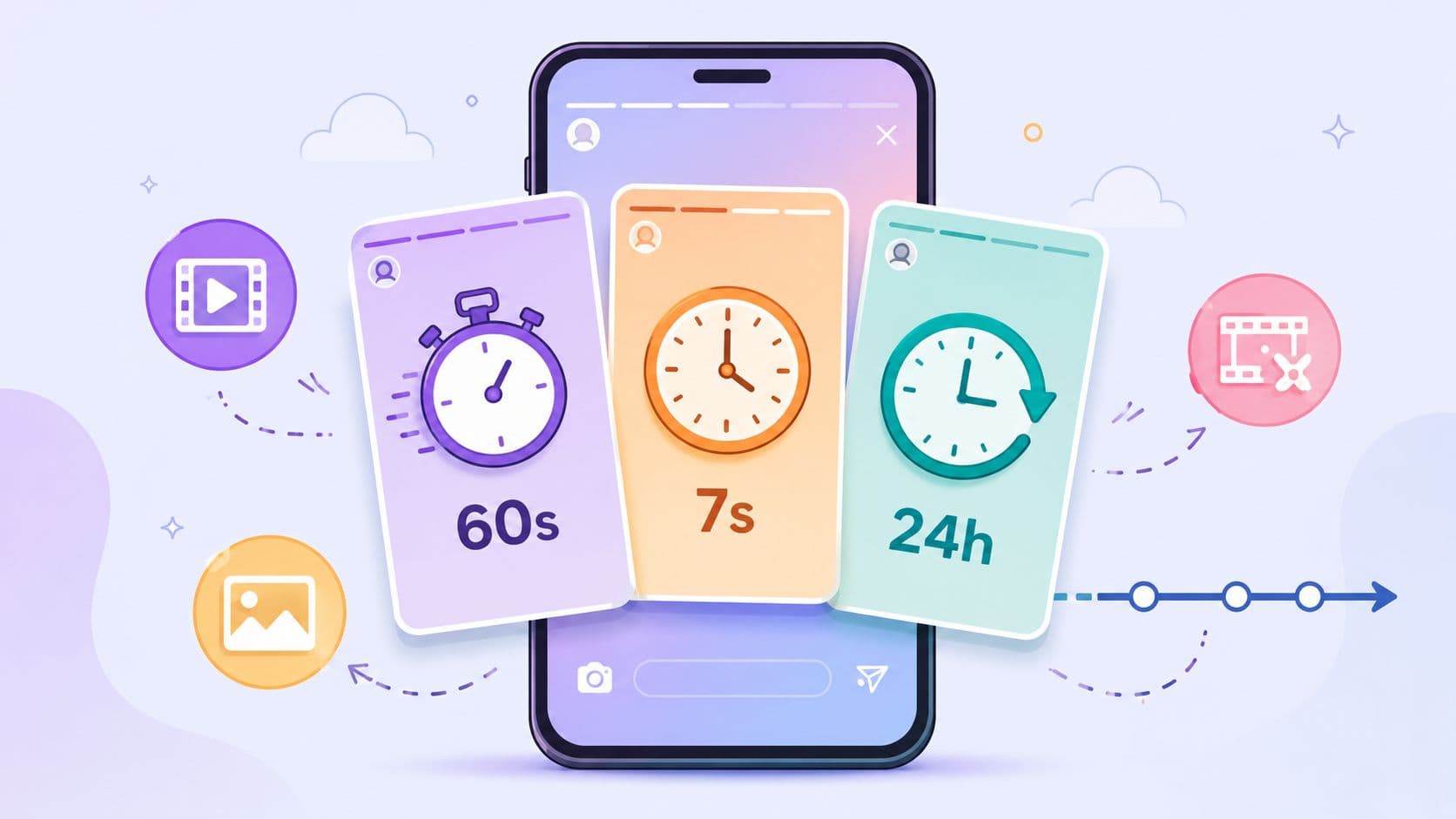
- Video Length: Shorter is almost always better. For TikTok and Reels, I find the sweet spot is often 15-30 seconds. This length makes it easier for viewers to rewatch, which is a powerful signal to the algorithm. YouTube Shorts allows up to 60 seconds, but starting with shorter clips is a great way to build momentum.
- Audio Strategy: This is a big one. Trending audio is the lifeblood of TikTok and Reels. A smart move is to upload your video with the AI voiceover muted, then add a popular sound directly in the app. Let your perfectly-timed on-screen captions carry the narrative. This makes your video instantly feel more current and relevant.
Pro Tip: Treat your exported video as the raw material. The final touches—like adding trending sounds, polls, or stickers—should always be done inside the social media app. This makes your content feel more authentic and less like a pre-packaged ad.
Writing Captions and Hashtags That Work
Your video might be the star, but the caption and hashtags are its essential supporting cast. They provide context, drive engagement, and help the right people find your content.
Crafting Engaging Captions
A great caption doesn't just describe the video; it starts a conversation. Try to kick things off with a hook or a question that people can't resist answering.
For instance, if your video pulls a surprising statistic from a PDF report, your caption could be something like, "Honestly, we did a double-take when we saw this number. Did it surprise you too? 👇" Getting people to comment is gold for the algorithm.
Choosing the Right Hashtags
Hashtags are your video's search engine. A scattergun approach doesn't work; you need a strategy. I use a balanced mix:
- Broad (1-2): These are high-volume tags like
#marketingor#businesstips. They give you a shot at a wider audience. - Niche (3-5): Get specific. Use tags that describe the video's core topic, like
#contentrepurposingor#videostrategy. This is how your ideal audience finds you. - Branded (1): Always include your own unique hashtag to group your content and build a community around your brand.
This simple mix helps your pdf to video creation get seen by a broad audience while also homing in on the people most likely to care about your message. That's how you set your content up for success.
Answering Your Questions About Turning PDFs into Videos
If you're thinking about turning your PDFs into videos, you probably have a few questions. That's a good thing. Getting the answers sorted out upfront will save you a ton of headaches and help you make videos that people actually want to watch. Let's dig into the questions I hear most often.
What Kinds of PDFs Make the Best Videos?
Not all PDFs are created equal when it comes to video. You'll have the best luck with documents that are already packed with "snackable" information—stuff that's easy to break down into bite-sized pieces.
Look for PDFs like these:
- Infographics loaded with standout stats and clear data.
- Whitepapers that have a great executive summary or a "key takeaways" section.
- Product guides that clearly list out features and benefits.
- How-to articles that walk through a series of simple, clear steps.
On the other hand, a dense academic paper or a lengthy legal document is going to be a real struggle to adapt. Here’s my rule of thumb: if you can scan a page and sum it up in one or two punchy sentences, you’ve found a winner.
How Can I Stop My Video from Looking Like a Boring Slideshow?
This is the big one, right? Nobody wants to create a glorified PowerPoint presentation. The key is to add dynamic elements that keep the viewer's eyes moving and their brain hooked.
Start by using an AI tool that handles animated text and quick, clean transitions for you. A good AI voiceover makes a huge difference, too—it needs to sound like it's telling a story, not just reading a script. And please, keep your on-screen text to a minimum. Just highlight the most important words, not entire paragraphs.
A simple formula for engagement: a powerful hook in the first three seconds, one clear idea per video, and a strong call-to-action at the end. Keep each scene to just 2-4 seconds max to hold onto those fast-scrolling viewers.
Can I Really Make Faceless TikToks from a PDF?
Absolutely. In fact, it’s one of the smartest ways to build a high-quality faceless channel. All of your source material is text-based, so you never have to show your face on camera.
You could build an entire brand just by repurposing industry reports, educational guides, or fascinating facts you pull from ebooks. All you need is a natural-sounding AI voice for the narration, mixed with some slick animated text and maybe a few relevant stock video clips. It's a super-efficient way to position yourself as an expert without ever stepping in front of a lens.
What's the Perfect Length for a Video Made from a PDF?
For TikTok, Instagram Reels, and YouTube Shorts, short and sweet is always the answer. The sweet spot for a video converted from a PDF is usually somewhere between 15 and 45 seconds.
That gives you just enough time to drop a key insight or a couple of interesting stats, but it’s short enough that people will stick around to the end. If your PDF has a ton of great content—say, a list of "10 Marketing Tips"—don't try to cram it all into one video. You're much better off creating ten separate 15-second videos. This strategy, sometimes called "content atomization," gives you way more content to post and multiplies your chances of a video going viral.
Ready to turn those static documents into videos that stop the scroll? With Hooked, you can transform any PDF into engaging, viral-ready content in minutes. Start creating today and see just how easy it is to scale your video production.