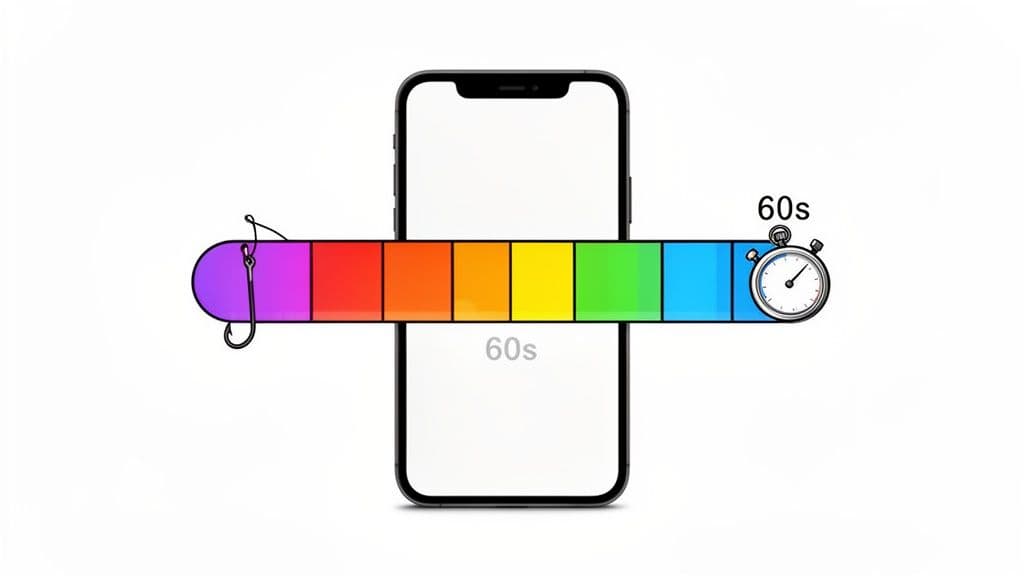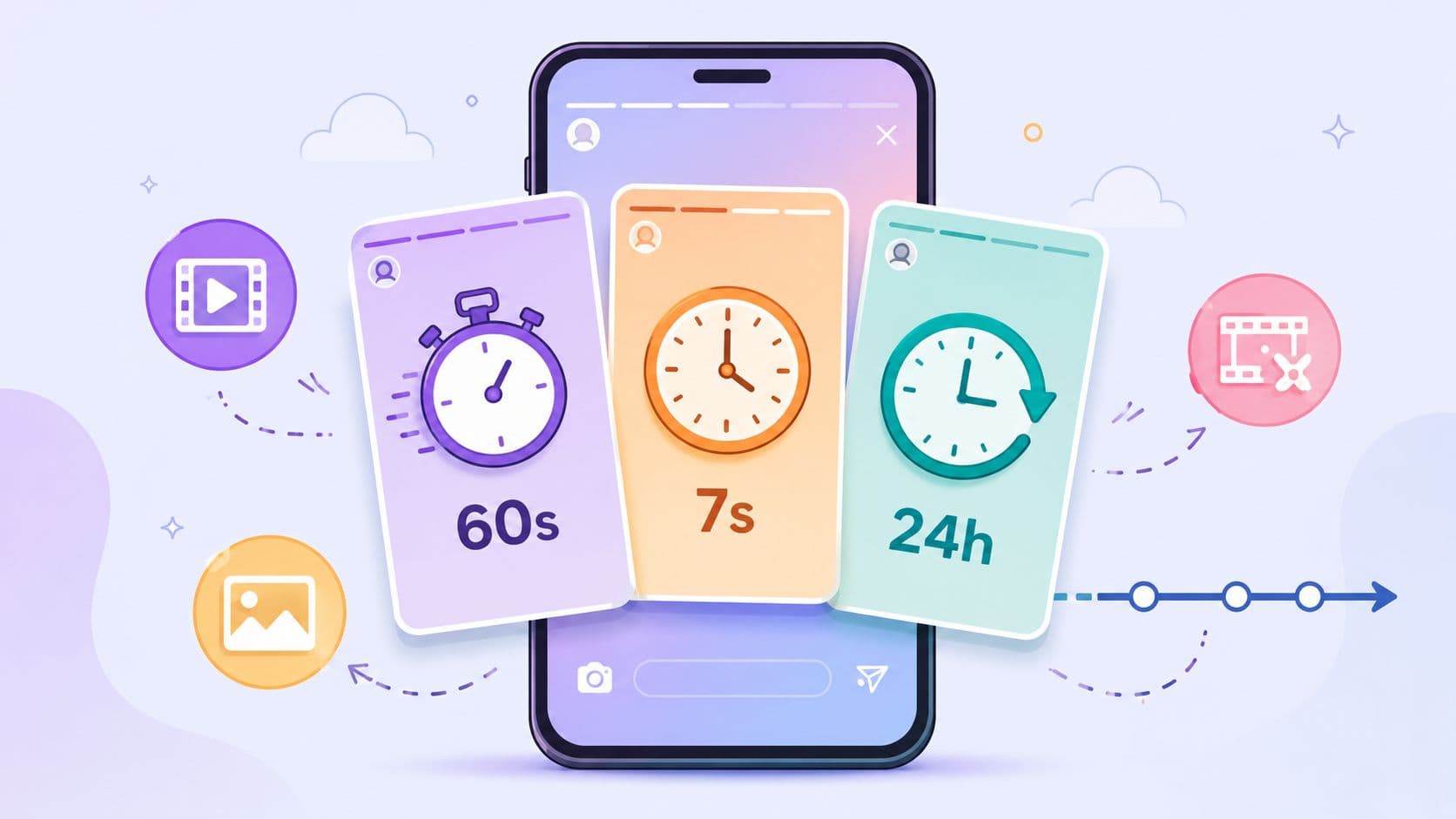
An Instagram Story video can be up to 60 seconds long in 2026, a photo Story usually shows for about 7 seconds, and the whole Story disappears after 24 hours. Those three numbers shape how you plan hooks, pacing, and calls to action, because a Story is short-lived, but not as short as many creators still assume.
If you've only ever heard the old “15-second Story” advice, that's where most confusion starts. The format has changed, the upload rules have changed, and the modern Story is really a mix of temporary distribution and longer single-clip playback, which gives creators more room to tell a complete mini-story without losing the one-day shelf life that makes Stories feel immediate Metricool's Story length guide.
The Three Numbers Every Creator Must Know
How long is Instagram Story? The answer sits on three separate timers. A Story stays visible for 24 hours, a single video Story segment can run up to 60 seconds, and a photo Story usually displays for about 7 seconds An infographic titled The Three Numbers Every Creator Must Know, explaining 24-hour lifespan, 60-second clips, and 7-second hooks.. These numbers work together as a layered system, and each one controls a different part of the viewing experience.
One rule for lifetime, one for playback, one for photos
Creators often mix these up on the first upload. The 60-second cap does not mean the whole Story set must fit inside one minute, and the 24-hour lifetime does not change how long a card stays on screen. The lifetime tells you how long the Story remains available, the playback limit tells you how much video fits into one segment, and the photo timing tells you how long a still image holds before the next card appears.
A simple scenario makes the difference clear. A new creator films a 90-second clip, taps upload, and expects one Story card. Instagram does not treat that as one card. It breaks the clip into consecutive segments so the viewer can watch it as a sequence instead of hitting an upload wall Outfy's Story length note.
Practical rule: think in cards, not in one endless upload. If the clip is longer than the card limit, plan the sequence on purpose instead of hoping the app will sort it out for you.

What these numbers mean in practice
Once you separate the three limits, the upload process feels much clearer. A 24-hour lifespan means your post is temporary by design. A 60-second video cap means one Story card can carry more context than the older 15-second model many guides still mention. A 7-second photo display means static visuals need to communicate quickly, especially if the image carries the whole message.
The main mistake is treating Story length like a single rule. It works like a stack of rules, and once you know which number controls which job, you will stop over-cutting videos, underusing photo cards, and reading auto-splitting as a problem.
What Happens When Your Video Crosses 60 Seconds
A longer Story upload does not get rejected just because it runs past 60 seconds. Instagram usually turns it into consecutive Story cards, with each card still holding to the single-card limit. That matters because the rule applies per card, not to the full sequence, so a long recording can still work inside the Story flow if you plan it as a chain of clips.
How the split feels on upload
A 61-second clip becomes two cards. A 2-minute tutorial becomes several cards. A longer recording can still make it through the Story workflow if the file format and size fit Instagram's technical checks, but files that miss those checks can still be trimmed or rejected. The goal shifts from staying under one minute to making each segment intentional.
A cooking demo shows the difference well. A 3-minute recipe breakdown can become six clean Story cards if each segment has a clear beat, a visible action, and a reason to keep watching. The best versions do not feel chopped up. They feel like a short sequence with rhythm, where each card leaves enough momentum for the next tap.
A long Story upload should behave like chapters in a short lesson. Each card earns the next one.
When you make video-heavy Stories often, it helps to use a workflow that breaks one recording into short pieces without forcing you to trim every cut by hand. For creators who are shaping longer material into Reels-style visuals, create music videos for Reels is a useful reference for how one asset can be reshaped into platform-native pieces. If your process starts from short-form repurposing, Hooked's Instagram Reels generator use case shows the same way of thinking in a more structured workflow.
What to watch for in the preview
When Instagram auto-splits a file, it is not only dividing time. It is keeping the vertical Story flow intact so viewers can tap through the cards in order. That makes the opening frame on each segment more important than many creators expect. If the second card begins with dead air or a weak transition, the break feels obvious and people notice it.
The preview is where you catch that problem before it goes live. If the first frame of a new card does not give the viewer something to follow, the sequence feels like separate clips instead of one connected Story. Think in terms of momentum, not just upload length.
Story Length vs Reels, Live, Posts, and Ads
A Story can disappear after a day, while a Reel or post can stay on your profile. That difference changes how you should plan the video before you upload it. A creator who only thinks about the 60-second Story cap can miss the bigger question, which is whether the content needs to feel temporary, searchable, replayable, or built for a live moment.
A simple format map
| Format | Max length | Lifetime | Best for |
|---|---|---|---|
| Story | 60 seconds per video segment | 24 hours, unless saved to Highlights | Fast updates, teasers, quick sequences |
| Reel | Varies by account and workflow, often used for longer short-form | Persistent on profile | Discovery, repeatable entertainment, educational clips |
| Live | Much longer sessions than Stories | Live only while broadcasting, then replay options depend on setup | Real-time Q&A, launches, events |
| In-feed video post | Longer-form video posting | Persistent on profile | Evergreen explanations, polished uploads |
| Story ad | 60 seconds per card, with extra creative rules | Campaign-based delivery | Direct-response creative, short promotions |
Use the shortest format that still gives the message room to breathe. A quick update belongs in Stories. A short concept that needs stronger discovery may fit Reels better, especially if you are using Instagram Reels generation workflows or planning to create music videos for Reels. A multi-part explanation that needs a longer home may fit a post or a Live replay instead.
Don't forget Highlights
Highlights change how long a Story stays visible, but they do not change the card limit. Saving a Story to a Highlight keeps it on your profile longer, yet the original 60-second per-segment cap still applies. Each card still needs a clean opening, a clear middle, and an ending that makes sense even after the Story is archived from the main feed.
That is why Highlights work best when the Story was built for them from the start. A clip that already reads well in short cards can live comfortably on a profile page. A clip that depends on a single long stretch of context usually feels chopped up once it is saved.
For ad creative, the Story format still uses the same video ceiling, but the production bar is higher. Ads need a tighter hook, cleaner pacing, and stronger visual clarity because the viewer is deciding fast whether to keep watching. If you want a way to turn longer material into platform-ready pieces for different placements, Hooked's social media video use case points to the repurposing workflow creators use across formats.
The Production Specs Behind a Clean Upload
A Story can be the right length and still fail on upload if the file is built poorly. Instagram's Story specs call for a 1080 x 1920 px vertical frame, 9:16 aspect ratio, MP4 or MOV files, H.264 video, AAC audio, and a 4 GB max file size Instagram Story specs. Those settings give you the cleanest path from export to upload.
What each spec means for a creator
Start with the frame. If you shoot horizontally and crop later, you lose control over what stays in view, and you usually spend extra time fixing a layout that should have been native from the start. Exporting at 1080 x 1920 keeps the file matched to the Story canvas, so Instagram does not have to stretch it or make avoidable adjustments.
Choose standard containers and codecs. MP4 and MOV are the safest options because they fit the upload path Instagram expects. H.264 keeps the video readable for mobile delivery, and AAC keeps audio in a format the app can process cleanly. If you use unusual export settings, you make the app do more cleanup than it should.
File size still matters. A 4 GB ceiling sounds roomy, but large files can become slow to upload on mobile networks, especially when the creative includes motion, text, and layered graphics. Bitrate choices affect that balance. Low-quality exports can look muddy on a phone, while heavy exports can trigger extra compression or stall the upload. Keeping the file lean helps the Story open and play the way you intended.
For vertical editing basics, vertical video best practices is a practical reference when you are preparing Stories for mobile screens. If you are turning one larger idea into several platform-ready clips, Hooked's social media video workflow is a useful example of how creators adapt the same source material for different placements.
Upload checklist: vertical frame, correct export size, standard file type, clean audio, lean file weight.
Before you hit post, check the file in plain language. Is it vertical? Does it stay under the size cap? Does the audio stay in sync? Does the opening frame still make sense if the clip gets split into more than one card?
Why the 60-Second Limit Is a Strategic Number
The 60-second cap matters because Stories are not a side feature. Instagram usage data says Stories account for 42.7% of average daily session time, or about 14.6 minutes per active user per day 2026 industry report. That is a large block of attention inside a format many people still treat as temporary. Put differently, the number is not just a timer. It is the size of the window you have before the next swipe.
Attention depth changes the way you plan
The same report says users following 20 or more business accounts spend 19.3 minutes per day on branded Story content, which is 32.4% more time than users following fewer than 10 business accounts. It also says ad recall is 2.8 times higher among users who spend 15 or more minutes per day in Stories than among users spending fewer than 5 minutes in the format. Those figures show why Story length should be treated as a planning rule, not just a technical ceiling.
A Story has to earn attention fast. The first few seconds need to give viewers a reason to stay, because each card sits beside every other Story they are already tapping through. If the opening frame feels slow, the full 60 seconds rarely get the chance to matter.
Make the card budget work harder
Once you start breaking one idea into a Story sequence, the safest approach is short chapters. One card introduces the problem, one card gives the proof, and one card drives the action. That pattern fits the format better than loose talking that wanders until the timer ends.
The same logic helps when you are working from spoken content. If you need a quicker way to turn a talk track into tighter Story pacing, use TransClipper to transcribe Reels gives you a transcript you can trim into smaller beats before you publish.
Practical Tips for Designing Stories That Fit the Limits
The easiest way to stay within Story rules is to design for them before you record. Start by deciding whether your idea is a single card, a two-card sequence, or a longer chapter set. If it's longer than one minute, edit it into logical beats in your phone editor or desktop timeline before uploading.
Turn long clips into clean chapters
A long tutorial works best when each card has one job. The first card grabs attention, the second card delivers the key point, and the third card pushes the next action. If you're repurposing a Reel, trim the opening so the first frame doesn't waste the viewer's attention on setup that belongs elsewhere.
Batching helps too. Film a few Stories in one sitting, then save the best takes and schedule the rollout later. That's the same logic behind content batching for other platforms, and it keeps you from reinventing the wheel every day. If your team wants a scheduler that can publish and automate across multiple channels, Hooked's content scheduler is one example of a tool built around that workflow.
Design for photos, text, and motion
Photo Stories are the easiest place to overtalk the screen. Since they display for about 7 seconds, the text needs to be readable fast and the visual needs a clear point. If the card contains a lot of copy, use it as a tap-through asset, not as a wall of text.
A good sequence can look like this:
- Card 1, the hook: a bold statement or visual question that earns the tap.
- Card 2, the payoff: the useful detail, proof, or demonstration.
- Card 3, the action: reply, swipe, save, or visit a link.
That structure works for reposted Reels, mini-launch announcements, behind-the-scenes clips, and even simple photo updates. It also makes it easier to stay consistent when you're publishing from a library of ideas instead of making each Story from scratch.
If you're building Stories regularly and want a system that surfaces content patterns, drafts short-form ideas, and helps you produce on-brand video without spending hours editing, Hooked fits naturally into that workflow. I'd still keep the creative decision in your hands, but a tool that speeds up short video assembly can make it much easier to hit the Story specs every day.
Habits That Make Every Story Count
A Story performs best when each card has one job. The first frame should earn the tap, the next frame should deliver the point, and the final frame should give people a clear next action. That rhythm keeps viewers moving through the sequence instead of dropping off halfway.
Repurpose strong clips into 60-second chapters instead of forcing one long take to do everything. A clean approach is to break a larger idea into small Story-native pieces, then publish them in order so each card feels complete on its own. That is easier to follow, and it is easier to test because you can see which part of the sequence keeps attention.
For evergreen material, Highlights give you a second life beyond the 24-hour window. A Story that answers a common question, shows a product detail, or introduces a recurring offer can keep working after the original post disappears. Use Highlights as a shelf for the Stories you want visitors to find later.
Quick FAQ
Can I post a 2-minute video as one Story? Instagram splits longer uploads into consecutive segments, so the viewer sees a sequence of cards instead of one continuous Story. If the clip matters in full, cut it into parts with clear breaks so the change from one segment to the next feels intentional.
Do Highlights change the Story length limit? No. Highlights extend how long the Story stays visible on your profile, but they do not change the original per-card cap. The upload rules stay the same even after the Story is saved.
Do Story ads follow the same 60-second limit? The same card ceiling applies, but Story ads also have extra production rules and delivery expectations. That means the content has to fit the format and the ad setup at the same time.
What's the safest mental model? Treat Stories as temporary chapters, not one long video stream.
If your team wants a system for turning short-form ideas into repeatable Story workflows, Hooked's content scheduler fits that kind of process. It helps you plan, build, and schedule story-friendly content around the right length and format without rebuilding every post from scratch.