Your content calendar says three TikToks are due this week. Your phone is balanced on a stack of books, the room behind you isn't camera-ready, and you don't have the energy for another take. An AI spokesperson video offers a different production choice: a synthetic presenter can deliver your script in a vertical, talking-head format without requiring you to appear on camera for every post.
That sounds simple, but the avatar isn't the strategy. The format works when the presenter, script, voice, pacing, disclosure, and platform edit all support the same message. Used well, it can help creators produce consistent explainers and brands adapt messages across audiences. Used carelessly, it can look polished while feeling strangely untrustworthy.
What an AI Spokesperson Video Actually Is
A creator opens a draft, types a short explanation about budgeting, selects a digital presenter, and generates a clip. The presenter looks toward the camera, speaks the prepared words, moves their mouth with the audio, and appears inside a frame designed for a social feed. The creator hasn't filmed a face-to-camera segment, but the message still follows the familiar structure of a human-led video.
That's an AI spokesperson video. It's a short-form clip in which a synthetic presenter delivers a scripted message on screen. The presenter may use a generated face and text-to-speech voice, or a consented custom likeness and cloned voice. The production replaces the filming of the presenter, not the need for a clear idea, useful script, editing, or call to action.

The format is narrower than it sounds
An AI spokesperson video isn't automatically a deepfake. A deepfake generally implies manipulated or generated media that imitates a real person, often without the viewer understanding what they're seeing. A stock avatar created for commercial use is a synthetic presenter, even if it looks close to a real human.
It also isn't an animated cartoon, unless the chosen presenter is deliberately stylized. Nor is it a voiceover video with stock footage. If the screen shows product shots, charts, or B-roll while a voice speaks off camera, the voice may be AI-generated, but the video doesn't use a spokesperson.
The easiest way to separate related formats is to ask what carries the message:
- AI spokesperson video: A visible synthetic presenter speaks directly to the viewer.
- AI UGC: A generated creator-style video may show a product in someone's hands, often with a casual testimonial feel.
- AI voiceover video: The narration is present, but no digital presenter appears on screen.
- AI B-roll: Generated cutaways illustrate the message without a speaking avatar.
Presenters range from near-photorealistic digital humans that can appear convincing on a small phone screen to obviously artificial characters with stylized faces and movements. Neither approach is automatically better. A visible AI style can set expectations clearly, while realism may suit a straightforward tutorial but demand stronger disclosure.
If your broader goal is turning attention into action, you may also find this guide to tools to turn views into sales useful. It treats the video as part of a conversion path rather than as an isolated clip.
How the Moving Parts Fit Together
An AI spokesperson video behaves less like a magic button and more like a small production line. Each station passes an output to the next, and a failure early in the line can remain visible after rendering.
Start with the message
The script is the input layer. You choose the hook, the single idea, the proof or explanation, and the next action. A polished avatar can't rescue a vague opening. “Here are some productivity tips” gives viewers little reason to stop, while “Your task list may be making every task feel urgent” creates a clearer tension.
The voice determines the rhythm. Text-to-speech is convenient, a cloned voice can support identity continuity, and recorded audio can provide more specific performance. The choice affects pauses, emphasis, pronunciation, and emotional temperature. A voice that reads every sentence at the same speed can make even accurate lip-sync feel artificial.
The avatar sets the audience relationship. A stock presenter creates distance from the creator. A custom likeness can support a recognizable brand, but it also introduces consent and ownership responsibilities. A stylized character signals that the viewer is watching synthetic media, which may be the right creative decision for an educational channel.
Let the engine do its separate jobs
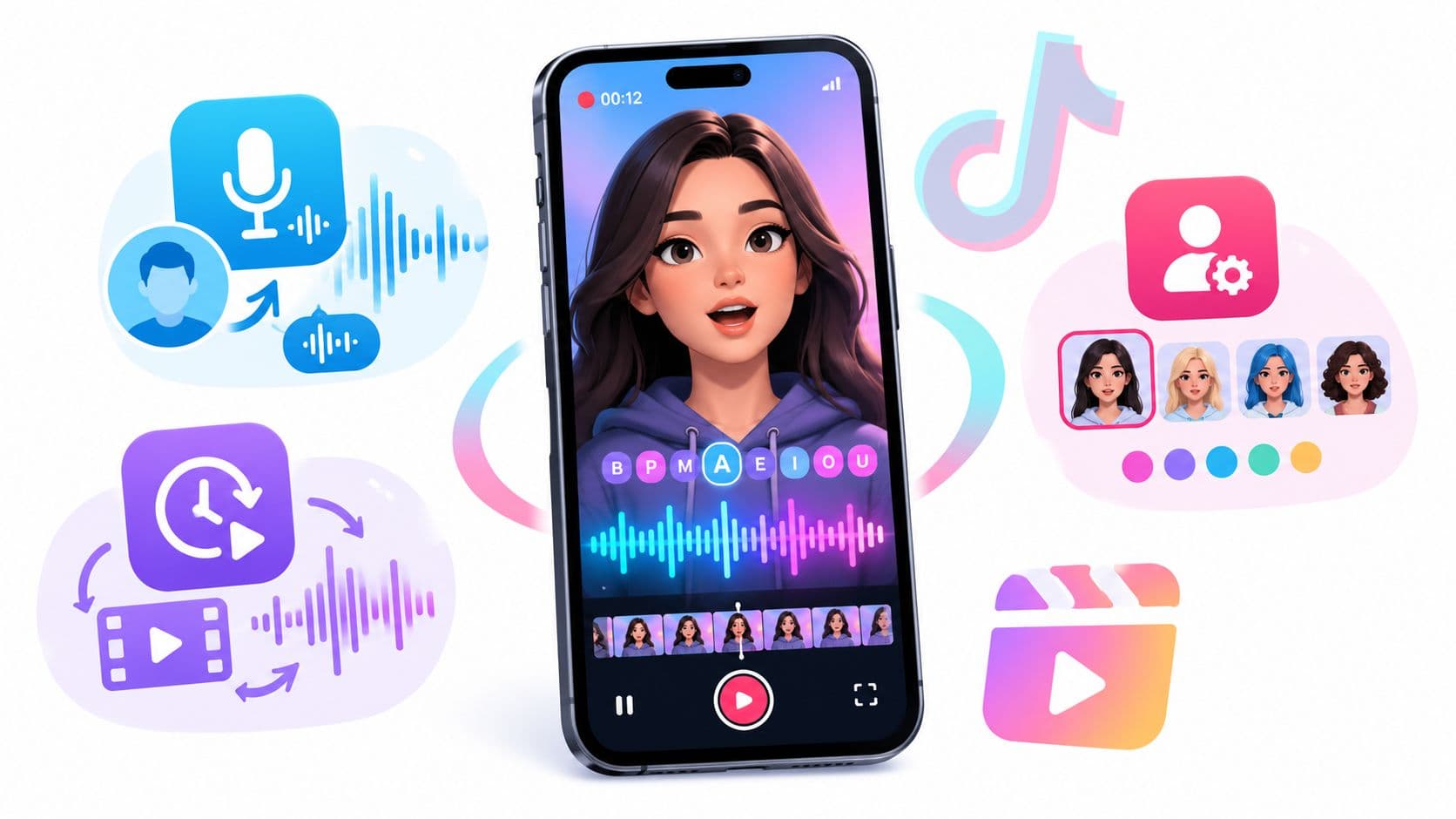
The synthesis layer coordinates several distinct systems. The lip-sync engine maps speech sounds to mouth movement. The rendering system adds eye blinks, head turns, gestures, lighting, and the selected background. Captions and platform formatting then turn that rendered clip into something a viewer can read in a busy feed.
Technical quality needs more than visual sharpness. The AIGC-LipSync Benchmark contains 615 AI-generated clips across realistic humans and stylized characters, showing why lip synchronization deserves separate evaluation rather than being treated as a side effect of image quality. The related survey literature discusses identity preservation, semantic lip-sync, visual fidelity, and spontaneous motion as separate objectives, with measures including ArcFace cosine similarity, SSIM, FID, CPBD, and LRSD in research settings. See this technical guide to detecting deepfake video when you need a clearer vocabulary for synthetic-media quality and risk.
A sharp face with stiff eyes can feel dead. A lively avatar with drifting mouth movement can feel broken. Before choosing a tool, creators comparing talking-avatar workflows can review talking AI avatar options and judge the full stack, not just the preview image.

The final distribution layer includes the vertical frame, readable captions, safe placement for interface controls, and an opening that works immediately. That stack is why replacing one avatar can change the whole feel of a post. The same script may sound authoritative with one presenter, friendly with another, and suspicious with a third.
Where Creators and Brands Are Using Them
The format makes more sense when matched to a production problem. A creator who wants a personal founder story probably needs a real person. A team that must update the same onboarding explanation repeatedly may value a synthetic presenter's consistency more than spontaneous delivery.
| Use Case | Who Uses It | Why AI Spokesperson Fits |
|---|---|---|
| Faceless educational channels | Creators | A presenter can explain finance, productivity, history, or software concepts without tying every post to the creator's face. |
| Sensitive or polarizing explainers | Creators | A synthetic host can create distance when appearing on camera could expose the creator to unwanted attention. |
| Multilingual repurposing | Creators and brands | One approved script can be adapted for different languages without arranging a new filming session for each version. |
| Daily posting systems | High-volume creators | A repeatable presenter keeps the visual identity stable when the publishing schedule is more demanding than the creator's availability. |
| Product explainers | E-commerce brands | A digital host can introduce a feature, demonstrate a use case, and direct viewers toward product information without coordinating talent. |
| Localized advertising | Brands and agencies | Teams can alter language, voice, and message variations while keeping the broad presenter treatment consistent. |
| Training and onboarding | Employers and education teams | Frequent updates are easier when a new script can replace a recording rather than requiring a full reshoot. |
| Social-proof-style ads | Direct-to-consumer brands | An AI presenter can deliver a structured product message, although it shouldn't be presented as a real customer's experience. |
| Customer-support walkthroughs | Software companies and retailers | Short talking-head clips can introduce a solution before screen recordings or written instructions explain the details. |
Creators should be careful with the word “faceless.” An avatar is still a face. It removes the creator from the frame, but it doesn't remove the viewer's need to understand who is speaking and why that presenter deserves attention.
Brands also need to distinguish a spokesperson from a customer testimonial. A synthetic presenter can explain product benefits, but it shouldn't impersonate a real buyer or imply a personal experience that never happened. For creators planning specifically around TikTok production, a TikTok video generator workflow can help connect the presenter clip to the broader format, hook, captions, and publishing process.
The Real Benefits and Honest Limitations
The strongest case for an AI spokesperson video is operational. You can revise a script without booking a studio, keep a presenter treatment consistent across a series, and create versions for different audiences from the same underlying idea. That matters most when the message is clear, repeatable, and more important than the performer's personal identity.
A 2025 preprint comparing synthetic avatar persuasive pitch videos with organic human spokesperson videos found that, on average, the two versions were equally persuasive in controlled pitch settings. The result doesn't prove that every avatar performs like every human in every category. It does show that synthetic presenters had reached performance parity in at least some short-form persuasive contexts, rather than relying only on novelty. Read the preprint comparing synthetic and human pitch videos.
The commercial context is expanding too. Independent market research estimated the global AI video market at about USD 5.50 billion in 2026, with a projection of USD 42 billion by 2033 at a 27% CAGR. A separate industry summary placed the narrower AI video generation market at around USD 946.4 million in 2026, while broader AI video tools reached about USD 4.2 billion in 2025. These figures describe the market, not a guarantee that a creator's individual video will perform well. Review the AI video market estimates.
| Dimension | Benefit | Limitation |
|---|---|---|
| Production speed | Script changes and new versions can avoid another filming session. | You still need to review pronunciation, timing, captions, and visual continuity. |
| Consistency | The presenter can maintain a stable look and voice across a series. | Repetition can make the channel feel generic if the ideas and edits don't evolve. |
| Language reach | The same concept can be adapted for multilingual publishing. | Translated phrasing and voice delivery still need human review for cultural and tonal fit. |
| Privacy | Creators can publish without appearing on camera. | An avatar doesn't automatically create trust, authority, or a genuine personal connection. |
| Persuasion | Controlled pitch research found comparable average persuasiveness between synthetic and human versions. | Sensitive subjects may require human credibility, lived experience, or professional accountability. |
| Visual polish | A clean talking-head frame is easy to standardize. | Lip-sync drift, stiff eyes, awkward pauses, and limited emotional range can expose the generation. |
| Cost planning | Reusable workflows can make repeated production easier to budget. | Credible tools may require subscriptions, usage allowances, or extra editing work. |
Practical rule: AI spokespeople win when volume and consistency matter. Human presenters usually win when emotional nuance, lived experience, or high-stakes trust carries the message.
Short clips also hide defects better than long monologues. Long words, unusual names, fast transitions, and emotionally complex lines give the model more opportunities to reveal weak synchronization or unnatural delivery. Treat the avatar as one production component, not as a substitute for editorial judgment.
Trust, Consent, and Where Synthetic Faces Get Risky
A real person's face and voice aren't just raw materials. If you clone a founder, employee, customer, actor, or creator, document permission for the specific use, duration, channels, languages, and revision rights. A casual agreement to record a video may not clearly authorize an AI clone that can deliver new words later.
The same issue applies to revocation. Teams should know who owns the generated likeness, who can approve scripts, where source files are stored, and how a voice or avatar can be removed from future campaigns. Product workflows that offer photo uploads, voice cloning, or personal AI clones make these questions operational, not theoretical. This avatar policy resource is useful when turning those responsibilities into an internal approval process.
Match disclosure to the viewer's expectation
Synthetic presenters deserve extra scrutiny in medical claims, financial advice, children's content, political messaging, and crisis communications. In these settings, viewers may interpret a calm face and confident voice as evidence of expertise or authenticity. If the presentation depends on that assumption, the format can weaken the message or create avoidable regulatory and reputational exposure.
TikTok and Meta have platform-specific approaches to AI-generated or altered media, so check the current requirements before publishing rather than treating disclosure as optional. A clear label can prevent confusion, but a label doesn't make an unsuitable message suitable.

If a viewer would feel misled after learning the presenter is synthetic, disclose it clearly and reconsider whether an AI presenter belongs in the post.
Creators can also learn how to protect yourself from deepfakes by keeping consent records, monitoring reuse, and making the source of synthetic media easier to verify. Trust is part of the creative brief, not a caption added at the end.
A Short Workflow for Producing One for TikTok
Use a compact workflow that treats the avatar as part of the edit, not the entire edit. Hooked can serve as the working environment for this process, while other avatar tools can handle the generation stage if they better fit your needs.
Build the clip in a deliberate sequence
- Open the workspace and choose vertical: Start with a TikTok-safe 9:16 canvas so the presenter, captions, and visual cutaways have room to coexist.
- Write the hook first: Put a clear tension, claim, question, or pattern interrupt in the opening line. Don't begin with a greeting or a broad introduction.
- Choose the presenter and voice: Match the delivery to the topic. A serious explainer needs a different presence from a playful product demonstration. If you use a custom face or voice, confirm that the consent and usage records are complete.
- Paste a focused script: Keep one central promise. Give the avatar spoken language, including natural pauses and contractions, instead of dense written prose.
- Generate and scrub the timeline: Watch the mouth on names, long words, numbers, and sentence endings. Strong lip-sync can still fail when the eyes, hands, or pauses feel mechanical.
- Add captions and visual changes: Burn in readable captions for sound-off viewing. Insert a brief B-roll or product cutaway every few seconds when it clarifies the point, rather than adding movement only to fight boredom.
- Check the safe zone and export: Keep important text away from interface areas, then watch the final file once with sound and once without it.
The final review should answer four questions: Does the hook earn attention? Can viewers read every caption? Is the synthetic presenter disclosed where appropriate? Does the voice still sound worth listening to when you aren't concentrating on the visuals?

Don't judge the output from the editor preview alone. A clip may look acceptable while paused and feel uncanny at normal speed. Watch it as a viewer would, with the phone held vertically, captions competing with the platform interface, and no knowledge of the production process.
Deciding If an AI Spokesperson Is Right for Your Next Post
Run this quick check before opening a generator:
- Is the topic evergreen enough to survive a synthetic tone?
- Does the post need a founder reveal, personal story, or visible human reaction?
- Is the script mainly narration rather than live response or performance?
- Will this audience accept a non-human presenter in this category?
- Is your publishing cadence high enough to justify building the workflow?
If three or more answers are yes, prototype one short TikTok this week. Review the hook, watchability, caption clarity, disclosure, and audience response before expanding the format across the channel.
An AI spokesperson video is a format decision, not a shortcut around strategy. Choose it when repeatable delivery helps the message, and choose a human presenter when trust depends on the person behind the words.
Hooked combines AI avatars, lip sync, voice cloning, script generation, and short-form video building for creators and brands that want a repeatable TikTok workflow. Visit Hooked to test one focused spokesperson video, review the result in context, and decide whether the format belongs in your publishing system.