
Most advice on choosing an AI video script generator starts with output quality. That's too narrow. A strong draft doesn't help much if you still have to move the script into a separate editor, rebuild scenes by hand, re-record voiceover elsewhere, and manually republish across channels.
The better question is simpler. Where does scripting sit inside your publishing workflow?
That matters because AI video generation is no longer a fringe category. Grand View Research sized the AI video generator market at USD 788.5 million in 2025, with projections to USD 3.44 billion by 2033, which suggests buyers are funding repeatable production systems, not just one-off writing aids. Coverage of the category also shows that buyers increasingly want scripting tied to storyboard, assets, editing, captioning, and publishing in one environment, not as a standalone prompt box, as described in Automateed's review of AI tools for video script writing.
That's why this comparison separates five different tool types that often get lumped together: Hooked's trend-to-video system, platform-native tools like TikTok Symphony, editor-led products like Descript and Kapwing, repurposing suites like Pictory and InVideo AI, and growth platforms like vidIQ. The best fit depends on your channel, your editing tolerance, and whether you prefer transparent ownership costs or ongoing credits.
If your process starts with scenes rather than paragraphs, it also helps to think in visuals early. This guide to a storyboard with Bulk Image Generation is a useful companion once you've chosen your scripting workflow.
1. Hooked

Hooked is better judged as a short-form production workflow than as a standalone AI script generator. That distinction matters because the product starts upstream of writing, with trend selection and repeatable content formats, and continues downstream into editing, voice, and scheduling. Buyers comparing it to prompt-first tools will miss the main tradeoff.
The platform combines training material with a Studio app, so the value is partly operational rather than purely software-based. Instead of opening a blank prompt box, you work from trend cues, niche patterns, and templated video structures, then turn those into short clips with AI-generated scripts, drag-and-drop editing, voiceover, and publishing support for TikTok, Instagram, YouTube, and LinkedIn through Hooked.
That makes Hooked a better fit for teams producing a steady stream of social video than for someone who only needs occasional script drafts.
Why Hooked fits some workflows better than others
Hooked is strongest where scripting is only one step in a larger production loop. Faceless channels, UGC-style ads, AI Shorts, slideshow content, and multilingual short-form all depend on more than words. They require hooks that match the feed, edit patterns that can be repeated, and a way to move from idea to published asset without exporting between several tools.
The practical benefit is less about script quality in isolation and more about reducing handoffs. A creator posting several times a week may save more time from integrated editing and scheduling than from marginally better copy generation. By contrast, a low-volume team with an established editor may not get enough benefit from the full system to justify the setup.
Pricing is also structurally different from many AI video products. Rather than hiding output behind recurring credits, Hooked sells access in one-time packs and asks users to connect their own OpenRouter and ElevenLabs keys. That separates software cost from generation cost. If you publish at volume, that can lower the effective per-video expense and give you clearer control over which AI providers you pay. If your finance team prefers one fixed monthly invoice with no API management, it adds friction.
Workflow fit, cost model, and limits
Three buyer profiles stand out.
- High-output short-form operators: Hooked makes the most sense if you need ideation, scripting, editing, voice, and posting in one system.
- Cost-sensitive producers: The bring-your-own-API model can be cheaper than credit-based platforms, especially when output volume rises.
- Method-driven teams: The training layer is useful if your bottleneck is not writing speed but choosing angles, hooks, and formats that reliably map to social distribution.
The limits are just as clear. Hooked asks users to set up external API keys and accept variable usage costs from third-party providers. It is less convenient than editor-first tools that bundle everything into a subscription. It is also optimized for short-form social publishing, not for teams centered on long-form YouTube essays, collaborative script review, or precision timeline editing.
The clearest recommendation is conditional. Choose Hooked if your workflow starts with trends, ends with scheduled short-form distribution, and runs often enough for lower marginal generation costs to matter. Skip it if you want a pure writing assistant, a fully bundled SaaS editor, or a platform designed mainly for long-form post-production.
2. TikTok Script Generator (Creative Center / Symphony Creative Studio)
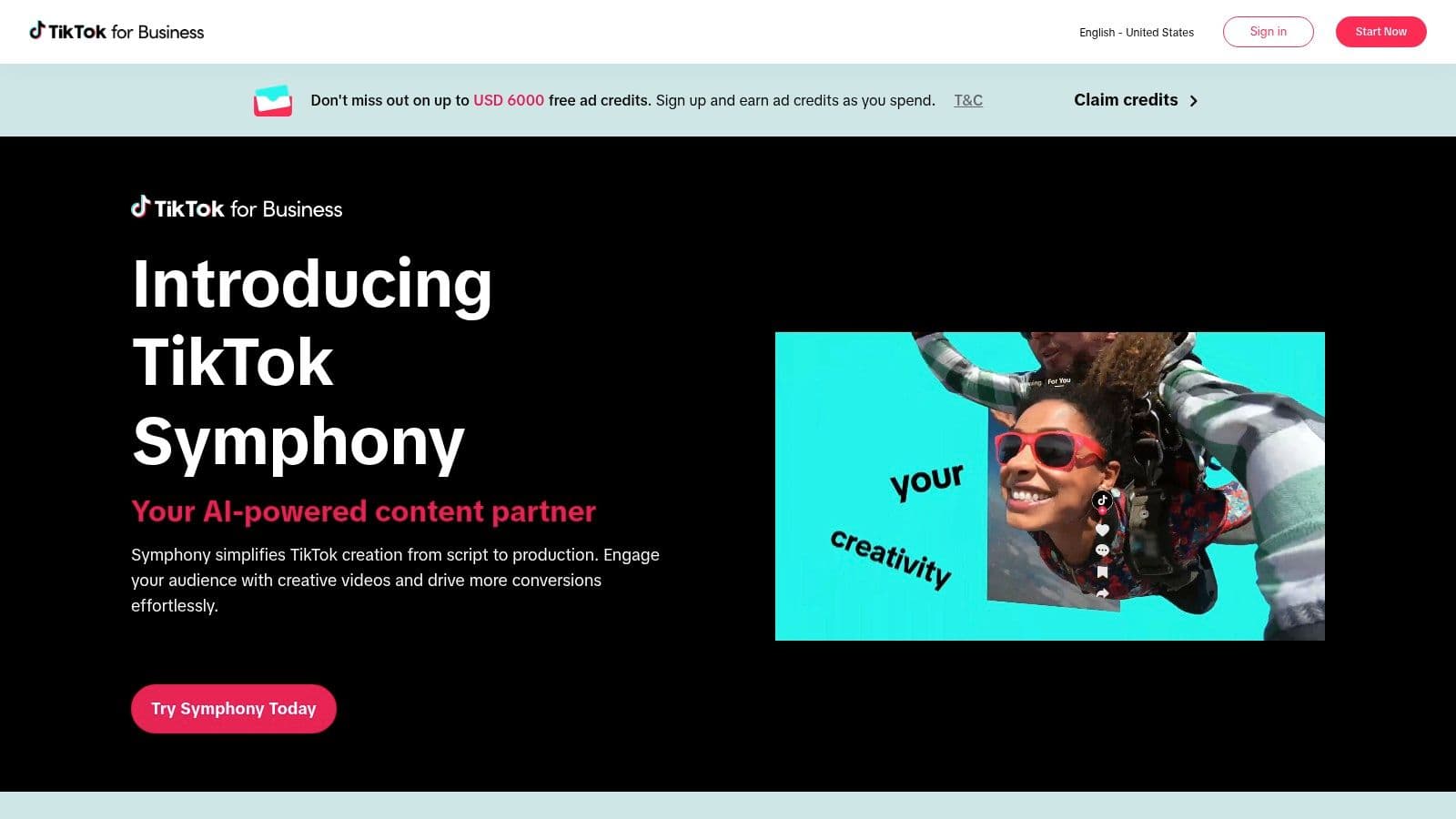
If TikTok is your primary destination, a TikTok-native script generator solves a problem that broader tools often miss. It bakes platform expectations into the draft from the start.
TikTok's Script Generator and Symphony tooling are built for that environment. You feed in product details, campaign goals, or creative prompts, and the output is shaped for TikTok-style hooks, pacing, and ad structure through TikTok Symphony.
Best when the platform is the brief
A lot of script tools claim they handle short-form. TikTok's native option is more opinionated. That's useful because short-form performance often depends less on elegant writing and more on whether the script sounds like something that belongs in-feed.
That matters in a market where AI-assisted video production has already moved into mainstream use. Wyzowl's 2026 survey found that 63% of video marketers used AI tools to create or edit marketing videos, up from 51% the prior year. For TikTok advertisers, the next step isn't adopting AI. It's choosing whether the AI should be native to the platform or external to it.
TikTok-native scripting is strongest when the creative brief is “make this feel like TikTok,” not “make this reusable everywhere.”
TikTok's surrounding ecosystem is a significant advantage. Script ideas can sit close to ad creation, best-practice guidance, avatars, and translation or dubbing features. That makes it a strong fit for advertisers who want tighter alignment between script structure and media buying workflow.
Its weakness is portability. If your team also publishes long-form YouTube explainers, LinkedIn thought leadership, or heavily branded landing-page videos, TikTok's style guardrails can become constraints. It also requires a TikTok business-oriented login path, which may be friction for solo creators who want a simpler standalone writing tool.
3. Jasper (Video Script AI Agent)

Jasper is what an AI video script generator looks like when governance matters as much as output speed. Its Video Script Agent sits inside a broader writing platform designed for teams that need reviewability, consistency, and brand controls.
That changes the buying logic. You're not picking Jasper because it's the fastest way to get one viral hook. You're picking it because multiple people need to generate scripts that still sound like the same company across ads, tutorials, product videos, and multilingual campaigns in Jasper.
Best for brand-governed script production
Jasper's edge is that the script writer is supported by brand voice controls, knowledge grounding, workflows, and collaboration. Those layers matter for in-house marketing teams and agencies managing several clients. They matter less for a solo creator publishing direct-response shorts from a phone.
The practical upside is consistency. You can generate a video script, then keep adjacent campaign assets in the same environment rather than rebuilding the brand context every time. If your team already works from standardized frameworks, a reusable video scripting template can also help you compare Jasper's outputs against your existing process.
- Strong fit for: Marketing teams with approvals, brand guidelines, and several stakeholders.
- Weaker fit for: Solo operators who need a fast script-to-video path more than governance.
- Watch for: The best control layers tend to sit higher in the product stack, so Jasper makes more sense when script generation is part of broader content operations.
Jasper is less compelling if your bottleneck is editing handoff. It writes well, but it isn't primarily an editor or a publishing workflow. That means your team still needs a downstream video environment. For organizations that already have production tools in place, that's fine. For lean teams hoping one purchase will cover draft through export, it creates another handoff to manage.
4. Kapwing (AI Script Generator + Script-to-Video)
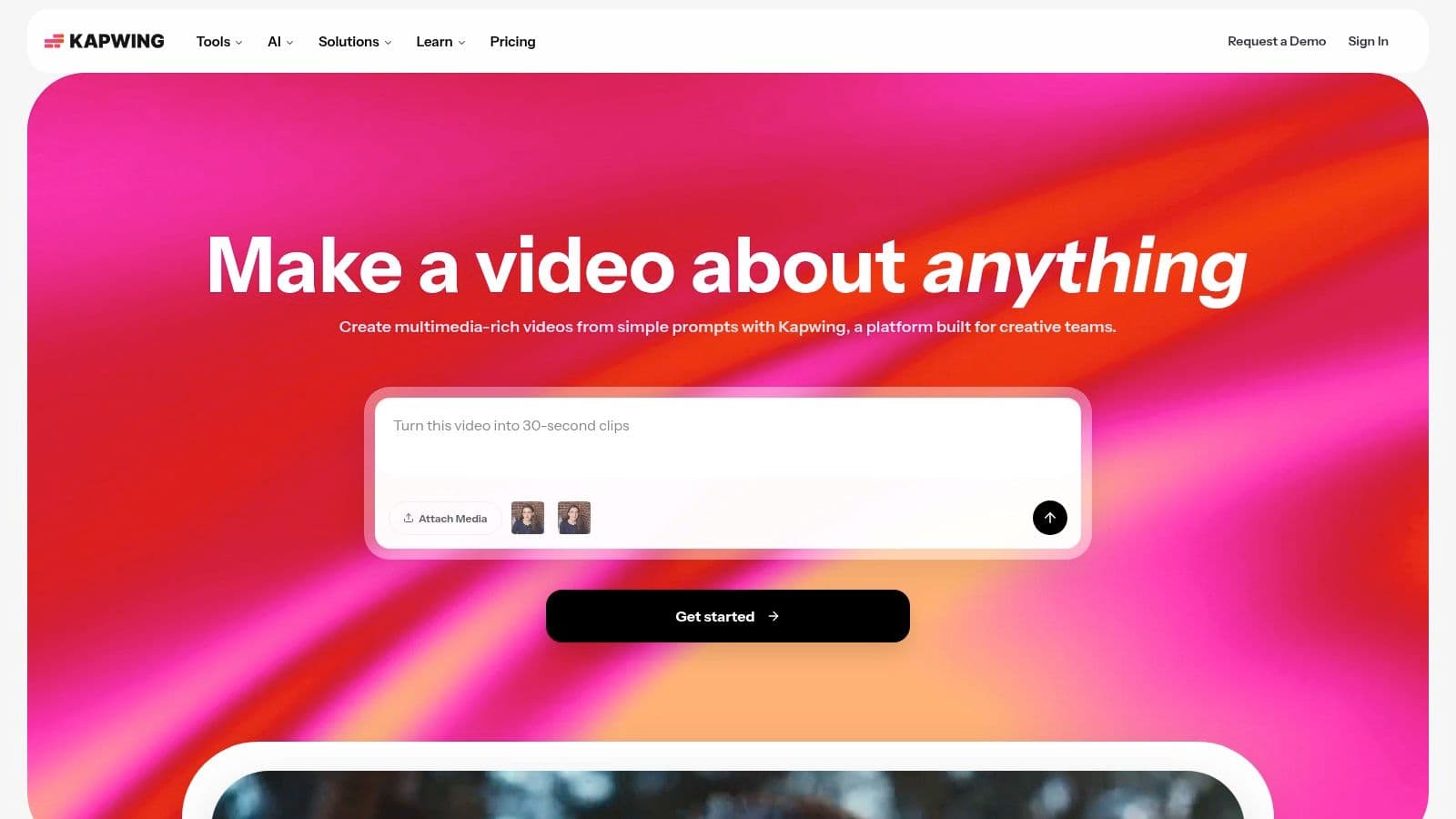
Kapwing is a good reminder that some teams don't need the best writer. They need the easiest route from prompt to editable draft video.
Its browser-based workflow combines script generation with script-to-video assembly, voiceover, captions, templates, stock media, and a timeline editor inside Kapwing. That makes it more practical than standalone writers for teams that want to keep production lightweight.
Where Kapwing makes sense
Kapwing's appeal is accessibility. You can start with a topic or prompt, get a draft script, turn it into a rough cut, and then refine scenes without leaving the app. That's a better fit for social teams and small businesses than tools that produce a script but leave the visual build entirely to you.
If you're evaluating how much you want automated assembly versus manual scene control, it helps to compare Kapwing's model with broader script-to-video workflows. Kapwing sits in the middle. It automates enough to save time, but still gives you a timeline for cleanup.
The best use of Kapwing isn't “write my perfect script.” It's “give me a usable draft and let me fix the weak scenes quickly.”
Its limitations are familiar. Credit tiers and feature splits can complicate budgeting if many people on your team generate variations. It's also less suitable for complex long-form editing than a dedicated non-linear editor. But if your team values low-friction collaboration and fast production of platform-ready clips, Kapwing's end-to-end browser workflow is easy to justify.
5. Pictory (AI Script Generator + Script-to-Video)

Pictory is easiest to justify after the idea is already validated.
If your team already has raw material, such as a blog post, webinar transcript, training document, or article, Pictory can turn that source into a narrated draft video inside Pictory. That changes its role in the workflow. It sits closer to content operations than creative development, which makes it a better fit for repurposing pipelines than for early-stage script exploration.
That distinction matters because an AI video script generator is only one step in production. Pictory handles text ingestion, scene creation, captions, stock selection, voiceover, and team collaboration in one system. It does less to help with topic discovery, hook testing, or platform-native packaging before the script exists. Teams choosing between tools should treat it as a conversion layer between existing written assets and publishable video, not as a research engine.
A simple test helps. Ask whether your bottleneck is "What should we say?" or "How do we turn this into video quickly?"
Pictory performs well on the second question. Marketing teams with libraries of blog content, internal enablement teams turning documentation into training clips, and faceless channel operators adapting long-form text into scene-based videos will usually get value faster here than in ideation-first tools. The workflow is efficient because the script, rough visuals, captions, and narration can be assembled from one source document without rebuilding the structure scene by scene.
The tradeoff is creative range. Pictory can reduce editing time, but it can also standardize output. Videos built mostly from stock tend to converge toward the same visual language, especially across high-volume production. Teams with branded footage, screenshots, product captures, or custom graphics usually get better results because they use the AI for segmentation and assembly while keeping the visuals distinctive.
Pricing also deserves a different lens than feature comparisons alone. Pictory is easier to evaluate if you want predictable repurposing capacity from a business-facing platform, but you still need to check how usage limits, export constraints, and team access map to your publishing volume. For a solo creator producing occasional social clips, it may feel heavier than necessary. For a content team converting existing assets into repeatable explainers, onboarding videos, or educational content, the workflow fit is much stronger because the time saved comes from reducing manual restructuring rather than from generating novel angles.
Choose Pictory if your production process starts with text you already own and ends with straightforward narrated video. Look elsewhere if your main need is trend-led scripting, creator-style hooks, or highly customized editing after the first draft.
6. InVideo AI (YouTube/Shorts/Faceless Video Scripts)
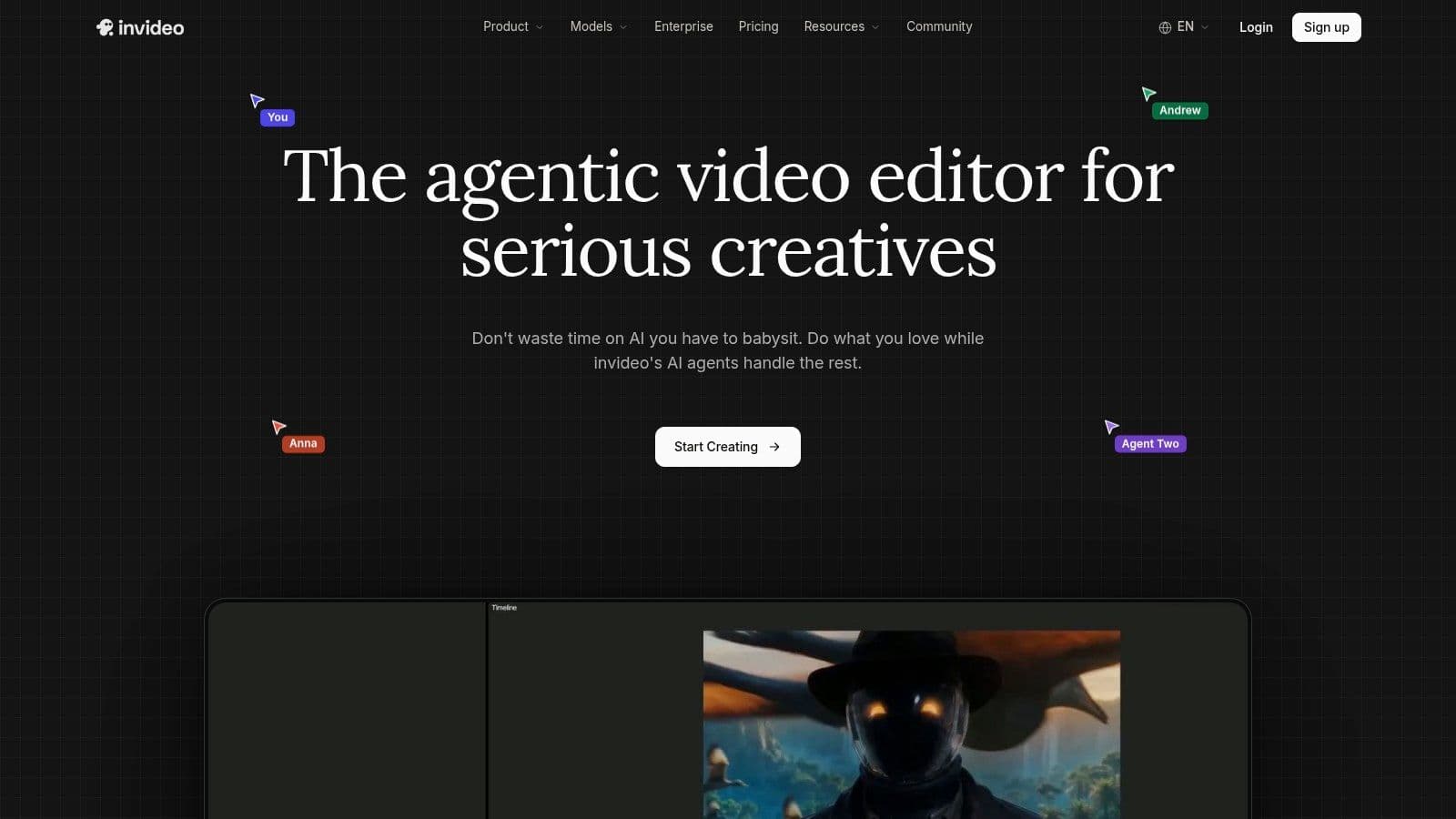
InVideo AI is useful for a specific production model: high output, low setup tolerance, and a willingness to let the platform make many creative decisions at once. You enter a prompt, and InVideo writes the script, maps scenes, assigns stock footage, generates voiceover, adds captions, and assembles a first cut.
That matters because script quality here cannot be judged in isolation. InVideo is selling a compressed workflow, not just a writing tool. If your real bottleneck sits between outline, asset selection, narration, and assembly, its value can be higher than a stronger standalone script generator that still leaves you rebuilding the video manually.
The fit is strongest for YouTube automation, faceless channels, Shorts batches, quick explainers, and ad variations where publishing cadence matters more than detailed visual authorship. It is weaker for teams that already have a defined edit language, strict brand footage rules, or a post-production process built around custom sequencing.
A practical way to evaluate InVideo AI is by asking where your costs show up.
If scripting is cheap for you but editing is expensive, InVideo can reduce turnaround by collapsing several handoffs into one system. If editing is already handled in a dedicated stack, the automation may create rework instead of savings because the draft arrives with stock choices, pacing, and narration decisions you may replace anyway. In that case, a script-first tool or editor-first platform often fits better.
Pricing needs extra scrutiny here. InVideo is easier to justify when your team wants one environment from prompt to publish, but credit-based generation and regeneration can become the budget variable, especially for channels testing multiple versions of the same concept. Transparent flat pricing is easier to plan around than usage models tied to retries, and InVideo sits closer to the second category.
Expect speed. Expect cleanup too.
The scripts are usually serviceable enough to get a video moving, but the first draft can flatten nuance because the writing, visuals, and pacing are optimized together for fast assembly. That tradeoff is acceptable for volume publishing. It becomes a limitation when performance depends on original framing, custom footage hierarchy, or tight control over beat-by-beat timing.
Choose InVideo AI if you want one prompt to carry the project from idea through rough cut and you publish often enough to benefit from that compression. Skip it if your workflow already separates scripting, editing, and platform optimization across specialized tools, or if frequent regenerations would make usage-based costs harder to control.
7. Lumen5 (AI Script Composer)

Lumen5 sits closer to a marketing content platform than a creator tool. Its AI Script Composer ingests prompts, URLs, PDFs, or briefs and turns them into structured scripts for social videos, explainers, and thought-leadership content inside Lumen5.
That positioning matters because many teams buying an AI video script generator aren't chasing virality. They're trying to scale editorial output without breaking brand consistency.
Reliable for marketing teams, less creator-native
Lumen5 works best when a company already publishes written material and wants predictable video versions built from that content. Branded templates, scene libraries, stock integration, captions, and collaboration all support that use case.
Its value isn't novelty. It's operational stability.
Teams that already have messaging discipline often get more from Lumen5 than from creator-first tools that assume every video starts with trend hunting.
The limitation is creative range. Lumen5 is better at converting briefs into clean marketing videos than at producing platform-native hooks for creator ecosystems. It's also more business-oriented in its packaging, which can make it feel heavy for solo operators or very small teams.
If your company needs governed, repeatable blog-to-video production, Lumen5 is easy to defend. If you're building a faceless channel that lives or dies on aggressive short-form packaging, it's probably too restrained.
8. Descript (AI Script Generator inside an Editor)
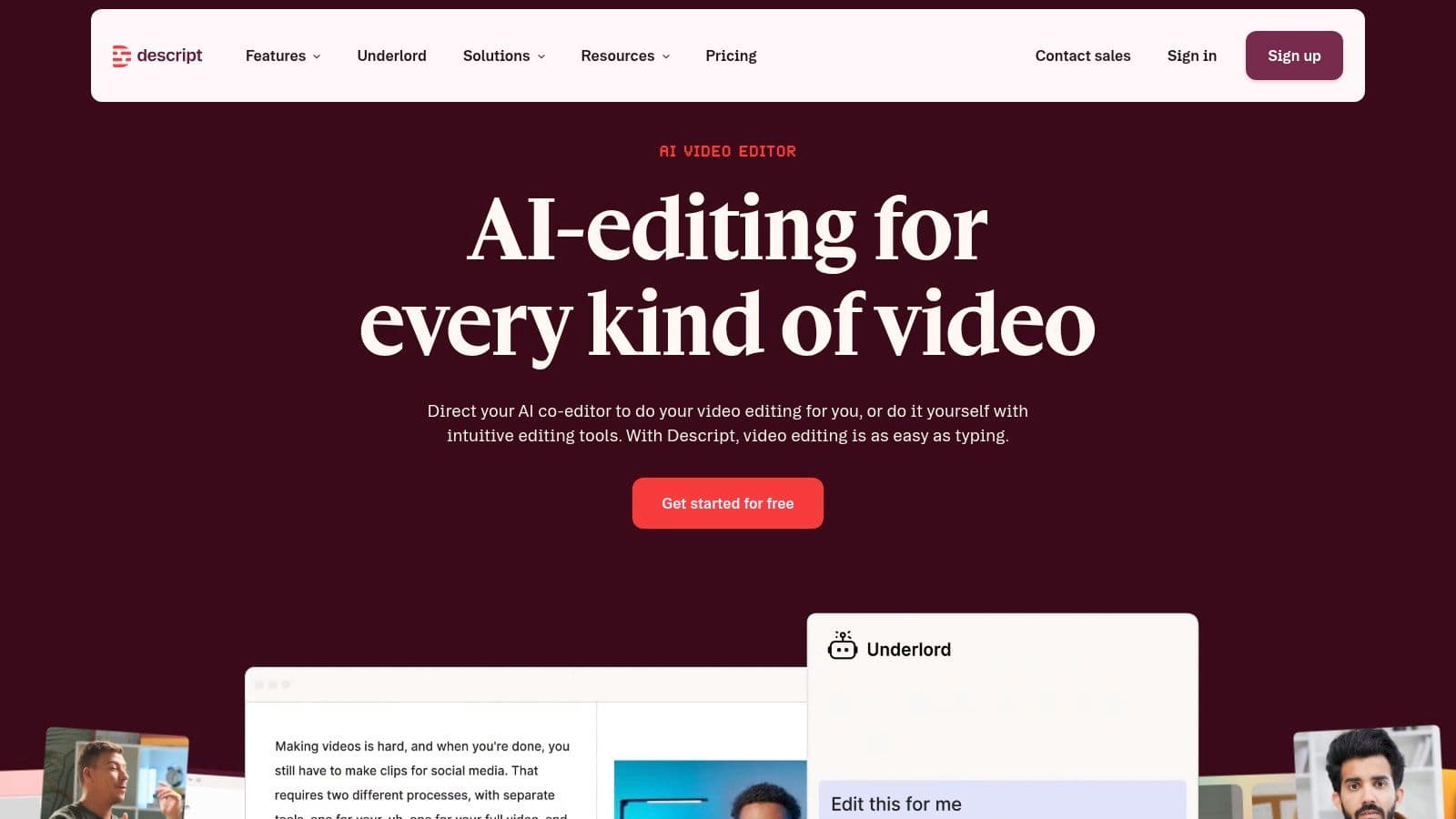
Descript makes the most sense after the script is only one step in a presenter-led production system. If your workflow includes drafting, recording, transcript editing, clipping, and republishing, keeping the script generator inside the editor can save more time than a stronger standalone writing tool.
That workflow fit separates Descript from script-to-video products. You are not generating a draft and handing it off to stock scenes. You are writing for a human voice, then editing the spoken performance through text inside Descript.
The practical upside is less tool switching. A coach recording lessons, a founder publishing weekly updates, or a podcast team cutting interviews into shorts can move from outline to final edit in one environment. For teams still tightening their process, this guide on how to script a video for recording and delivery helps clarify whether Descript's AI drafts will match the way the speaker talks on camera.
Descript is therefore strongest when editing is the bottleneck, not ideation.
Its script generator matters because it sits beside transcript-based editing, filler-word cleanup, captions, clip extraction, AI voice features, and overdub. That combination changes the economics of revision. If a line reads awkwardly after recording, you can often fix it in the same workspace instead of rewriting in one tool and re-editing in another.
There is a tradeoff. Descript is weaker for high-volume faceless production where the goal is to turn prompts into stock-backed videos as cheaply as possible. It is also less transparent than flat, simple pricing models if your team relies heavily on usage-based AI features, since credits and feature limits can shape the monthly cost.
A useful way to evaluate it:
- Choose Descript if you record real people and want scripting, editing, and repurposing tied together.
- Skip it if your priority is bulk script generation for automated Shorts, listicles, or slideshow videos.
- Check pricing closely if multiple editors will use AI voice or generation features at scale.
Descript does not win on breadth of concept generation. It wins when the script has to survive contact with an actual speaker, then move quickly into editing and publishing. For education, interviews, internal comms, and talking-head content, that is often the more important constraint.
9. vidIQ (YouTube-Focused Script Writer and AI Content Generator)
vidIQ treats the AI video script generator as one piece of a YouTube growth stack. That's the right framing for creators whose real bottleneck isn't writing. It's deciding what to publish and how to package it for search and retention.
Its AI Script Writer, idea generation, keyword tools, competitor tracking, and browser-oriented workflow are all tuned for YouTube inside vidIQ.
Best when discovery drives the brief
vidIQ's advantage is upstream context. A script generated after topic research and channel analysis is usually more useful than a script generated in isolation. That's especially true for YouTube, where the title, concept, metadata, and opening structure are tightly connected.
This matters even more as platforms tighten enforcement around low-originality, mass-produced content. Recent trend coverage has noted stricter platform enforcement and the need for human-in-the-loop editing, especially for brands and faceless channels that want monetizable scale without drifting into generic output, as covered in Clippie's analysis of AI video creation trends.
vidIQ is therefore strongest for creators who want AI to support judgment, not replace it. The script writer can accelerate production, but the surrounding growth tools are the reason to buy.
Its downsides are straightforward. Credit accounting can feel opaque, and the platform is less relevant if you publish mostly on TikTok, Instagram Reels, or LinkedIn. For YouTube-first operators, though, discovery-informed scripting is a meaningful edge.
10. Canva (AI Script Generator via Magic Write + Video Editor)
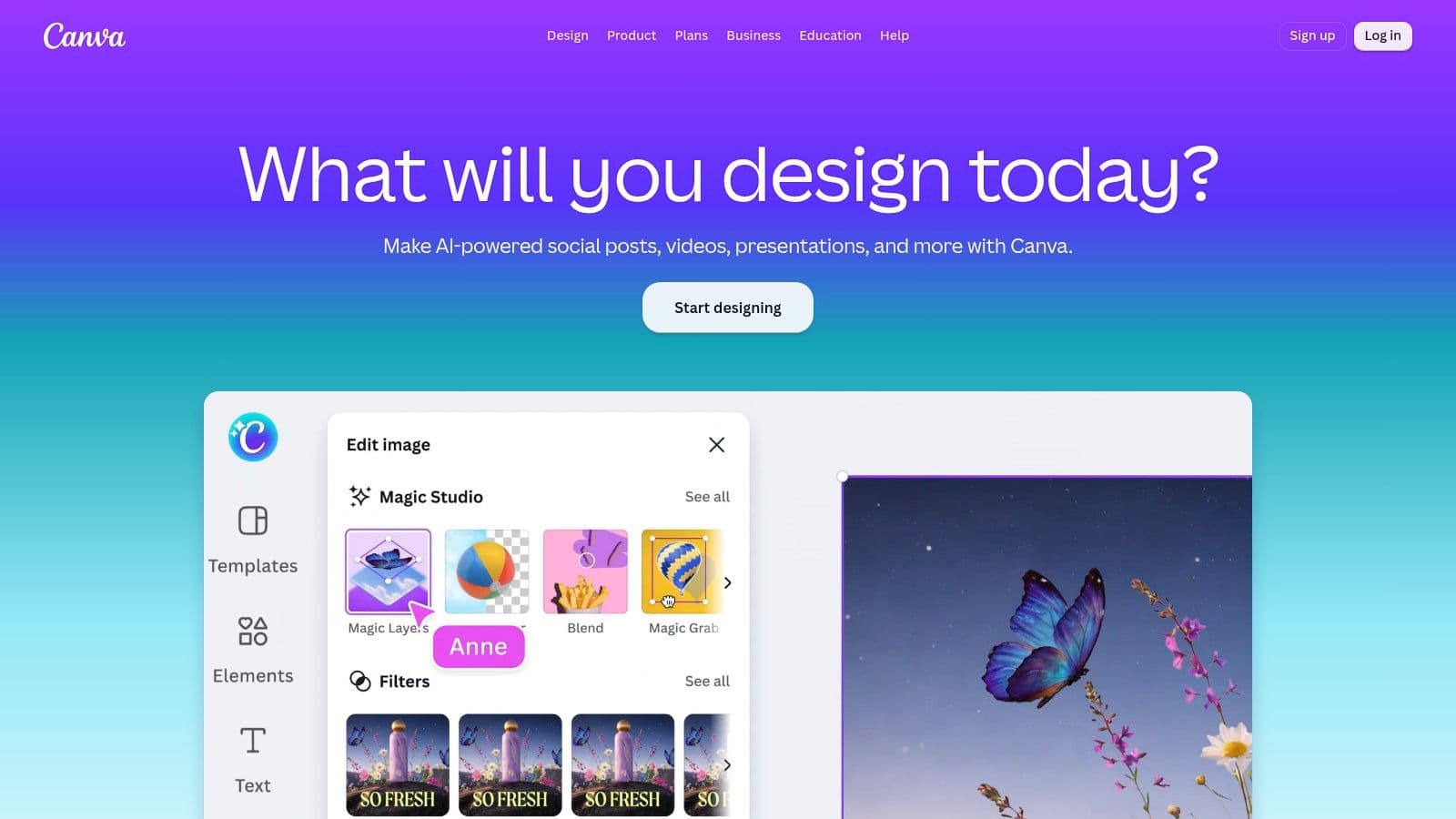
Canva makes more sense as a production hub than as a dedicated script engine. If your team starts with brand templates, social graphics, slide decks, and stock libraries, Magic Write fits naturally inside that existing workflow in Canva. The value is not sharper script intelligence. The value is lower coordination cost from draft to edit to approval.
That distinction matters. A specialist tool usually wins on platform-aware scripting for YouTube hooks, TikTok pacing, or creator-style structure. Canva wins when the script is one asset among many and the bigger problem is keeping copy, visuals, and brand controls in one place.
A typical Canva workflow is operational rather than editorial. Someone drafts ideas in a doc, uses Magic Write to expand or reshape them, moves approved copy into a video template, then publishes social assets from the same workspace. For in-house marketing teams, agencies handling repeat client assets, or small businesses already paying for Canva, that can be cheaper and faster than stitching together a separate writer, editor, and design tool.
The limitation is equally clear. Canva's AI writing is broad and usable, but rarely tuned enough to replace a specialist script generator for retention-heavy formats. If you publish at high volume on YouTube or need scripts built around search intent, story beats, or creator voice, Canva usually belongs downstream of ideation, not at the center of it.
Pricing model also affects fit. Canva is easier to understand than many credit-based video tools because the buyer is usually paying for a broader design and collaboration stack, then using AI writing as one part of that subscription. That is a different decision from buying a script-first product where usage caps, generation credits, or business tiers drive cost.
The practical read is simple: choose Canva if your bottleneck is workflow consolidation. Choose a specialized generator if your bottleneck is script quality for a specific platform. Canva is strongest for teams that edit light social video, reuse brand assets often, and want writing, design, and publishing support in one system.
Top 10 AI Video Script Generators, Feature Comparison
| Product | Key features | UX / Quality (★) | Price & Value (💰) | Audience & Unique Strengths (👥 ✨) |
|---|---|---|---|---|
| Hooked 🏆 | 30‑day roadmap; AI Video Builder; 20+ formats; avatars; scheduler | ★★★★★ (4.8/5), fast & consistent | 💰 One‑time packs 348; pay AI provider costs (cents/video) | 👥 Creators, brands, agencies; ✨ Training + Studio combo, cost‑transparent ownership |
| TikTok Script Generator (Creative Center / Symphony) | TikTok‑fit script generator; Symphony assistant; avatars & dubbing | ★★★★☆ (TikTok‑optimised) | 💰 Free with TikTok Business/Creative access | 👥 TikTok creators & advertisers; ✨ Platform best‑practices + direct ad flow |
| Jasper (Video Script AI Agent) | Video Script Agent; Jasper IQ brand grounding; templates; workflows | ★★★★☆ (enterprise‑ready) | 💰 Subscription, Business tiers for governance | 👥 Teams & enterprises; ✨ Strong brand governance & collaboration |
| Kapwing (AI Script → Video) | AI script generator; script‑to‑video; TTS, captions, templates; timeline editor | ★★★★☆ (quick end‑to‑end) | 💰 Free tier + paid plans; credit limits | 👥 Solo creators & social marketers; ✨ Fast browser‑based workflow |
| Pictory (Script‑first Video) | Script → auto scene split; stock matching; AI voices; brand kits | ★★★☆☆ (good for repurposing) | 💰 Paid plans; watermarks/limits on lower tiers | 👥 Repurposers & faceless channels; ✨ Auto‑sceneing for long text → clips |
| InVideo AI | Script generator; 16M+ stock assets; TTS, captions; presets for Shorts/ads | ★★★★☆ (volume production) | 💰 Subscription + credit system | 👥 High‑volume creators & agencies; ✨ Large stock library & presets for scale |
| Lumen5 (AI Script Composer) | URL/PDF ingestion → scripts; branded templates; team collaboration | ★★★☆☆ (brand‑centric) | 💰 Business‑skewed pricing | 👥 Marketing teams; ✨ Scales blog‑to‑video with brand kits |
| Descript (Editor + Script) | AI script generator; editor; overdub/voice clone; cleanup tools | ★★★★☆ (all‑in‑one editor) | 💰 Subscription + generation credits | 👥 Podcasters & talking‑head creators; ✨ Script→record→edit workflow in one app |
| vidIQ (YouTube Focus) | YouTube Script Writer; idea generation; SEO & trend tools; TTS preview | ★★★★☆ (YouTube‑optimised) | 💰 Subscription + credits | 👥 YouTubers & growth teams; ✨ Discovery → scripts → metadata stack |
| Canva (Magic Write + Video) | Magic Write scripts; video editor; stock, captions, brand kits | ★★★★☆ (ubiquitous & integrated) | 💰 Free + Pro/Teams; usage limits on free | 👥 Designers, teams, creators; ✨ Seamless design→video handoff, centralized assets |
Choose the Generator That Matches the Work
The popular advice says to compare AI video script generators by output quality first. That's the wrong order. Start with the production model you run, then assess whether the tool reduces or adds handoffs.
Choose TikTok Symphony if TikTok is the destination and you want native creative guardrails from the first draft. Choose vidIQ if YouTube discovery shapes your content calendar and scripting needs to align with topic selection, metadata, and retention thinking. Choose Jasper or Lumen5 if your biggest problem is governed brand output across a team, not raw generation speed.
Descript is the strongest match for recording-led workflows. If you write, record, clean up, clip, and republish spoken content, it keeps the process tight. Kapwing and Canva are easier choices for accessible editing, especially when multiple team members need a browser-based environment and a low-friction path from draft to shareable cut.
Pictory and InVideo AI make the most sense for faceless, repurposed, or automated output. They save time by collapsing script and assembly into one system. That said, they usually work best when someone on the team still reviews visuals, pacing, and originality before publishing. Faster generation doesn't guarantee stronger creative, and platform enforcement has made that distinction more important.
Hooked is the best fit when you want an AI video script generator as part of a trend-led, multi-platform short-form machine. Its biggest advantage isn't that it writes scripts. Many tools do that. It's that it ties trend signals, scripting, editing, voice, and scheduling into one system while keeping pricing more transparent than many credit-based platforms.
Before you commit, compare five things:
- Total workflow cost: Don't just compare entry pricing. Include credits, provider fees, and likely regeneration volume.
- Editing burden: Ask how much manual work remains after the script appears.
- Publishing destination: A TikTok-native tool and a YouTube-native tool often solve different problems.
- Brand control: Teams with approvals and localization needs should weight governance heavily.
- Export and scheduling path: The best draft loses value if publishing still happens through disconnected tools.
The right AI video script generator isn't the one with the longest feature list. It's the one that removes the most friction from the work you already need to do.
If you want more than a script box, Hooked is built to turn trend research, prompts, scripts, editing, voiceover, and publishing into one repeatable short-form workflow. It's especially well suited to creators, ecommerce brands, and agencies that want lower per-video costs without recurring generation markups. Explore Hooked if you want an AI video script generator that's tied to actual production, not just drafting.