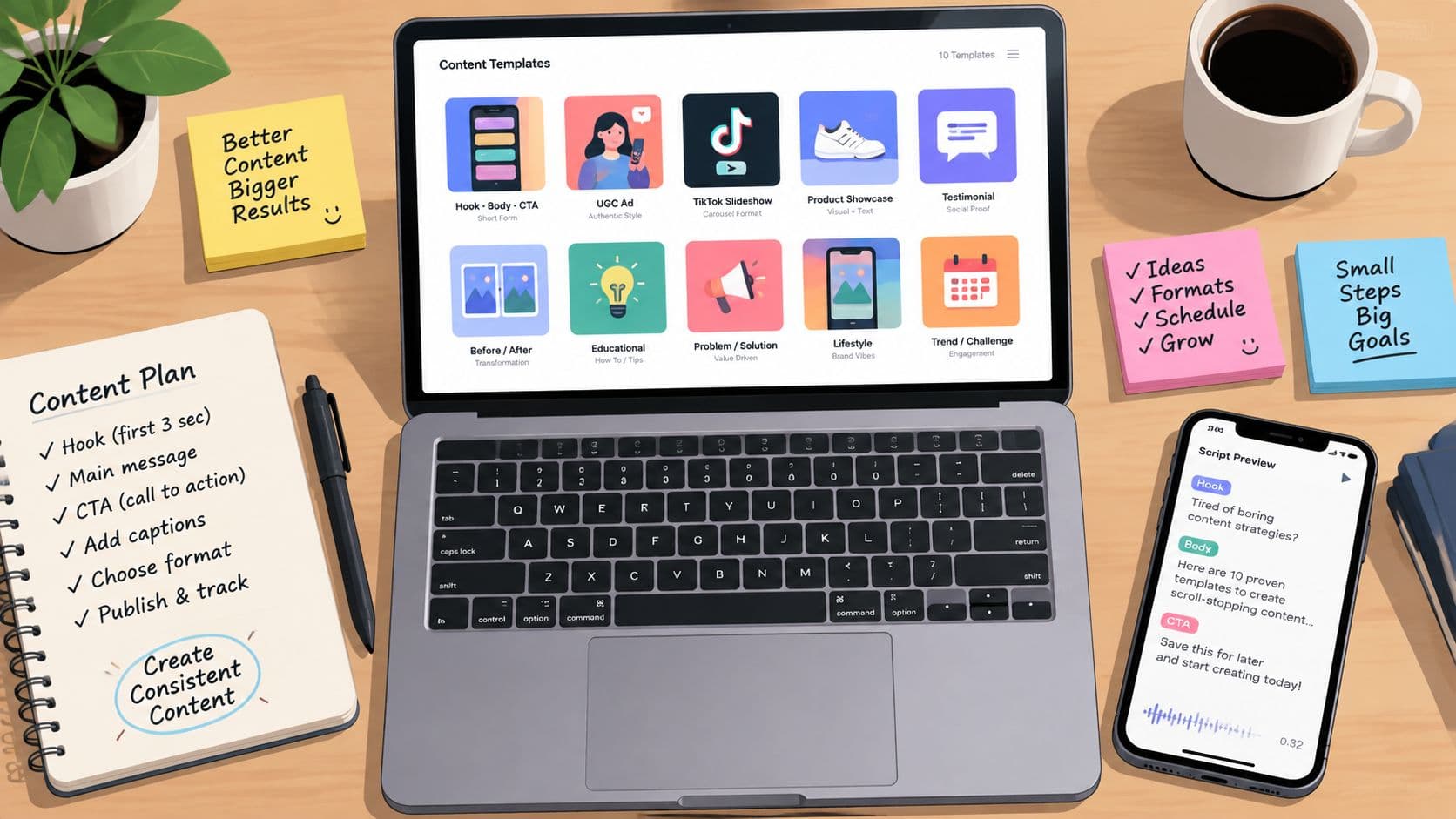
The right video scripting template matches the production problem, not the prettiest layout. A downloadable document supports a basic handoff, while a two-column AV format keeps visuals and dialogue aligned for production. That structure can slow a creator drafting a quick TikTok. AI script-to-video tools shorten the path to publishing, but complex products, evidence, and brand voices still require human review.
Video teams now work across scripted entertainment, branded content, advertising, social clips, training, and creator channels. Scripted programming remains a major part of streaming output, and repeatable formats help teams maintain consistency and speed without making every video sound formulaic.
The tools below are assessed by the task they simplify: reusable AV structure, storyboard handoff, hook-body-CTA scripting, avatar-led variations, or direct script-to-video execution. Short-form adaptation runs through each recommendation. A proven strategy for TikTok creators still needs a script that sets the hook, controls pacing, plans visuals and captions, and ends with a clear publishing-ready CTA.
Choose the template after deciding what must happen next: hand the script to a production team, test several opening lines, create presenter variations, or turn a finished brief directly into video. That decision exposes each tool's limits before production time is spent.
1. Hooked
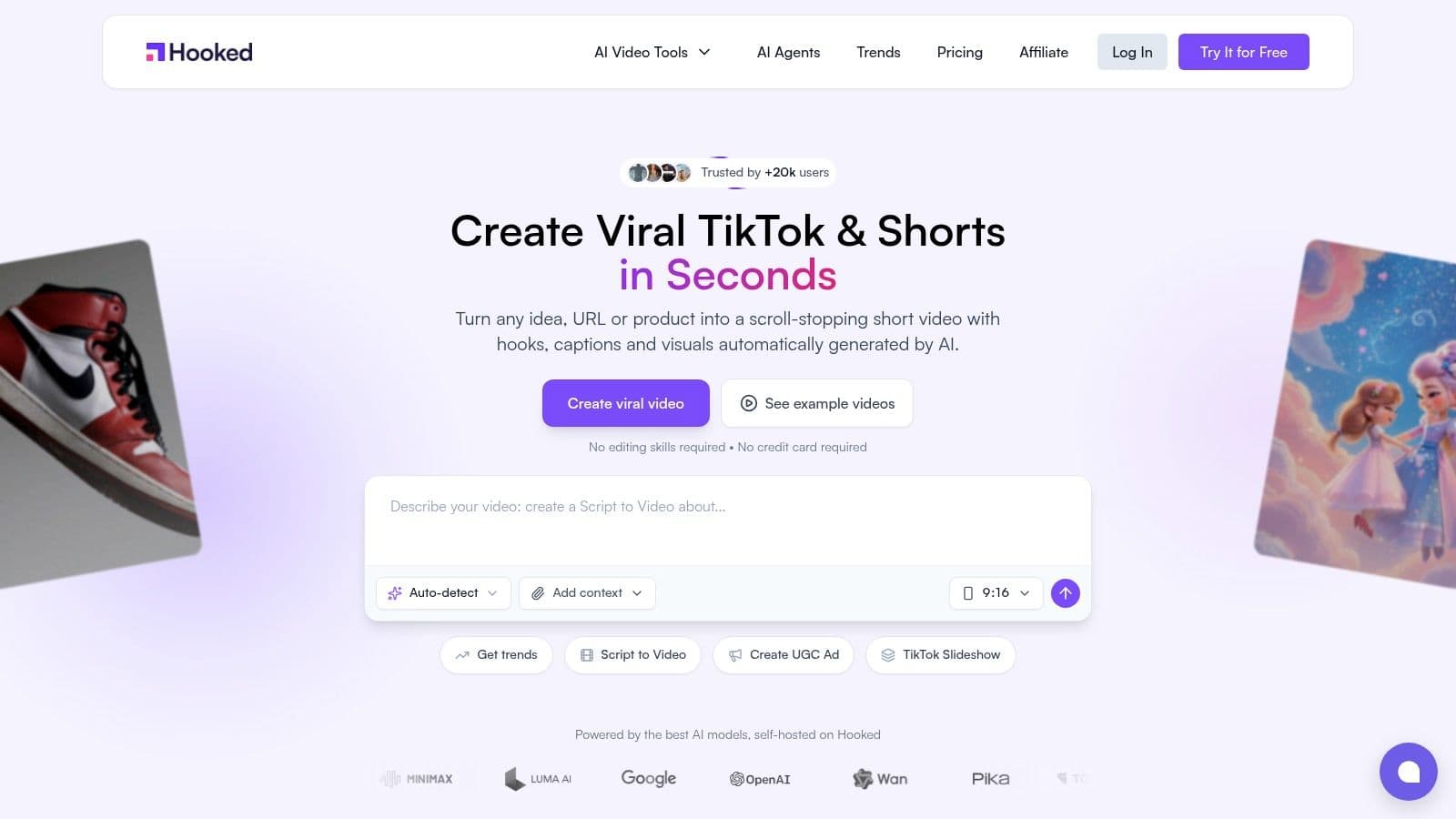
Hooked addresses a production problem that static templates cannot: turning trend research into finished short-form video. Its workflow connects trend discovery, niche analytics, competitor monitoring, AI scripting, visual selection, voiceover, avatars, editing, scheduling, and publishing. That makes it useful for faceless channels, D2C brands, agencies, and performance teams that need repeatable production rather than a script document alone.
The AI script writer generates hooks, narratives, and reusable formats, while the AI Video Builder converts those decisions into platform-ready content. The platform supports 500+ hook templates, multilingual voiceovers, custom avatars, lip sync, voice cloning, UGC ads, TikTok slideshows, product explainers, and AI Shorts. These capabilities are described on the Hooked AI script writer page.
Where Hooked earns its place
Preparation determines the quality of the output. Supply the audience, offer, tone, visual identity, and proof point. For a product ad, define the customer pain, demonstration, objection, and CTA before requesting variations. A vague prompt tends to produce generic copy, while a focused brief gives each draft a usable commercial direction.
Hooked is particularly suited to testing hook-body-CTA combinations, avatar-led variations, and direct script-to-video execution. For short-form, adapt the generated script by cutting setup, moving the proof closer to the opening, planning captions around the spoken line, and ending with one clear action. The tool can produce options quickly, but a human still needs to select the promise and control pacing.
Practical rule: Use Hooked to generate variations, not to outsource judgment. Approve the promise, proof, and visual accuracy before publishing.
Its limitation becomes visible with tactile or technically sensitive demonstrations. AI visuals and avatars can cover many concepts, but physical products may still need traditional footage to show credible texture, scale, or operation. Teams should also review credits, plan limits, and avatar refinement requirements before committing to high-volume production. For trend discovery, reusable scripting, and connected video distribution, visit Hooked.
2. Boords
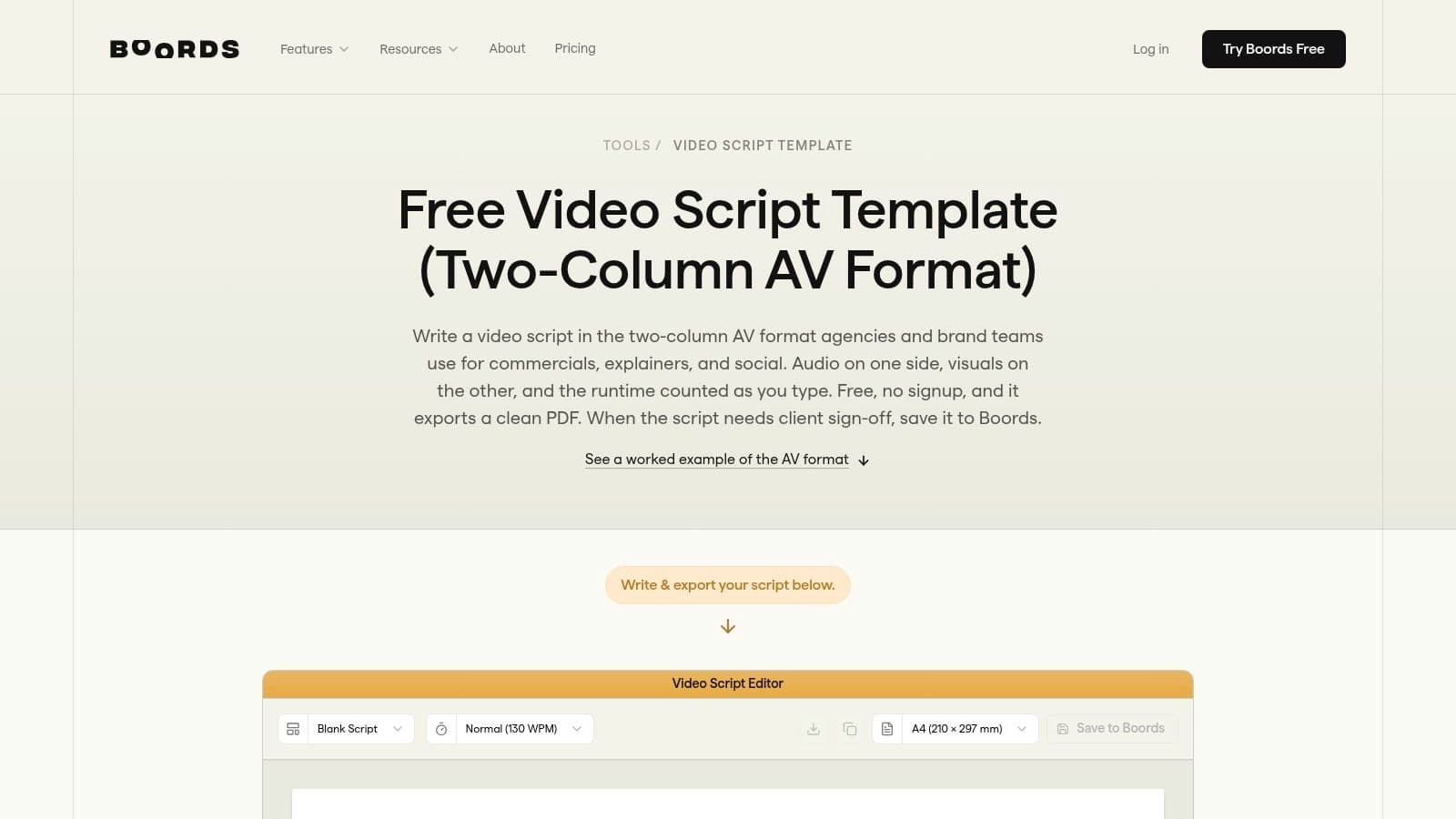
Boords solves a handoff problem. A writer can finish a script, but a director, editor, client, or designer still needs to understand what appears on screen at each moment. Its two-column AV format separates spoken audio from visuals, and its online editor can turn an approved script into storyboard frames. That continuity makes Boords a better choice than a generic document when pre-production needs to stay attached to the script.
The resource includes structures for short-form social, UGC, explainers, corporate work, and documentaries. Its social templates are designed for clips ranging from 6 to 60 seconds, according to the Boords video script template resource. That range is useful for drafting platform variants, but the duration shouldn't dictate the creative. A six-second product proof and a sixty-second explainer need different information density, even if they use the same basic document.
Best use and visible limitation
Use the template when the team needs to approve the relationship between words and pictures before anyone edits. Write the exact spoken line in the audio column, then specify the shot, on-screen text, asset source, and transition in the visual column. For short-form, add a separate caption note so the opening line works both as speech and as silent-viewing text.
Boords is particularly effective when a social producer needs to hand a script to a storyboard artist or client. Versioning and collaboration become more valuable as approvals multiply. The trade-off is that the most useful storyboard and collaboration functions are strongest in paid plans, so a creator seeking only an offline file may find the broader product unnecessary.
A practical Boords workflow looks like this:
- Write the promise first: State what the viewer will understand or do after watching.
- Pair every spoken beat with an image: Don't leave the editor to invent visuals after approval.
- Mark reusable assets: Identify footage, B-roll, graphics, and captions that can support multiple cuts.
- Create platform versions early: Change the opening pace and caption treatment before production, not after export.
3. StudioBinder
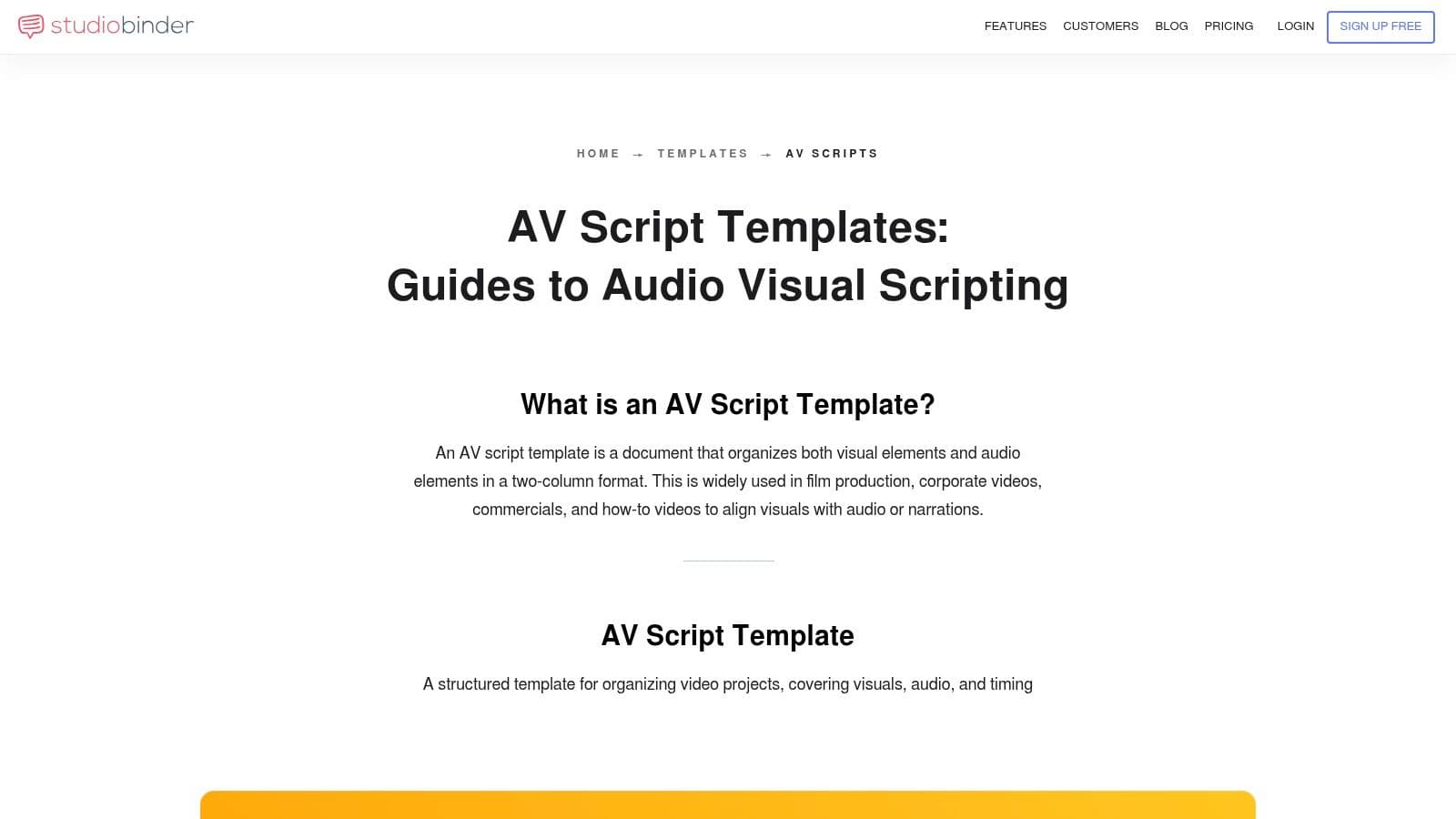
StudioBinder is built for teams that want a professional AV script format connected to broader production management. Its templates teach the two-column convention, while its software adds production notes, timing, image references, breakdowns, schedules, and call sheets. That combination suits an agency or brand team formalizing commercial workflows across writers, producers, editors, and clients.
The StudioBinder AV script templates are useful even before a team adopts the full platform because they explain how visual instructions and spoken content should align. That educational layer matters for onboarding. New contributors can learn why “show product” is weak direction and why a shot description should identify the action, framing, asset, or graphic required.
When structure helps and when it slows you down
StudioBinder earns its complexity when a script must become a shoot plan. Add duration estimates, locations, talent, props, graphics, and approvals while the concept is still editable. That reduces the chance that production discovers an impossible shot only after the script has been approved.
For short-form, keep the AV structure but remove unnecessary film-school detail. A vertical ad may need a hook, a product action, a proof moment, subtitles, and a CTA. It probably doesn't need a large breakdown for every micro-cut unless several people are preparing the shoot.
The limitation is cost and product complexity. Advanced features sit behind paid tiers, and teams may find pricing options and upsells harder to evaluate than a simple document tool. StudioBinder is also more process than speed. If one creator needs a rough social script in ten minutes, its production suite can feel heavier than the job requires.
4. Celtx
Celtx is the practical choice when audio and visuals must remain aligned in a shot-based script. Its multi-column AV editor supports metadata and production structure, while its downloadable template provides a familiar starting point for commercials, corporate videos, training, and social content. It avoids the common problem of building a fragile table in a general-purpose document.
The Celtx AV script template is useful for writers who need a conventional format without designing one from scratch. The editor becomes more valuable when the script needs to connect with planning and collaboration workflows. Instead of keeping dialogue in one file and shot notes in another, the team can maintain a shared production document.
A better short-form adaptation
For a vertical clip, use three working layers inside the AV structure. The audio column holds the spoken hook and body. The visual column specifies the action or image. A production note identifies caption text, framing, asset ownership, and any compliance language.
Celtx works well for a training clip where the viewer must see a process while hearing an explanation. It also fits a commercial that needs a precise sequence of product shots. The format makes missing visuals obvious before the shoot, which is where it saves time.
Its weakness is the gap between the free download and the full editor. A static template gives you structure, but not automated planning, version control, or downstream production support. The strongest value comes from using the Celtx environment rather than treating the PDF as a complete workflow.
For teams already producing many variations, pair the AV script with a reusable brief:
- Audience: Who needs this version?
- Opening action: What appears before the viewer hears the full explanation?
- Proof: What demonstrates the claim?
- Variation field: Which product, market, offer, or language changes?
- Approval point: Who checks factual and visual accuracy?
5. VEED
VEED is designed for the creator who wants to move from idea to social draft without maintaining a separate production stack. Its AI script generator supports platform-oriented work for TikTok, Reels, and YouTube, while the editor lets users begin from a design template or generate a talking-character video from a script. That makes it a good bridge between a written outline and a first assembled cut.
The VEED script generator is most useful when the brief is already specific. Include the platform, audience, topic, tone, visual format, and CTA. Otherwise, the output may be serviceable but generic, particularly for brands with a distinct voice or regulated claims.
Where it fits in production
Use VEED for fast social ideation, first drafts, talking-character content, and simple campaign variations. The script-to-editor handoff is its practical advantage. You can test the rhythm of captions, voiceover, visuals, and transitions while the idea is still inexpensive to change.
Don't treat the generated script as final copy. Replace broad claims with concrete demonstrations, shorten the introduction, and write visual instructions that the editor can execute. For short-form, the first frame should communicate the subject even with sound off, and the first spoken line should create a reason to continue.
VEED's limitation is creative depth. A template can establish pace and layout, but it can't supply original product insight or a credible brand point of view. Some advanced functions also require paid access. It works best as a rapid production surface, not as a substitute for a detailed creative brief or editorial review.
6. Kapwing
Kapwing focuses on a clean path from short script to voiced, captioned, social-ready video. Its AI script generator is built around YouTube, TikTok, and Instagram use cases, and its text-to-video flow can add voiceover, captions, music, and transitions inside the browser editor. For a solo creator, that reduces the number of handoffs between writing and publishing.
The Kapwing AI script generator is strongest for punchy social concepts. Start with a single viewer problem and one outcome. Then ask for a script that includes the spoken hook, visual beat, caption, and CTA. A prompt that asks for “a viral video” without audience or offer context usually produces interchangeable language.
The trade-off between speed and control
Kapwing suits creators who need to produce vertical videos quickly and can accept some manual refinement. The built-in captions and transitions shorten the route to a reviewable draft. It also works well for repurposing a longer idea into several concise cuts, provided each cut receives a new opening instead of inheriting the original introduction.
The free plan has limitations, and removing its watermark requires paid access. Heavier customization also creates more manual work, especially when a brand needs precise typography, recurring visual rules, or a carefully controlled voice. Kapwing is therefore a useful execution tool for lightweight content, but a less natural fit for complex multi-stakeholder productions.
For creators building a repeatable Shorts workflow, a detailed YouTube Shorts generator workflow can complement Kapwing-style editing by separating the content idea, hook, script, visuals, and publication decision before assembly.
7. Descript
Descript treats the script as the main interface for production. Its “Write a script” templates help establish a format, while Quick Design can turn scripts or transcripts into scene-based videos with layouts and B-roll. The result is a tight loop for teams that record, edit, repurpose, and publish from the same source material.
The Descript templates library is useful when a team repeatedly produces the same content type, such as commentary clips, interviews, educational videos, or social excerpts. A template can encode the opening structure, scene styling, captions, and recurring layout before the next project begins.
Why the script remains central
Text-based editing makes revision intuitive. Change the transcript, and the corresponding video edit follows. AI speech, voice cloning, B-roll, and social exports extend that workflow, particularly when one long recording must become several shorter assets.
Descript needs more preparation than a simple prompt-to-video tool. Decide which parts are scripted word for word, which sections can remain conversational, and which lines must be preserved for accuracy. Establish naming conventions and scene rules if several editors will reuse the same template.
The limitation is the learning curve for complex projects. AI features can also have plan-based usage limits and may require iteration before the result feels natural. Descript is a strong choice for repurposing and editorial control, but it isn't the fastest option when you only need a basic avatar clip from a short prompt.
8. Pictory
Pictory is aimed at turning ideas, scripts, and existing text into batches of video assets. Its script generator, templates, stock media, brand controls, captions, and AI voices make it practical for social ads, YouTube intros, training excerpts, and faceless content. The workflow is especially useful when the creative team has more written material than original footage.
The Pictory script-to-video workflow starts with a prompt or pasted script and builds a draft from available media. That saves assembly time, but the result depends heavily on the quality of the source copy and the relevance of the selected visuals. A precise script produces a more coherent edit than a general paragraph.
Keeping stock-driven videos distinctive
Pictory's main risk is sameness. Stock footage can communicate an idea quickly, but repeated generic imagery can weaken a brand, particularly in paid advertising. Replace the most important scenes with product footage, screenshots, original graphics, or customer evidence whenever those assets are available.
For short-form adaptation, write each scene as a compact visual beat rather than a long voiceover paragraph. Put the central claim near the opening, show the supporting visual immediately, and use captions that retain meaning without reproducing every spoken word. Create separate versions for different platforms instead of merely resizing one finished cut.
Pictory is efficient for volume and consistency. Its weaker point is highly distinctive visual storytelling. Premium assets and advanced functions also vary by plan, so teams should test the complete export and brand workflow before standardizing on it.
9. Synthesia
Synthesia solves a different scripting problem: producing avatar-led videos and personalized variations across languages or audiences. Its template library supports portrait and wide formats, while the script box can handle multiple voices and languages within a video. Variables allow teams to swap names, markets, or other defined fields without rewriting every version manually.
The Synthesia templates documentation shows how templates can be filtered, edited, and reused. That structure suits onboarding, internal communications, product education, and international campaigns where consistency matters more than spontaneous creator presence.
Avatar scripts need different writing
Avatar-led delivery exposes weak copy quickly. Long sentences, dense clauses, and vague transitions sound more mechanical when spoken by a synthetic presenter. Write shorter units, add clear visual changes, and place the on-screen proof beside the line that explains it.
Synthesia works well when the message is structured and repeatable. It can produce multilingual and personalized variants without arranging a new shoot for every audience. It isn't the right choice for every brand, however. Some audiences expect a real person, and an avatar style may conflict with a premium, intimate, or highly tactile product experience.
Credit-based usage and plan differences can also complicate budgeting. Advanced collaboration and branding may require higher tiers. For teams that need a dependable presenter format across markets, the trade-off can be worthwhile. For a creator whose advantage is personality and improvisation, it may feel too controlled.
10. Canva Docs
Canva Docs is the accessible option for teams that already work in Canva. Its video script documents include single-column and two-column formats, section headers, and preformatted tables. Stakeholders can comment, share, and move from the document into Canva's design and video environment without learning a specialized AV platform.
The Canva video script templates are useful for social teams, founders, and non-specialists who need a clean script handoff. A two-column layout can separate narration from visuals, while a single-column version works for a simple talking-head outline or creator brief.
The right level of detail
Canva's advantage is low friction. A marketing manager can draft the message, a designer can suggest visual treatment, and a video editor can access the same document. That makes it a sensible choice when collaboration and familiarity matter more than production metadata.
Its limitation is specialization. Canva Docs doesn't provide the same shot-level timing and production control as Boords, StudioBinder, or Celtx. Heavier automation for voices, scenes, or script-to-video work may require another tool. The document also won't tell you whether a visual is feasible, available, legally cleared, or persuasive.
For short-form, add fields for platform, aspect ratio, first-frame text, spoken hook, caption, proof asset, CTA, and revision owner. That small amount of structure turns a generic document into a usable production brief without burdening a social team with film-production terminology.
Top 10 Video Scripting Template Tools, Comparison
| Product | Core features | Quality (★) | Value & Price (💰) | Best for (👥) | Standout (✨) |
|---|---|---|---|---|---|
| Hooked 🏆 | Real-time trend tracking; AI script→video builder; scheduler; avatars & voice cloning | ★4.8/5, fast & consistent | 💰 Trial 99; Premium ~199, 10–150 vids/mo | 👥 Creators, D2C brands, agencies, social teams | ✨ End‑to‑end trend→publish automation; 29+ languages; 100+ voices |
| Boords | Two‑column AV script template; editor → storyboard; short‑form templates; collaboration | ★★★☆☆, polished script UX | 💰 Free templates; paid plans for team/collab | 👥 Scriptwriters, small teams prepping storyboards | ✨ One‑click script→storyboard |
| StudioBinder | AV script templates with timing, refs; pre‑prod suite; cloud collaboration | ★★★★☆, pro workflows | 💰 Freemium; advanced pre‑prod features paid | 👥 Agencies, brands formalizing production | ✨ Industry-style AV templates + call sheets |
| Celtx | Multi‑column AV editor; downloadable templates; cloud projects | ★★★☆☆, AV-focused | 💰 Free templates; editor/team features paid | 👥 Commercials, training, shot‑based teams | ✨ Shot-based multi‑column editor |
| VEED | AI script generator; platform-specific templates; web editor → social outputs | ★★★★☆, fast drafts | 💰 Freemium; paid for advanced exports & removes | 👥 Creators who want quick script→video flow | ✨ Prompt→script→video in‑browser |
| Kapwing | AI script generator; text→video flow with captions, voice, music | ★★★★☆, simple & speedy | 💰 Freemium; remove watermark with paid plan | 👥 Solo creators, social teams | ✨ Easy path to finished vertical/social videos |
| Descript | AI script templates; Quick Design → scene-based videos; text-based editor & voice cloning | ★★★★☆, strong repurposing loop | 💰 Freemium; paid tiers for limits & pro voices | 👥 Podcasters, editors, teams repurposing content | ✨ Transcript-led editing + voice cloning |
| Pictory | Script generator; templates; stock assets & AI voices; brand kit options | ★★★★☆, fast scale output | 💰 Paid plans; premium assets vary by tier | 👥 Marketers needing many short assets | ✨ Script→video at scale with stock library |
| Synthesia | Template library; multilingual script box; variables for personalization; credits model | ★★★★☆, multilingual/avatar strength | 💰 Credit-based paid plans; enterprise options | 👥 Intl marketing, avatar‑led explainers & ads | ✨ Multilingual avatars + scalable personalization |
| Canva (Canva Docs) | Video script templates (single/two‑column); collaborative docs tied to design/video | ★★★★☆, familiar & low‑friction | 💰 Freemium; Pro includes advanced assets | 👥 Non-specialist social teams & designers | ✨ Smooth handoff into Canva video/design workflows |
Choose the Template That Matches Your Workflow
The right video scripting template depends on where your production bottleneck appears. If the team loses time translating approved copy into shots, choose Boords, StudioBinder, or Celtx. These tools make audio and visuals explicit, which helps directors, editors, designers, and clients review the same production intent. Boords is the most storyboard-oriented, StudioBinder is the broadest pre-production environment, and Celtx is a practical AV editor for shot-based work.
Choose Canva Docs when accessibility and collaboration matter more than specialized timing controls. It works well for internal approvals, social briefs, and teams already building videos in Canva. Its simplicity is a strength, but don't expect it to replace a dedicated storyboard or production management system.
For quick social drafts, VEED or Kapwing provide a shorter path from prompt to editable vertical video. They suit creators who want a first version with voiceover, captions, music, and transitions in one browser workflow. The trade-off is manual polish. You still need to remove generic phrasing, check the visuals, refine the brand voice, and ensure the first frame makes sense without sound.
Choose Descript or Pictory when the production problem is script-to-video conversion or content repurposing. Descript is stronger when transcript editing, recorded material, voice, and scene design need to stay connected. Pictory is useful when written content must become many stock-supported assets quickly. Both benefit from a detailed source script and a defined visual identity.
Choose Synthesia for avatar-led explainers, multilingual delivery, and personalized variations. Its template and variable systems can make structured communications easier to scale, but the avatar presentation won't suit every brand or audience.
Choose Hooked when trend discovery, reusable formats, AI scripting, video creation, and publishing need to connect. Its workflow is built for creators, faceless channels, ecommerce teams, agencies, and brands that need a steady stream of short-form outputs rather than an isolated script file. The platform's text-to-video feature connects written direction to production, while trend monitoring and scheduling support the work that happens before and after the edit.
Whatever tool you choose, adapt the template before producing variations. Define the audience, opening hook, visual beat, proof or demonstration, CTA, platform constraints, and revision checkpoint. For short-form, decide where the video will live before writing the opening, because TikTok, Reels, Shorts, and LinkedIn can require different pacing, caption treatment, and assumptions about viewer intent. Recent template guidance recommends placing retention tactics every 10 to 15 seconds, and another 2026 guide estimates that a 60-second short may need roughly 130 to 150 words, as described in this platform-specific template guidance. Treat those figures as planning references, not rigid laws.
A good template doesn't make every video identical. It gives the team a repeatable skeleton, then leaves enough room for a specific insight, credible proof, strong visuals, and a human reason to keep watching.
Hooked connects trend discovery, AI script writing, reusable hook frameworks, script-to-video production, voiceovers, avatars, scheduling, and publishing for short-form teams. Visit Hooked to turn a video scripting template into a repeatable workflow for creating and distributing platform-ready content.