AI video tools are no longer just generators. They're format engines, and the strongest ai builder examples show how a repeatable structure can matter more than a visually impressive first draft. In 2026, 94% of marketers plan to use AI in content creation, up from roughly 80% in 2024, while 80% already use AI for content creation according to AI Business Weekly's industry compilation.
This list examines seven output patterns: trend-led short-form, avatar explainers, spokesperson ads, cinematic clips, rapid visual variants, repurposed talking-head content, and prompt-to-video campaigns. The comparison focuses on scripts, pacing, production choices, distribution, and the strategic reason each format can work. Hooked provides a useful reference point because it connects trend research, viral formats, scripting, production, scheduling, and performance analysis rather than treating creation as an isolated step. Its relevance is especially clear in restaurant influencer AI strategy, where format and distribution shape the result as much as generation quality.
1. Hooked
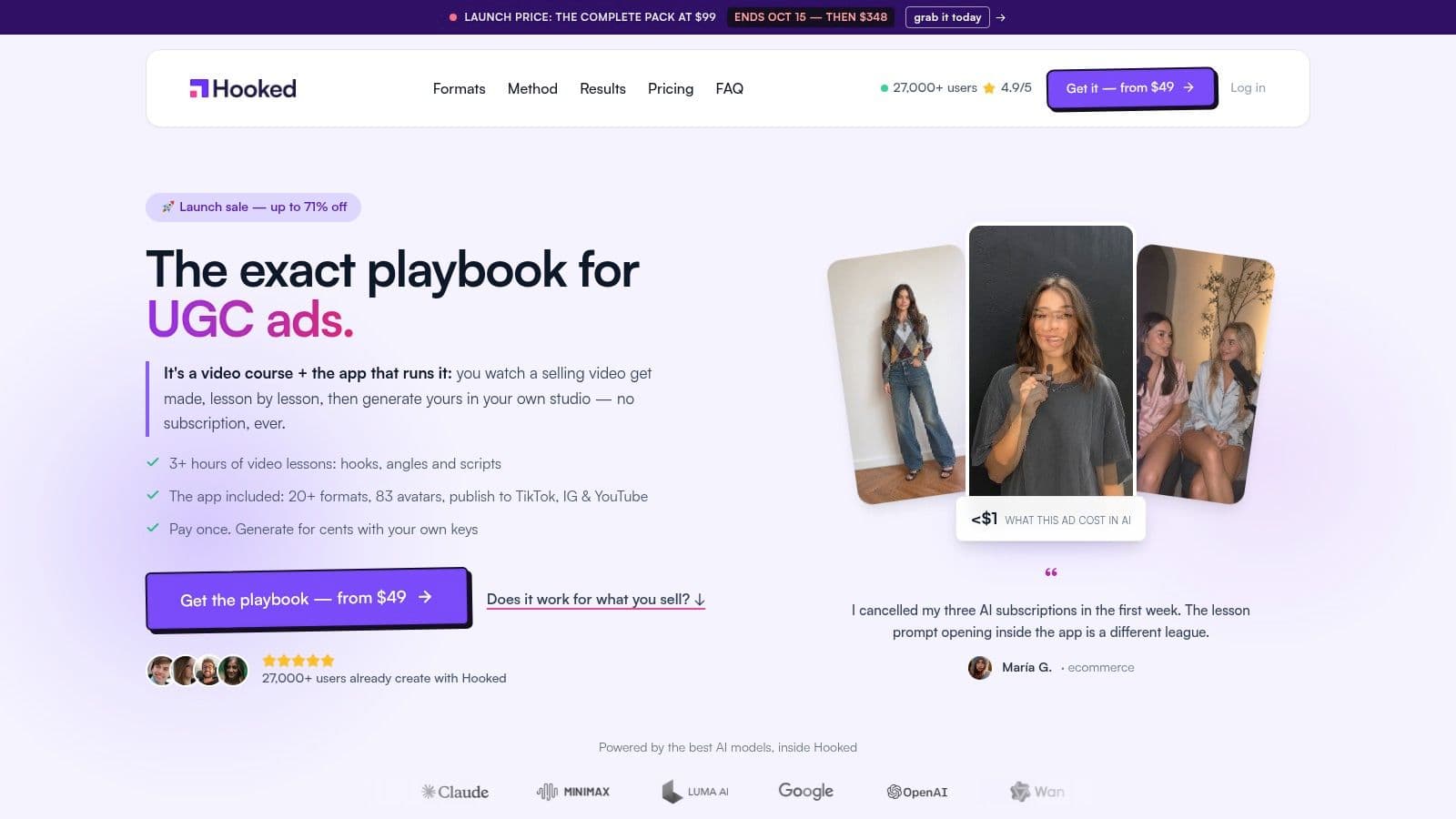
Hooked is best understood as a short-form content system, not just an AI video maker. It combines trend tracking, competitor activity, niche analytics, a personalized 30-day warmup plan, scripts, editing, publishing, and performance monitoring. That combination makes it the most complete example here of a workflow built around repeatable social formats.
The reference format is the trend-led short video. A creator can identify a pattern already gaining attention, adapt its angle to a niche, generate a script, select an avatar or voice, edit the result, and schedule it for TikTok, Instagram, YouTube, or LinkedIn. The same production layer also supports UGC ads, faceless channels, AI Shorts, slideshows, lip-synced videos, and voice-cloned content.
Why the format is replicable
Hooked's advantage comes from connecting the creative method to the production interface. Its UGC ads course teaches the angle, script, and execution logic, while the AI Video Builder turns those decisions into a finished asset with drag-and-drop editing, natural-sounding voiceovers, avatars, lip sync, and voice cloning. Voiceovers support 25 to 29 languages, and the platform offers more than 80 avatars, according to the product brief.
That structure reduces a common failure in AI video workflows. Teams often generate a visually competent clip without deciding who it is for, what the opening promise is, or what the viewer should do next. Hooked starts closer to the strategic problem by combining trend signals with niche-specific guidance.
Practical rule: Treat a viral format as a reusable container. Change the topic, proof, visuals, and call to action, but preserve the pacing logic that makes the format recognizable.
The platform's commercial model is also unusual. Hooked has offered lifetime purchase options instead of requiring a recurring subscription, and users supply their own OpenRouter or ElevenLabs keys. That means generation costs vary by provider and usage, but the model avoids platform markups. The trade-off is setup and responsibility. Teams must manage those keys, choose their providers, and direct the creative process rather than expecting a fully managed agency service.
Hooked is strongest for creators, agencies, D2C brands, and small teams that need many platform-native videos from a shared system. Its weakness is that highly bespoke campaigns may still require more hands-on creative direction, and some users may find avatar variety limiting for specialized work. The important distinction is strategic: Hooked is designed to help a team repeat and distribute formats, not merely admire a polished demo.
Website: Hooked
2. Synthesia
Synthesia is the clearest example of the avatar explainer format. Its output usually begins with a prepared script, then places that script in the delivery of a digital presenter. The result suits product education, internal communications, training, marketing explainers, and localized business content more than trend-driven entertainment.
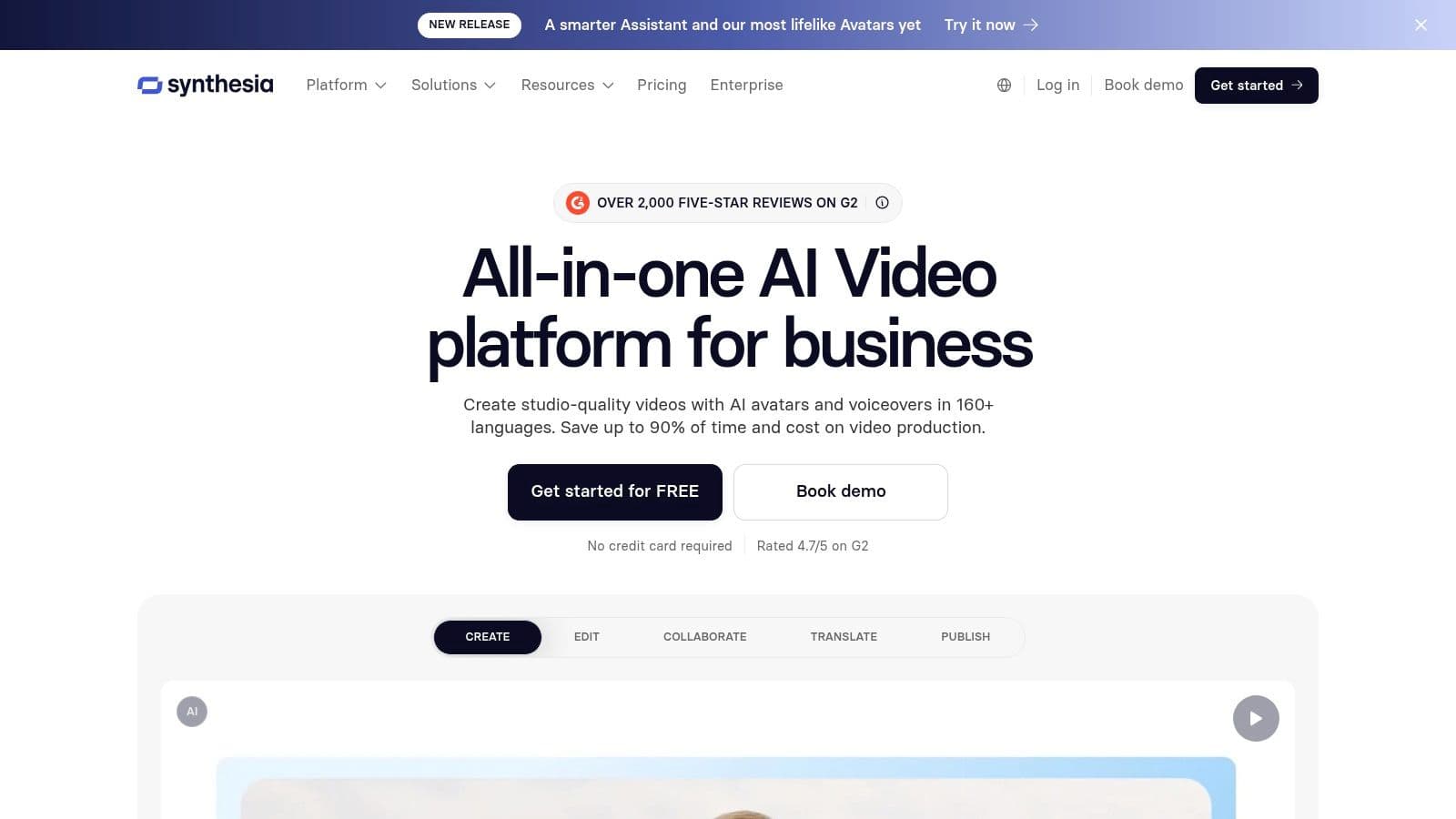
The production choice is deliberate. Instead of asking a team to film a presenter for every language, update, or onboarding module, Synthesia provides stock avatars, personal or custom avatars, voice cloning, templates, and integrated dubbing. Its paid plans support 160 or more languages, and the platform lists 125 or more stock avatars in its product positioning.
That makes the repeatable pattern simple:
- Define the explanation: Write one compact script around a single question or task.
- Choose the presenter: Match the avatar's tone to the audience and subject.
- Localize the delivery: Adapt language, voice, and on-screen text.
- Reuse the structure: Produce related explainers without arranging another shoot.
Teams comparing platforms can also review Synthesia alternatives when they need more emphasis on social-first formats, trend research, or creator workflows.
Trade-offs in the avatar lane
Synthesia's strengths are consistency, localization, and business readiness. Its product brief highlights SOC2 and GDPR policies, API access, personal avatars, and one-click translation or dubbing. Those features make it a practical fit for organizations that need controlled communications across departments or markets.
The limitation is realism. Avatars and voices remain synthetic, so a script that depends on intimate personal trust may feel less credible than a real customer or creator. Credit-based usage also requires planning, and lower tiers may not roll unused monthly video minutes or credits into the next period.
Synthesia works best when the viewer wants clarity and consistency, not necessarily spontaneity. A training module, product walkthrough, or multilingual announcement can benefit from an avatar presenter because the format keeps attention on the explanation. It's less naturally suited to a raw-looking UGC ad where imperfections, personal context, and creator identity carry the message.
Website: Synthesia
3. HeyGen
HeyGen turns the spokesperson ad into a fast iteration format. Its workflow begins with a script and ends with a talking avatar, talking photo, or dubbed presentation that can be adapted for social ads, announcements, product launches, and localized campaigns. The platform is particularly useful when a marketing team wants a human-shaped presenter without arranging a filming session.
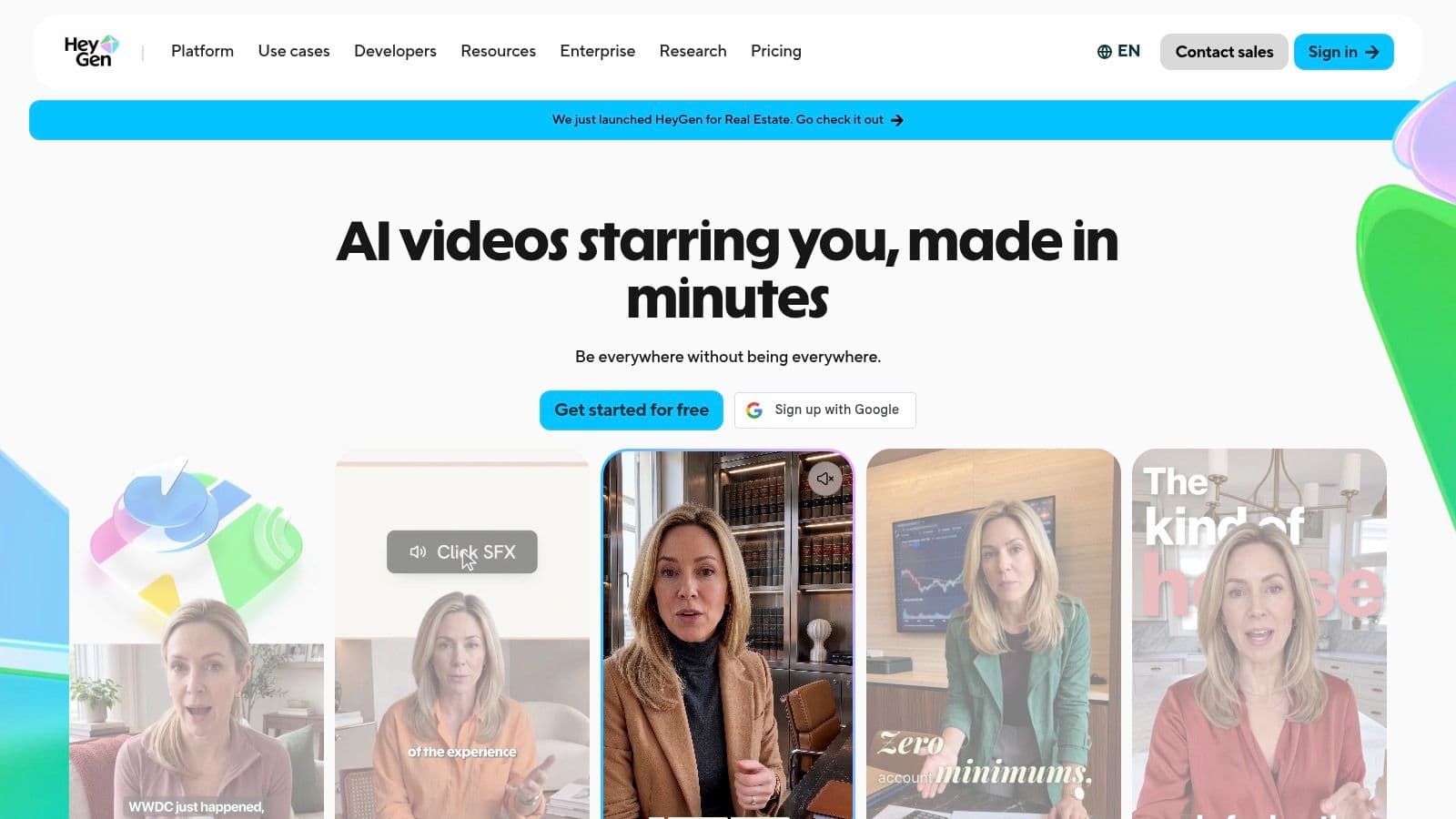
The format depends on a direct relationship between hook, presenter, and offer. A short ad might open with a problem, have the avatar state the product's promise, show a visual proof point, and finish with a specific action. Because the production path is quick, marketers can test different openings, claims, and presenter choices without treating each variation as a separate shoot.
HeyGen offers hundreds of stock avatars, custom photo avatars, voice cloning, and multilingual lip-synced dubbing. Paid plans support 175 or more languages and dialects, according to the product brief. It also offers API access, LiveAvatar for real-time experiences, credit-based usage, and 4K export on Pro.
Where it fits
The strongest use case is a social spokesperson who delivers a clear message with controlled pacing. That can work for a product announcement, a direct-response ad, a founder-style update, or a multilingual version of an existing campaign. Custom photo avatars also let brands create a consistent visual identity without requiring the same person to record every variation.
HeyGen alternatives become relevant when a team needs deeper trend discovery, scheduling, or a broader format system rather than avatar production alone.
The main trade-off is operational complexity. Users have raised complaints about pricing and credit structures, and heavier use can push teams toward higher-credit or enterprise plans. That means HeyGen should be evaluated by the cost of the complete testing workflow, not the cost of generating one attractive clip.
A spokesperson format also needs restraint. If every sentence sounds like a polished corporate announcement, the video may lose the informal quality audiences expect from social content. The best scripts use short sentences, a visible point of view, and a clear reason for the viewer to continue.
Website: HeyGen
4. Runway
Runway represents the cinematic short. Its value isn't a presenter, template, or automatic ad structure. It's the ability to generate and transform visual material through text-to-video, image-to-video, editing, upscaling, and AI-generated audio, music, and sound effects.
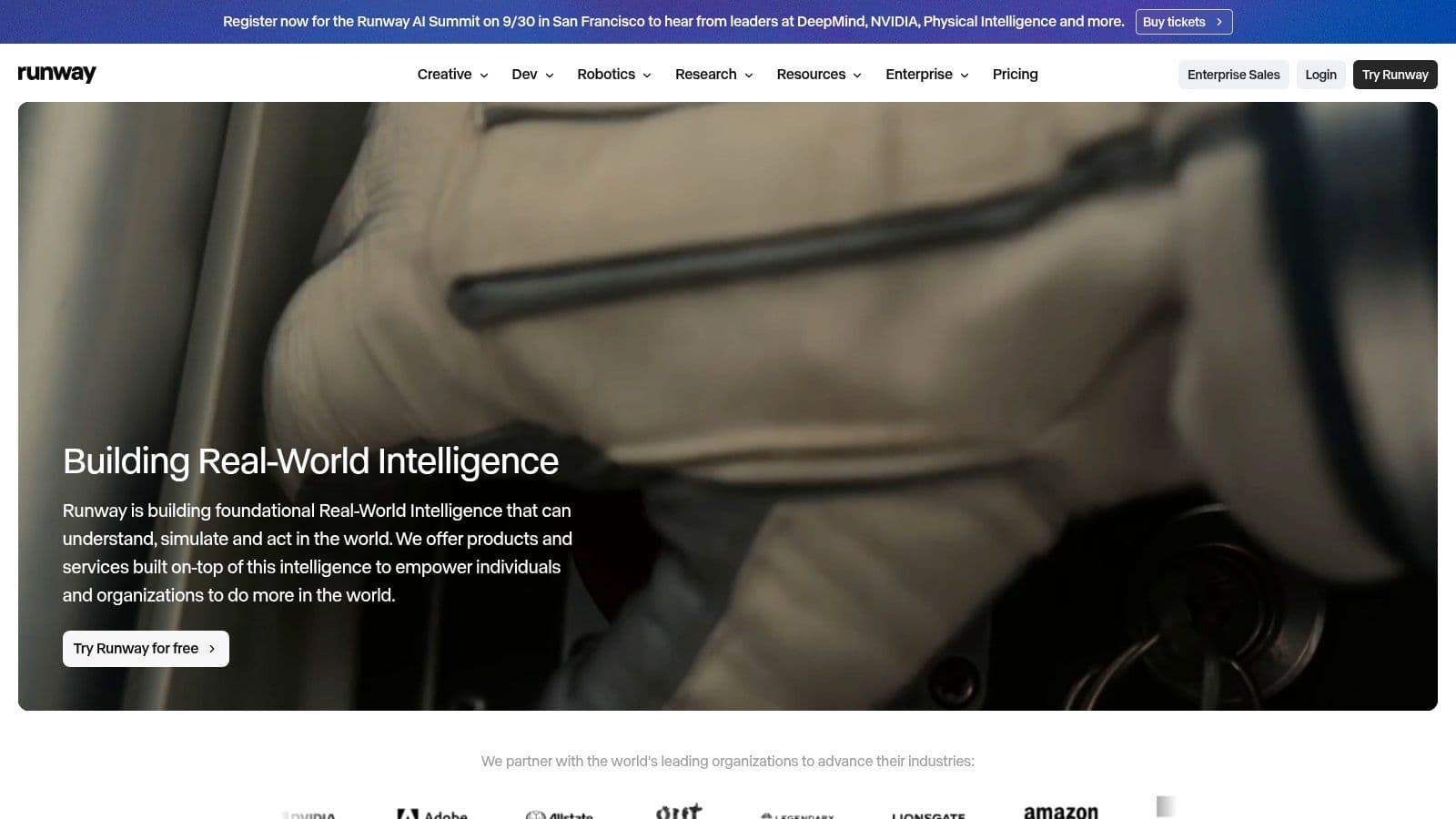
A replicable Runway format might be a mood-led Short, a product world-building sequence, a visual metaphor, or a campaign teaser. The script is usually lighter than an avatar explainer. Instead of explaining every point through dialogue, the creator writes a sequence of visual beats, defines the camera movement and subject continuity, then adds narration or sound afterward.
Runway provides access to multiple video models, including Gen-4.5 and Gen-4 Turbo, with controls for camera and temporal behavior. Its agentic collaborator supports prompting and editing, while its pricing uses transparent credit calculations based on model and seconds. That visibility helps teams estimate production use, although premium generations can still consume credits quickly.
The production discipline
Runway rewards iteration. A first prompt may establish the subject, but consistency, motion, framing, and timing often require further direction. Creators who approach it as a one-click generator may get an attractive shot that doesn't connect to the next scene. Creators who treat it as a visual production environment can build a more coherent sequence.
A cinematic AI video succeeds when every shot answers the same creative question. Beauty alone doesn't provide narrative continuity.
The strategic fit is strongest for brands that need impact before explanation. A fashion concept, entertainment teaser, visual product reveal, or atmospheric social Short can benefit from Runway's control and visual range. It's less efficient for routine publishing where the main requirement is a large stream of clearly branded, conversion-oriented videos.
The trade-off is prompt craft. Text-to-video still depends on precise instructions and repeated refinement, and the credit system makes uncontrolled experimentation expensive. Runway is therefore best used when the visual idea itself is the campaign asset, not when a team needs another version of a familiar talking-head ad.
Website: Runway
5. Pika
Pika is the strongest example of the rapid visual variant. Its workflow favors experimentation: start with text or an image, apply motion or transformation, generate several directions, and select the version that best matches the platform and message. That makes it useful for social teams testing creative concepts rather than committing to one elaborate production.
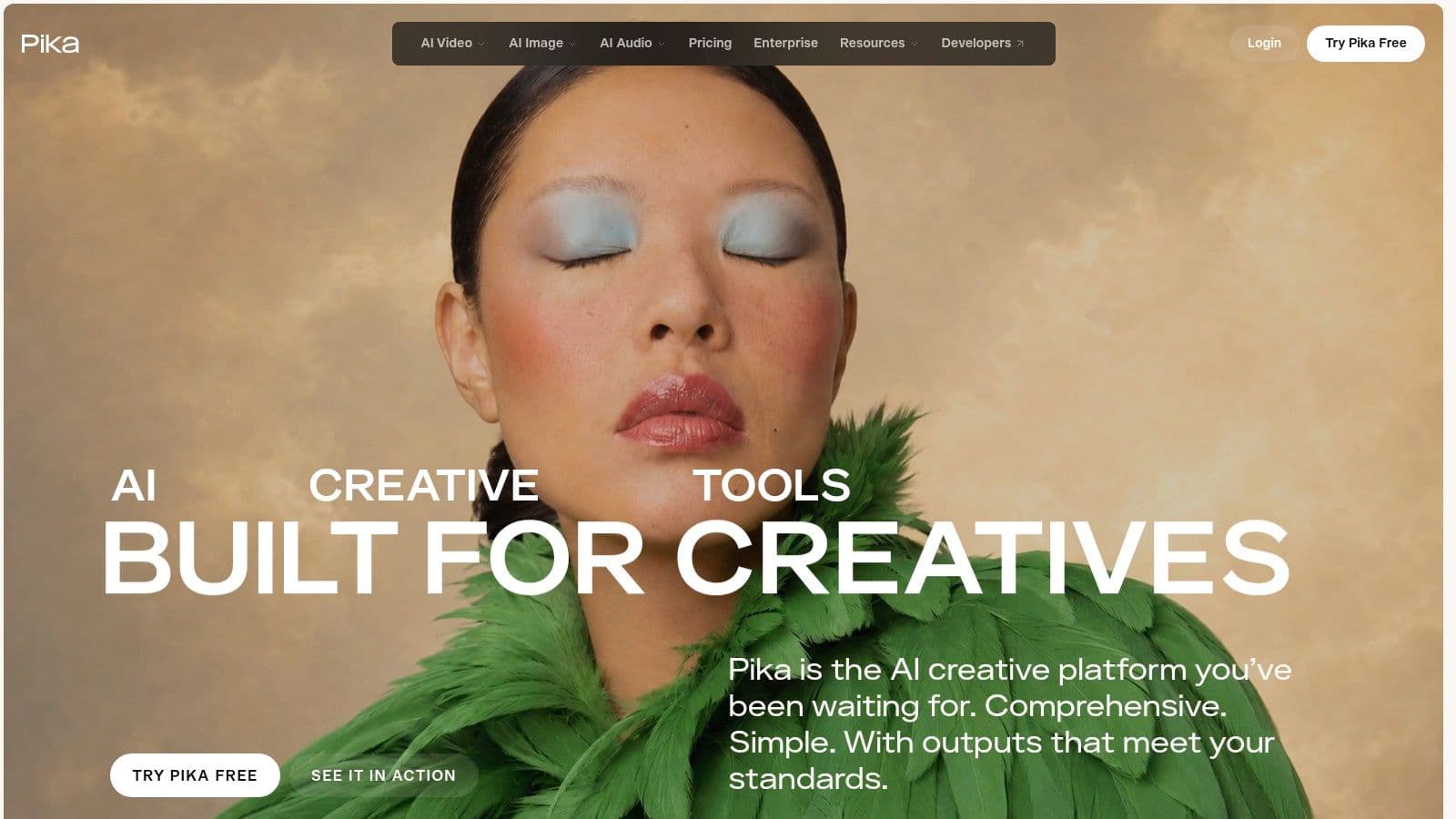
The output can take several forms. Product footage can become a short ad, a still image can become a moving visual, and a concept can be extended into a longer sequence. Pika's video apps include product ads, short films, motion transfer, and extend-video workflows. Its listed models include Pika 2.5 and Seedance 2.5.
The platform's value lies in the number of creative directions a team can explore, not in a single canonical style. A marketer might create several opening visuals for the same product claim, then pair each with the same voiceover and call to action. That separates the visual test from the messaging test and makes learning easier.
Cost and control considerations
Pika offers credit packs and top-ups, including a listed option of 3,000 credits for $50. Its Creator tier includes a commercial license, while Free and Starter plans are listed without watermarks. Those details make the platform accessible for creators and smaller social teams that want clearer control over usage than an opaque generation allowance provides.
The trade-off is priority access and governance. Higher tiers are required for priority queues and early model access, while enterprise controls are still developing compared with more established platforms. Teams with strict approval, brand safety, or asset-management requirements may need additional workflow controls outside Pika.
Pika works best when the brief is: make several visually distinct candidates quickly, then choose based on the hook and channel fit. It isn't a substitute for a complete publishing system, but it's a useful creative testing layer inside one.
Website: Pika
6. Descript
Descript owns the repurposed talking-head format. Instead of generating a complete video from a blank prompt, it starts with material a creator already has, usually a recording, interview, podcast, webinar, or screen capture. The defining interaction is text-based editing, where changing the transcript changes the video.
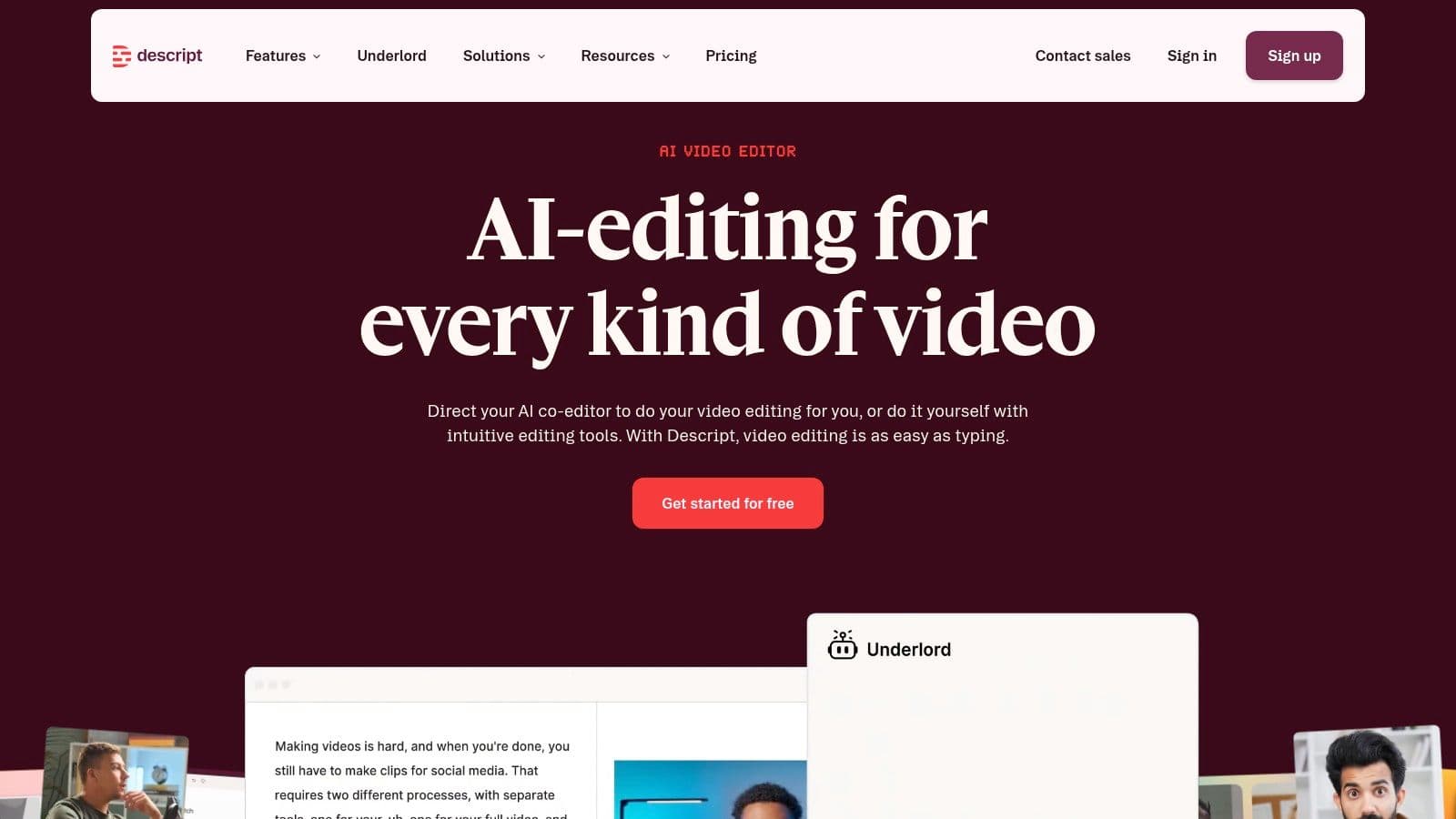
A practical workflow is straightforward. Record a long conversation, remove filler words, clean the script, identify strong moments, create short clips, add captions, correct eye contact or sound, and export versions for different social channels. Descript's AI features include Underlord, Studio Sound, filler-word removal, regenerate, eye contact correction, green screen, transcription, captions, and instant clip creation.
This format is strategically different from synthetic avatar production. The source material already contains a person's voice, gestures, timing, and credibility. AI helps the team extract and polish the best moments rather than manufacture a presenter from scratch.
Repurposing principle: Start with the strongest statement, not the chronological beginning of the recording.
The hidden constraint
Descript is powerful when the raw recording contains usable ideas. It can't create authority that wasn't present in the source, and automated clip selection still needs editorial judgment. A technically clean clip may lack context, a decisive opening, or a reason to keep watching.
Credit and media-minute accounting can also feel complicated. AI edits, exports, and media limits vary by plan, so teams should map the whole repurposing workflow before assuming that one recording produces unlimited social assets. Some users also report that AI credits are consumed faster than expected.
Descript is the best match for podcasters, consultants, founders, educators, and social teams with a steady supply of recorded material. It's less suitable for faceless channels that need fully generated scenes, or campaigns whose core requirement is cinematic product visualization. Its strength is editorial power, turning one substantive recording into a set of focused, captioned, platform-ready clips.
Website: Descript
7. InVideo AI
InVideo AI is the clearest prompt-to-video campaign builder in the group. A user can describe an idea, and its AI agent assembles scripts, scenes, stock media, voiceovers, subtitles, and platform-oriented pacing. The result is designed for fast movement from brief to draft, especially for ads, explainers, faceless videos, and D2C promotions.
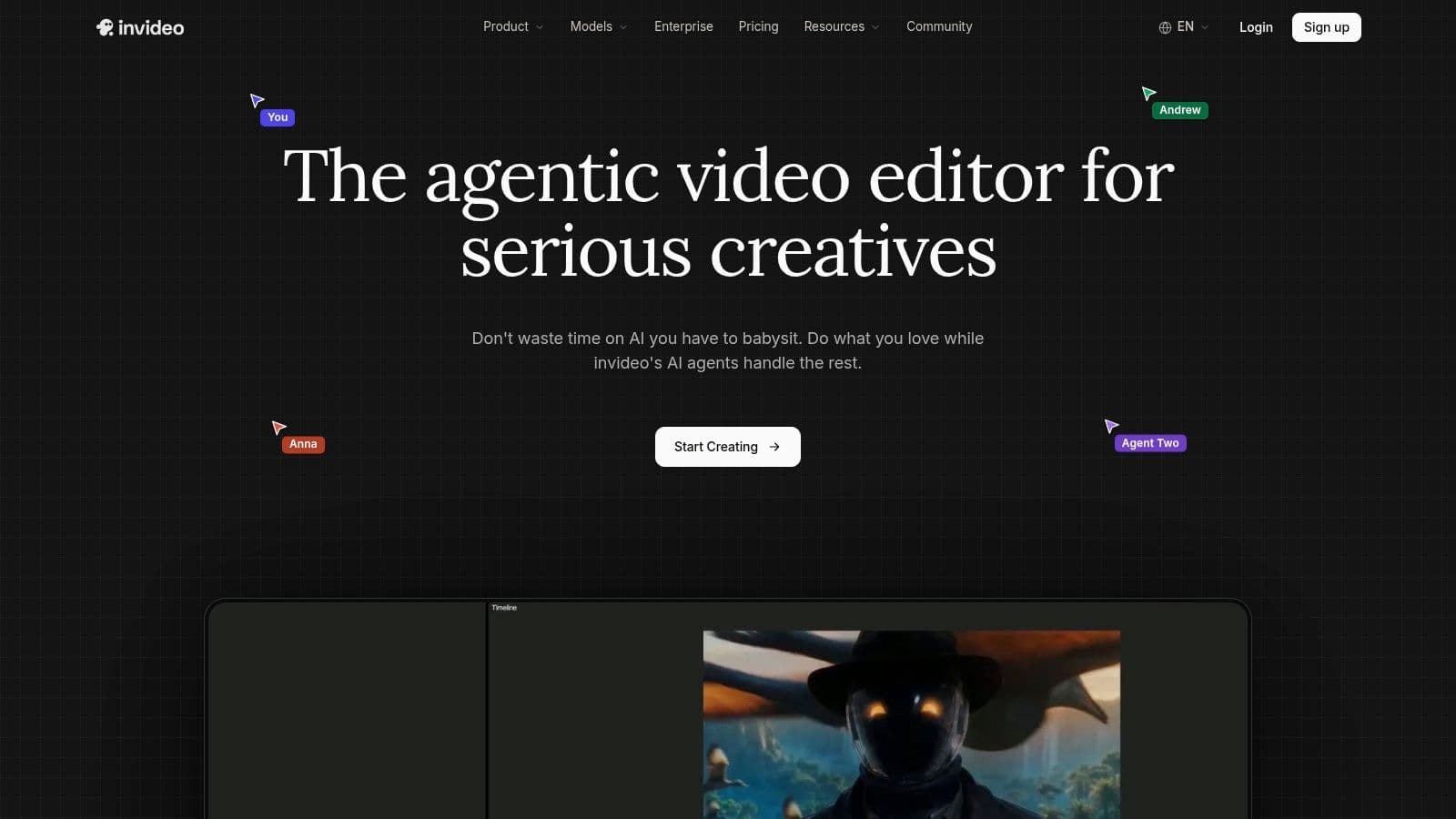
The replicable format is the faceless campaign sequence. Start with a product or audience problem, ask the agent for several hooks, let it assemble scenes around the chosen angle, then revise the pacing, voiceover, captions, and call to action in the timeline editor. This approach suits teams that need to test ideas quickly without filming or sourcing every visual manually.
InVideo AI provides timeline, mixing, and color controls, along with access to more than 200 models across video, image, and audio according to the product brief. A free tier allows testing, while credit-based usage applies across models and generations.
What teams should inspect
The first draft is not the finished campaign. Stock selection can miss the emotional tone of the script, and an automatically assembled sequence may feel generic if the prompt doesn't specify audience, offer, visual style, pacing, and viewer action. The editor gives teams a way to correct those choices, but each regeneration can consume credits quickly.
InVideo alternatives are worth reviewing when the workflow needs more trend intelligence, format libraries, or publishing automation alongside generation.
InVideo AI is a strong fit for SMBs, agencies, and performance marketers testing multiple hooks. It can turn a compact brief into a usable draft faster than a traditional production path, but its economic value depends on disciplined iteration. Teams should track not just how quickly a video appears, but whether the opening earns attention, the middle holds clarity, and the final action matches the channel.
Website: InVideo AI
Top 7 AI Builder Tools, Feature Comparison
| Tool | Implementation 🔄 | Resources & Cost ⚡ | Expected Quality / Impact ⭐📊 | Ideal Use Cases 💡 | Key Advantages |
|---|---|---|---|---|---|
| Hooked | Low–Medium: guided course + in‑app studio; requires managing your AI keys. | Very low ongoing cost: one‑time packs + pay‑your‑API (cents/video). | ⭐⭐⭐⭐⭐ High virality & output velocity; strong engagement uplifts reported. | Creators, agencies, DTC brands scaling viral short‑form UGC and ads. | Lifetime purchase option, trend tracking, 30‑day plan, multi‑platform publish. |
| Synthesia | Low: template‑driven and enterprise onboarding available. | Credit/seat model; recurring subscription and enterprise tiers. | ⭐⭐⭐⭐ Consistent, business‑ready avatar videos with strong localization. | Training, explainers, localization, internal communications. | 125+ stock avatars, 160+ languages, SOC2/GDPR, API & custom avatars. |
| HeyGen | Low: script → lip‑synced avatar videos with simple workflow. | Credit‑based; many languages; heavier use pushes higher tiers. | ⭐⭐⭐⭐ Fast spokesperson‑style outputs suited to social ads. | Social teams, performance marketers, quick announcement videos. | Rapid lip‑sync, many avatars, custom photo avatars and LiveAvatar API. |
| Runway | Medium–High: requires prompt craft, model selection and iteration. | Credit‑based with transparent seconds‑per‑model pricing; premium models cost more. | ⭐⭐⭐⭐⭐ High‑fidelity, cinematic visuals and advanced control. | Cinematic shorts, concept visuals, studios and pro creators. | Multiple gen models, built‑in audio/music, strong fidelity/control. |
| Pika | Low–Medium: creator‑friendly apps for fast parallel iteration. | Budget‑friendly credit packs (clear top‑ups); commercial license available. | ⭐⭐⭐⭐ Good quality for rapid testing and social creative variants. | Social testing, ad variant experiments, short‑form creative testing. | Competitive pricing, parallel generations, simple credit packs. |
| Descript | Low: text‑first editing, edit transcript to edit video. | Subscription with media minutes/AI credits; accounting can be complex. | ⭐⭐⭐⭐ Excellent for repurposing talking‑head content quickly. | Podcasters, educators, creators repurposing long form into shorts. | Text‑based editor, Studio Sound, strong transcription and captions. |
| InVideo AI | Low: prompt‑to‑video agent plus timeline editor for tweaks. | Credit‑based with free tier; edits/regenerations can use credits quickly. | ⭐⭐⭐ Fast idea‑to‑ad workflow; good for faceless/social promos. | SMBs, agencies, D2C promos, faceless channels and quick ads. | AI agent builds scenes, platform pacing, integrated editor and assets. |
Turn the Best Patterns Into a Repeatable System
The right choice starts with the output format, not the tool name. Decide whether the campaign needs an avatar explainer, spokesperson ad, cinematic Short, rapid visual test, repurposed clip, faceless sequence, or trend-led social video. Each format implies a different script, production workflow, and definition of quality.
Write the viewer action before generating anything. A video that aims to earn a click needs a different ending from one designed to build familiarity or explain a product. Then reduce the idea to a compact scene-by-scene script. Every scene should have a job: stop attention, establish the problem, show evidence, clarify the benefit, or direct the next action.
Generate multiple openings rather than polishing one opening too early. The opening is where format and audience expectation meet, so testing several hooks can reveal whether the concept works before the team invests in elaborate visuals. For social-video scale, benchmark guidance recommends evaluating accuracy, latency, throughput, stability, and perceptual quality, while creative analysis should include hook rate, thumb-stop rate, hold rate, CTR, CPA, ROAS, and creative fatigue, as outlined in AI video performance guidance.
The seven examples fit different jobs:
- Avatar explainers: Synthesia is strongest for structured business communication and localization.
- Spokesperson ads: HeyGen suits quick presenter-led social and performance creative.
- Cinematic Shorts: Runway is the better choice when visual impact carries the idea.
- Rapid creative testing: Pika supports many visual directions around one concept.
- Repurposing: Descript turns recordings into edited clips and captioned social posts.
- Faceless campaigns: InVideo AI assembles scripts, scenes, voiceovers, and subtitles from a brief.
- Trend-led publishing: Hooked combines format research, scripting, production, scheduling, and performance review.
The production system matters more than automation alone. A reliable workflow defines the format, writes the hook, generates variations, checks pacing and platform fit, publishes consistently, and feeds performance results back into the next creative decision. The strongest ai builder examples don't remove judgment. They make good judgment repeatable.
Hooked combines viral trend research, niche analytics, AI scripts, avatars, voiceovers, editing, scheduling, and performance monitoring for creators, agencies, and brands producing short-form content. If you want to study these formats and turn them into a repeatable TikTok, Instagram, YouTube, or LinkedIn workflow, visit Hooked and build your next batch around a tested creative pattern.