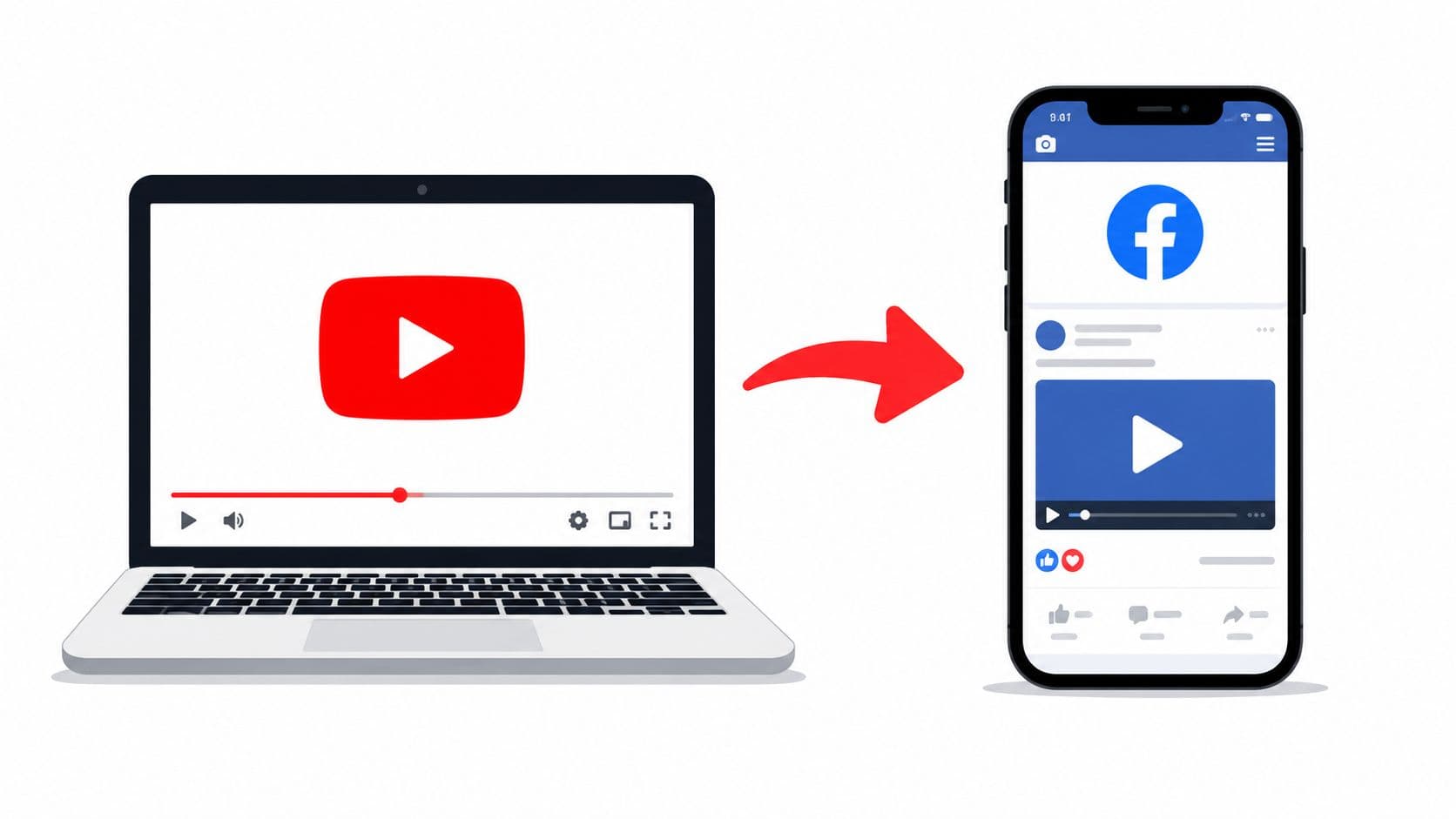
You've got the video finished, the YouTube link is live, and Facebook is waiting. Then the post lands with a tiny click-through trickle, while a native post from a competitor seems to keep showing up in feeds and comments. That gap usually isn't about the idea or even the edit, it's about distribution, permissions, and how Facebook treats a video asset versus a pasted link.
The practical move is to stop thinking of this as “sharing a video” and start thinking of it as moving a file into a different attention system. Facebook became a serious native video destination a long time ago, with Business Insider reporting in November 2014 that Facebook video uploads had overtaken YouTube videos on the network, and Facebook saying in January 2016 that people were watching around 100 million hours of video per day on the platform Business Insider's timeline on Facebook video growth. That shift still matters now, because the format that wins on YouTube doesn't always survive Facebook's feed behavior.
Introduction to Cross-Platform Video Challenges
A creator usually feels this problem first as silence. The YouTube upload is solid, the thumbnail looks good, the caption is fine, and the Facebook post still sits there like it's invisible. The mistake is assuming Facebook will treat a YouTube link like a video it can promote, when it often behaves more like an exit.
That's why native delivery keeps winning in practice. If you're trying to turn a YouTube asset into something Facebook will surface, the challenge isn't just posting faster. It's choosing a format that matches Facebook's distribution logic and the viewing habits of the people scrolling past it.
Practical rule: if your goal is Facebook reach, don't start with the link. Start with the file, the clip, and the placement.
A useful way to think about this is the jump from a YouTube-first workflow to a Facebook-first one. Hooked's use case page on social media videos fits that mindset well, because the task is repurposing, not copying. A post that looks simple on the surface can behave very differently depending on whether Facebook sees a preview card or a native video asset.
Choosing the Right Method and Permissions
The format you choose changes the outcome before the audience even sees the post. A pasted link is easiest, but it's usually the weakest option if your aim is comments, shares, and feed visibility. Native upload and full repurposing take more effort, but they give you far more control over how the content is delivered and watched.
Comparison of Sharing Methods
| Method | Pros | Cons | Permissions |
|---|---|---|---|
| Direct link share | Fast, simple, preserves the original YouTube destination | Limited Facebook control, weaker fit for native distribution | Use only if you're allowed to share the link and the audience should leave Facebook |
| Embed code | Useful in some page or site contexts | Not the main Facebook-native path, can still feel external | Confirm you have rights to use the video and the embed source is intended for reuse |
| Native file upload | Strongest control over playback, thumbnail, title, description, and tags | Requires source access and more setup | You need rights to upload the file, not just to link it |
| Full repurposing | Best fit for Facebook Reels and feed delivery | Takes editing time and platform-specific formatting | Get explicit permission if you're not the rights holder, and credit collaborators clearly |
The permission piece matters more than many teams admit. If you didn't create the footage, or if another person or brand owns part of the rights, treat the video as something you need to clear before you upload it. That includes music, guest appearances, agency-produced clips, and anything that was licensed for YouTube only.
A safe workflow is to confirm ownership first, then decide whether the post is a link share, a native upload, or a repurposed clip.
Most tutorials only show the mechanics of sharing, but that leaves out the part that decides performance. As Stepper notes in its guide on sharing YouTube videos on Facebook, top-performing Facebook videos usually require native uploads or repurposing to meet Facebook's distribution dynamics. The built-in shortcut on Hooked, YouTube link to video, is useful if you're screening options, but the decision still comes down to the same question, do you want traffic out, or engagement in?
Native Upload Workflow
Native upload is the cleanest path when Facebook performance matters more than preserving the original YouTube share format. It gives you control over the asset itself, which means you can tune the thumbnail, title, description, and tags instead of letting a link preview decide those details for you.

Start with the original file
The first step is to pull the source from YouTube Studio rather than copying the public URL. If you own the video, export the original file, then check whether it already matches Facebook's preferred delivery specs. Facebook's upload guidance calls out common compatibility formats such as MP4 or MOV, H.264 video, AAC audio, a frame size divisible by 16, and 30 fps or less for smoother processing Facebook upload guidance summarized in the workflow reference.
That matters because a file can be valid for one platform and still behave poorly on another. If the video was edited in a way that makes the frame awkward or the audio format inconsistent, re-encode it before uploading. That extra step prevents avoidable processing issues once the file hits Facebook.
Upload where Facebook expects it
The next move is to publish through Facebook's Photo/Video path or Meta Business Suite. Those routes are built for native media, which is exactly what you want when the point is to present the file as a Facebook video asset rather than a preview card.
Practical rule: if you paste a YouTube URL, Facebook can preview it. If you upload the file, Facebook can optimize it.
A common mistake is to treat a link post and a native upload as interchangeable. They're not. A link card is still a link card, which means you've surrendered some control over playback behavior and presentation. A native upload keeps the video inside Facebook's publishing system, and that gives you the cleaner optimization path.
Finish with metadata, not guesswork
Before publishing, add the custom thumbnail, title, description, and tags deliberately. Use the caption to frame why someone should watch now, not just announce that the content exists. That simple difference usually separates a passive repost from a post that feels native to the platform.
Format Conversion for Facebook
Facebook doesn't reward every video shape equally, especially when the content needs to work on small screens. Long-form YouTube footage often needs to be cut down, reframed, and captioned before it has a fair shot in Facebook Reels or the feed. A widescreen clip dropped in unchanged can feel like a transplant, not a native post.

Cut for self-contained viewing
The strongest repurposing benchmark is 60–90 second self-contained segments reframed to 9:16, with burned-in captions, because Facebook warns that Reels over the 75-second cap can lose about 20% completion ShortGenius repurposing guidance. In practice, that means the clip should open with the point, not a slow intro, and end cleanly without depending on the full YouTube video for context.
A single long upload can also become several usable clips if the source has distinct moments. The goal is not to squeeze the entire YouTube video into a Facebook format. The goal is to extract moments that stand on their own.
Reframe for mobile first
YouTube's default 16:9 shape often needs to become 9:16, especially for Reels. That doesn't just mean cropping. It means deciding what should stay visible once the frame becomes vertical and the viewer's attention shrinks.
Use larger captions than Facebook's auto-caption system alone would give you, because the text has to remain readable on a phone without sound. If the subject speaks quickly or the visual is dense, test the crop before posting. A slightly off-center subject can look fine on desktop and broken on mobile.
Keep the conversion workflow simple
Most teams don't need a complicated tool stack to do this well. They need one editing tool for trimming, one export preset for consistency, and a habit of checking the clip on a phone before publishing. If the video isn't understandable with the sound off and the first few seconds muted, it isn't ready for Facebook yet.
Optimizing Reach on Facebook
Publishing the file is only half the job. Facebook is a sound-off environment far more often than many teams expect, and the posting choices around caption, thumbnail, and timing can decide whether the clip gets a fair first look. Sprout Social reported that 24% of all brand content published on Facebook was video, that share was up 3 percentage points in 2024, 74% of Facebook videos were watched without sound, 66% of businesses use Facebook for video marketing, and 55% of marketers considered Facebook the most effective video marketing channel after YouTube and Instagram Sprout Social video statistics.
Write for silent viewing
If most viewers won't hear the audio, the caption and on-screen text need to do more work. That means leading with the payoff, not burying it in the third sentence of the post. It also means using the thumbnail and first frame to communicate value before the viewer taps anything.
For help thinking about framing and aspect choices across platforms, tips for composing viral social content is a useful companion read. The angle matters because the same source clip can feel persuasive or forgettable depending on how well the post matches the platform's visual habits.
Treat scheduling like distribution, not admin
Publishing at random makes it harder to learn what your audience responds to. A planned cadence also keeps your Facebook page from looking noisy if you're repurposing multiple clips from the same source video. Keep the spacing intentional so each post has room to breathe.
Don't stack every cut from one YouTube video into the same day unless you have a very specific reason.
Hashtags should stay selective, not decorative. Use them to clarify topic, not to stuff the caption. The same goes for thumbnails. A clear face, strong contrast, or a text-led frame usually communicates more quickly than a busy collage of graphics.
Match the format to the audience
Meta Business Suite helps with targeting and scheduling, but it can't rescue a weak creative decision. If you're posting for a niche audience, the caption should speak to that audience's problem or interest directly. If the clip is meant to pull viewers deeper, the post should make that next step obvious without sounding pushy.
AI-Powered Repurposing With Hooked
Manual clipping works when you post once in a while. It starts to break when you want a repeatable video from YouTube to Facebook workflow that can keep up with a content calendar. That's where AI-assisted repurposing becomes useful, because the bottleneck is usually the editing time, not the idea.

Use AI to turn a long video into multiple social cuts
Hooked's Facebook video generator can be used as one option for turning a source video into shorter social clips, alongside other editing and repurposing tools. That matters when you're trying to move from a single YouTube asset to multiple Facebook-ready pieces without rebuilding everything by hand Hooked Facebook video generator.
The practical workflow is simple. Start with the source video, identify the most usable segments, and let the system handle repetitive production tasks like script variation, vertical cropping, and publishing preparation. The value isn't magic, it's speed and consistency.
Build from patterns, not blank pages
AI repurposing works best when the input is specific. If you know the angle you want, the tool can help turn that into a short-form post faster than a manual edit cycle. That's especially helpful when you're adapting the same long-form content for different Facebook placements, because the message can stay consistent while the packaging changes.
A smart team uses AI for the parts that slow people down, such as resizing, caption generation, and versioning. Human review still matters for rights, brand voice, and final approval.
Keep the process practical
Hooked is one path, not the only one, and the right choice depends on your workflow. The main thing is to stop treating repurposing as an occasional cleanup task. When the process is repeatable, your Facebook output stops depending on whether someone has time to trim clips that week.
The goal isn't more video for its own sake. The goal is more usable video that fits Facebook's format and attention pattern.
Conclusion and Next Steps
Moving a video from YouTube to Facebook works best when you choose the format with intention. A link share is fine for traffic, but native upload and repurposed clips usually fit Facebook's distribution better. If you own the file, clear the permissions, upload natively, and then cut a short version for silent, mobile-first viewing.
Start with one recent YouTube video and test two paths, a clean native upload and a shortened Facebook-ready clip. Then use a repurposing workflow to turn the next upload into something that's already formatted for Facebook instead of copied there as an afterthought.
If you want a faster way to turn long videos into Facebook-ready clips, Hooked can help you repurpose source footage into short, optimized social videos without rebuilding every edit by hand. It's a practical fit for teams that need a repeatable YouTube to Facebook workflow and want to publish with less friction.