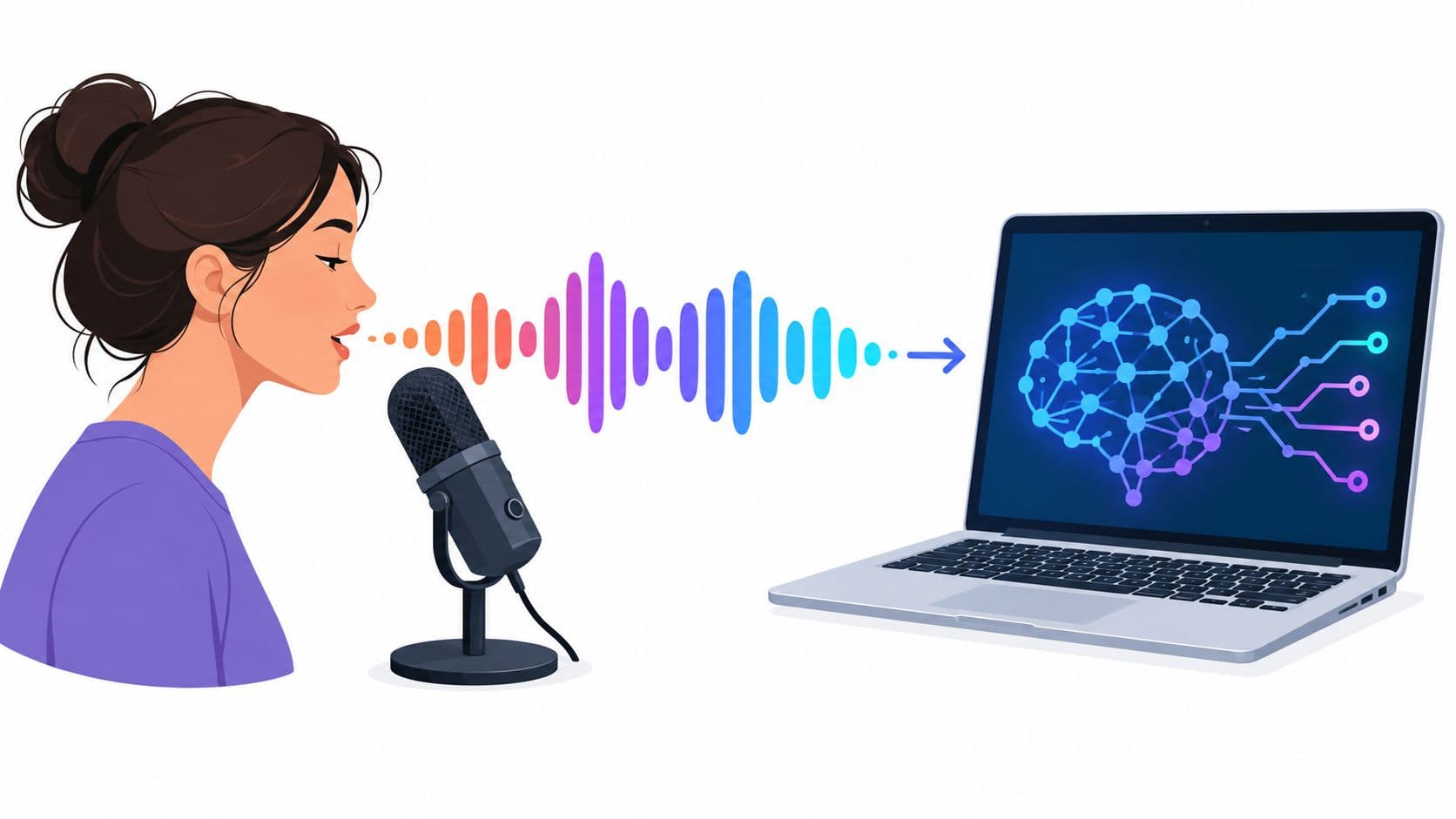
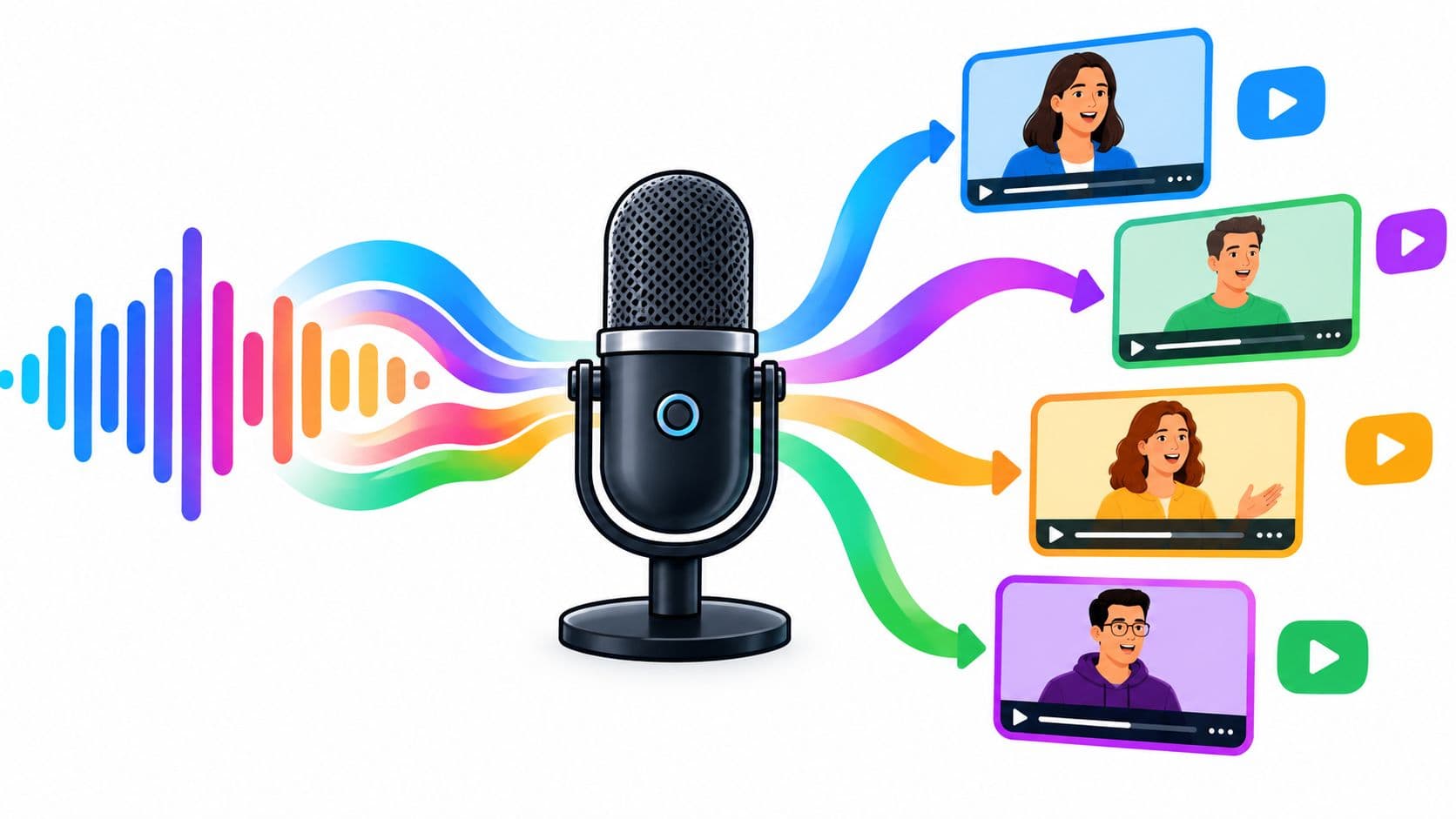
Only 90 out of 10,000 faceless channels exceeded 0 and $50 monthly. That distribution changes the question. An automated YouTube channel isn't mainly a software problem. It's a survival, originality, and measurement problem disguised as a production workflow.
Automation can help you research faster, draft scripts, assemble visuals, synthesize narration, and maintain a publishing rhythm. It can't make repetitive material original, verify every claim, or rescue a channel built around content YouTube considers mass-produced. The channels that last use automation for speed while keeping human judgment at the points that shape trust, distinctiveness, and monetization eligibility.
The Real Numbers Behind Automated YouTube Channels
The outcome distribution is brutally uneven. In the independent 10,000-channel sample reported by Profitable.app's YouTube statistics, 4,120 channels earned 50 per month, 3,280 earned 300, and 1,710 earned 1,000. Only 90 channels exceeded $15,000 monthly, which means fewer than one in one hundred reached that level in the sample.
| Channel Outcome | Share of Channels Attempting | Median Time to Outcome |
|---|---|---|
| 50 per month | 4,120 of 10,000 channels | Not reported |
| 300 per month | 3,280 of 10,000 channels | Not reported |
| 1,000 per month | 1,710 of 10,000 channels | Not reported |
| 5,000 per month | 580 of 10,000 channels | Not reported |
| 15,000 per month | 220 of 10,000 channels | Not reported |
| Above $15,000 per month | 90 of 10,000 channels | Not reported |
The same source reports median views of roughly 7.8K per video and median subscribers around 23.1K. Those figures don't establish a guaranteed path to revenue, but they do show why a handful of uploads rarely creates a meaningful business. An automated YouTube channel usually needs a repeatable format, enough publishing volume to find audience fit, and a process that avoids policy failure.
Volume helps, but it isn't the business model
Shorts make high-volume experimentation possible. By 2026, more than 6.5 million creators uploaded Shorts each month, while independent reporting put the audience at over 2 billion monthly viewers and roughly 200 billion daily views. These figures come from Shorts Intel's YouTube Shorts statistics, and they explain why creators use Shorts as a discovery layer.
The economics remain uneven. One 2026 faceless-channel analysis estimated Shorts payouts at 0.07 per 1,000 views, and reported that only 3% of automation or faceless cash-cow channels reach monetization. It also estimated that only 0.028% of new channels reach $100 per day, according to FrameLoop's faceless YouTube statistics analysis. Treat these figures as independent estimates, not promises or YouTube guarantees.
Practical rule: Treat every upload as an experiment that must earn the right to be repeated.
The first operational decision is whether your stack supports original work or merely increases output. A workflow that produces ten interchangeable videos is weaker than one that produces fewer videos with distinctive research, commentary, visual choices, and editorial judgment. For channel planning, resources such as guidance to optimize your church YouTube channel can help clarify audience positioning and publishing fundamentals, even outside the church niche.
Before buying software, map the cost of your process, the number of videos you can review properly, and the signals you'll use to stop weak formats. Compare plans and workflow requirements through Hooked's pricing page, but don't confuse a larger production allowance with a stronger channel strategy.
Choosing a Niche That Survives Algorithm and Policy
A niche earns a place in your production queue only when it passes three tests: people want it, advertisers can support it, and you can add enough original value to distinguish every episode. Demand alone isn't enough. A popular subject can still be a poor choice if every available source produces the same script and the format depends on footage you don't own.
Use a scorecard before building branding or prompts.

Score demand without mistaking competition for proof
Start with search demand, competitor view velocity, and trend direction. Search volume tells you whether viewers ask recurring questions. Competitor velocity shows whether recent videos still attract attention, rather than merely sitting on old view totals. A rising trend can create an opening, but it can also attract low-quality publishers who make the niche harder to trust.
Then examine the question supply. Personal-finance explainers often provide a large set of durable questions, such as how contribution limits work, what a fee means, or how to compare account features. The subject rewards clear definitions, source-based explanations, and a distinct editorial angle. It also demands careful fact checking because incorrect financial guidance damages audience trust.
True-crime recaps present a different trade-off. They may offer strong viewer interest, but the format can become dependent on repurposed reporting, graphic material, sensitive subjects, and dramatic narration that adds little analysis. A channel that summarizes existing coverage with stock footage may look efficient while giving YouTube little evidence of meaningful transformation.
Give originality its own score
Ask whether you can produce multiple genuinely different angles without changing only the names and dates. Good candidates support original comparisons, visual explanations, firsthand testing, annotated sources, expert material you have permission to use, or a clear point of view. Weak candidates rely on reading articles aloud, repeating public facts, or pairing generic narration with unrelated clips.
Use YouTube trend data for channel planning as one input, not as a substitute for editorial judgment. For each candidate niche, answer these questions:
- Demand evidence: Can you identify recurring viewer questions and recent videos with meaningful audience response?
- Monetization fit: Does the topic support legitimate products, services, affiliates, or sponsors without misleading claims?
- Policy resilience: Can you explain what you added beyond the source material?
- Rights clarity: Do you control the script, narration, music, graphics, and footage, or have permission to use them?
- Production durability: Can your team research and review the topic without reducing every episode to a template?
- Audience trust: Would a knowledgeable viewer recognize the channel as useful rather than assembled?
Choose the niche with the highest combined score, not the one with the most sensational examples. The cheapest decision to reverse is the niche decision. A week spent testing topics is less expensive than building a large queue around a format that has no originality headroom.
Building the AI Production Workflow
A useful faceless workflow has automation around the edges and human decisions at the center. The system below uses a retirement-contribution explainer as an example, but the same handoffs work for technology tutorials, business education, product comparisons, and documentary-style analysis.

Research starts with a question, not a prompt
Choose one viewer problem, such as understanding a retirement contribution limit. Collect authoritative source material, identify definitions that require careful wording, and separate current rules from assumptions. An AI research assistant can cluster questions and suggest an outline, but a person must verify every important claim against the underlying source.
The outline should contain a point of view. “Retirement contribution limits explained” is a topic. “The three mistakes people make when comparing contribution limits” is a usable editorial frame. That distinction prevents the script from becoming a list of facts that could have been generated for any channel.
The script needs two originality passes
Use a script model to draft structure, transitions, examples, and counterpoints. Then rewrite the hook yourself. The opening should establish a specific tension, not repeat the title in different words.
Run the first originality pass against the source material. Remove copied phrasing, reorder the explanation, add your own comparison, and mark where the viewer needs a visual. Run the second pass for usefulness. Ask whether the script explains consequences, defines unfamiliar terms, and answers the question a beginner has.
A script writer such as Hooked's AI script writer can support drafting, but the tool shouldn't determine the channel's editorial identity. Human review is essential for sources, claims, examples, and the final angle.
Voice and visuals should carry meaning
Generate narration with a natural voice, then adjust pauses, emphasis, and sentence rhythm manually. Synthetic delivery often exposes generic writing because every sentence has the same weight. Shorten dense passages and add breathing room before a key explanation.
For visuals, combine licensed stock clips, original screen recordings, diagrams, charts you create, and carefully selected generative assets. For the retirement example, show a simple visual comparison of account types, animate the terminology as it's introduced, and place source references on screen when a factual claim drives the conclusion. Don't use a random montage of office workers while the narration discusses rules. The image should explain, demonstrate, or reinforce the sentence.
The final edit is an editorial review
Watch the complete video without multitasking. Mark every point where the narration makes a claim, the visual fails to support it, or the pacing drops. Check captions, pronunciation, music levels, source labels, and transitions. Then ask whether another channel could replace your name with its own and publish the same video unchanged.
If the answer is yes, the workflow has optimized assembly but not authorship. Change the premise, deepen the explanation, add original evidence, or discard the video.
Scheduling, SEO, and Thumbnail Strategy
Scheduling works best when it connects what viewers search for, what the title promises, and what the video delivers. A calendar can't repair a weak promise. It can, however, keep a good format consistent long enough for you to learn from audience response.
Put the primary topic near the beginning of the title, then add a clear reason to watch. Avoid empty urgency, exaggerated outcomes, and claims the video can't support. For a faceless finance channel, these rewrites are more useful than adding generic words such as “shocking” or “secret.”
| Weak Title | Improved Title | Why It Works |
|---|---|---|
| Retirement Contributions Explained | Retirement Contribution Limits Explained for Beginners | Names the subject and audience directly |
| How to Save More Money | Contribution Limit Mistakes That Can Reduce Your Retirement Progress | Creates a specific problem without promising an impossible result |
| Roth IRA vs Traditional IRA | Roth vs Traditional IRA, Which Difference Matters First? | Frames a comparison around a decision |
| Finance Tips Everyone Needs | A Simple Way to Compare Retirement Account Rules | Signals practical utility and a defined task |
Use YouTube's thumbnail testing capabilities when available, but test one meaningful variable at a time. Compare a clean subject-focused design with a text-led design, or change the visual hierarchy rather than swapping every element simultaneously. Your objective isn't to find a permanently perfect thumbnail. It's to learn which visual promise attracts the right viewer and survives the first moments of the video.
Build a funnel instead of isolated formats
A longer explainer can supply several Shorts. A short clip should answer one narrow question, create a useful tension, and point viewers toward the full explanation. The long video then needs to satisfy the promise, not use the Short as bait.
A workable weekly rhythm might include three long videos, five Shorts, and one community post, but that cadence is a planning example, not a universal requirement. Scale it to the amount of human review you can maintain. Consistent daily rhythm matters more than publishing at an identical minute if the channel's quality and topic focus remain stable.
Cross-posting to TikTok and Instagram Reels can expand discovery, especially when you export platform-appropriate versions. Remove watermarks, adjust captions and framing, and avoid uploading material that violates another platform's rights rules. External attention can support the channel, but it doesn't replace YouTube audience retention or policy compliance.
Monetization Rules Most Automation Guides Ignore
“Upload more, earn more” is incomplete advice. More uploads can create more opportunities to find a winning topic, but it can also multiply repetitive material, weak audience signals, and review problems.
YouTube's Partner Program requires 1,000 subscribers and either 4,000 public watch hours or 10 million Shorts views in 90 days, as summarized in the monetization comparison asset below. Meeting those thresholds doesn't guarantee approval. YouTube's official monetization policy disallows channels that are primarily repetitive, mass-produced, or low-effort.
The policy specifically identifies formats such as readings of content you didn't create, minimal-edit songs, repetitive videos with little variation, mass-produced templates, and slideshow videos without meaningful commentary or explanation. AI assistance itself isn't the central issue. The question is whether your channel adds original value, personality, or insight.

Passing the threshold isn't the same as passing review
A channel can accumulate subscribers and watch time through a format that still looks interchangeable. If each video uses the same opening, sentence structure, stock library, voice, visual rhythm, and conclusion, the archive may communicate mass production even when every upload is technically new.
Originality has visible components:
- Custom commentary: Explain why the information matters and where common interpretations fail.
- Source mixing: Compare multiple legitimate sources instead of paraphrasing one article.
- Script re-anchoring: Start from your own question, example, test, or argument.
- Distinct visuals: Use diagrams, demonstrations, screen captures, and editorial annotations.
- Human review: Correct errors, remove unsupported claims, and reject weak drafts.
A practical guide to how to monetize a YouTube channel can help with the broader revenue picture, but no monetization checklist overrides YouTube's content review. Revenue may also depend on sponsorships, affiliate relationships, products, or services, so select a niche that supports more than one legitimate business path.
Recent coverage from TechCrunch on YouTube's AI and inauthentic-content policy clarification highlights the central risk for automated creators. Generic, repetitive, template-based content, along with AI personas discussing sensitive topics, can threaten YPP eligibility. The safe response isn't to hide automation. It's to make the creator's editorial contribution obvious.
Analytics When Revenue Data Is Locked
Public viewers can't see a channel's actual revenue or RPM through YouTube's public APIs. Monetization checkers estimate performance from public signals rather than official revenue data, as explained by YTMonetizer's public revenue-data guidance. That limitation makes pre-monetization measurement essential.
Track the funnel in order. First, measure impressions and click-through rate by traffic source. Then examine average view duration and retention by source, because a thumbnail can attract clicks from one audience while producing weak viewing from another. Next, track returning viewers and subscriber conversion, especially on Shorts that are supposed to send people to longer videos.

Review the system every week
Create a simple tracker with one row per upload. Record the topic, format, title pattern, thumbnail concept, traffic source, retention shape, comments that reveal viewer intent, and subscriber actions. Review the data by format first, then by niche. A weak video may reflect a poor hook, while repeated weakness across formats may signal that the niche itself lacks fit.
Don't use unsupported universal thresholds as automatic kill rules. Instead, set your own baseline after enough comparable uploads to identify normal variation. Kill a format when it repeatedly attracts the wrong audience, loses viewers at the same structural point, or fails to create a reason to watch another video.
Double down when a format produces a consistent combination of strong clicks, sustained viewing, returning viewers, and subscribers who continue into related uploads. A Short that receives attention but sends no viewers toward the channel may be a reach asset, not a business asset. Separate those roles in your tracker.
The measurement question is simple: Did the workflow create an audience asset, or did it only create another upload? Revenue estimates can wait. Audience behavior gives you enough evidence to decide what deserves another production cycle.
Your First 30 Days Operating an Automated Channel
The first month should be a calibration sprint, not a monetization sprint. Your job is to prove that one audience, one niche, and one repeatable format can produce original videos without exhausting the review process.
Week one creates the decision boundary
Start with three candidate niches and score each on demand, monetization fit, and policy resilience. Save the evidence behind every score. Look for recurring questions, viable source material, rights clarity, and enough room to add commentary.
Set up the channel only after choosing the strongest candidate. Create a name that doesn't trap you inside one narrow keyword, write a clear channel description, define the viewer you serve, and document what the channel will never publish. Review YouTube's reused and repetitive-content guidance before producing anything, not after a rejected application.
Your deliverable is a niche scorecard and policy baseline. It should answer:
- Who is the viewer: Describe the person's problem, knowledge level, and reason to return.
- What is the promise: State the recurring benefit in one sentence.
- What is original: List your research method, commentary style, visual language, and examples.
- What is risky: Mark copyright, sensitive-topic, synthetic-voice, and template-repetition concerns.
- What ends the test: Define the audience and quality signals that would make you change direction.
Week two turns the idea into a pipeline
Build folders for research, verified sources, outlines, scripts, voice files, visuals, project files, exports, thumbnails, and published assets. Create one render template, but leave deliberate variation points for the hook, visual structure, examples, and conclusion.
Produce a small batch of test videos. Don't automate publication yet. Watch every export, verify every factual claim, inspect captions, and note where the voice sounds unnatural. Your first pipeline is successful when another person can follow it without guessing, not when it outputs the most files.
Your deliverable is a reviewable render template with a written quality gate. The gate should reject unsupported claims, copied phrasing, irrelevant visuals, unlicensed assets, repetitive openings, and videos that provide no meaningful explanation beyond a source reading.
Week three connects discovery to depth
Create a title bank built around real viewer questions. Pair each long-form topic with Shorts that answer narrower subquestions. Use thumbnails to communicate the same promise as the title, then make the opening deliver that promise quickly.
A practical publishing plan can combine long videos, Shorts, and community posts, but only at a pace your review process can support. Schedule drafts after checking metadata, captions, links, source notes, and end screens. Repurpose clips for other platforms only after adapting the framing and captions.
Your deliverable is a publishing calendar and funnel map. Every Short should have a defined relationship to a longer video or a channel-level topic. If it has no next action, classify it as an awareness experiment rather than pretending it will automatically create revenue.
Week four makes the system measurable
Build the analytics tracker before the channel has enough data to feel urgent. Record click-through rate, traffic source, average view duration, retention drop-offs, returning viewers, and subscriber conversion. Add qualitative notes from comments, because viewers often reveal confusion that dashboards can't explain.
Run an originality audit across the archive. Compare openings, script transitions, visual patterns, voice pacing, thumbnails, and conclusions. If the videos feel like variations of one template, rewrite the production rules before increasing output.
At the end of the month, make a decision for every format:
- Scale: The format earns repeat viewing, supports original commentary, and passes the quality gate.
- Refine: The topic has audience interest, but the hook, structure, or visuals need revision.
- Kill: The format depends on repetition, creates rights risk, attracts the wrong audience, or offers no defensible creative contribution.
Screenshot this checklist before publishing your first automated upload:
- Niche: The topic has documented demand and enough originality headroom.
- Sources: Every important claim has been checked against legitimate source material.
- Script: The hook, examples, commentary, and conclusion aren't interchangeable with another channel's.
- Assets: Footage, music, narration, graphics, and voices are owned, licensed, or created for the video.
- Edit: Visuals support the narration, captions are accurate, and pacing has been reviewed by a person.
- Metadata: The title and thumbnail make a truthful promise.
- Funnel: The video points viewers to a relevant next action.
- Measurement: The tracker is ready before the upload goes live.
- Policy: The finished video adds meaningful explanation rather than just reading or rearranging existing material.
An automated YouTube channel compounds only when the loop improves: research produces a sharper angle, the angle creates a stronger script, the script guides relevant visuals, the edit earns attention, and analytics tells you what to repeat. Automation should shorten the handoffs. It shouldn't remove the decisions that make the work yours.
Hooked offers trend tracking, niche-specific analytics, AI script writing, faceless video creation, and scheduling across platforms, which can support the production and measurement workflow described here. Visit Hooked to evaluate whether its tools fit your first 30-day channel calibration sprint.