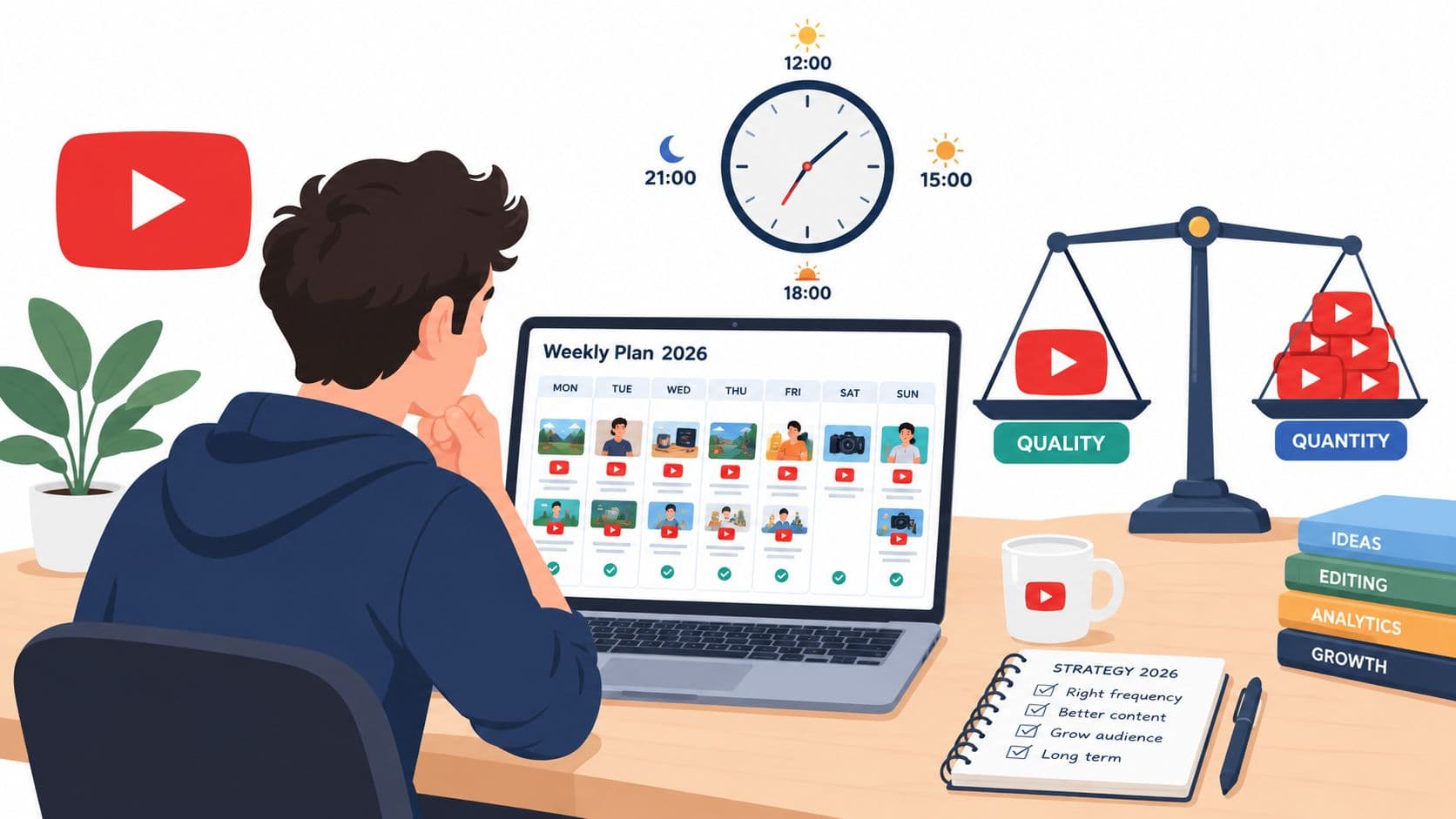
The most popular advice about the best time to upload YouTube videos is usually wrong in the way that matters most. It promises one magic hour, borrowed from an enormous average, then treats your channel as if it has the same audience, timezone, viewing habits, and format as every other channel.
That approach can produce a neat schedule, but not necessarily a useful one. A gaming channel with viewers in the United States may perform well on a schedule that fails for a Brazil-based cooking creator, even when both channels publish equally strong videos. The practical question isn't “what time should I post?” It's when are my viewers available to watch this format?
Long-form and Shorts also need separate thinking. Long-form videos generally benefit from being ready before a viewing peak, giving YouTube time to process, index, and begin circulating the upload. Shorts move through their initial audience test more quickly, so their publish-to-peak window is tighter. The exact buffer depends on your data, but the principle is consistent: publish before the audience surge rather than at the moment it begins.
After hundreds of uploads, the reliable answer is less exciting than a viral listicle. A 30-day test beats a universal recommendation, and a sustainable cadence beats perfect timing.
Why One Universal Upload Time Does Not Exist
A universal upload time assumes that viewers behave like one audience. They don't. Geography changes the clock, work and school schedules change availability, devices change session length, and content format changes viewing intent. Someone watching a detailed tutorial on a television may behave very differently from someone swiping through Shorts on a phone.
That makes the familiar “post at this exact hour” formula a weak starting point. It can help a new channel generate an initial hypothesis, but it can't tell you whether your own viewers are commuting, eating lunch, browsing after work, or settling in for a longer session. The time that works for a United States gaming audience might arrive during a workday for viewers elsewhere, while a morning slot for one market could be evening viewing time in another.
Timing follows audience behavior
For long-form uploads, the useful question isn't only when people watch. You also need to know when the video should be available for discovery. YouTube may need time to finish processing the file, make it searchable, and begin testing the title and thumbnail with an initial audience. That's why a pre-peak buffer is usually more sensible than publishing at the precise moment your heatmap is darkest.
A practical starting point is to test long-form uploads roughly 30 to 90 minutes before a clear audience peak, then expand the buffer if processing or early distribution routinely takes longer. Shorts deserve their own schedule. Their first viewing session often develops more quickly, so a tighter window, around 10 to 20 minutes before a peak, is a reasonable test hypothesis rather than a fixed rule.
Practical rule: Treat every recommended hour as a candidate, not a conclusion.
Cadence beats clock worship
Creators often spend too much energy debating adjacent hours and too little energy publishing consistently enough to learn. If you change the day, format, topic, thumbnail, title, and upload time together, you won't know which variable affected the result.
The better framework is simple:
- Audience first: Use your own viewer activity as the primary evidence.
- Format separately: Build different schedules for long-form and Shorts.
- Timezone deliberately: Choose a primary audience timezone instead of guessing from your own location.
- Testing consistently: Rotate candidate slots long enough to compare patterns rather than one lucky upload.
The 2026 studies provide useful starting points, but they disagree. Your Analytics report, competitor observations, and controlled test should decide what stays on the calendar.
Reading Your Own YouTube Analytics First
YouTube Studio already contains the most relevant timing signal for your channel. Before copying a benchmark from another creator, open the Audience tab and find the report called When your viewers are on YouTube. The heatmap shows when people who watch your content are active on the platform, which gives you a more relevant starting point than a global posting chart.

Find the useful peaks
Start by switching between the day and hourly views available in the report. Darker blocks indicate stronger viewer presence. Don't chase every small color change. Look for the one or two recurring periods that stand out across several days.
The gray Your typical viewers activity is more useful for your decisions than a broad comparison with all YouTube users. The platform-wide overlay can provide context, but your own audience is the group that receives your notifications, sees your upload in recommendations, and determines whether the first session develops.
Use the peaks to create candidates:
- Long-form: Begin testing 60 to 90 minutes before the strongest viewing period.
- Shorts: Begin with a tighter 10 to 20 minute lead and measure early velocity.
- Multiple peaks: Choose a primary slot and a backup slot instead of averaging them into an unhelpful middle.
- Weak heatmap: Use external benchmarks only as temporary hypotheses until your channel gathers clearer evidence.
Fix the timezone before scheduling
Analytics times must have a defined interpretation. Pin one primary timezone for your reporting and scheduling, then open Audience > Geography to see where most viewers live. A 7 p.m. peak in Eastern Time isn't automatically a global prime-time slot. It may represent one strong regional segment while another important audience is asleep or working.
Separate long-form and Shorts wherever your reporting allows it. The two formats can attract different sessions, and combining them can make a morning long-form peak appear stronger than it is for Shorts, or hide a fast evening Shorts pattern. Record your current baseline before changing anything, including early views, click-through rate, average view duration, and subscriber movement.
For additional context on interpreting performance signals across platforms, Premier Broadband's video analytics resource offers a useful place to review broader measurement concepts. Keep the focus on your own Studio data, though. External guidance can explain a metric, but it can't select your channel's winning hour.
What the 2026 Studies Agree On
The 2026 studies do not identify one universal upload time. They offer competing starting points, which is useful because timing depends on audience behavior, format, and timezone.
A large analysis of 1.8 million YouTube videos found that long-form uploads performed best in the morning, with the strongest overall window between 8 a.m. and 11 a.m. It identified Sunday at 10 a.m. as the strongest individual slot in that analysis, with Sunday, Tuesday, and Monday producing the strongest long-form engagement. SocialKit's analysis connects that pattern to publishing before viewers become most active.
Buffer's YouTube timing analysis points to the same broad 8 a.m. to 11 a.m. local-time window for long-form videos. Its practical contribution is the suggested 2 to 3 hour pre-peak buffer. Publishing before the audience surge gives a video time to process, notify subscribers, and begin collecting early signals.
A different benchmark shifts the window later. Covering 301,000 videos from more than 27,000 channels, SocialPilot's study found long-form performance clustered from Wednesday through Friday between 2 p.m. and 4 p.m. local time, ahead of the usual evening viewing peak. It also separates Shorts from long-form, an important distinction because the formats can attract different viewing sessions.
| Study Source | Long-Form Window | Shorts Window | Timezone | Confidence |
|---|---|---|---|---|
| SocialKit | 8 a.m. to 11 a.m., with Sunday at 10 a.m. strongest | Treat separately | Local audience time | Starting benchmark |
| Buffer | 8 a.m. to 11 a.m., with a 2 to 3 hour pre-peak buffer | Treat separately | Local audience time | Starting benchmark |
| SocialPilot | Wednesday to Friday, 2 p.m. to 4 p.m. | Different from long-form | Local audience time | Starting benchmark |
Read the conflict correctly
These sources are better used to build testable hypotheses than to select a permanent winning hour. Their disagreement reflects differences in audience composition, format mix, measurement methods, and viewing habits.
A comparison of the 2026 findings makes the same point: the useful answer depends on format, audience timezone, and viewing pattern, rather than a universal clock setting. Kompozy's 2026 comparison helps frame that mismatch.
For a working test, start with a pre-peak buffer for long-form, keep Shorts separate, and compare candidate windows against your own channel results. The research narrows the choices. Your Analytics decides which one earns a repeat slot.
Mining Competitors and Trends for Clues
Competitor timing can reveal behavior your own heatmap hasn't made obvious yet, especially if your channel is young or your audience data is thin. It shouldn't replace your Analytics, but it can help you choose sensible slots to test instead of selecting times at random.
Start with three to five channels in your exact sub-niche. Open each channel's Videos tab, sort by Most popular, and record the publish day and local publish time for videos that clearly exceeded that channel's usual performance. Don't assume the upload caused the result. A strong topic, an external event, or a better thumbnail may explain the difference. Your job is to identify recurring timing patterns worth testing.
Build a timing evidence sheet
Record the following information:
- Channel context: Note the niche, audience location when visible, and approximate scale.
- Timing: Capture the publish day, hour, and stated local timezone.
- Performance: Compare the result with that channel's typical uploads rather than treating raw views as directly comparable.
- Creative context: Log title structure, thumbnail promise, topic freshness, and whether the upload covered an event.
- Your hypothesis: Convert the observation into a testable statement for your audience.
For trend discovery, tools such as vidIQ or TubeBuddy can help flag topic momentum, while Hooked's YouTube trends dashboard can provide another way to observe recurring content patterns. Timing becomes more informative when you can distinguish a normal upload from one released during a news cycle, holiday, launch, or platform event.
Don't copy the clock without the context
For Shorts, inspect whether competitors also publish to TikTok or Instagram Reels. Cross-posting can create a timing pattern that reflects a broader content workflow rather than a YouTube-specific discovery window. Convert every timestamp into your primary audience timezone before adding it to your test plan.
| Competitor Channel | Subscriber Range | Top Video Publish Day | Top Video Publish Time (Local) | Converted to Your TZ | Views in First 48h | Hypothesis to Test |
|---|---|---|---|---|---|---|
| Channel A | Record range | Record day | Record local time | Convert carefully | Record result | State one timing hypothesis |
| Channel B | Record range | Record day | Record local time | Convert carefully | Record result | State one timing hypothesis |
| Channel C | Record range | Record day | Record local time | Convert carefully | Record result | State one timing hypothesis |
A useful hypothesis might be, “This audience responds better to a weekday afternoon release than a late-evening release.” Keep it that broad until your own results support a more precise conclusion.
Running Your Own 30-Day Upload Time Test
A timing test only works when you protect the variable you're testing. Choose four candidate slots from your heatmap and competitor research. For example, you might test Tuesday afternoon, Thursday afternoon, Saturday morning, and Sunday evening, all translated into your primary audience timezone. The specific slots should come from your evidence, not from the example alone.
For long-form, rotate the four slots across 12 uploads over 30 days, using each candidate three times. That structure won't eliminate topic variance, but it gives every slot a fairer opportunity than a single comparison between two unrelated videos.

Hold the surrounding variables steady
Keep thumbnail style, title length, video duration, topic difficulty, and publishing cadence within tight ranges. You won't make every upload identical, but you can avoid comparing a carefully researched flagship video with a quick reaction clip and blaming the clock.
For Shorts, run a separate test across 14 days, comparing a morning window with an evening window. Don't mix the Shorts results into the long-form table. Their distribution pattern, viewer intent, and early response can differ enough to make a combined average meaningless.
Track each upload in a shared sheet:
- First-hour views: Measures the initial response.
- 24-hour click-through rate: Shows whether impressions become clicks.
- Average view duration: Helps distinguish reach from genuine viewing.
- Subscriber delta: Indicates whether the slot attracts people who want more from the channel.
- Average view velocity: Compares the pace of viewing rather than only the eventual total.
Declare a winner only when one slot beats the others by at least 20% on average view velocity across the test. That threshold is part of the experiment protocol, not a claim about universal YouTube performance. Afterward, choose a primary slot, a backup slot for lower-effort uploads, and a review date 60 days later to check whether the pattern still holds.
If your production process needs help turning ideas into repeatable video output, Hooked's YouTube automation use cases are one workflow option to evaluate alongside your existing tools.
Real Scenarios From Creators Who Tested
A cooking creator can easily reach the wrong conclusion from a broad result. Suppose her Saturday morning uploads appear to beat weekday posts in first-day watch time. That seems like a clear weekend win until she segments the audience by region and discovers that Sunday evening performs better for her strongest United States East Coast group.
The lesson isn't that Sunday evening is universally superior. The lesson is that the first result combined several audiences into one average. Once she isolated the segment most likely to watch her recipes, the timing decision became more precise.
The gaming channel that ignored the benchmark
A gaming Shorts channel may assume that late-night publishing is the obvious choice because many industry discussions associate mobile scrolling with evening behavior. Its own first-hour data can tell a different story. If a local early-evening slot generates more subscribers per view than the late-night option, the channel should follow that conversion signal rather than defend the borrowed assumption.
Subscriber efficiency matters here because a large initial view count can conceal weak audience fit. The stronger slot may not generate the biggest first wave, but it can attract viewers who return for future clips.
The tutorial creator who found a different lever
An evergreen tutorial creator could test a wide range of upload windows and find that timing has little influence compared with a thumbnail change made several days after publication. That result doesn't make timing irrelevant. It places timing in proportion.
For search-driven content, a video can continue attracting viewers after the initial release window. If the topic remains useful, the title, thumbnail, and answer quality may matter more than whether the file went live in the morning or afternoon. The creator's optimization budget should then move toward packaging and content clarity, while timing remains a consistent operational choice.
The useful contradiction is often the discovery. It can reveal a regional segment, a format difference, or a stronger optimization lever.
These scenarios share a pattern. General research creates a hypothesis, channel Analytics exposes the local reality, and controlled testing decides whether the difference is repeatable. Upload time is one variable among several, so personal evidence should override generalized advice when the test is clean and the signal persists.
Your Repeatable Publishing Rhythm
A schedule becomes useful when it survives ordinary Mondays, not just an unusually strong upload. Build a weekly routine that combines four inputs: your Analytics heatmap, format-specific behavior, audience timezone, and the results of your latest timing test.
Use Monday as the control point
At the start of each week:
- Review the audience report: Pull the latest When your viewers are on YouTube snapshot and look for changes in the strongest activity blocks.
- Confirm the primary timezone: Check Geography so your selected hour reflects the largest meaningful audience segment.
- Choose the tested slots: Select one long-form slot and one Shorts slot from the strongest completed experiment.
- Schedule in advance: Use YouTube's scheduling tools, or a workflow such as Hooked's content scheduler, to reduce last-minute timing errors.
- Protect the buffer: Make sure long-form is ready before its intended viewing period, rather than uploading at the peak itself.
Block enough production time for processing, quality checks, captions, thumbnails, and scheduling. The precise lead time should come from your file size, workflow, and audience pattern. Don't create a fragile system that depends on finishing an upload minutes before release.
Keep the test clean after the test ends
Once you've selected a primary slot, resist the urge to change several parts of the publishing system at once. Keep a simple spreadsheet with the upload date, format, topic, publish time, first-three-hour velocity, click-through rate, average view duration, and subscriber change.
Review the cadence every 90 days. Audience habits can shift with seasons, school schedules, major events, channel growth, or a change in format mix. Revalidation doesn't mean abandoning consistency. It means checking whether the schedule still matches the people you're trying to reach.

The final rhythm rests on four decisions. Analytics reveals when your viewers are present. Competitor research hints at viable patterns and market context. The 30-day test proves which candidate slots produce stronger velocity for your channel. The weekly routine locks in a schedule you can sustain long enough to gather better evidence.
Start with your next upload, record the result, and let the calendar earn its authority from your audience rather than from a generic listicle.
Hooked helps creators track trends, build AI-assisted videos, and schedule content across platforms, so you can turn your tested YouTube windows into a repeatable publishing workflow. Visit Hooked to review the scheduler and video creation tools, then begin your own timing test with a calendar you can maintain.