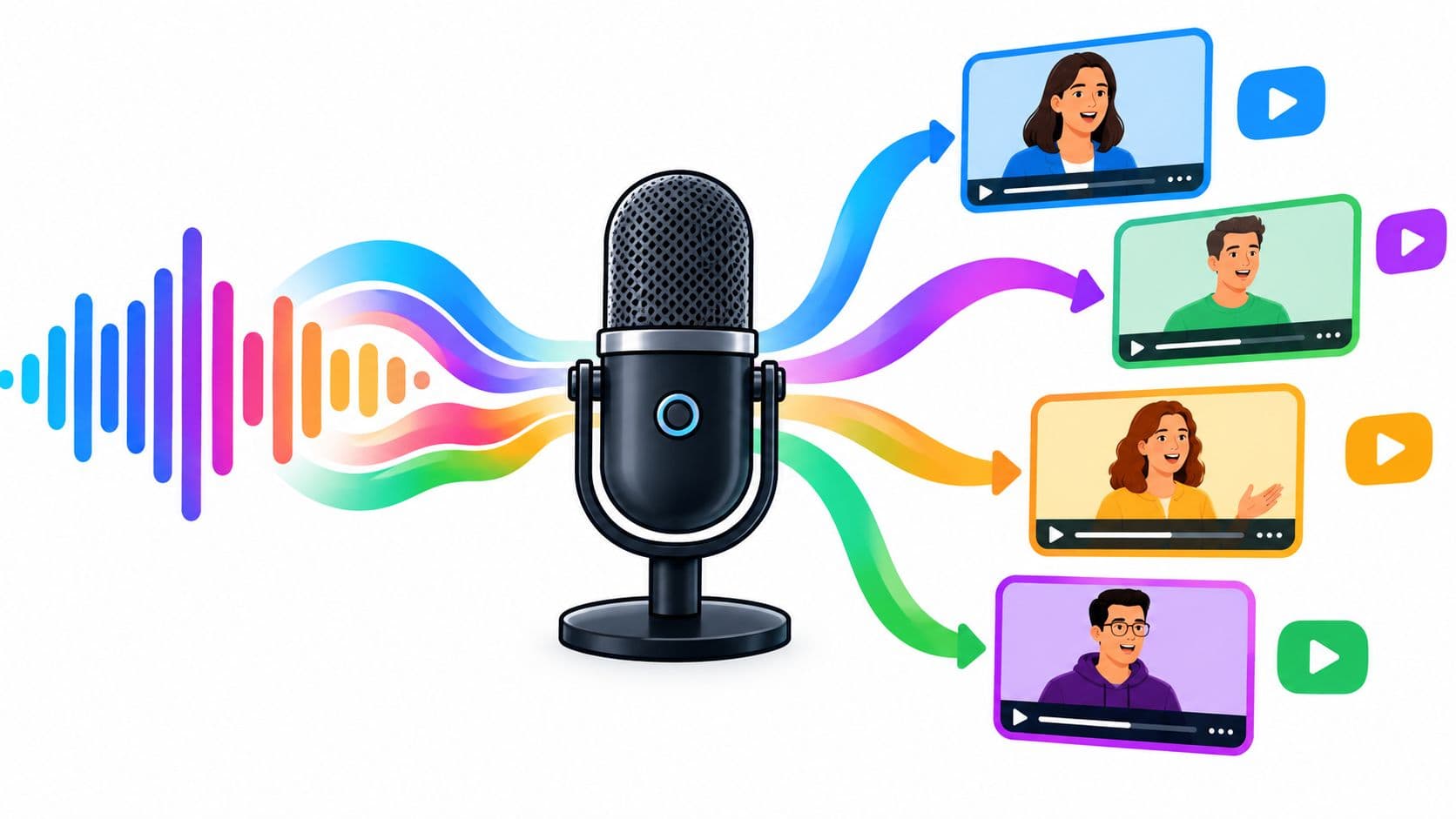
You've poured hours into a new track, podcast episode, or spoken-word clip. The audio is ready, but visual-first platforms such as TikTok, Instagram, and YouTube rarely give audio alone enough room to compete. An audio spectrum video maker gives your sound a visible identity by pairing it with animated waveforms, frequency bars, captions, artwork, or branded motion.
The right tool depends on the job. A podcast teaser needs captions and fast vertical exports. A full music release benefits from stronger visual variety and longer render support. A professional music video may require keyframes, masking, compositing, and complete control over every animation.
This list groups the strongest options into three practical categories: quick online editors, dedicated visualizers, and professional software. You'll find tools for fast social clips, repeatable podcast promotion, lyric videos, long tracks, and custom motion graphics.
1. VEED Music Visualizer
VEED is a strong starting point when you want an audio spectrum video maker and a general-purpose editor in the same browser tab. Its Music Visualizer tool adds animated waveform and spectrum treatments to an uploaded track, while the main editor handles subtitles, overlays, templates, and supporting footage.
That combination matters for creators who don't want to export a visualizer, open another editor, add captions, and then resize the result for each platform. You can build the audio reaction, place artwork or video behind it, add a title, and prepare a social-ready composition in one workflow. The tool is available through VEED's Music Visualizer.

Why it works for fast publishing
VEED makes sense for musicians, podcasters, and small teams producing several formats from one source file. Its templates and subtitle tools reduce the amount of manual layout work, while export options support common TikTok, Reels, and YouTube dimensions.
The trade-off is control. You'll get more design flexibility than with a one-click visualizer, but advanced branding features may require a paid plan. Browser performance can also become less comfortable with long tracks or layered projects, so it's better suited to short clips and straightforward full-track visuals than demanding compositions.
Practical rule: Use VEED when the visualizer is only one part of the video, not the entire production.
Creators building a broader audio-to-video workflow can also explore audio-to-video creation with Hooked, particularly when the goal is to turn existing audio into social content rather than make a purely decorative spectrum animation.
2. Kapwing Music Visualizer
Kapwing is built for creators who want to move quickly from audio file to shareable audiogram. Its browser-based Music Visualizer sits inside the Kapwing Studio, so you can combine waveform or spectrum overlays with text, subtitles, stock media, and layout presets without switching applications.
The Kapwing Music Visualizer is particularly useful for short promotional clips. A podcast producer can place a speaker image behind the waveform, add a headline, and create a vertical cut for social feeds. A musician can combine cover art, lyrics, and a reactive graphic without learning a full non-linear editor.
Best fit and limitations
Kapwing's interface is approachable, and its general editing suite gives it more range than a dedicated visualizer. AI-assisted functions can help with captions and supporting edits, but those features may have usage or credit limits. The Music Visualizer export itself requires a Pro plan, which changes the value calculation if you're only looking for occasional free exports.
The tool works best when the visual goal is clear and compact. It's excellent for audiograms, quote-led podcast clips, release announcements, and social posts where text carries as much weight as the moving spectrum. It's less compelling for a distinctive artist identity built around elaborate motion design.
- Choose Kapwing for: Fast audiograms, captions, stock assets, and collaborative browser editing.
- Avoid it for: Highly original visualizer systems that need detailed audio-driven animation.
For creators turning longer recordings into short vertical posts, Hooked's YouTube Shorts workflow can sit alongside Kapwing as a separate publishing and trend-development layer.
3. Headliner
Headliner is one of the most practical choices for podcast promotion. It approaches audio visualization as a way to package spoken content, not just as a music effect. You can create audiograms with animated waveforms, captions, templates, and podcast-oriented layouts through Headliner's platform and plans.
That focus changes the design priorities. A music visualizer often needs atmosphere, rhythm, and visual drama. A podcast clip needs the listener to understand who's speaking, what the clip is about, and why the moment deserves attention. Headliner's workflow is designed around that second use case.
Where Headliner earns its place
Captions are central rather than optional. They give silent viewers access to the message and let you emphasize a key phrase while the waveform provides motion around the spoken audio. Branded templates also make repeat production easier for shows that publish clips from every episode.
The free tier includes limitations and watermarking, so serious publishing generally requires a paid plan. Headliner also isn't the best fit for a cinematic music release. Its podcast-centric design can make a full-track visualizer feel functional rather than artistic.
Use Headliner when you're promoting interviews, commentary, educational audio, or recurring podcast episodes. It's especially effective when you've already identified a strong spoken excerpt and need to turn it into a polished social asset without rebuilding the design each time.
Audio movement attracts the eye, but captions deliver the message when the viewer can't or won't listen.
For music-focused creators, Headliner is more useful for announcements, interviews, and behind-the-scenes content than for the primary visual accompanying a single. Explore music and singing content trends on Hooked when you need ideas for positioning those clips around current audience behavior.
4. Wavve
Wavve takes a repeatable podcast-promotion approach similar to an audiogram production desk. It combines waveform overlays, captions, branded templates, platform-specific layouts, and podcast landing pages through Wavve Link. The service is available through Wavve's pricing page.
Its strength is consistency. Once your show's colors, type treatment, logo placement, and waveform style are established, you can produce new clips without making basic design decisions from scratch. That's useful for hosts and production teams that publish regularly and need every social snippet to look like part of the same series.
A reliable choice for podcast snippets
Wavve also supports podcast promotion beyond the exported video. A Wavve Link page can give listeners a destination for the episode or show, which makes the workflow more useful than creating a file and uploading it without context.
The downside is creative range. Wavve is less visually varied than music-first tools, and its value depends on how often you publish and how much of the branded workflow you'll use. If you're producing one artistic visualizer for an album track, a dedicated music tool will usually give you more interesting starting points.
Choose Wavve if your priority is a structured pipeline for podcast clips. It's a practical match for shows that need captions, recognizable branding, and social dimensions more than experimental frequency animation.
- Strongest use: Recurring podcast promotion and branded audiograms.
- Weakest use: Elaborate lyric videos or visual albums.
- Production advantage: Repeatability, especially when multiple clips share one identity.
5. Specterr
Specterr is a dedicated online music visualizer for creators who want spectrum bars, waveforms, and lyric-video treatments without assembling the animation manually. Its Specterr visualizer platform is aimed at musicians and audio creators who need a finished visual around a track for YouTube, SoundCloud, or promotional use.
The main advantage is specialization. You aren't searching through a general video editor to find an audio-reactive overlay. You start with visualizer presets, adjust the appearance, add artwork or lyrics, and work toward an export that already belongs to the music-visualizer category.

Good results without editing expertise
Specterr makes sense for an independent artist who wants something more animated than a static cover image but doesn't need a full music video. Lyric mode adds another layer of usefulness, especially when the text is part of the release strategy. Customizable presets can also help you keep the visual aligned with cover art, genre, or channel branding.
Free exports have limits around resolution or features, and more desirable templates may sit behind paid tiers. The template-driven approach can also make projects resemble other visualizers if you accept the default look without changing colors, typography, composition, and background treatment.
Design advice: Treat the preset as a starting layout. Your artwork, type choices, and restraint determine whether the result feels like a release asset or a generic template.
Specterr is a better choice than a general editor when the spectrum itself is the main event. It's not the right pick if your project needs dialogue editing, complex scene changes, detailed captions, or a custom animation system.
6. SongRender
SongRender focuses on turning songs and podcast excerpts into clean waveform or spectrum videos. The SongRender visualizer gives creators a more focused workspace than a full editor, with controls for waveform appearance, social-oriented output, and the way different parts of the audio influence the animation.
That focus is valuable when you already have the audio, background image, and basic creative direction. You can spend less time navigating unrelated editing features and more time tuning the visual response so it supports the track instead of overpowering it.
Where the focused workflow helps
SongRender is well suited to a musician who needs a polished release visual, a producer sharing a beat, or a podcaster creating a simple branded clip. Social presets make it easier to prepare content for different placements, and EQ filtering can help prevent the visualizer from reacting too aggressively to low rumble or frequencies that don't contribute much to the look.
It isn't a replacement for a full non-linear editor. If you need multiple scenes, extensive caption work, compositing, or detailed timing edits, you'll likely need another application before or after the visualizer stage. Advanced controls may also require paid plans or credits, so check the current export conditions before committing to a large batch.
SongRender is the practical middle ground between a broad browser editor and a heavily templated music-visualizer service. It's a good match when the audio reaction needs some control, but the project doesn't justify After Effects.
7. Videobolt
Videobolt is a template-driven production platform for music visualizers, lyric videos, intros, and related motion assets. Its Videobolt creative platform is useful when you need a strong visual starting point and want to produce a repeatable set of branded videos without animating every element yourself.
The template library is the selling point. You can choose a style that matches electronic music, hip-hop, ambient work, DJ content, or a more corporate release package, then customize the available text, colors, logo treatment, and media. That makes it a practical option for artists and labels that need a consistent look across several tracks or campaign assets.

Strong for volume, weaker for uniqueness
Videobolt supports high-resolution exports, including 4K on paid tiers, and can handle longer visualizations under credit-based duration policies. Those capabilities make it more suitable than many quick editors for full tracks, sets, and larger-format channel uploads. Long projects still need planning because duration can consume credits and increase the cost of a batch.
The visual risk is obvious. A template can accelerate production, but it can also make the finished video look like a lightly edited version of something many other creators have used. Strong art direction helps, especially when you alter the composition and avoid relying on the first preview.
- Best for: Repeatable visualizer packages, music catalogs, intros, and lyric content.
- Main compromise: Speed and polish come at the expense of complete originality.
- Workflow tip: Lock a small visual system, then apply it consistently instead of picking unrelated templates for every release.
8. Renderforest Music Visualizer
Renderforest offers a broad creative suite with a large selection of music visualizer templates. Through Renderforest's subscription options, artists, labels, and small marketing teams can produce visualizer videos, logo animations, promotional pieces, and supporting brand assets from one service.
The breadth is useful when the visualizer is part of a larger campaign. You might need a cover-style music video, an animated logo, a short announcement, and a website background. Renderforest gives non-editors a common template-based environment for those tasks, which can reduce the need to learn several specialist applications.
A practical choice for non-editors
Social presets and brand-kit support help when you're producing content for several placements. Some plans also provide access to stock assets and text-to-speech tools, giving you more options for promotional videos around the music rather than only the track visualizer itself.
The free tier includes watermarks and other limitations, so it's better viewed as a testing route than a dependable publishing solution. Template-driven output can also look similar across projects, particularly when users leave the default colors, typography, and pacing unchanged.
Renderforest is strongest for speed and volume. It's less suitable for an artist whose visual identity depends on unusual motion behavior or precise synchronization between specific musical events and custom animation. For a campaign team, though, the ability to produce several related assets may matter more than having the deepest spectrum controls.
9. Adobe After Effects Audio Spectrum Effect
Adobe After Effects is the professional option for creators who need full control over an audio spectrum video. Its native Audio Spectrum and Audio Waveform effects can generate reactive graphics, while keyframes, masks, compositing, and 2D or 3D animation let you build a visual system that doesn't look like a preset.
You can find the software on Adobe After Effects. It also connects naturally with broader Adobe Creative Cloud workflows, which helps when the project already includes Photoshop artwork, Premiere Pro editing, or other motion-graphics assets.
The choice for custom music visuals
After Effects is appropriate for a professional music video, label package, live-show visual, title sequence, or branded installation where the spectrum needs to follow a precise art direction. You can isolate frequency ranges, animate parameters over time, layer the result behind typography, and build transitions that respond to the structure of the track.
Plugins such as Red Giant Sound Keys can extend audio-driven animation workflows, but they add another layer of setup. The native tools are capable, yet they still require a working knowledge of compositions, effects, masks, keyframes, and render settings.
The cost is time and complexity. Learning After Effects takes substantially more effort than using a browser template, and long or 4K visuals can take heavier rendering work. It's excessive for a quick podcast teaser, but that complexity becomes an advantage when a template would constrain the visual identity.
If the visualizer is part of the brand, build the animation system. If it's only a delivery wrapper for audio, use a faster tool.
10. Shotcut
Shotcut is a free, open-source, cross-platform editor with Audio Spectrum, Waveform, and Oscilloscope filters. The Shotcut features page makes it a credible option for creators who want to build a simple audio spectrum video on Windows, macOS, or Linux without subscribing to a web service.
It's less automated than the online tools in this list. You'll need to import the audio, set up the visual filter, add a background or artwork, position the elements, and configure the export yourself. That manual process takes longer at the start, but it gives you a useful amount of control over a straightforward visualizer project.
Why free and open source matters
Shotcut works well for students, independent producers, hobbyists, and creators who want local editing. Keyframing and basic compositing can help you create entrances, exits, logo treatments, and layout changes instead of leaving the spectrum fixed for the entire track.
The compromise is polish and convenience. Shotcut doesn't provide the same library of ready-made music templates as Videobolt or Renderforest, and the interface requires more hands-on setup than VEED or Kapwing. You'll also be responsible for checking the final aspect ratio, audio sync, and export settings before uploading.
Choose Shotcut when budget, local control, and platform flexibility matter more than one-click design. It's capable enough for simple spectrum videos, but it won't replace After Effects for complex motion graphics or a dedicated template service for rapid batch production.
Top 10 Audio Spectrum Video Makers, Feature Comparison
| Tool | Key features ✨ | UX / Quality ★ | Price / Value 💰 | Best for 👥 | Standout 🏆 |
|---|---|---|---|---|---|
| VEED – Music Visualizer | Audio‑reactive waveforms, full editor, social presets | ★★★★☆ fast browser workflow | 💰 Freemium → paid for advanced brand control | 👥 Creators wanting all‑in‑one browser tool | 🏆 Editor + visualizer in one |
| Kapwing – Music Visualizer | Visualizer overlays, subtitles, AI tools | ★★★★☆ simple, quick studio UI | 💰 Free tier; Pro needed for exports/AI credits | 👥 Quick audiograms & social clips makers | 🏆 Built‑in AI and studio workflow |
| Headliner | Podcast‑centred audiograms, captioning, templates | ★★★★☆ super fast for podcast promos | 💰 Free (watermark) → paid unlimited exports | 👥 Podcasters & audio publishers | 🏆 Podcast‑optimised workflows |
| Wavve | Waveform overlays, captions, brand templates, link pages | ★★★★☆ repeatable publishing flow | 💰 Subscription tiers (value by volume) | 👥 Podcasters and repeat publishers | 🏆 Built‑in podcast distribution (Wavve Link) |
| Specterr | Customizable visualizer presets, lyric videos | ★★★★☆ purpose‑built for music visuals | 💰 Free limited exports → paid tiers or credits | 👥 Musicians & indie labels | 🏆 Deep visual customization for releases |
| SongRender | Multiple waveform styles, EQ filtering, social presets | ★★★★☆ focused, stable output | 💰 Freemium + paid tiers/credits | 👥 Musicians & creators wanting control | 🏆 Fine audio→visual response tuning |
| Videobolt | Large template library, supports long tracks, 4K exports | ★★★★☆ fast templated turnaround | 💰 Template/credit model; paid tiers for 4K | 👥 Artists needing templated visuals at scale | 🏆 Extensive templates + high‑res support |
| Renderforest – Music Visualizer | Wide template selection, TTS, brand kit | ★★★★☆ quick setup for volume | 💰 Free (watermark) → subscription for full access | 👥 Labels & artists needing fast volume production | 🏆 Broad creative asset ecosystem |
| Adobe After Effects – Audio Spectrum | Native Audio Spectrum/Waveform, deep keyframing, plugins | ★★★★★ studio‑level control (steep learning) | 💰 Adobe CC subscription (premium) | 👥 Motion designers & studios | 🏆 Unlimited design flexibility & plugin ecosystem |
| Shotcut | Audio Spectrum/Waveform filters, keyframing, export presets | ★★★★☆ capable open‑source editor (manual setup) | 💰 Free, open source | 👥 Budget creators on desktop (Win/Mac/Linux) | 🏆 No‑cost cross‑platform audio visual tools |
From Soundwave to Social Share Your Next Step
The best audio spectrum video maker is the one that matches the role of the video. Quick online editors such as VEED and Kapwing are efficient when you need captions, overlays, backgrounds, and social exports around the visualizer. Headliner and Wavve are better for podcast teams that need repeatable audiogram production. Specterr and SongRender put more emphasis on the waveform or spectrum itself, making them natural choices for music releases and simple audio-first videos.
Videobolt and Renderforest sit in the template-production category. They're useful when you need polished results quickly or want to create related assets across a release campaign, but you'll need to customize the templates carefully if you want a distinct visual identity. Shotcut gives you a free local path with more manual work, while After Effects remains the strongest choice for custom animation, professional compositing, and brand-specific motion design.
Performance and export constraints deserve attention before you start a long render. Documentation for browser-based visualizer tools notes that some exports combine audio and video as WebM or MP4, may take about real time to complete, and may cap free output at around five minutes at 1080p, as described by VibeMV's audio visualizer video maker documentation. That means a podcast episode, DJ set, or long-form track may require a paid plan, a split workflow, or a local editor that can handle the project more predictably.
Privacy and hardware also affect the decision. Browser-local processing can keep decoding and rendering on your device, which may be valuable for unreleased music or private recordings, but large files can put pressure on older hardware. Test a short section before committing to a long export, and check the final file on the target platform rather than assuming the preview represents the upload result.
Accessibility should shape the design from the beginning. An animated spectrum doesn't communicate spoken content to someone who can't hear it, and it won't help viewers watching with sound off unless you add captions or meaningful text. Research on accessibility barriers in video editing is available through the ACM study on accessible video editing, while app listings in the visualizer category still show that accessibility support isn't consistently documented.
The market context supports treating these tools as part of normal content production. The broader video editing software market was valued at 4.99 billion by 2031, with a 5.88% CAGR from 2026 to 2031, according to Mordor Intelligence's video editing market summary. A separate estimate places the global audio visualizer market at USD 1.99 billion in 2024, with a projection of USD 7.6 billion by 2033 and an estimated 17.4% CAGR from 2025 to 2033, as reported by Business Research Insights.
Start with the format you need most. For a short podcast clip, choose captions and speed. For a music release, choose visual variety and export reliability. For a professional video, choose control over presets. Then publish a small test, inspect it on mobile, confirm that the audio is clear and the text is readable, and build the next version from what viewers respond to.
Use Hooked to track relevant TikTok, Instagram, YouTube, and other social trends while turning audio content into videos with its Audio to Video workflow, animated visual elements, scripts, and publishing tools. Visit Hooked to connect your spectrum videos with current content patterns, plan repeatable posts, and find a faster route from finished audio to social distribution.