
Veo 3 Prompts: 900+ Video Prompts with Dialogue and Sound
900+ Veo 3 prompts from the Hooked library, plus a guide to Google's prompt formula for Veo 3.1, the current version. It covers how to write camera direction, dialogue, sound effects and ambient noise into the prompt, and which settings belong in the parameters instead.
★★★★★ 4.9/5 · 27,000+ users
Updated September 25, 2026.
Prompt structure
The Veo 3 prompt formula
Google's Veo 3.1 prompting guide (Google Cloud blog, October 2025) opens the prompt with the camera (shot type, movement, lens) and then gives subject, action, context and style. Audio is written into the prompt: dialogue in quotation marks after the speaker, sound effects after 'SFX:' and background sound after 'Ambient noise:'. Duration, resolution and aspect ratio are parameters, not prompt text.
Strengths and limits
What Veo 3 is good at
Good at
- Native audio in the same generation: dialogue, sound effects and ambient noise synced to the picture
- Cinematic prompt adherence when prompts use film vocabulary (shot type, camera move, lens, lighting)
- Ingredients to video: up to 3 reference images to keep a character, object or look consistent
- First and last frame: generates the transition between a start image and an end image
- Extending a clip (Veo 3.1 and 3.1 Fast only) to build longer sequences
Limits
- Clip length 4, 6 or 8 seconds; 8 seconds is required with reference images, frame interpolation, 1080p or 4K
- Resolution 720p, 1080p or 4K on Veo 3.1 and 3.1 Fast; 720p and 1080p on Lite
- Aspect ratios 16:9 (default) and 9:16 only; 24 fps
- Person generation is restricted to adults ('allow_adult') in the EU, UK, Switzerland and MENA
- Every video carries a SynthID watermark; API outputs are deleted from Google's servers after 2 days
From prompt to posted video
Paste the prompt, get the video, post it
Hooked Pro is $29 a month for 1,000 credits across Veo 3.1, Kling 3.0, Seedance 2.0, Nano Banana Pro and GPT Image 2, plus AI UGC ads, captions and TikTok slideshows in the same plan. Or pay $89 once for the Studio and run it on your own API keys, at the provider's price.
Better results
Tips that make a difference
Do
- Start with the shot: 'Medium shot, slow dolly in, shallow depth of field…'. Google's formula puts cinematography first.
- Write dialogue as speaker plus quoted line: A woman says, "We have to leave now." Keep it short enough to fit 8 seconds.
- Label sound: 'SFX: thunder cracks in the distance', 'Ambient noise: the quiet hum of a starship bridge'.
- Describe exclusions as a positive scene: 'a desolate landscape with no buildings or roads' rather than 'no man-made structures'. Use the negative-prompt parameter for anything else.
- For a recurring character or product, use reference images (ingredients to video) instead of re-describing them in text.
- Use first and last frame when you need a controlled move or transformation between two exact images.
- Name lens and focus terms Google lists: shallow depth of field, wide-angle lens, macro lens, soft focus, deep focus.
- Anchor style with a concrete reference ('shot as if on 1980s colour film, slightly grainy') rather than 'cinematic'.
- Plan for 9:16 in the parameters for Shorts, Reels and TikTok; do not ask for vertical in prose.
Common mistakes
- Vague prompts without camera, lighting or style details
- Generic character descriptions for a person who must look the same across clips (use reference images)
- Too much dialogue for an 8-second clip
- Negative phrasing inside the prompt ('no cars') instead of describing what is there
- Asking for durations over 8 seconds or aspect ratios other than 16:9 and 9:16 in the prompt
Tested prompts
920 Veo 3 prompts from the Hooked library
Each prompt was run and kept with its result. Open one to see the full text and the output.
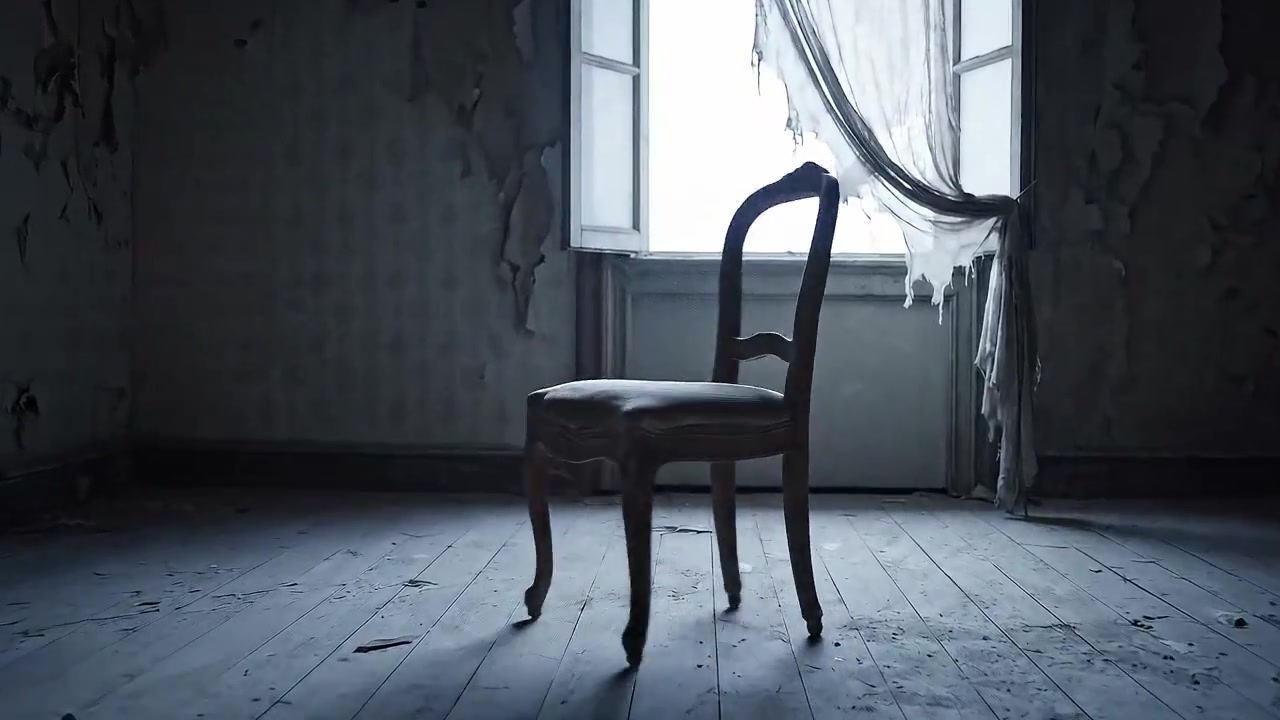
Whispers of Silence: A Haunting Room
Slow pan shot of empty room with single chair spinning slightly in center. Faint echo of laughter fades into silence. Soft wind from open window. Desaturated cool lighting. Eerie psychological style.
Full prompt and result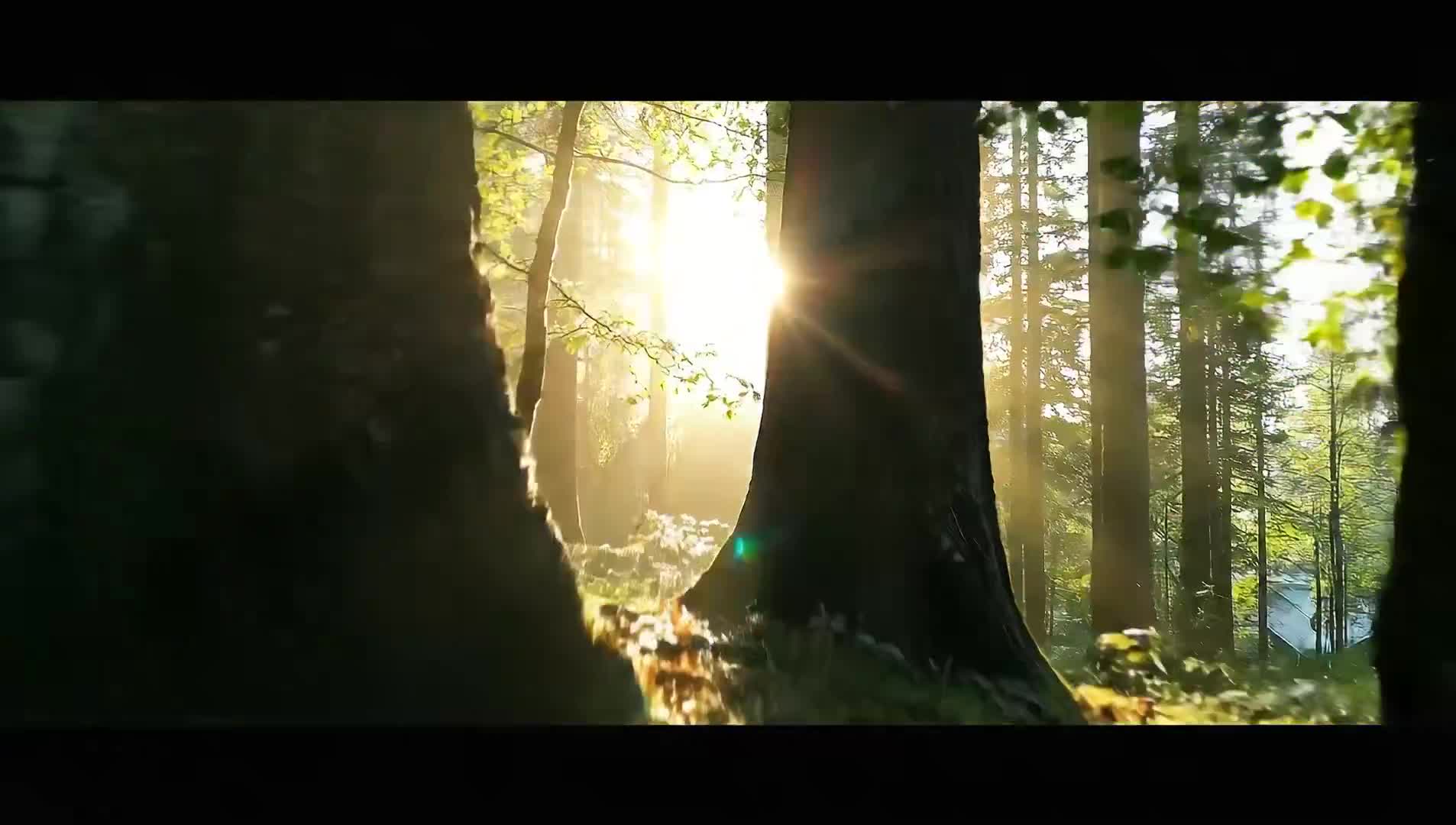
Whispers of the Ancient Forest: A Journey Skyward
Ethereal vertical dolly shot through moss-covered forest floor, rising past tree trunks through morning mist. Bursts through canopy into brilliant sunlight with lens flares.
Full prompt and result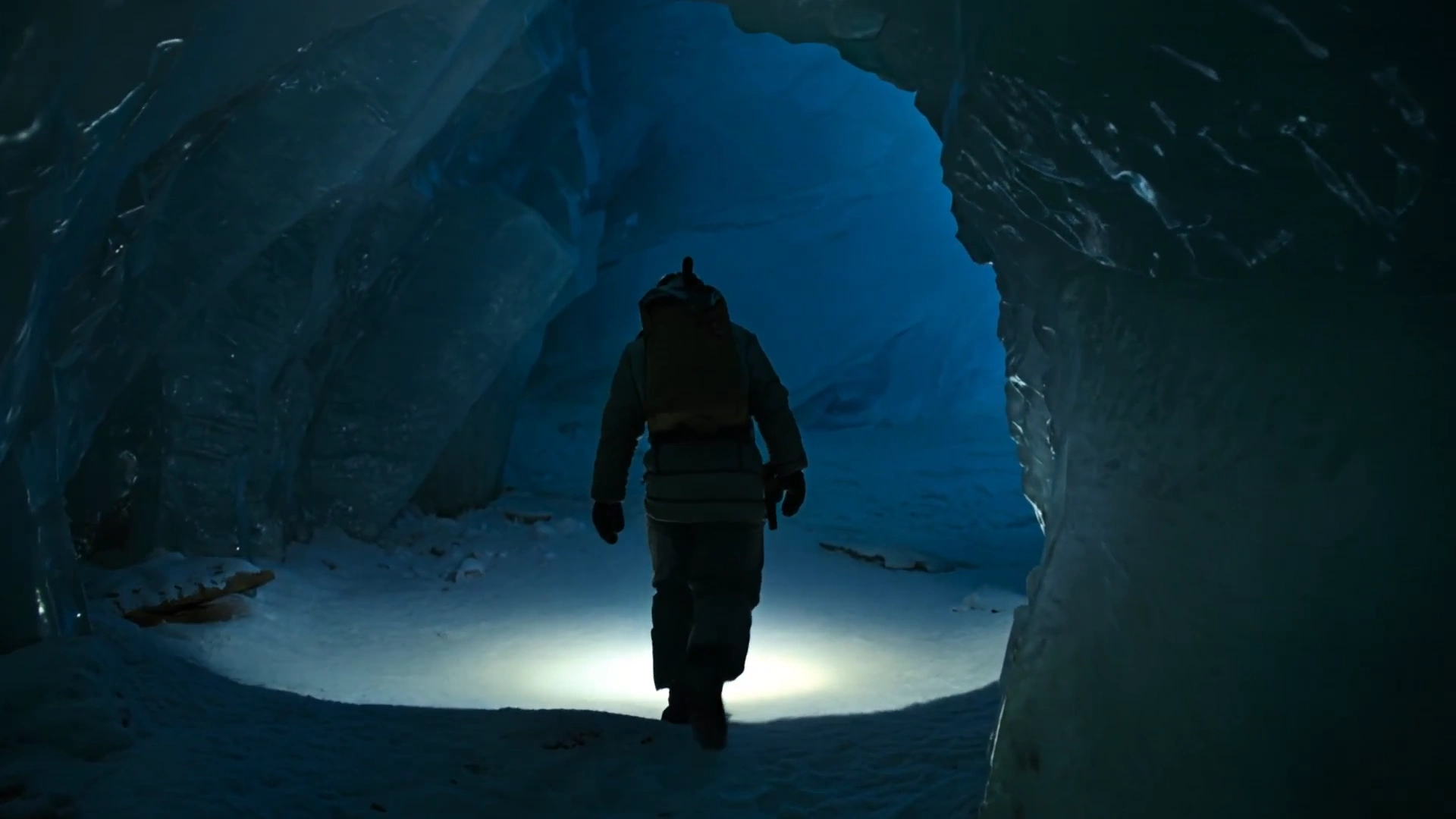
Whispers of the Frozen Abyss: Encountering Arctic Terror
Lone explorer with headlamp enters vast arctic ice cave. Crystalline blue walls glittering in narrow beam. Breath visible in freezing air. Deep rumble shakes loose ice from ceiling.
Full prompt and result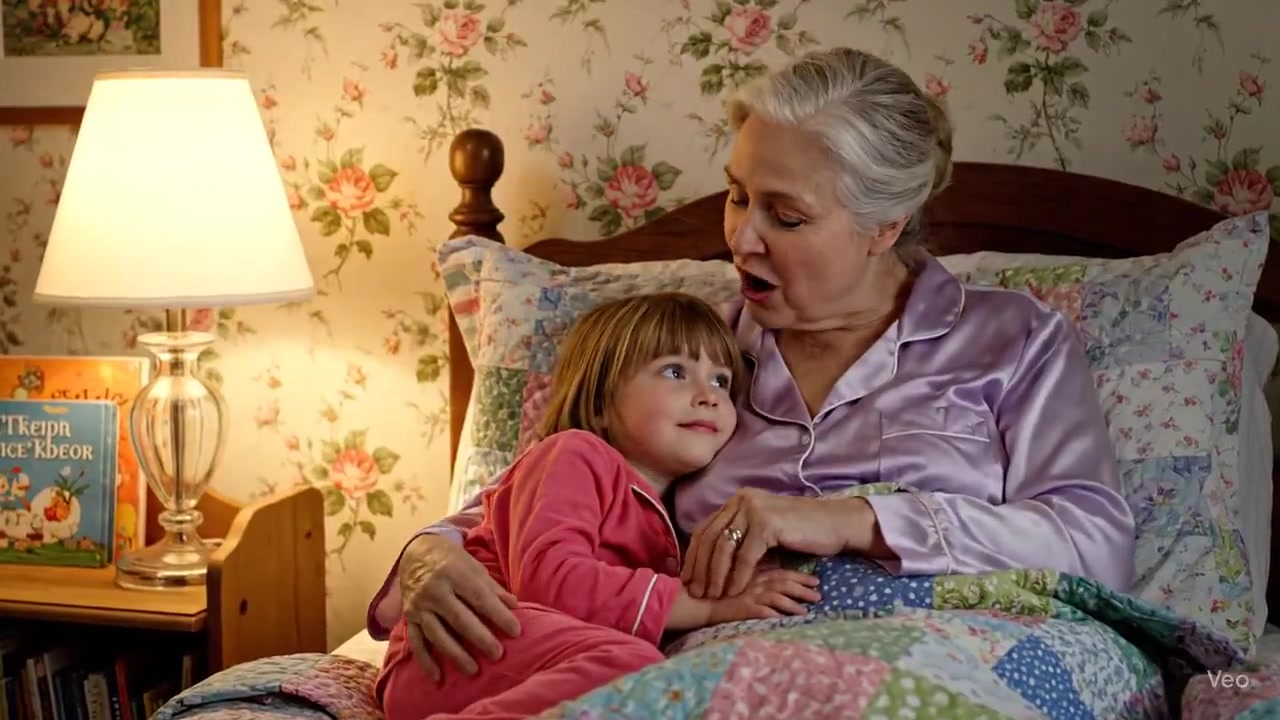
Whispers of the Night: Grandma's Enchanting Tale
Loving grandmother with silvering hair in lavender pajamas telling story to bright-eyed granddaughter in pink pajamas. Cozy bedroom bed under patchwork quilt. Warm soothing voice.
Full prompt and result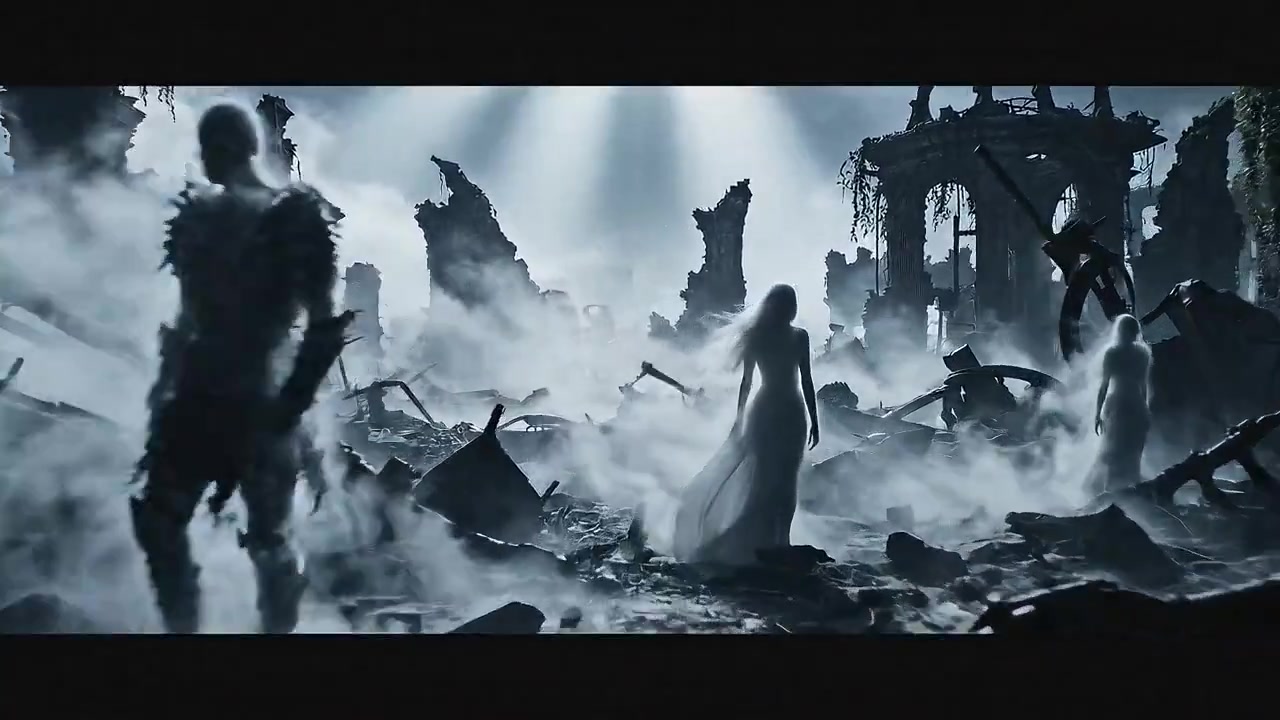
Whispers of the Wraith: A Ghostly Encounter
Battlefield of memory silent and frozen. Figures made of mist wander aimlessly. Wind howls through ruins. Word WRAITH forms from swirling fog - ephemeral, untouchable, watching.
Full prompt and result
Whispers of Winter: A Magical Christmas Typography
Cinematic title reveal of MERRY CHRISTMAS emerging from swirl of golden light and sparkling particles. Shimmering snowflakes drift across the frame.
Full prompt and result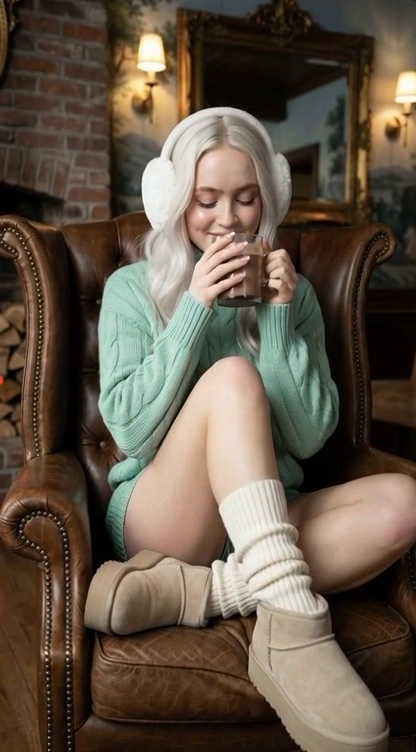
Winter Bliss: Sadie Sink's Cozy Lodge Escape
Ultra-photorealistic lifestyle portrait of young woman in cozy winter lodge setting. Apres-ski hygge aesthetic. Long platinum blonde luxurious waves. Bright blue eyes, rosy cheeks, glossy lips.
Full prompt and result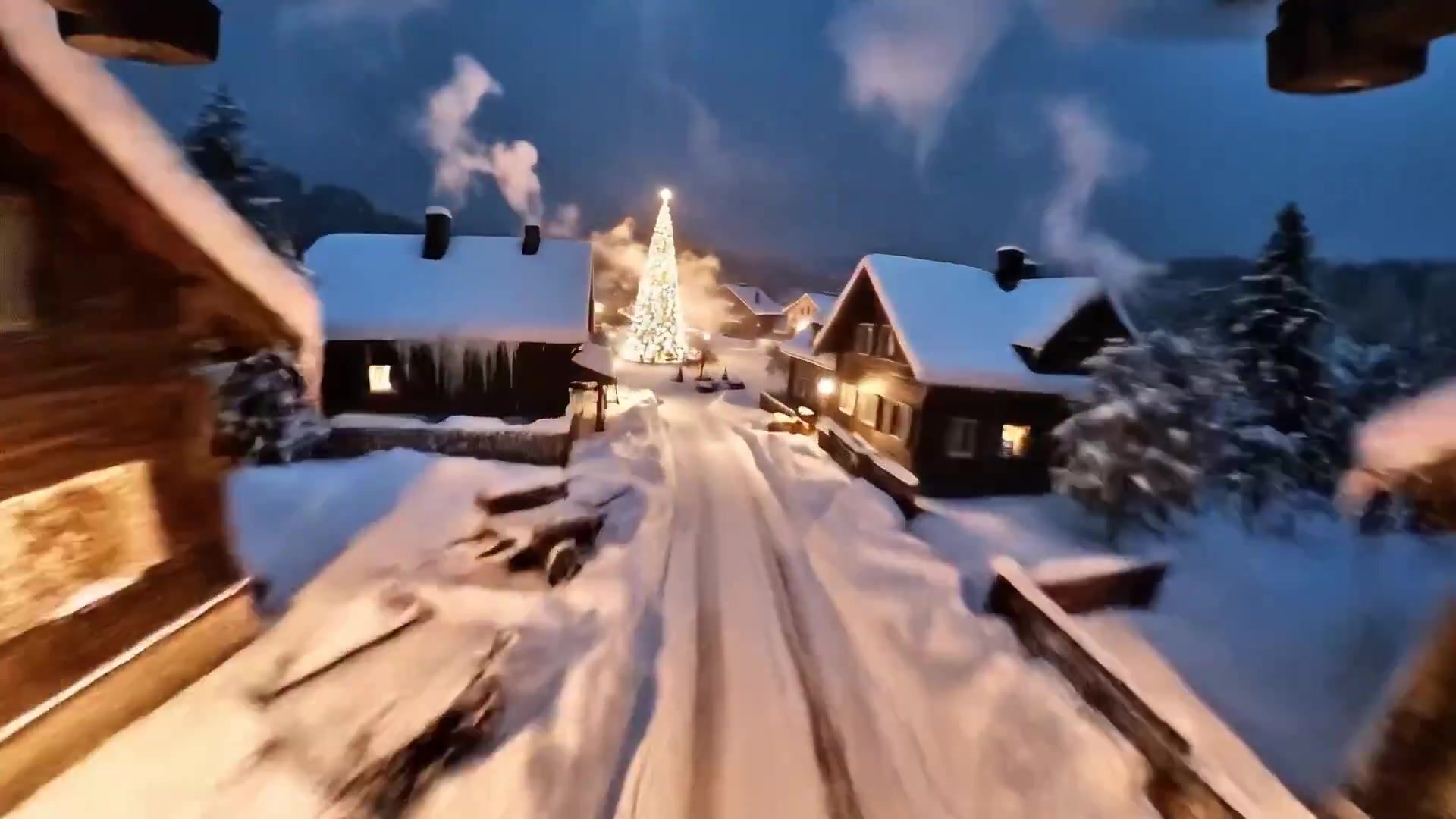
Winter Wonderland: A Christmas Village Flight
Extremely fast paced cinematic FPV flying through outer edges of dense Christmas village at night. Weaving between dark pine trees, sharp dives past icy rooftops, glowing windows.
Full prompt and result
FAQ
Frequently asked questions
What is the latest Veo model?
Veo 3.1, released in October 2025 and updated in January 2026, with Veo 3.1 Fast and Veo 3.1 Lite. Veo 3 and Veo 3 Fast are deprecated, and there is no Veo 4 as of September 2026.
Do Veo 3 prompts work on Veo 3.1?
Yes. Veo 3.1 uses the same prompt structure: camera first, then subject, action, context and style, with audio written into the prompt.
How long can a Veo 3.1 video be?
4, 6 or 8 seconds per clip. Veo 3.1 and 3.1 Fast can extend a clip to build longer sequences.
How do I add dialogue and sound in a Veo prompt?
Write the speaker and the line in quotes, for example A woman says, "We have to leave now." Add sound effects after "SFX:" and background sound after "Ambient noise:".
Can Veo 3.1 make vertical videos?
Yes. It supports 16:9 and 9:16. Set the aspect ratio in the parameters rather than asking for it in the prompt.
Keep exploring
Related prompt libraries and pricing
Two ways in · pick yours
Every template here opens in the app — 1,600+ and counting.
Pay monthly and we run the AI for you, credits included — or pay $89 once, own the app for life and bring your own keys.
Pro
Most flexibleWe run the AI for you. No API keys, nothing to set up — open the app and generate.
1,000 credits a month · cancel anytime
Secure checkout by Stripe · Cancel anytime
- About 10 UGC ads or 250 images a month
- Every video format: UGC, avatars, slideshows…
- 83 AI avatars & 76 voices in 25 languages
- Publish to TikTok, Instagram & YouTube
- 3 channels, 3 auto-channels, API included
Need more? One-time credit packs from $19. They never expire.
4.9/5 · 27,000+ users create with Hooked